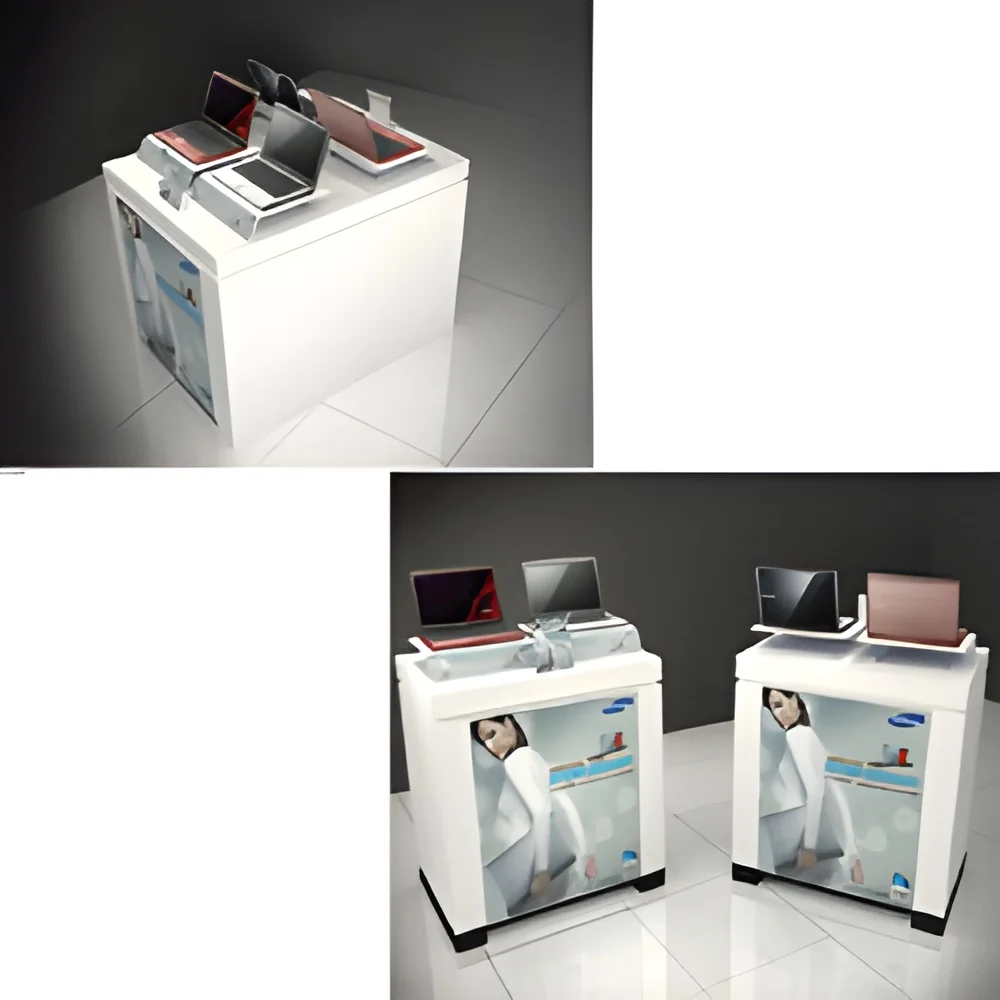
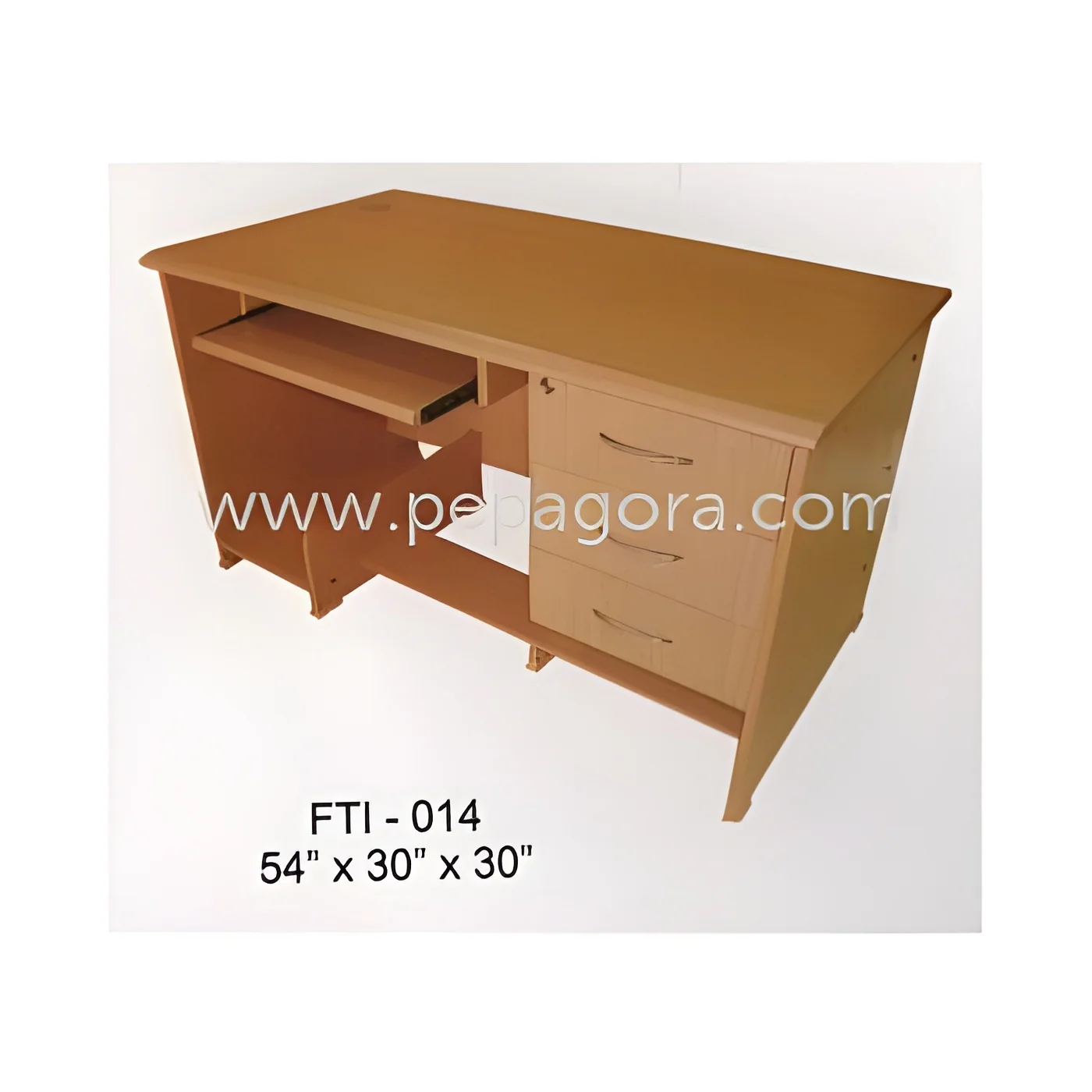
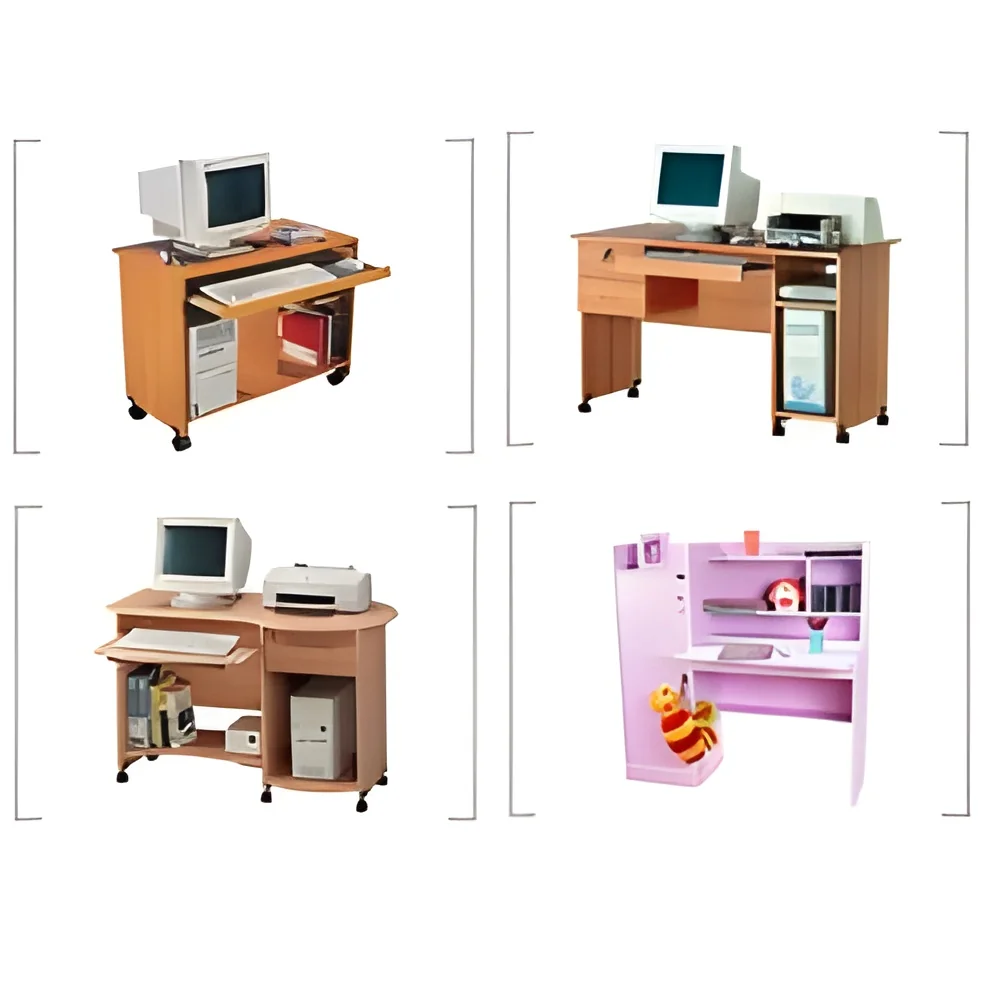
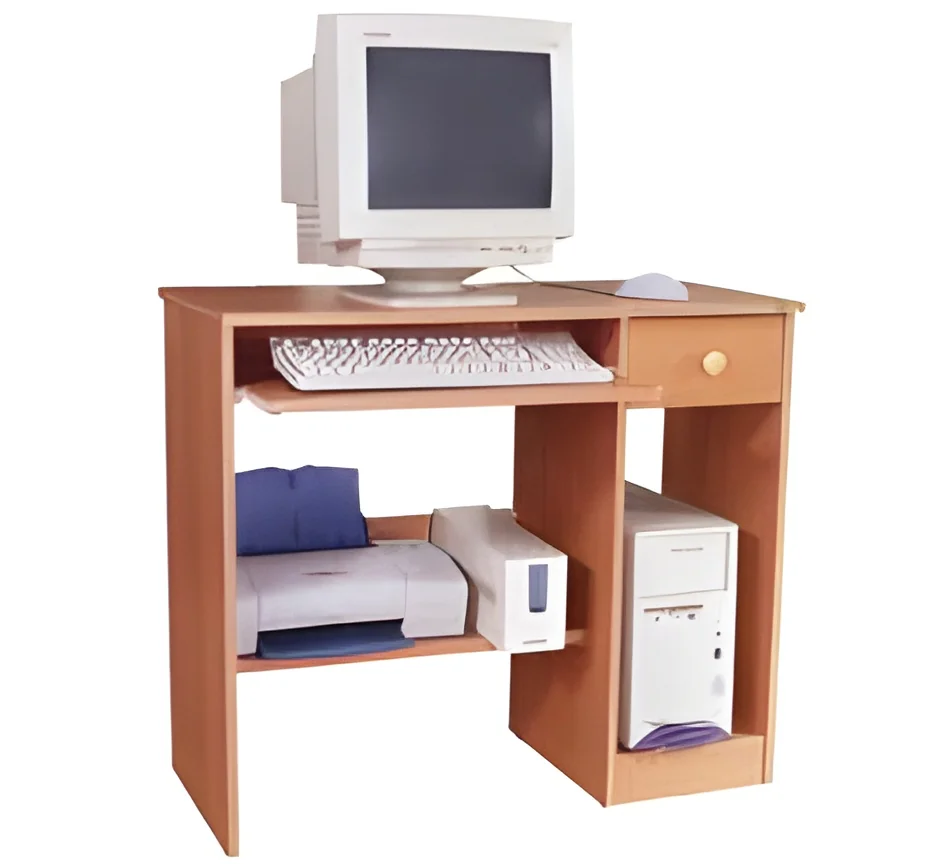
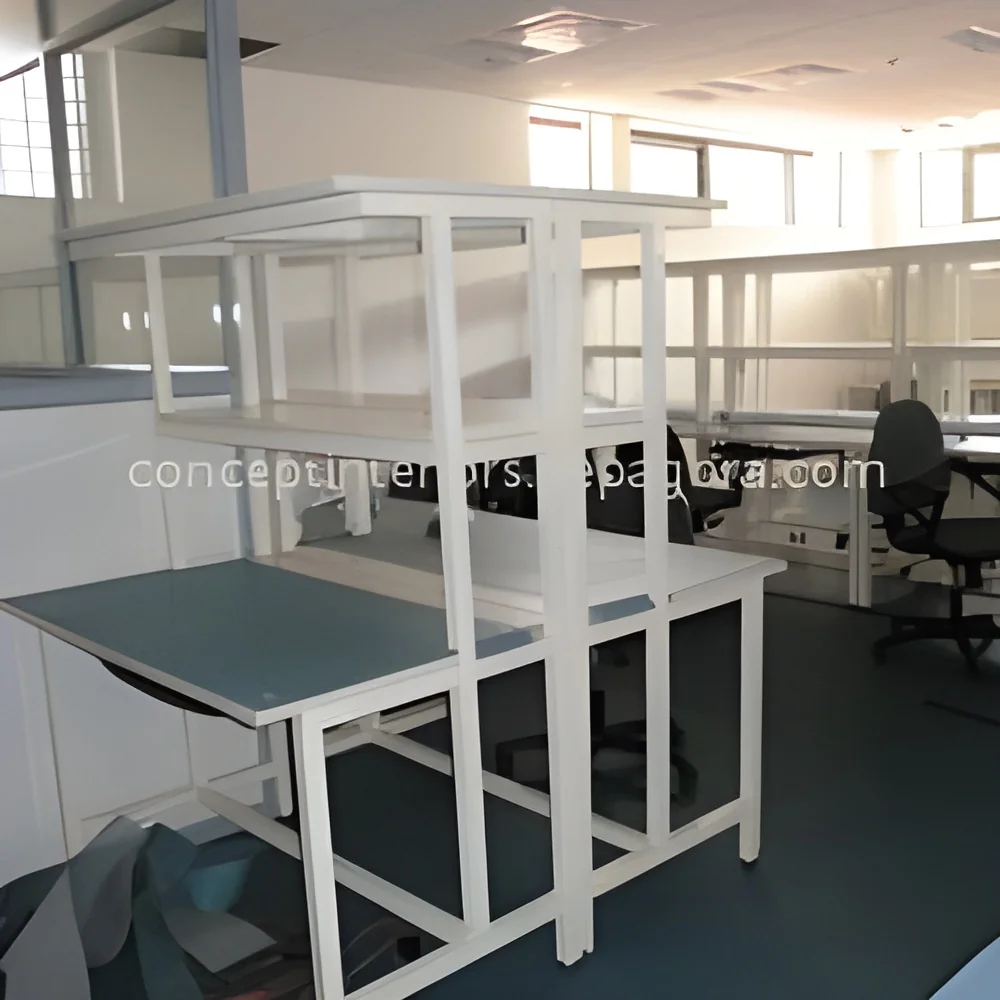
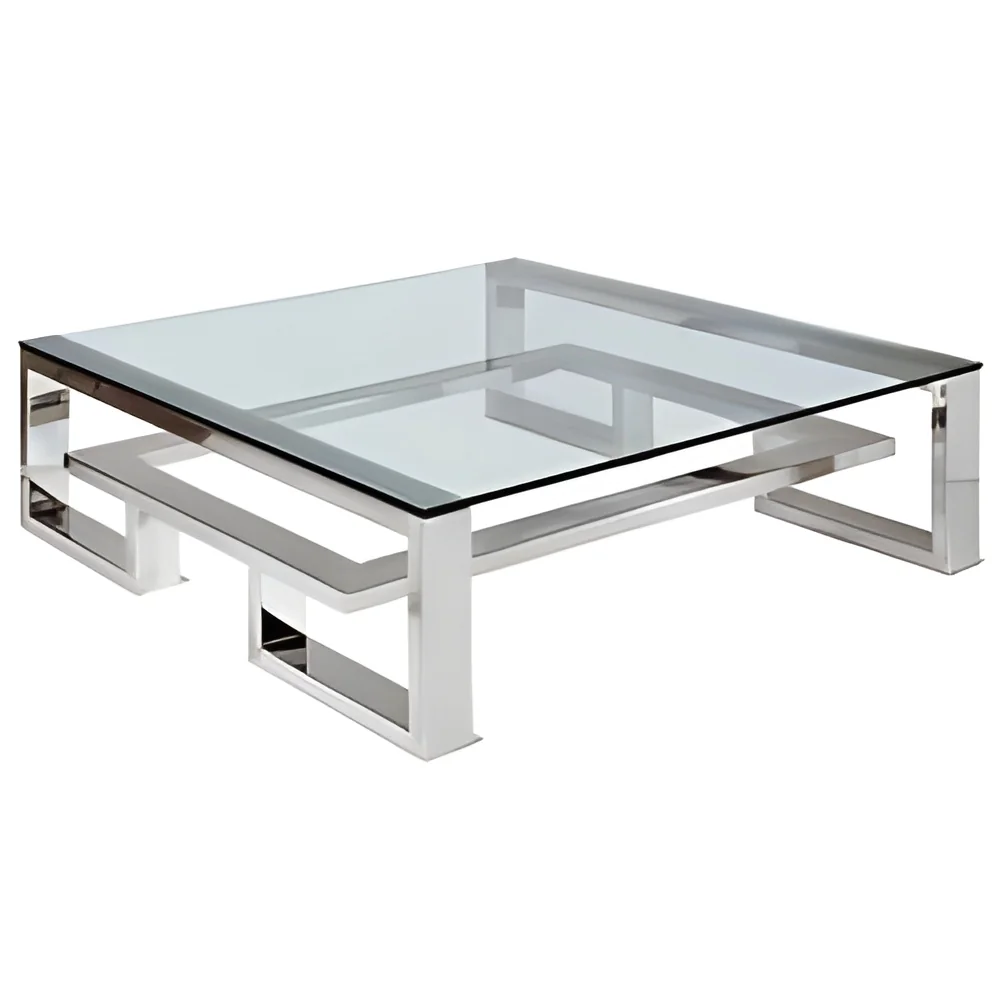
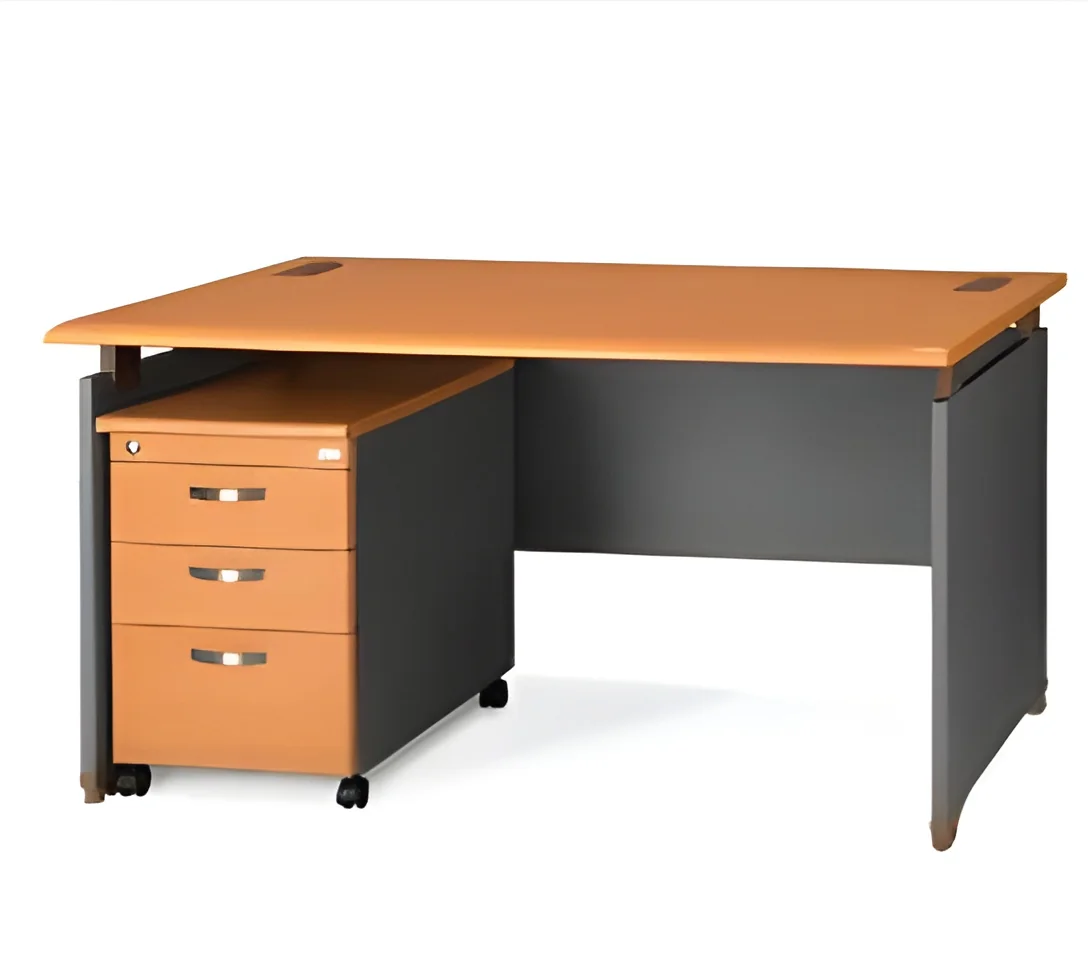
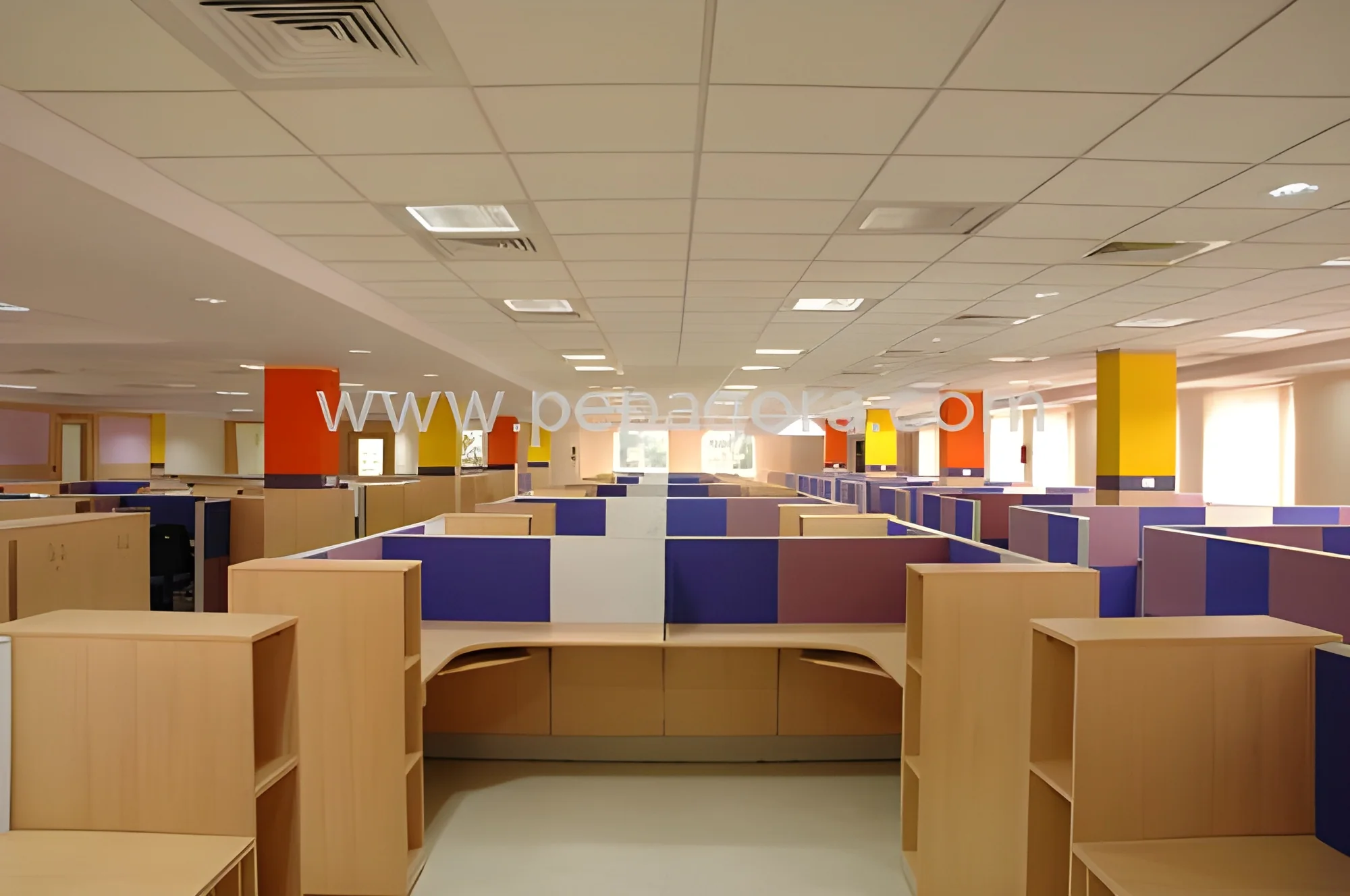
What are Computer Desks?
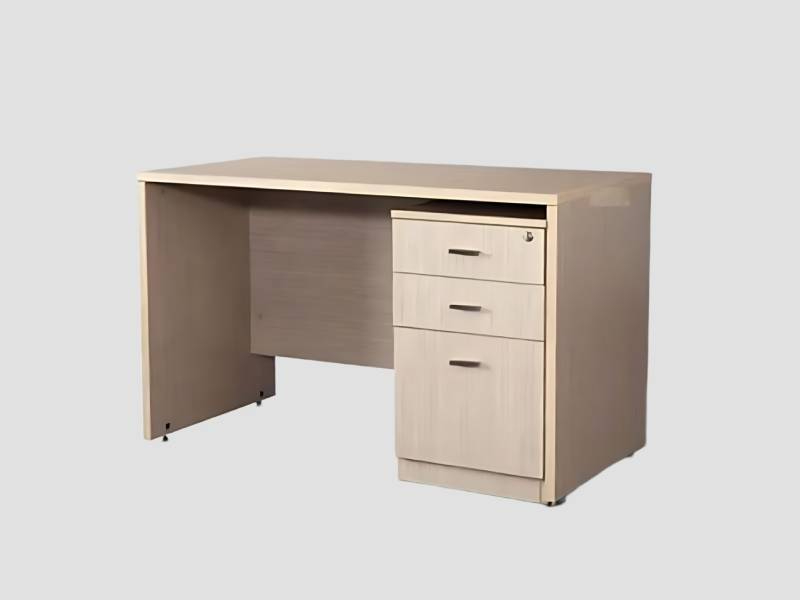
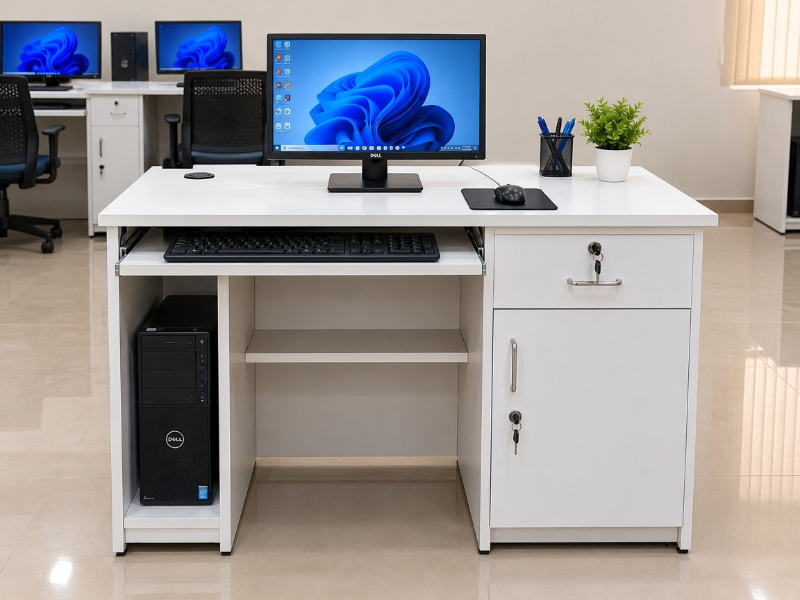
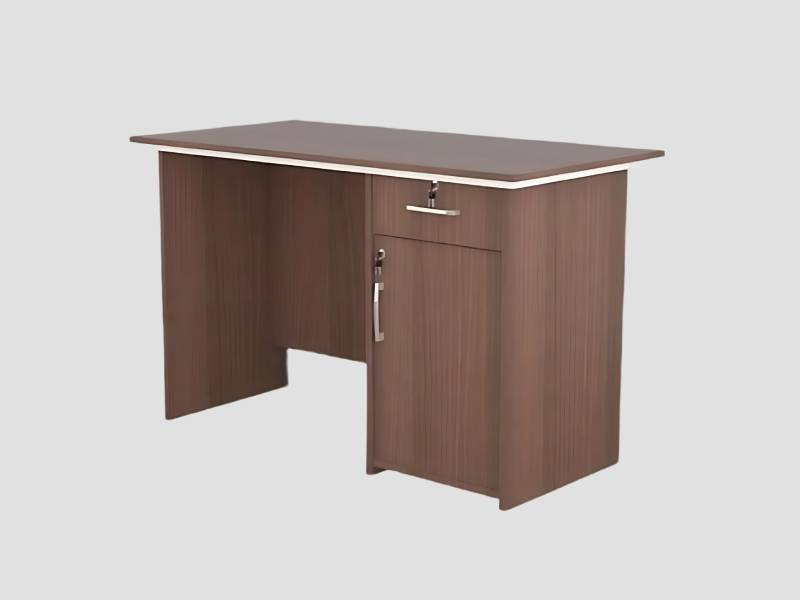
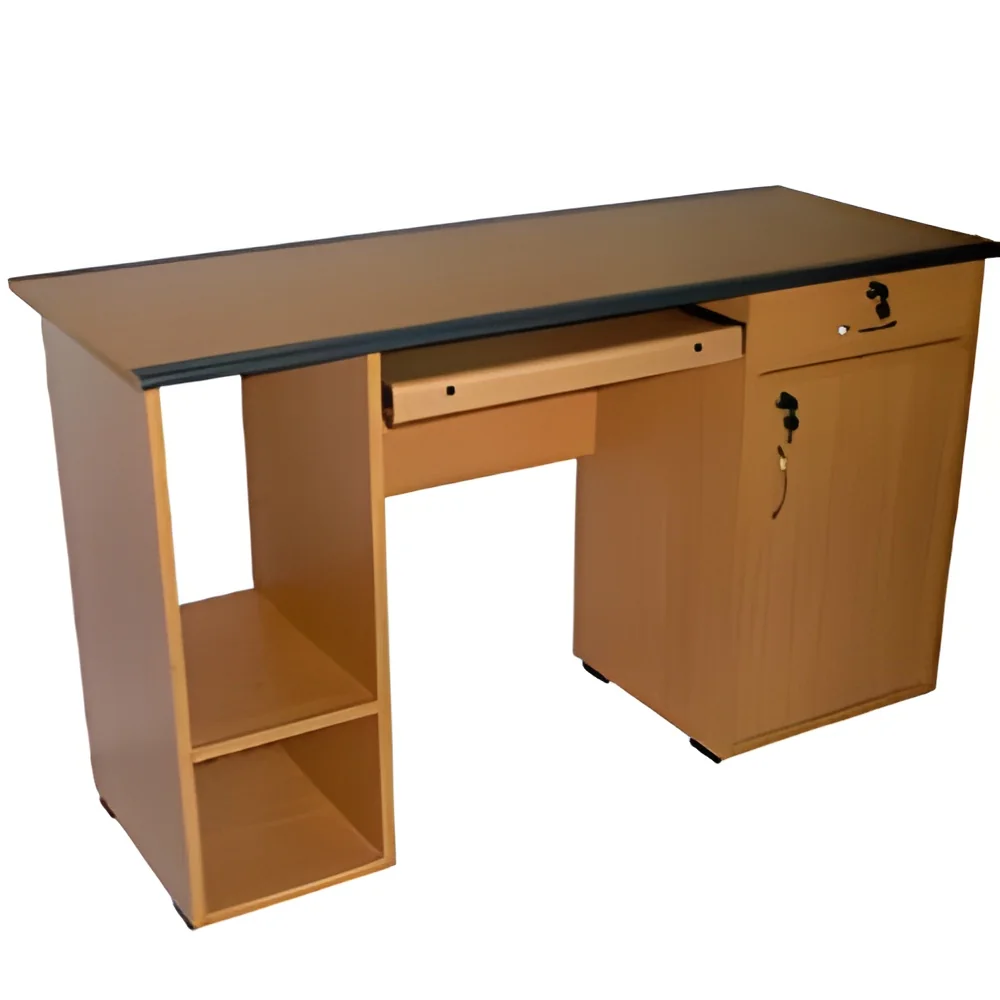
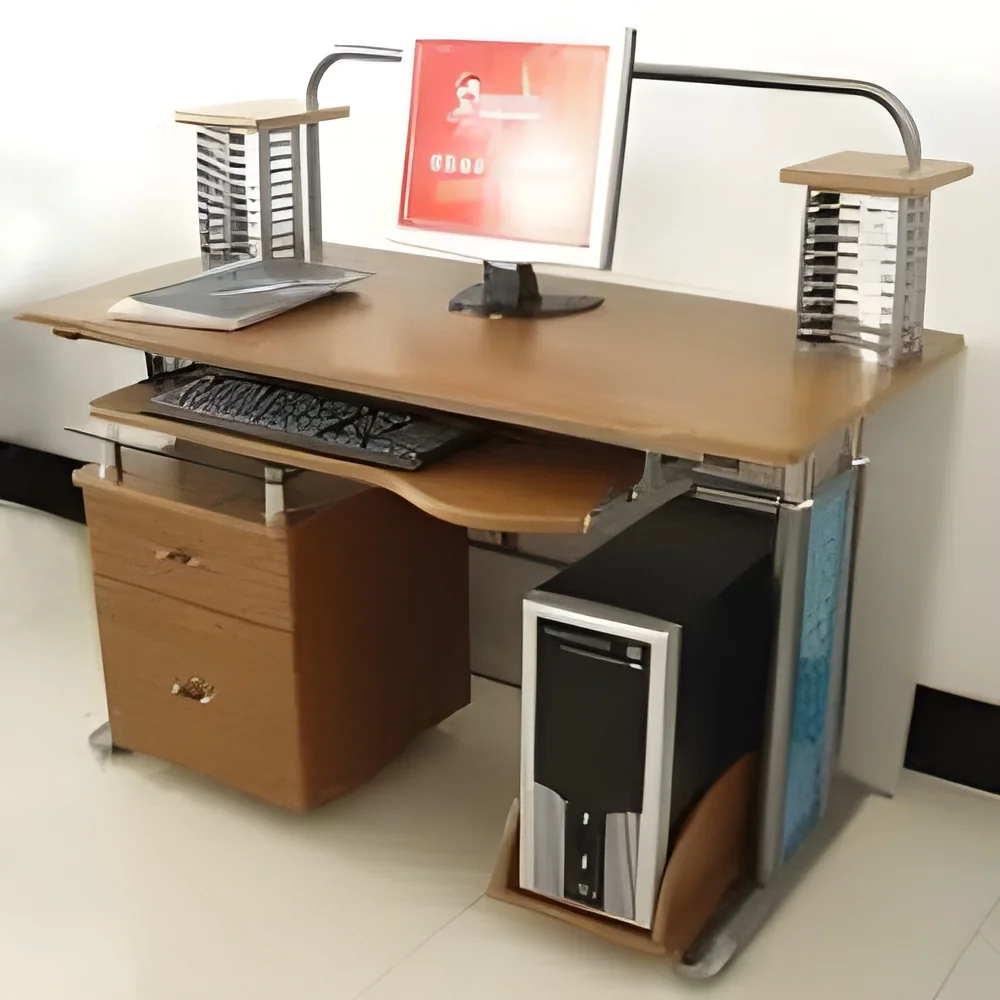
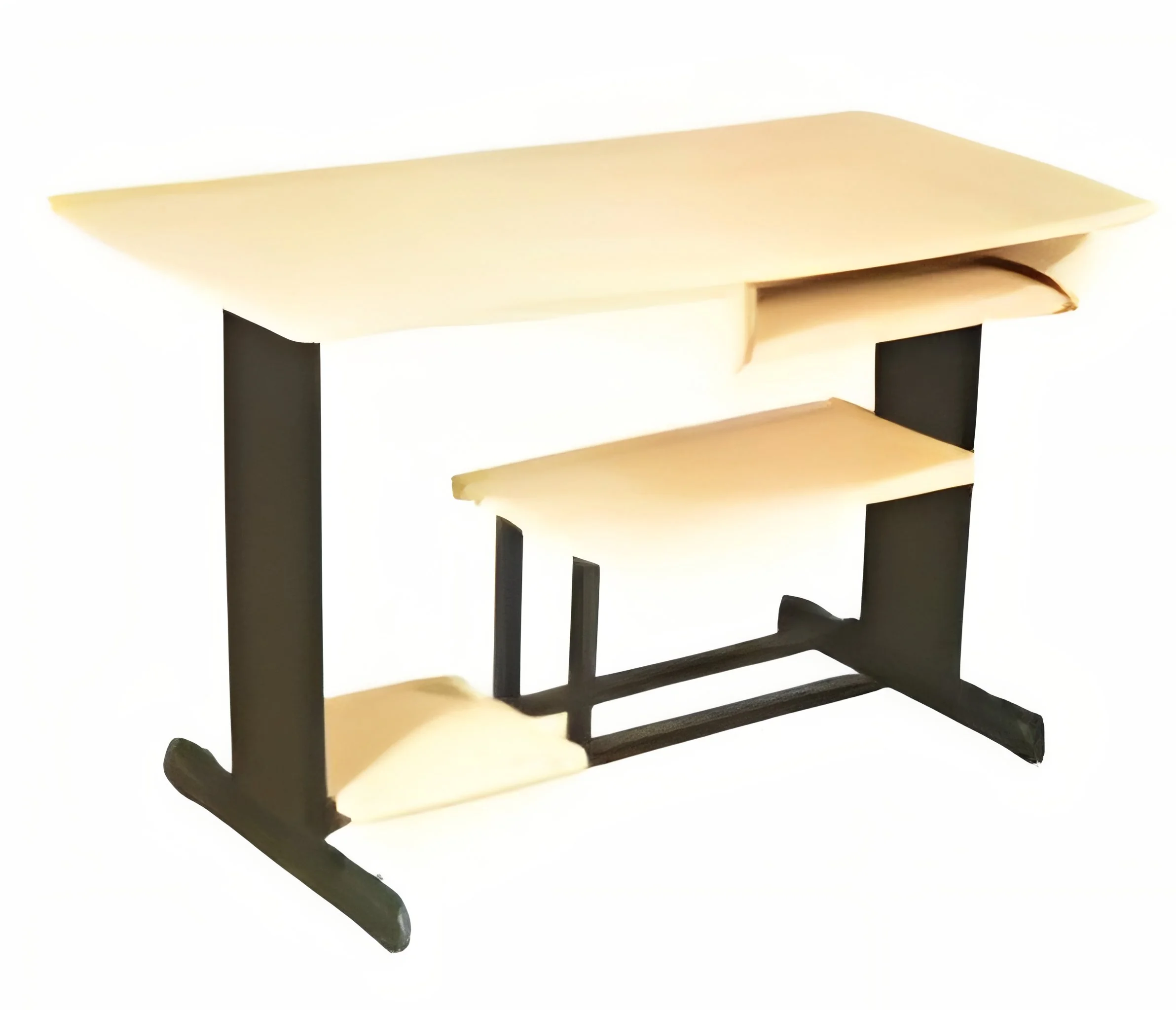
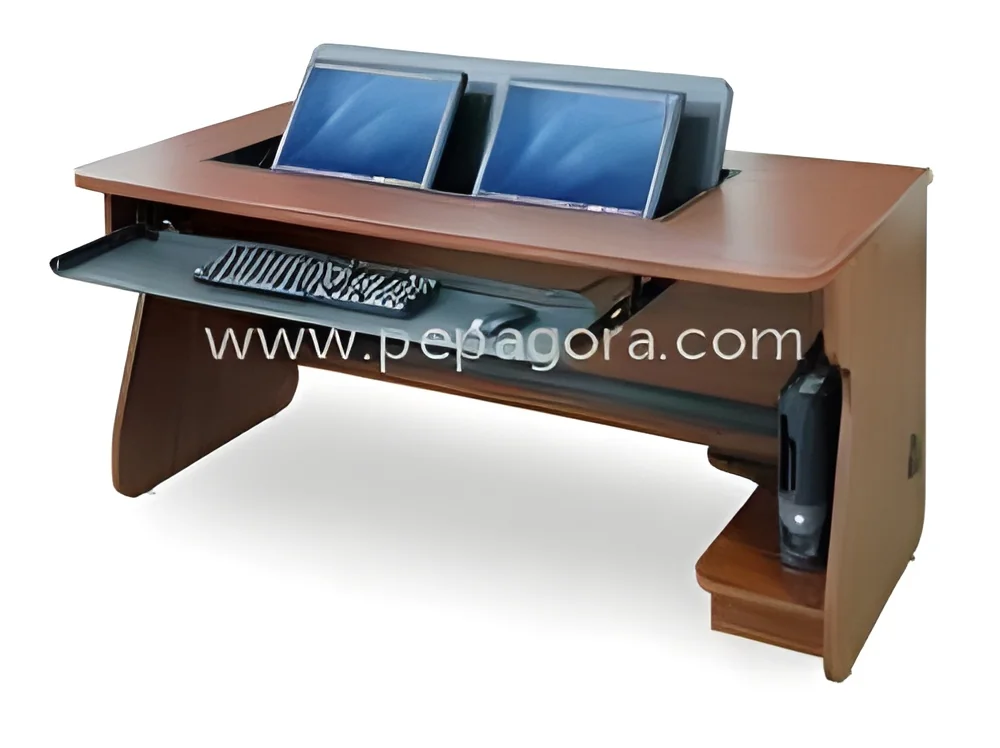
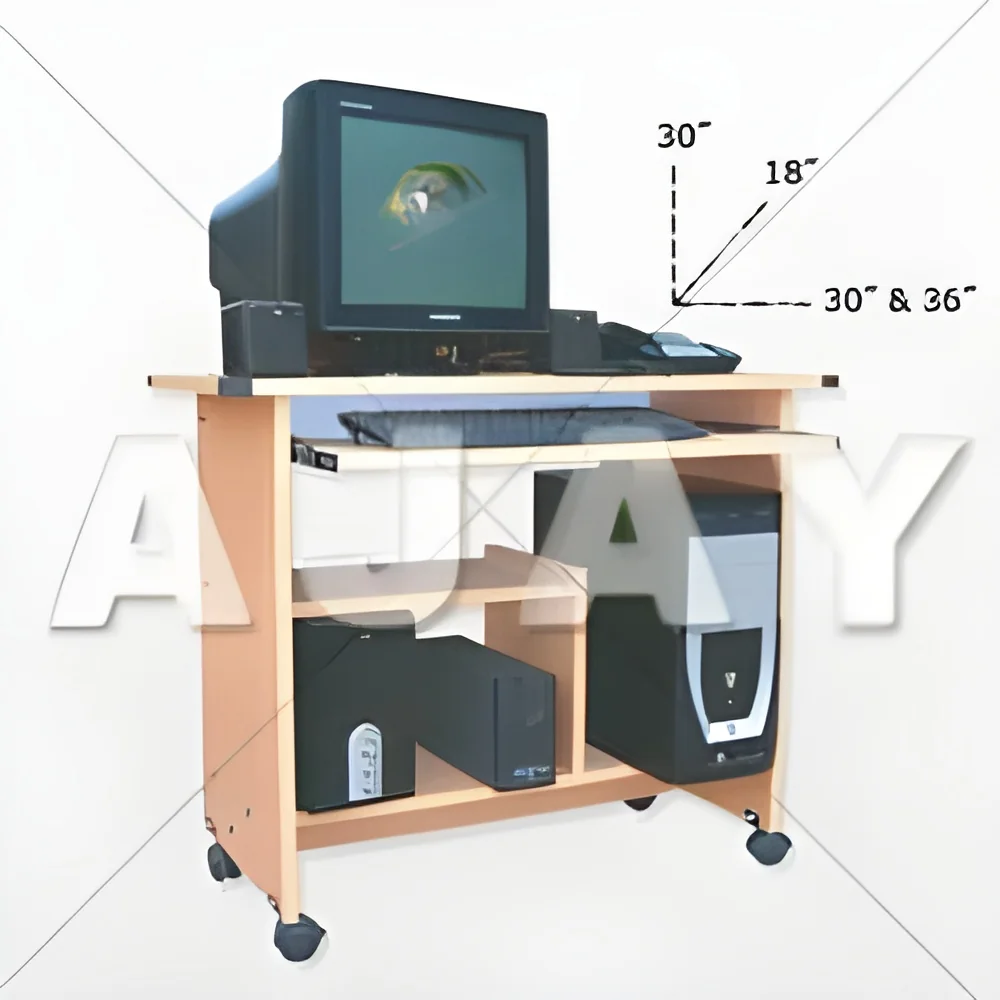
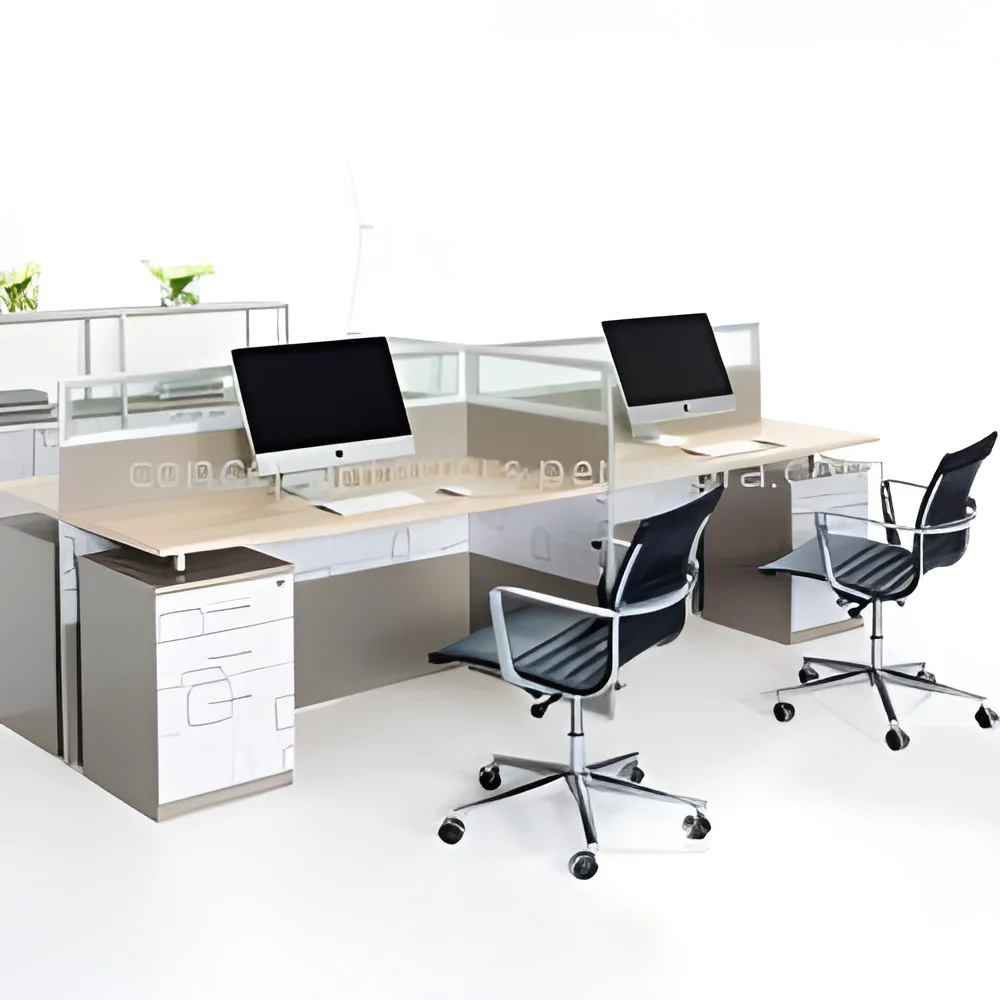
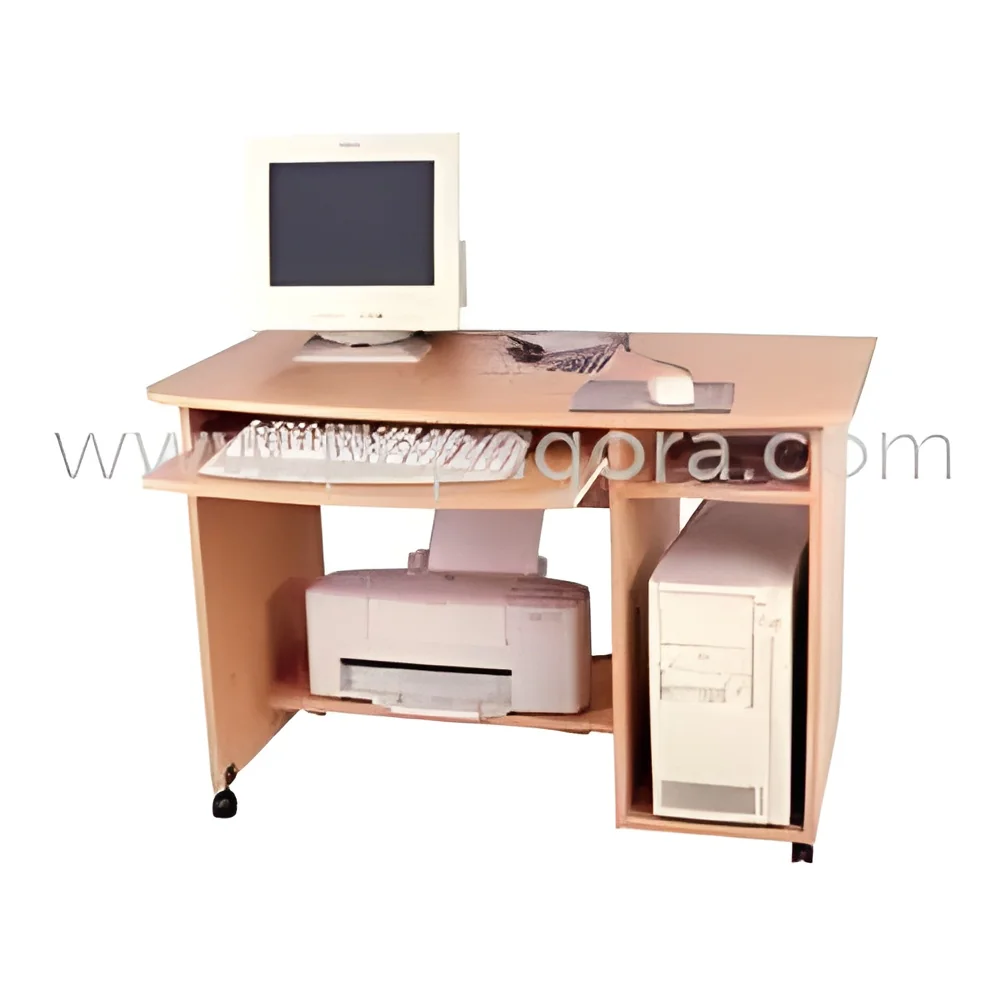
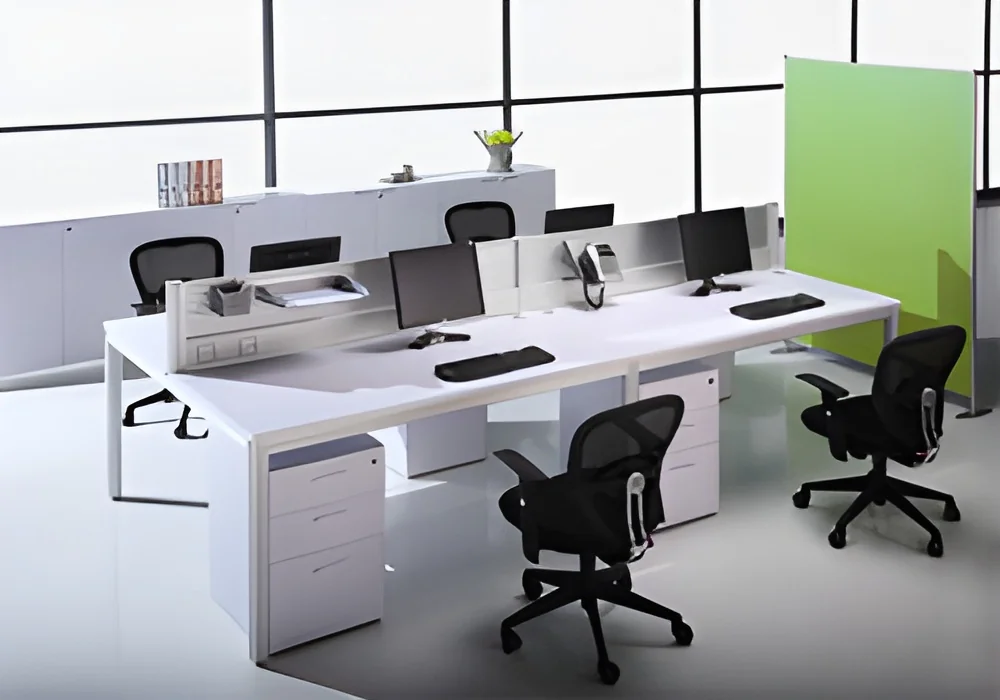
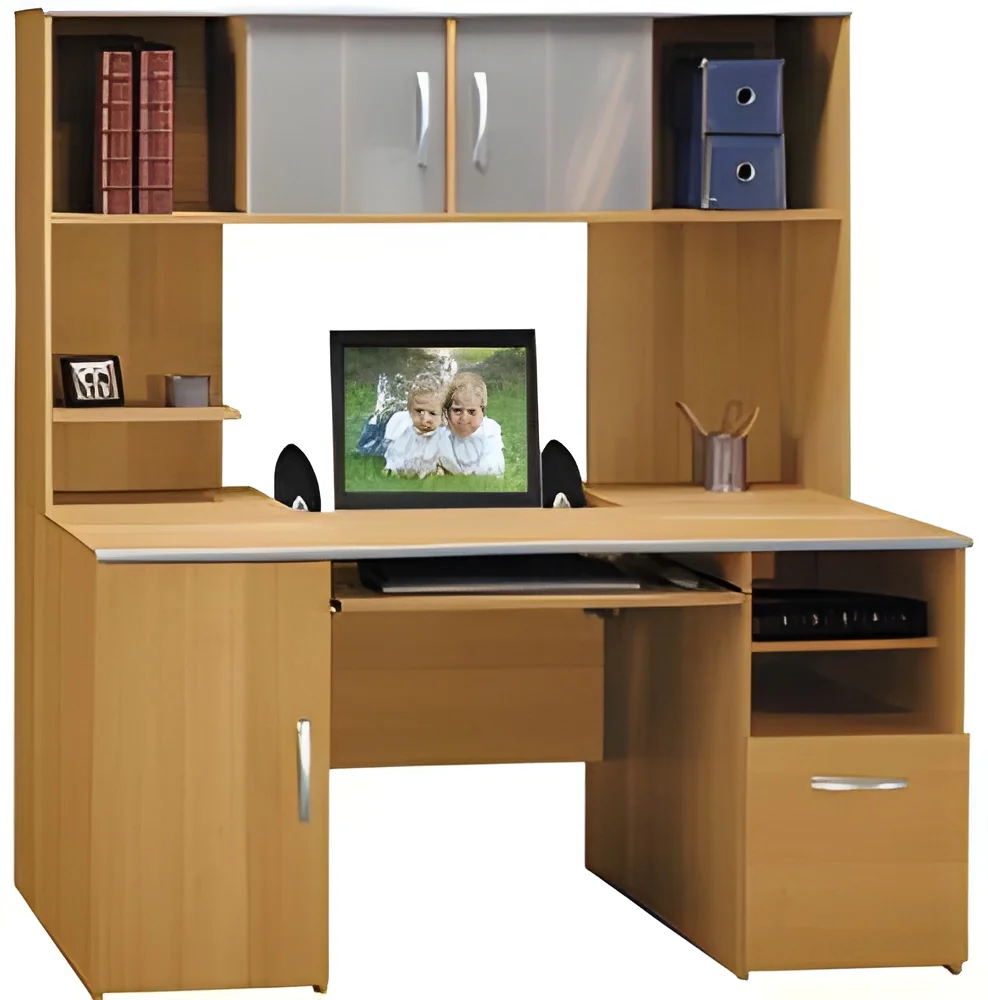
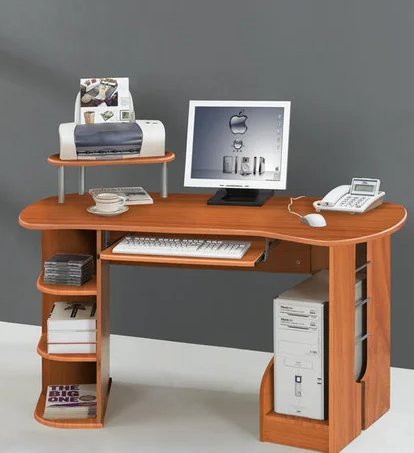
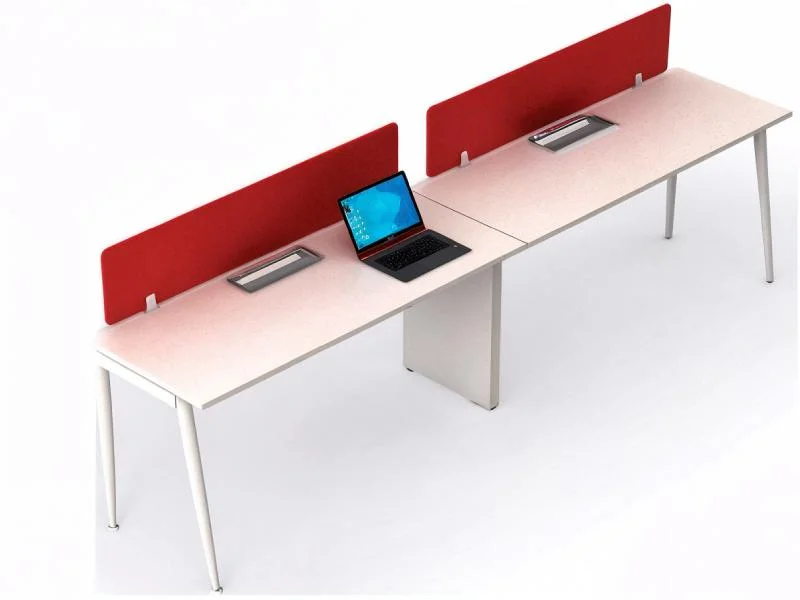
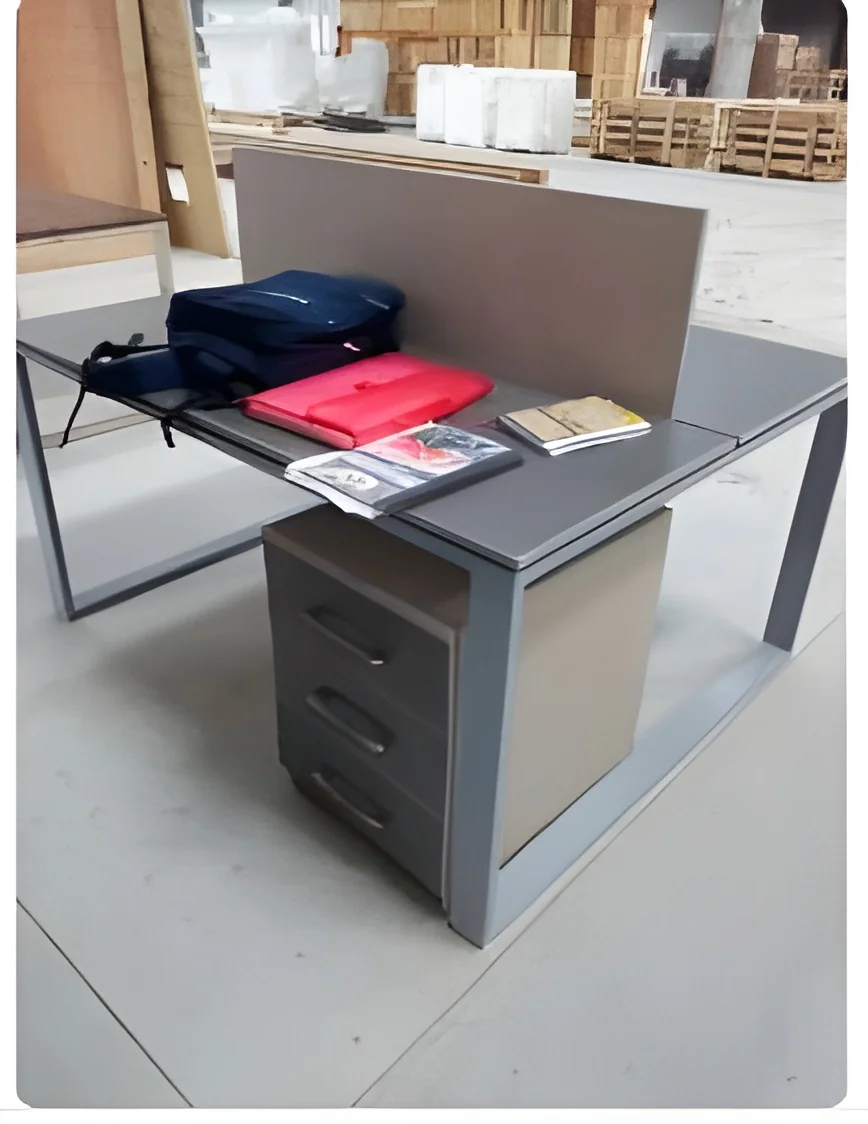
Computer desks are specialized furniture designed to support computers and associated equipment while providing a comfortable workspace for users. These desks come in various sizes, styles, and materials, catering to different user needs and preferences. A computer desk typically includes a flat surface for placing a computer monitor, keyboard, and mouse, along with additional space for documents, books, and other office supplies. Their design focuses on promoting ergonomics, productivity, and organization.
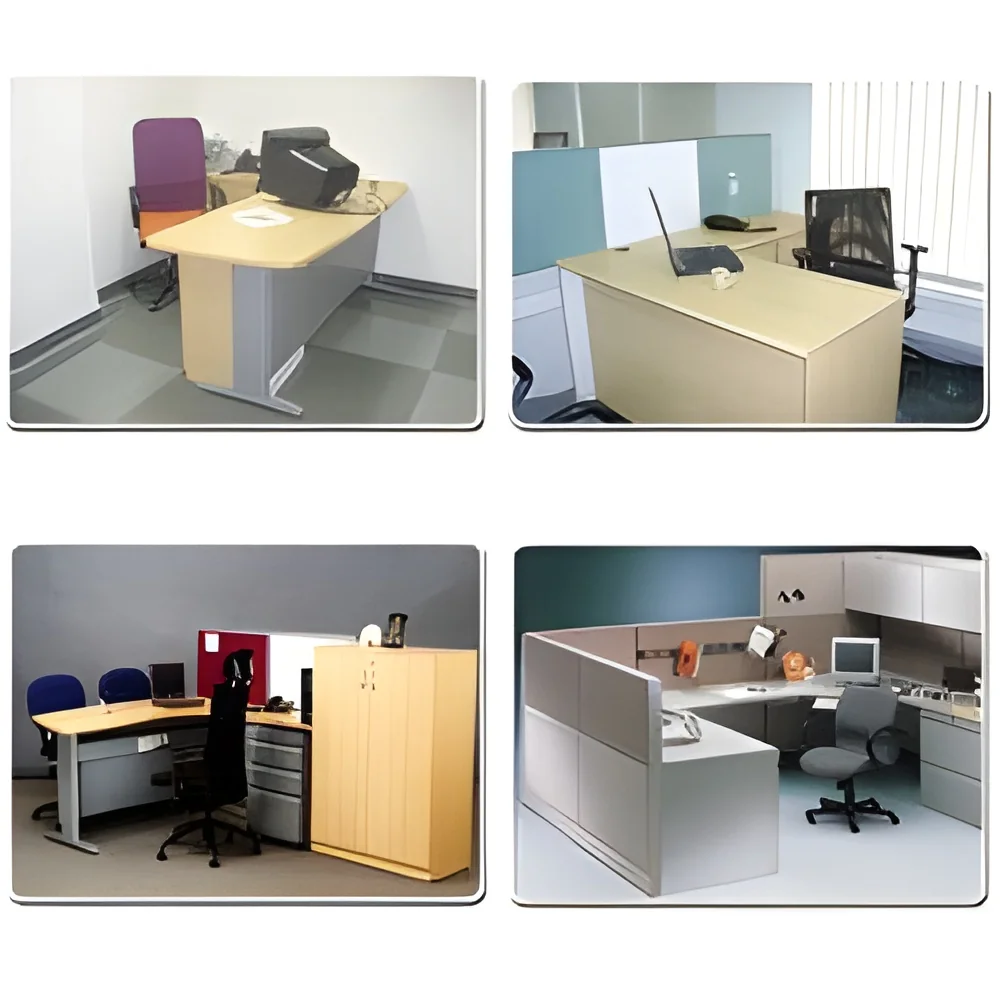
In business settings, computer desks play a vital role in enhancing employee efficiency. They are commonly used in offices, coworking spaces, and home offices, providing a dedicated area for computing tasks. Businesses can choose from various designs, such as L-shaped desks for corner spaces or height-adjustable desks that allow for sitting or standing positions. The relevance of computer desks in the market continues to grow, driven by the increasing demand for remote work setups and ergonomic furniture solutions that improve workplace health and productivity.
Key Features and Specifications
When selecting a computer desk, it is essential to consider its features and specifications. These elements determine the desk's functionality, durability, and suitability for specific applications.
Key specifications include:
1. Material Construction
- Common materials include wood, metal, and composite materials.
- Each material varies in durability and aesthetics.
2. Dimensions
- Sizes typically range from compact models for limited spaces to large desks for extensive work areas.
- Standard dimensions include heights of 28 to 30 inches and widths of 30 to 72 inches.
3. Weight Capacity
- Most desks can support weights from 50 to 300 pounds depending on design and materials.
- Important to consider for equipment and accessories.
4. Surface Finish
- Finishes may include laminate, veneer, or paint.
- Affects durability, maintenance, and appearance.
5. Ergonomic Features
- Height-adjustable options to promote healthy posture.
- Curved edges and keyboard trays for comfort.
6. Storage Options
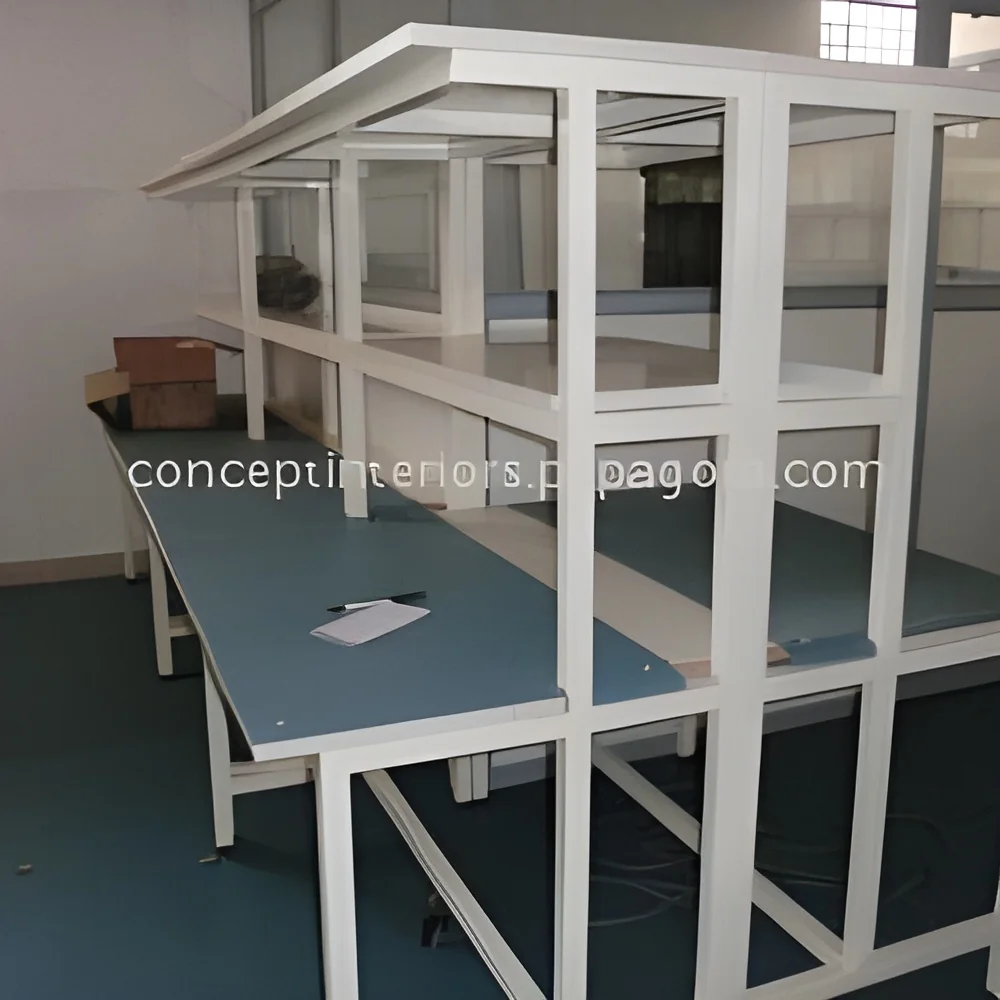
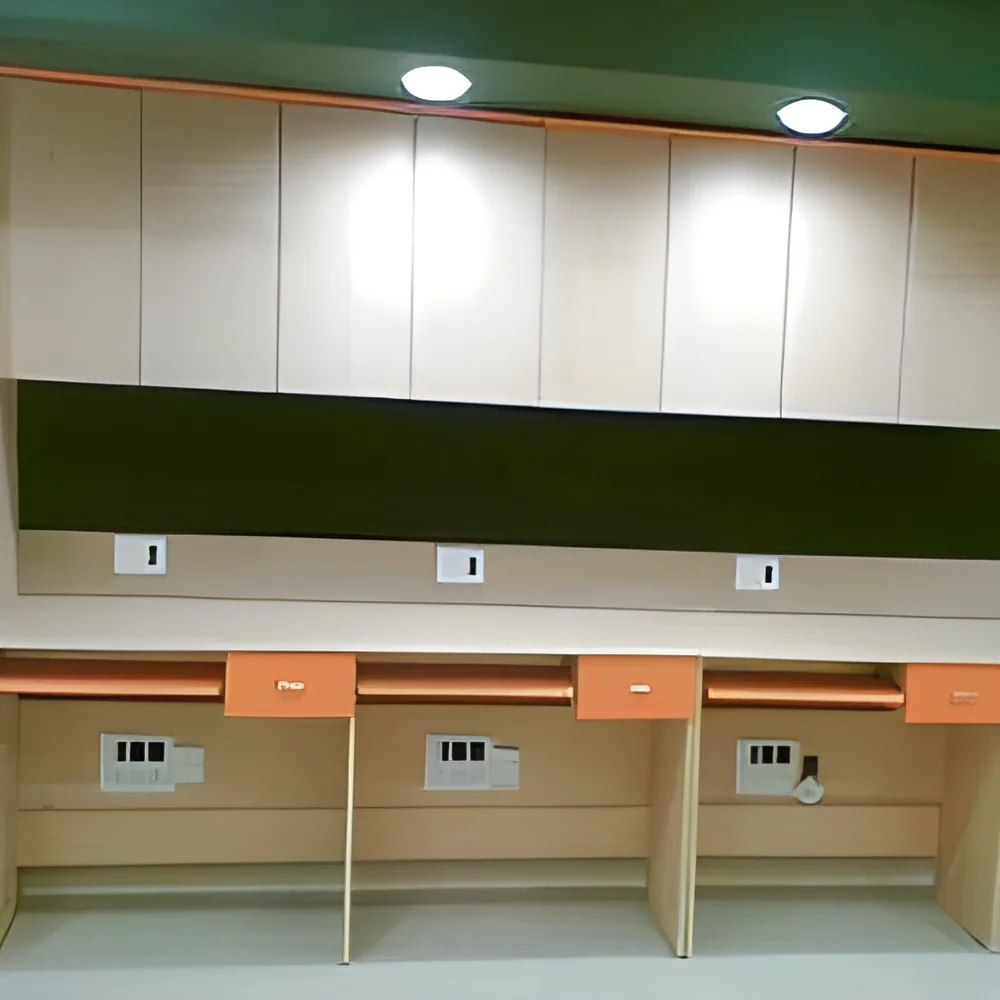
- Drawers, shelves, and compartments for organizing documents and supplies.
- Adds functionality and reduces clutter.
7. Cable Management
- Integrated features to manage and conceal cables.
- Enhances aesthetics and prevents tangling.
8. Assembly Requirements
- Some desks come pre-assembled, while others require assembly.
- Consider ease of setup and required tools.
Choosing the right specifications ensures the desk meets user needs while maintaining functionality and comfort.
Common Applications and Use Cases
Computer desks are versatile and find applications across various industries.
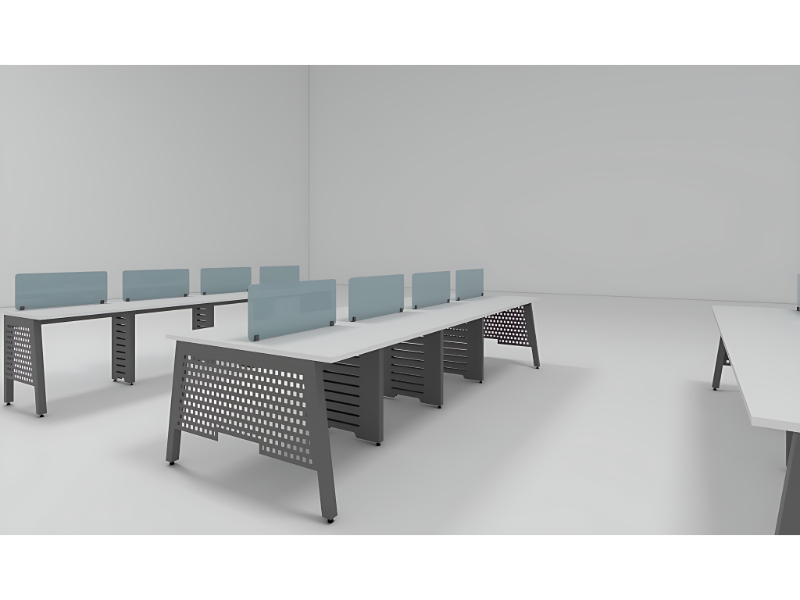
1. Corporate Offices: In corporate environments, computer desks are essential for productivity, providing employees with a dedicated workspace for tasks like data entry, project management, and communication.
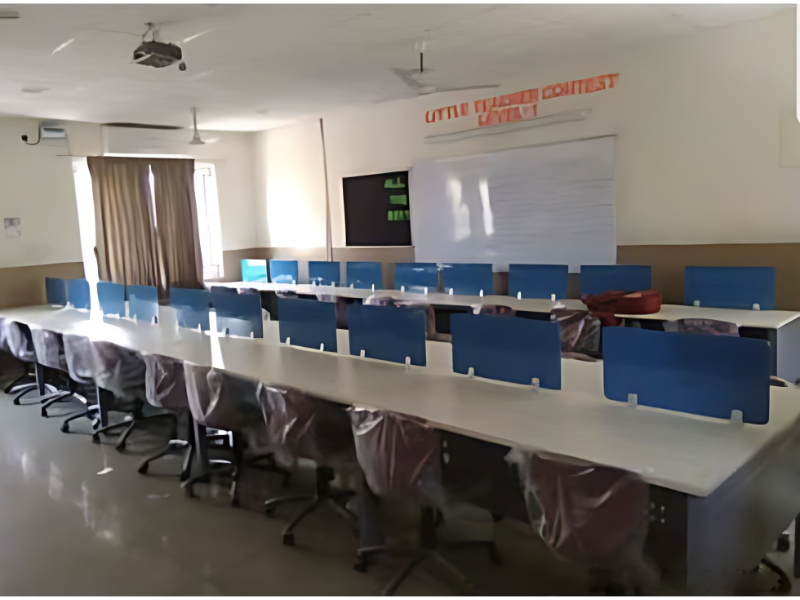
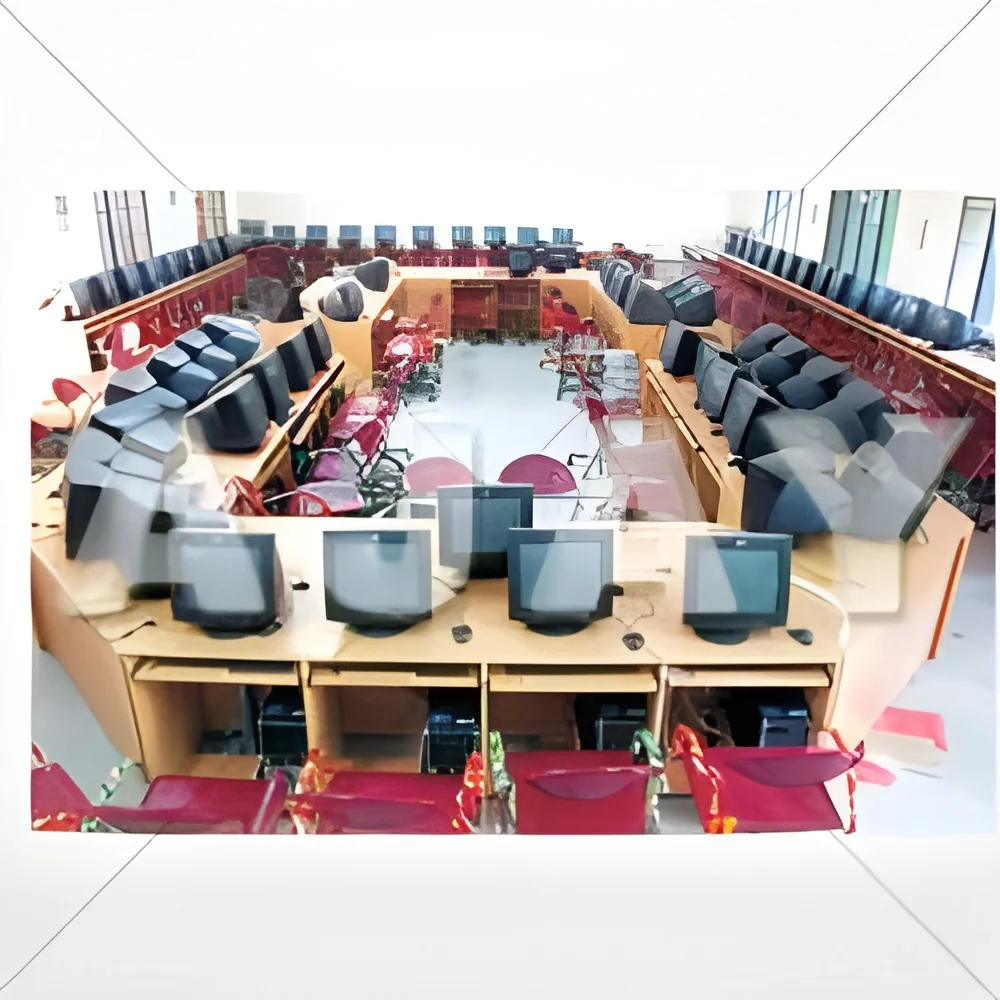
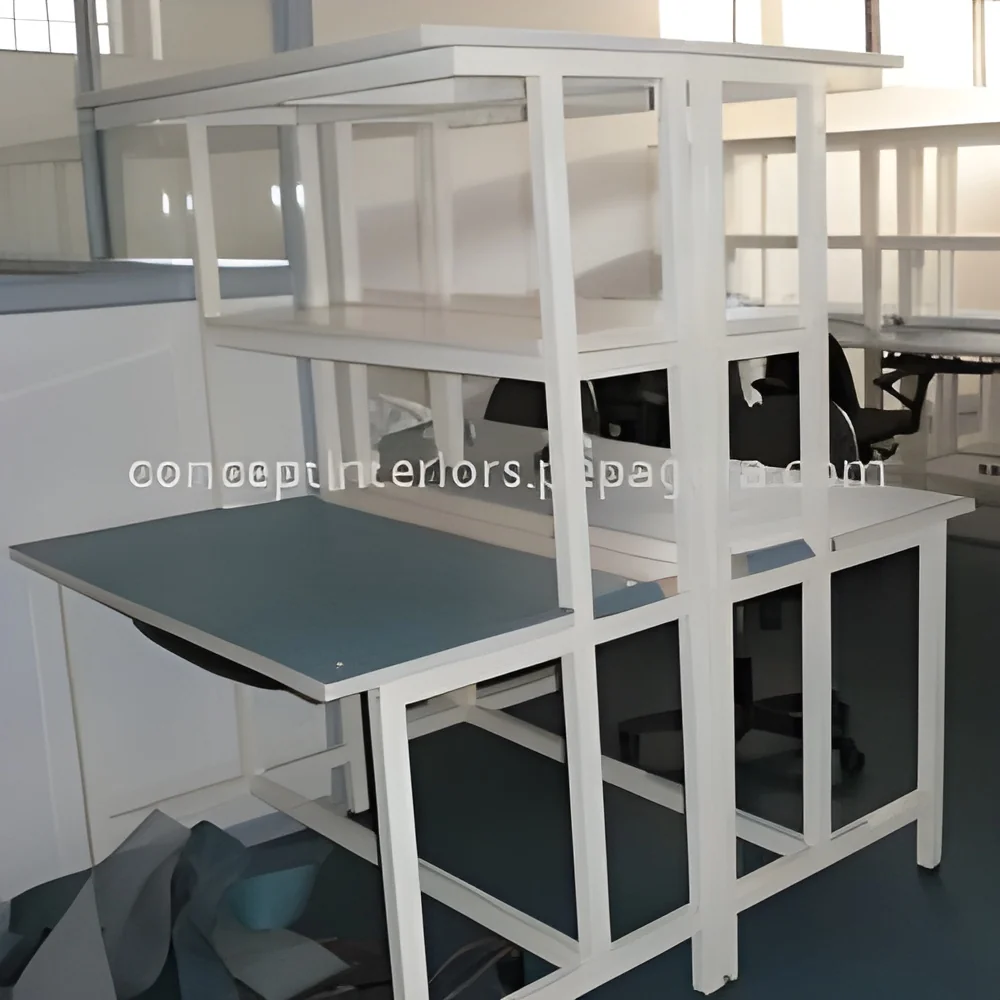
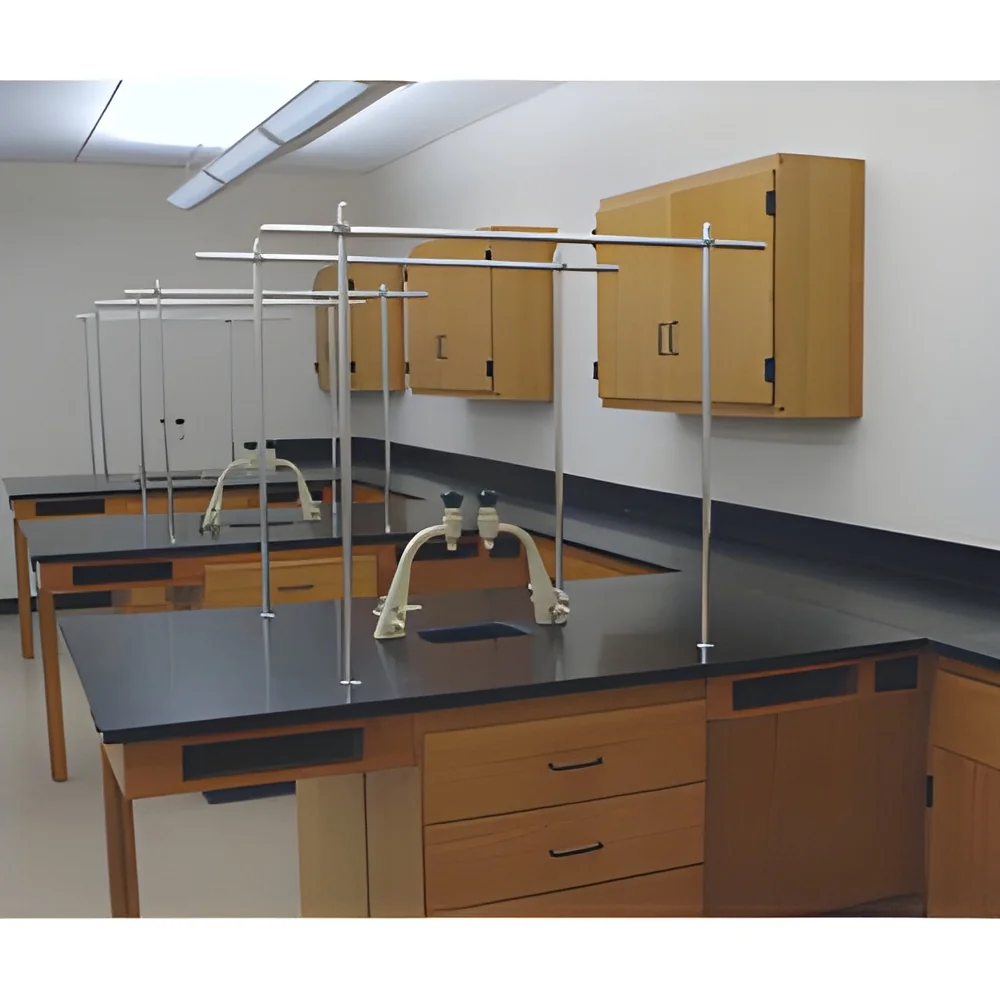
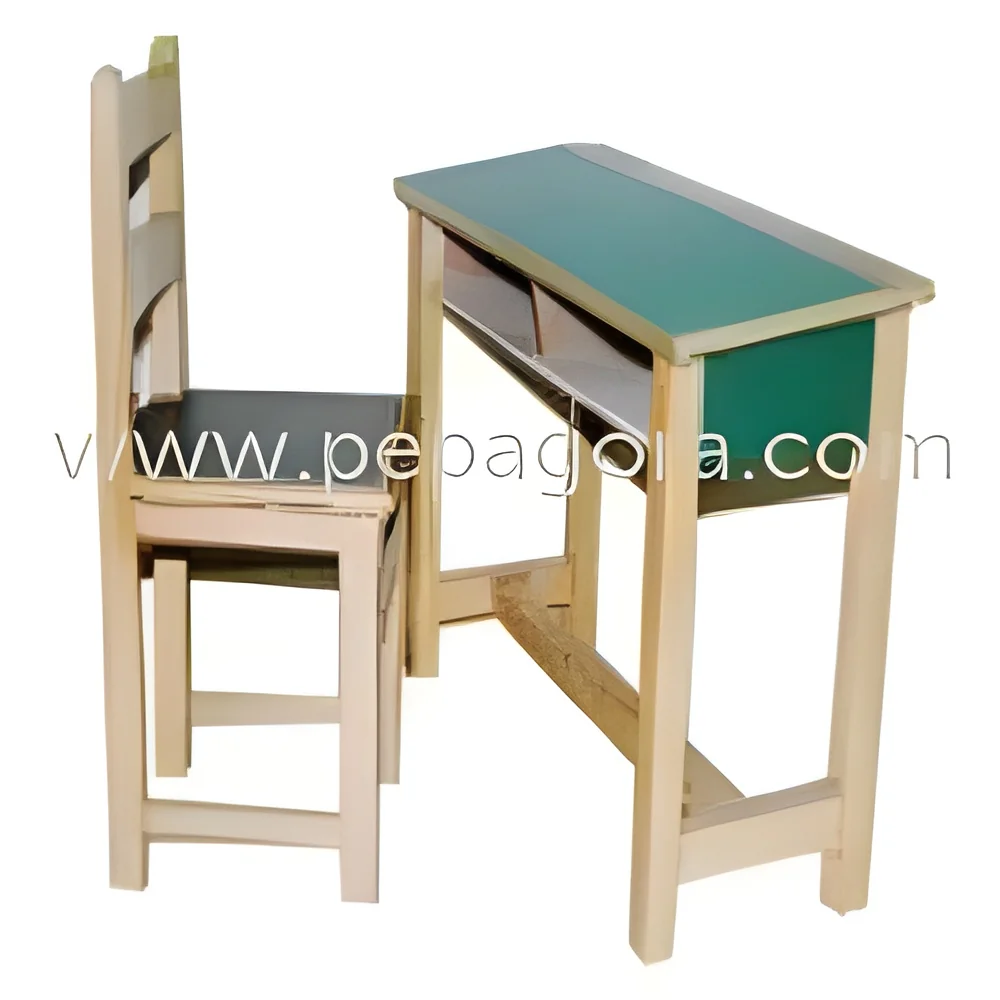
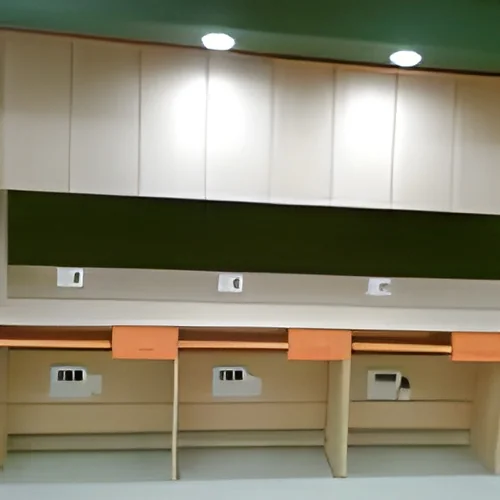
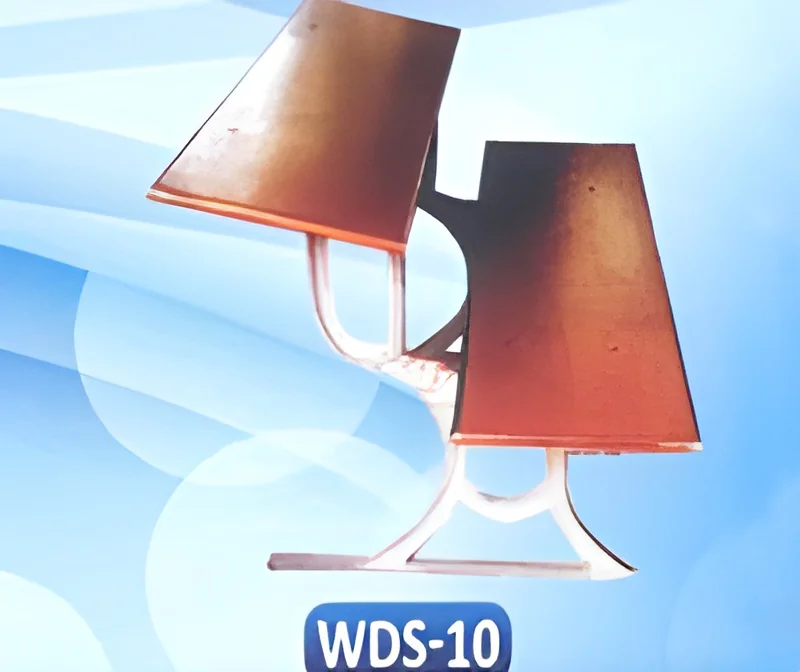
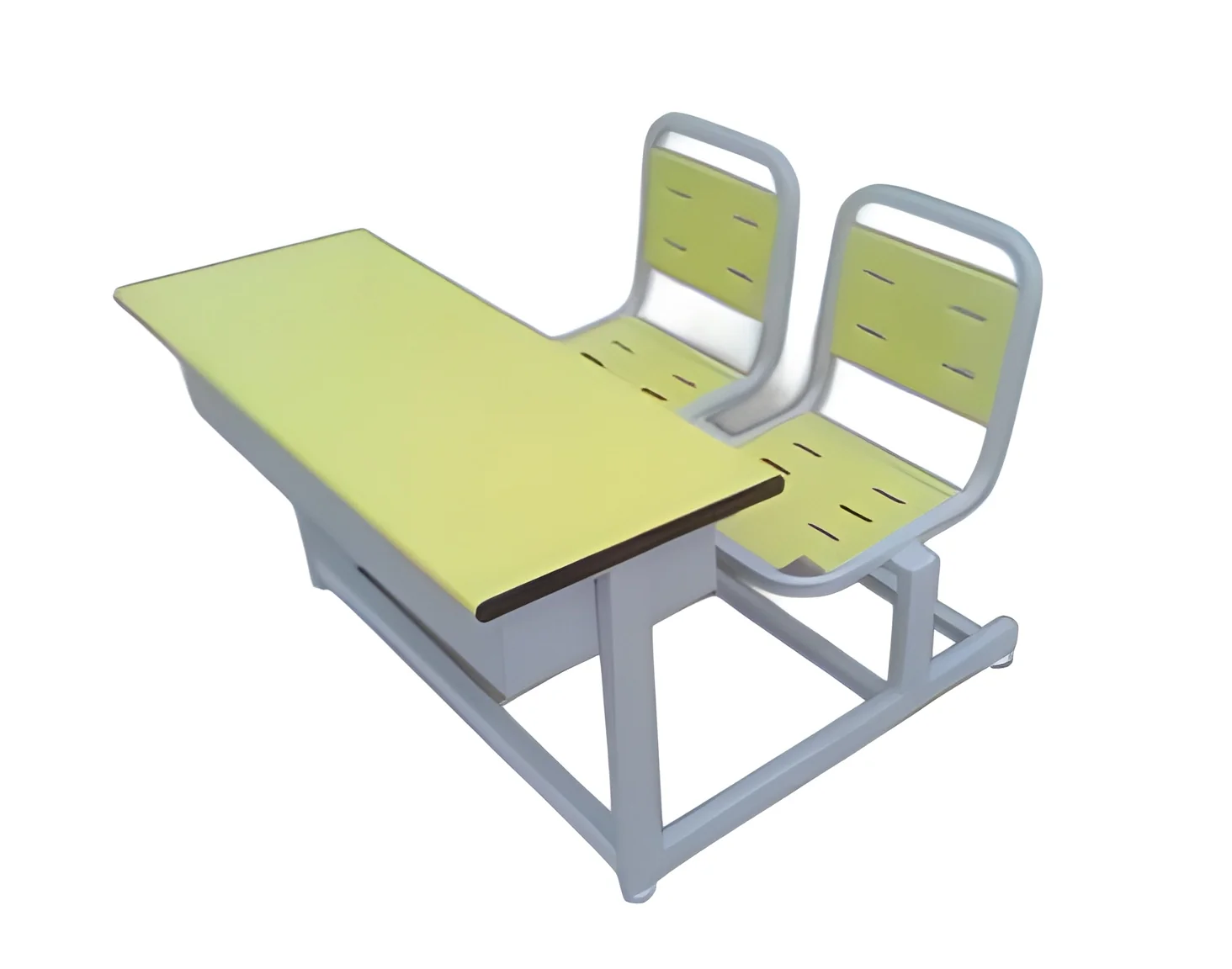
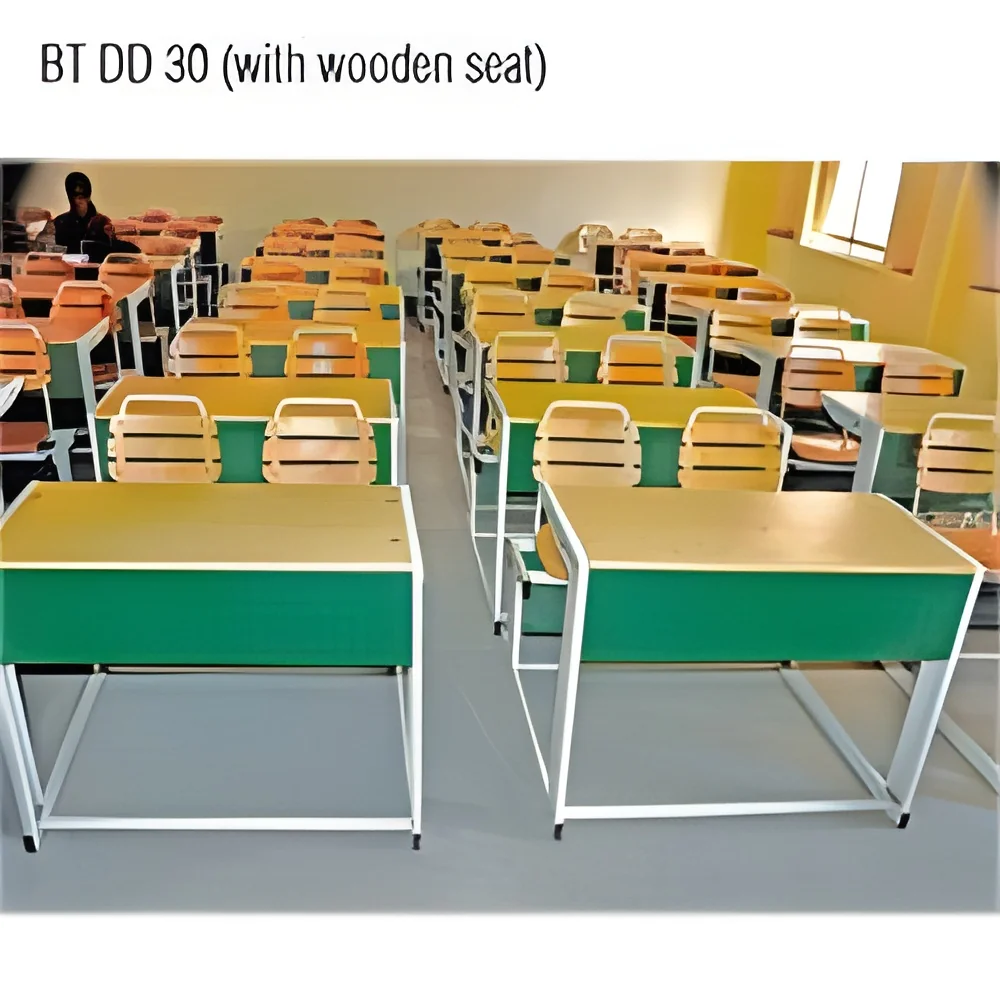
2. Educational Institutions: Schools and universities utilize computer desks in labs and libraries, allowing students to access computers for research, assignments, and online learning.
3. Home Offices: With the rise of remote work, many individuals require computer desks at home to create efficient workspaces that enhance focus and organization.
4. Creative Studios: Graphic designers and artists benefit from spacious desks that accommodate multiple monitors and creative tools.
5. IT and Technical Support: Computer desks in technical support centers offer operators a designated area for troubleshooting and customer assistance.
6. Healthcare Facilities: Administrative staff in healthcare settings use computer desks for managing patient information and scheduling.
7. Call Centers: Desks in call centers provide agents with the necessary space to handle multiple calls while using computers and other communication tools.
Product Variants and Subcategories
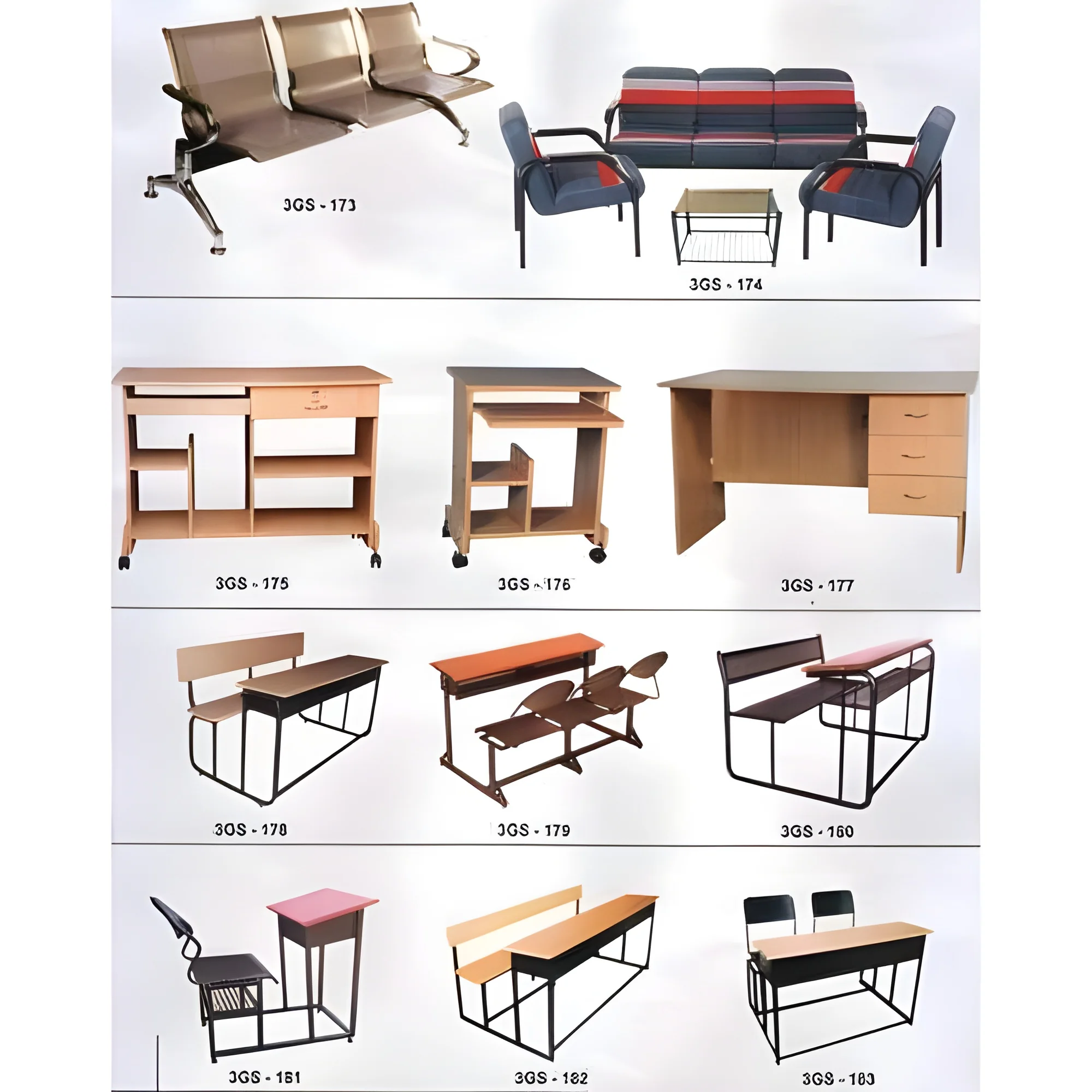
Computer desks come in various styles and designs to accommodate different user preferences and environments.
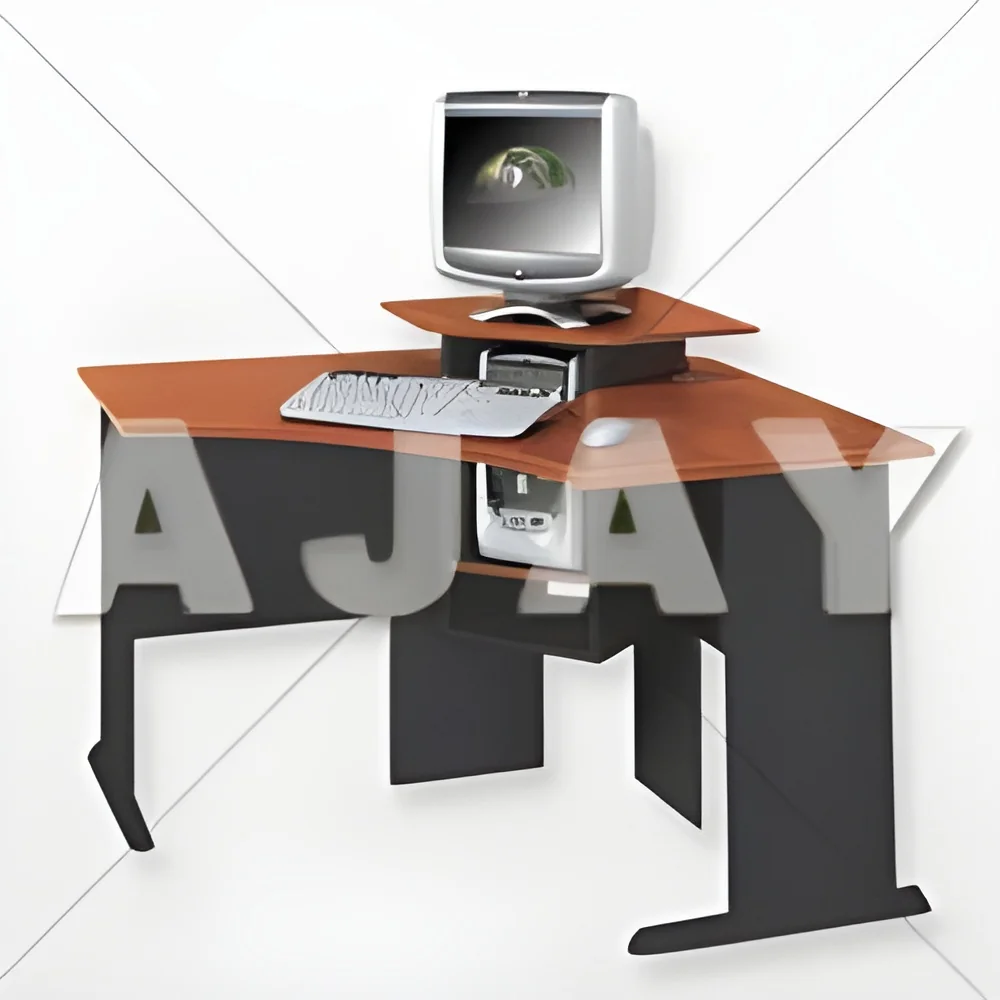
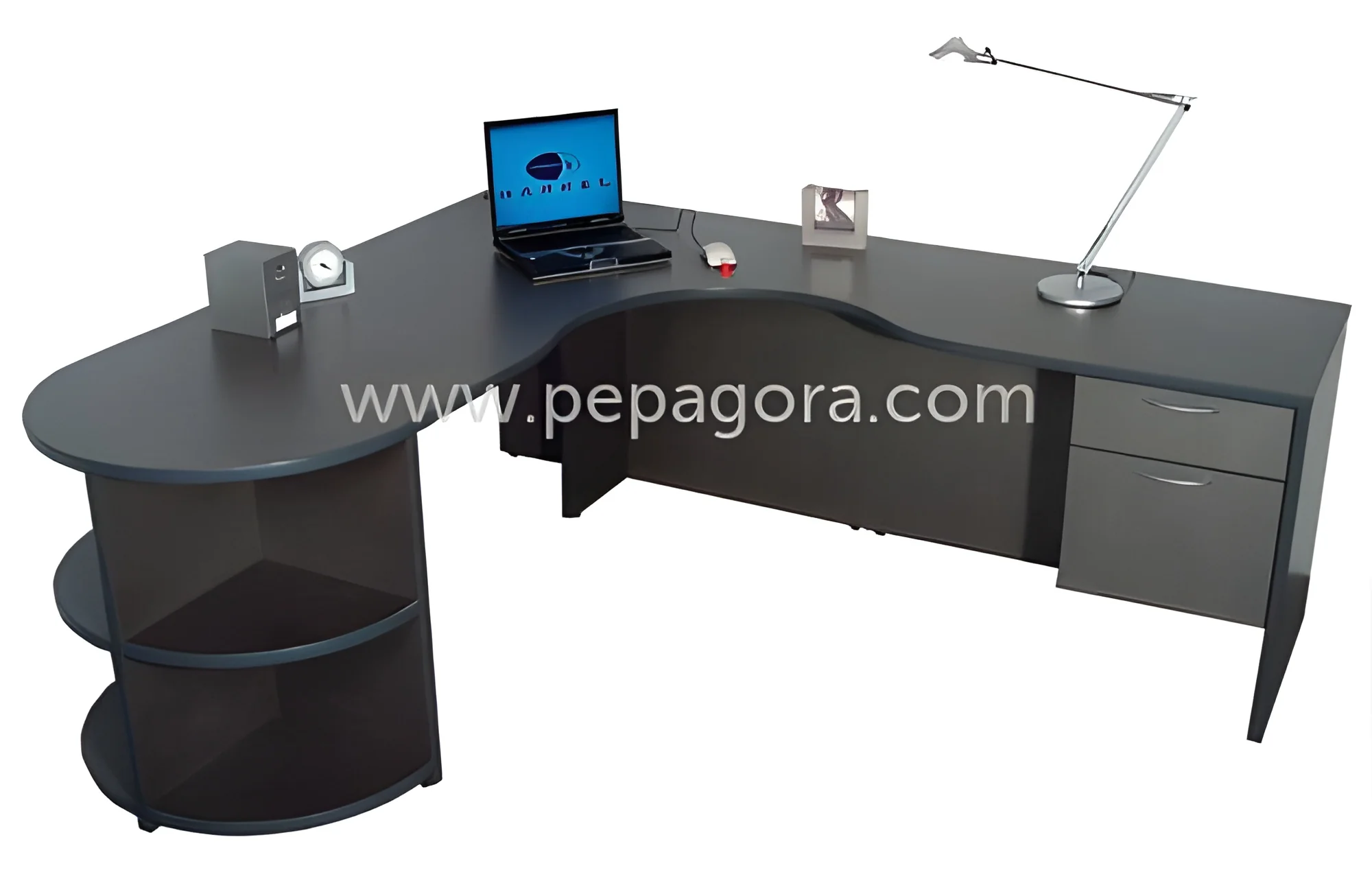
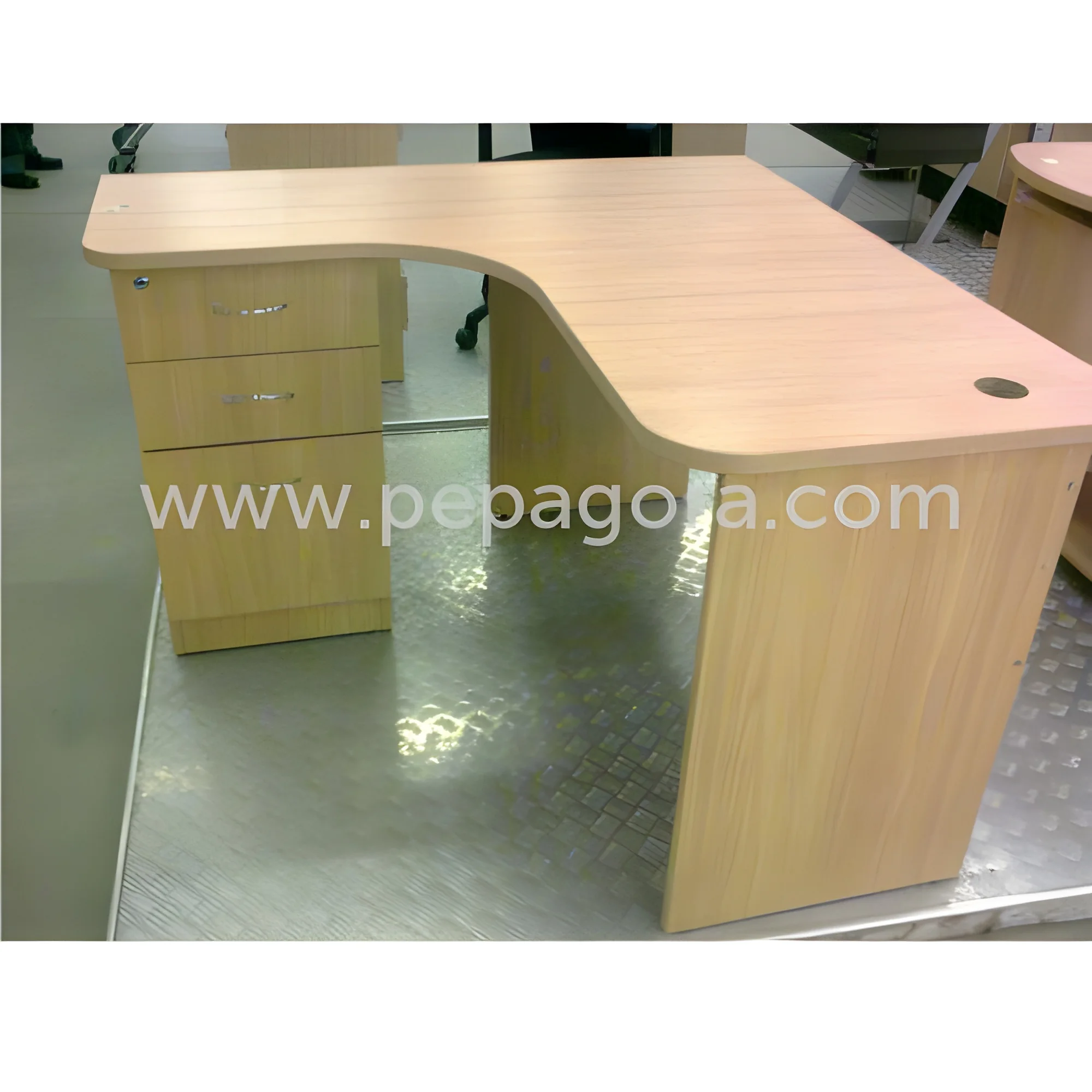
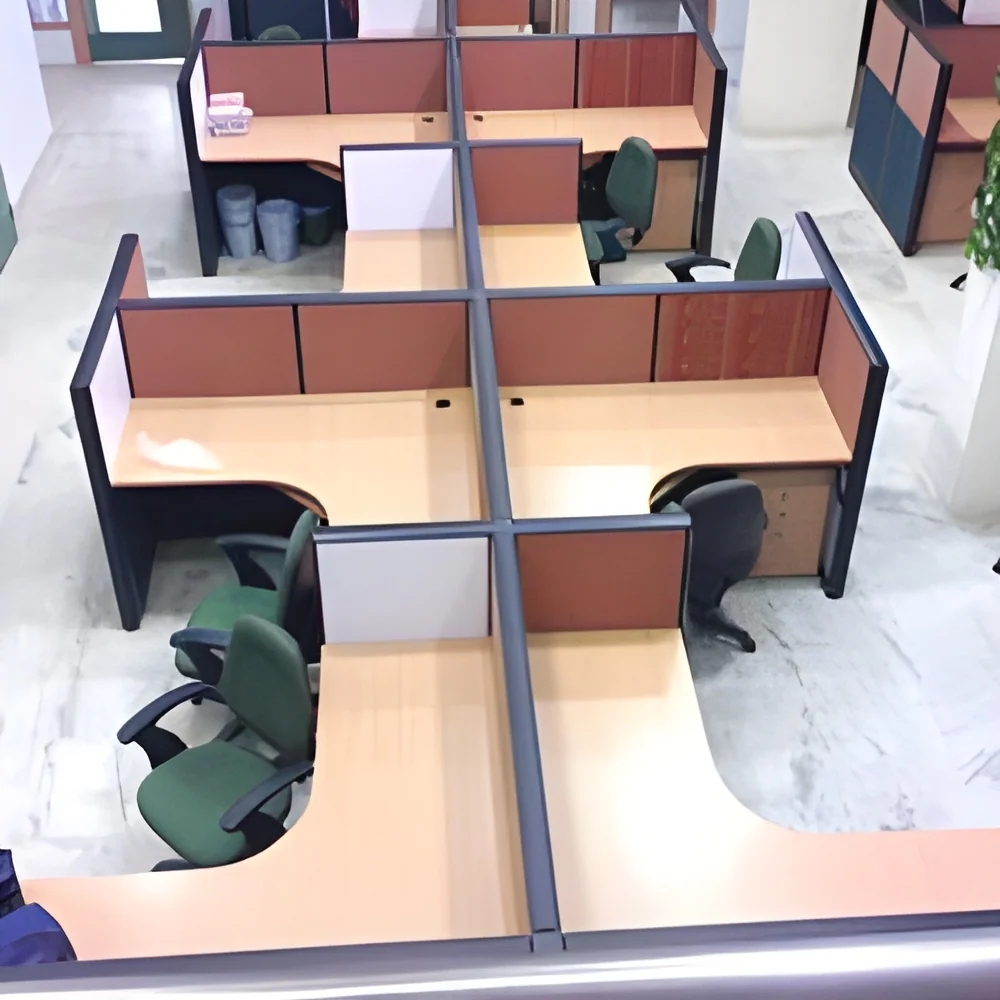
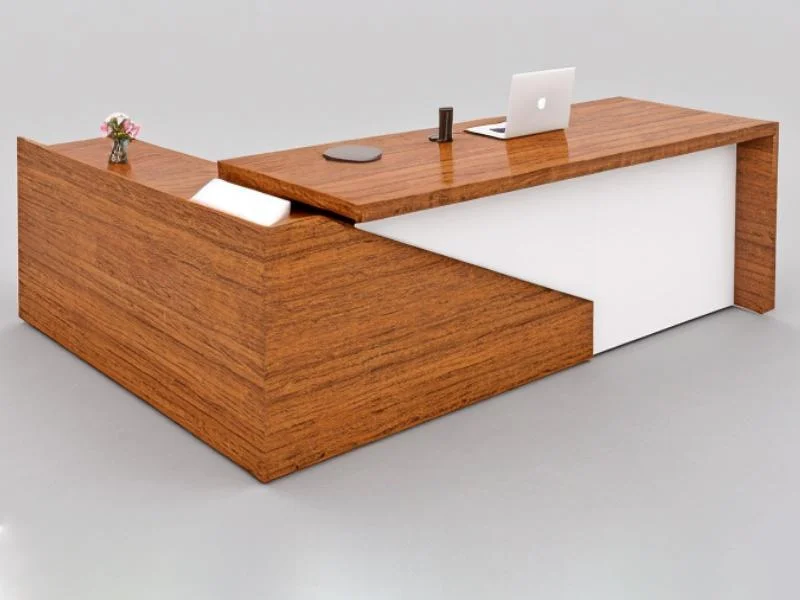
L-Shaped Desks: L-shaped desks provide ample workspace and are ideal for corner setups. They allow users to have multiple screens and additional storage without occupying too much floor space.
Standing Desks: Height-adjustable standing desks cater to ergonomic needs by allowing users to alternate between sitting and standing. This flexibility promotes better posture and can reduce health issues associated with prolonged sitting.
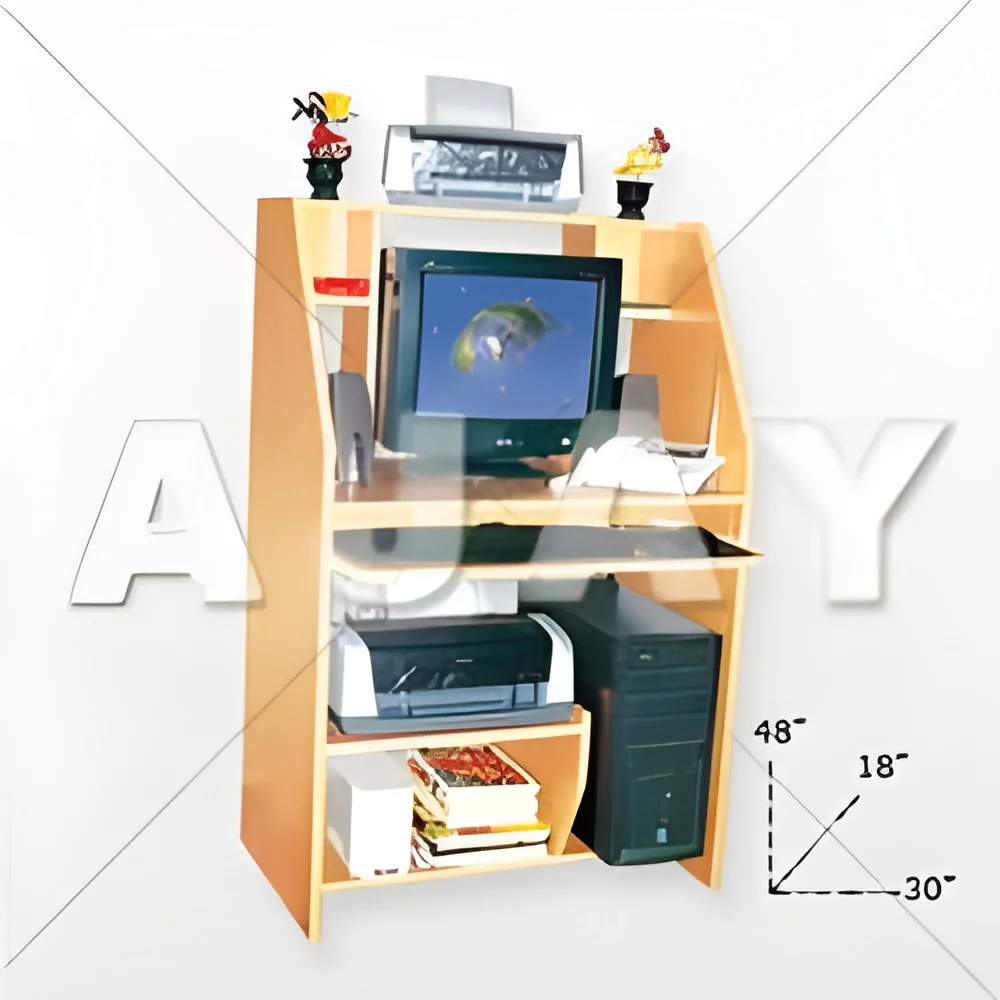
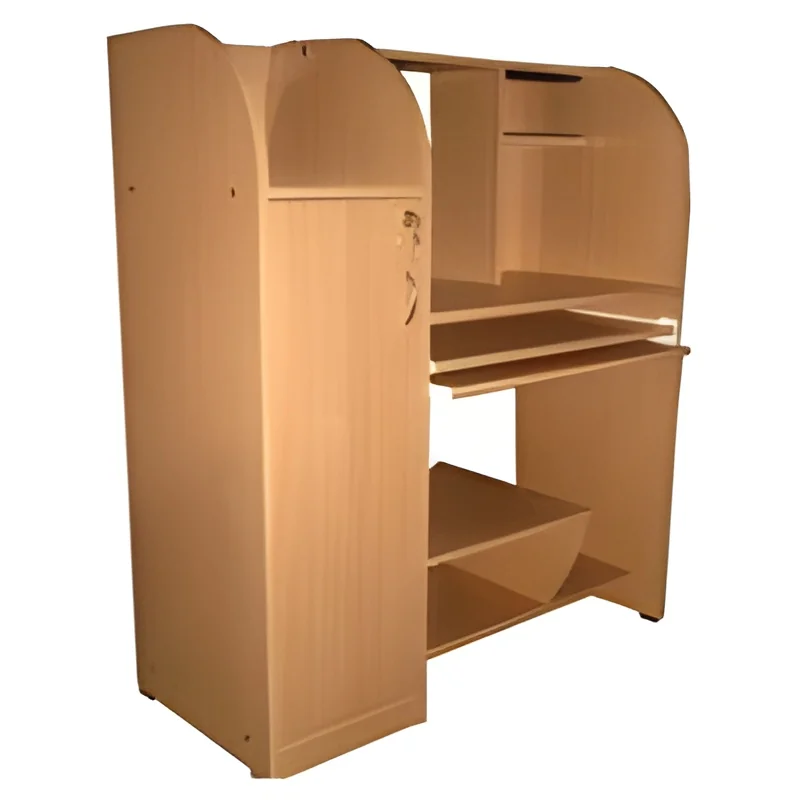
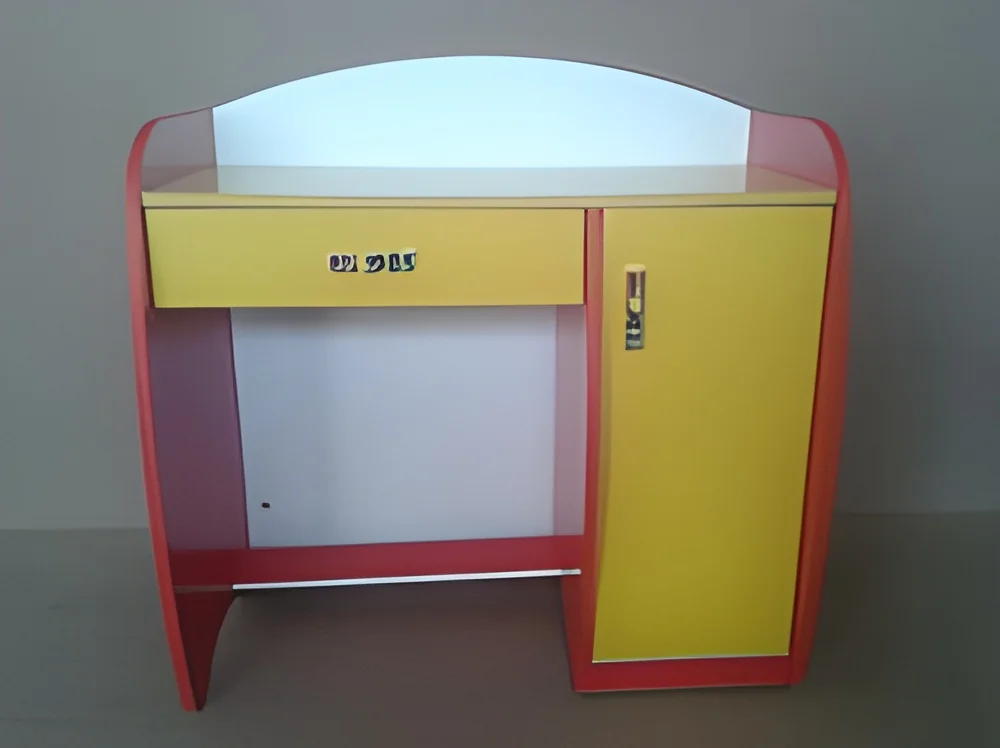
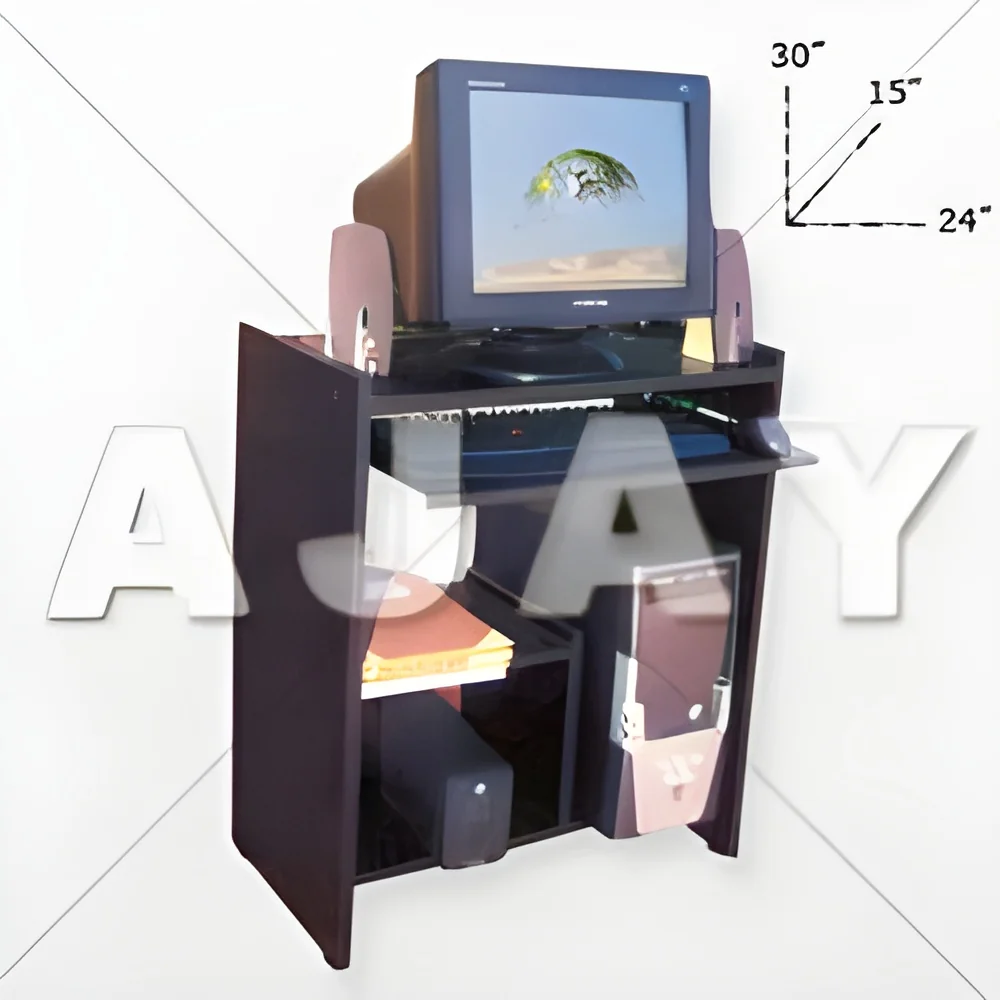
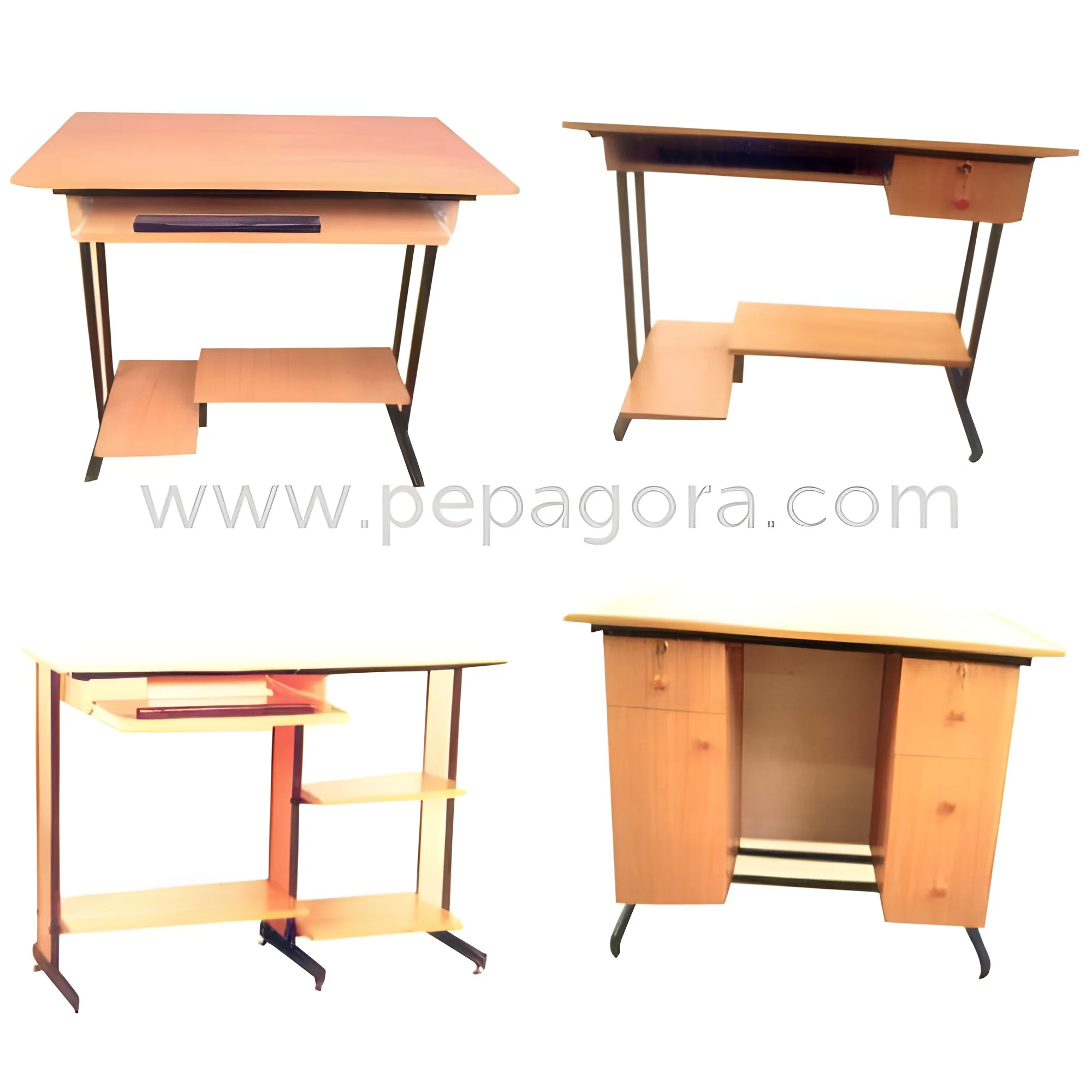
Compact Desks: For small spaces, compact desks offer a minimalist design without sacrificing functionality. They are ideal for home offices or shared working environments.
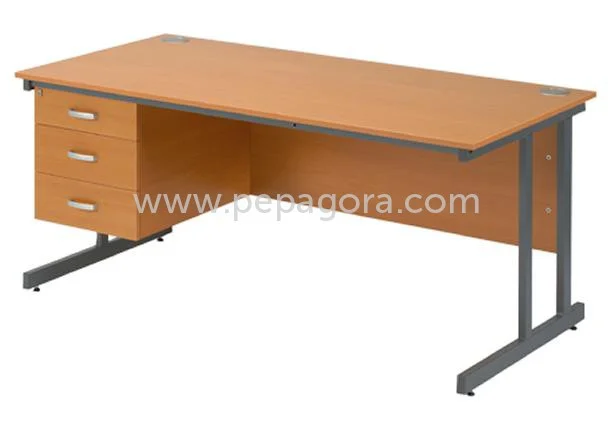
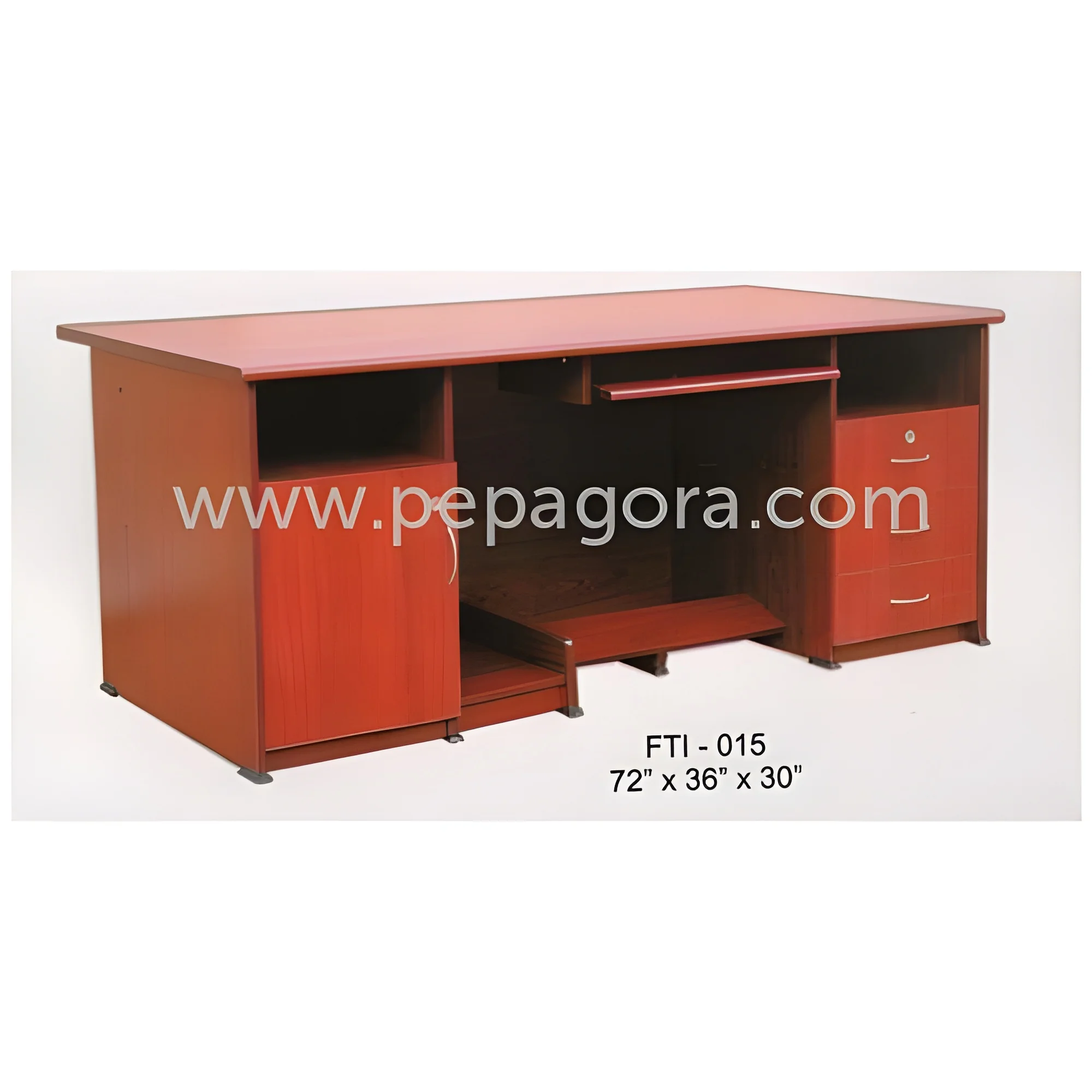
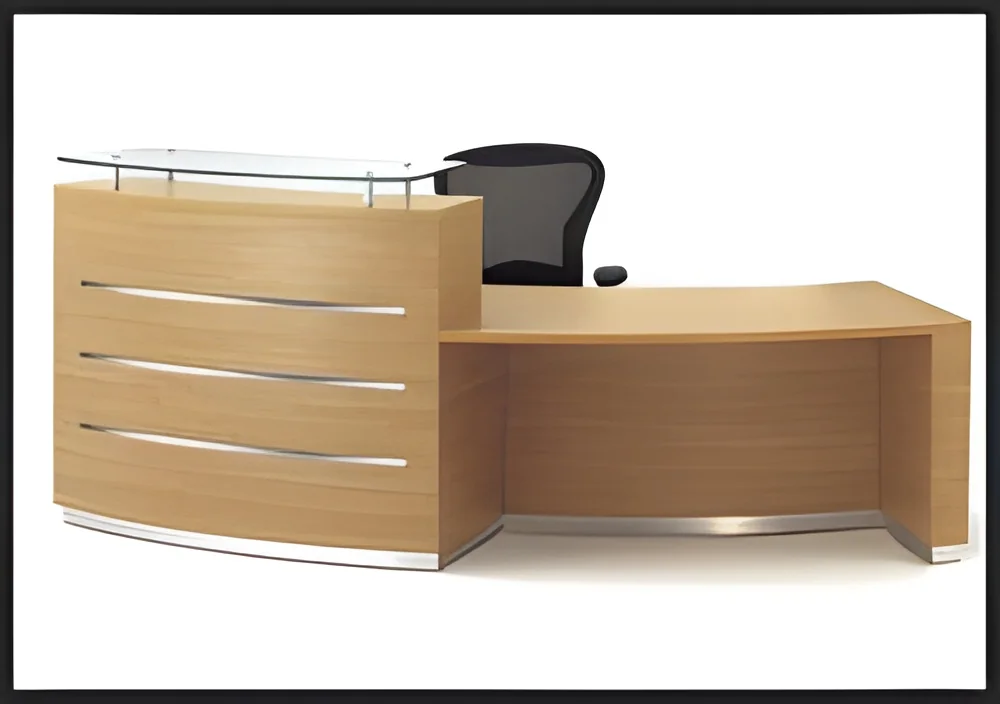
Executive Desks: Executive desks are larger and often more ornate, designed for managerial positions. They typically include built-in storage and a larger surface area for meetings and administrative tasks.
Benefits and Advantages
Choosing the right computer desk brings several benefits to businesses and individuals.
1. Enhanced Ergonomics: Proper desk design promotes healthy posture and reduces strain on the body, leading to increased comfort during prolonged use.
2. Improved Productivity: A dedicated workspace helps users focus on tasks, minimizing distractions and improving overall efficiency.
3. Versatile Functionality: Many computer desks come with additional features such as storage and cable management, enhancing usability and organization.
4. Customizable Options: Various styles and designs allow users to select desks that fit their specific needs, whether for a home office or a corporate setting.
5. Aesthetic Appeal: Well-designed computer desks can enhance the overall look of a workspace, creating a more inviting and professional environment.
6. Durability: High-quality materials ensure that desks withstand daily use, providing a long-lasting solution for workspaces.
Buying Guide for B2B Buyers
When sourcing computer desks, B2B buyers should consider several essential factors to ensure they make informed decisions.
1. Quality Assessment: Evaluate the materials and construction of the desk to ensure it meets durability standards. Look for desks that can withstand regular usage without wear and tear.
2. Supplier Verification: Vetting suppliers is crucial. Check for industry reputation, customer reviews, and certifications to ensure reliability.
3. Pricing and MOQ: Understand the pricing structure and minimum order quantities. This helps in budgeting and ensures that the selected supplier can meet your order needs.
4. Delivery and Lead Times: Inquire about shipping options and lead times. Timely delivery is essential, especially for businesses needing desks for new hires or office setups.
5. Compliance Requirements: Ensure that the desks meet local regulations and standards, particularly if they are to be used in specific industries like healthcare or education.
Compliance and Certifications
Computer desks may need to comply with various quality standards and certifications to ensure safety and performance.
Relevant quality standards include ISO 9001, which focuses on quality management systems, ensuring that manufacturers maintain consistent quality in their products.
Industry certifications such as CE indicate that the products meet European health, safety, and environmental protection standards. This certification is important for businesses importing or exporting furniture.
Safety and testing requirements must also be considered, especially in environments where desks may be subject to rigorous use. Testing for stability, weight capacity, and material safety can prevent potential hazards.
Regional compliance considerations vary by location. It is essential to understand any specific regulations that may apply in different markets, ensuring that products meet the necessary legal requirements.
Why Source Computer Desks from Pepagora?
Pepagora offers a reliable platform for sourcing computer desks with several key advantages that benefit B2B buyers.
Verified Supplier Network: Pepagora has a carefully curated network of verified suppliers, ensuring that buyers can trust the quality and reliability of the products they source. Each supplier undergoes a rigorous verification process to maintain standards.
Streamlined RFQ Process: The Request for Quotation (RFQ) process on Pepagora is designed to be efficient, allowing buyers to easily request quotes from multiple suppliers. This saves time and facilitates better purchasing decisions.
Trade Assurance and Support: Pepagora provides trade assurance, protecting buyers from potential risks associated with transactions. Support is available to assist buyers throughout the sourcing process.
Regional Coverage: With a strong presence in India, the GCC, and Southeast Asia, Pepagora caters to a broad geographic area. This ensures that businesses in various regions can access quality computer desks tailored to their needs.

 IN
IN