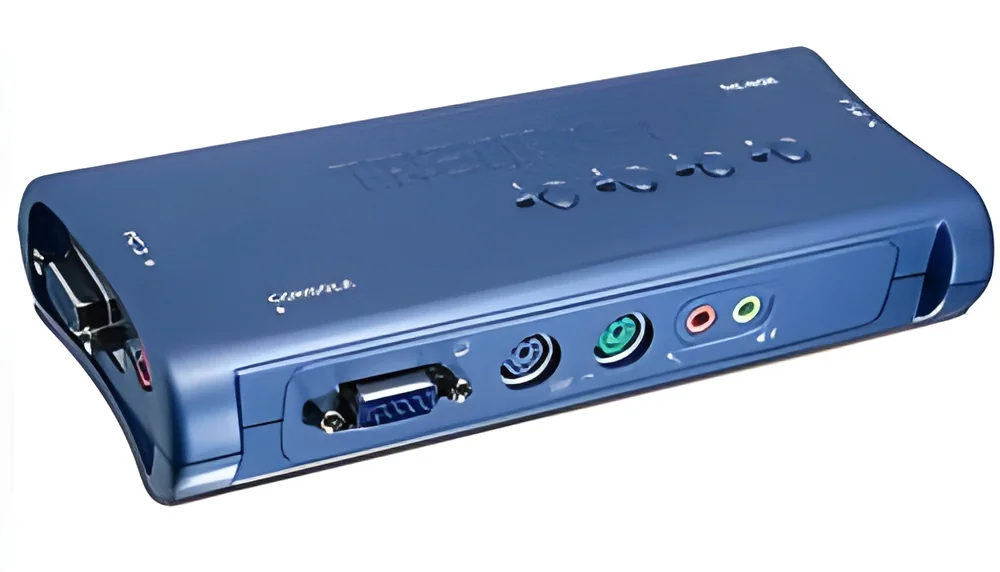
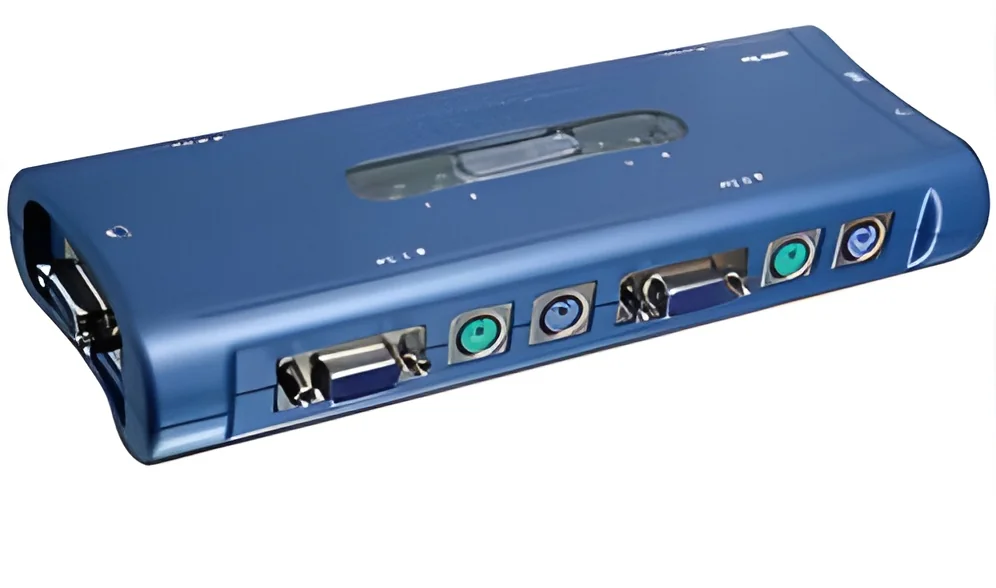
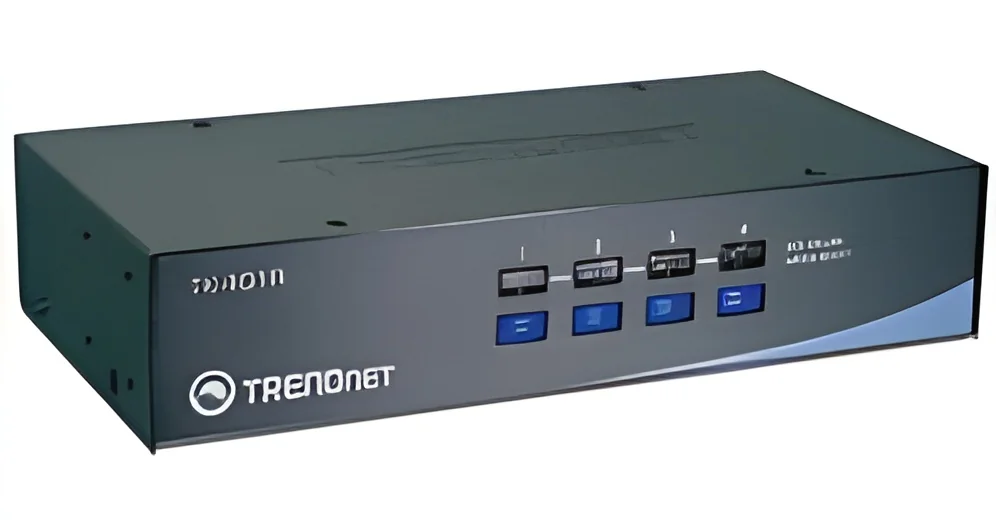
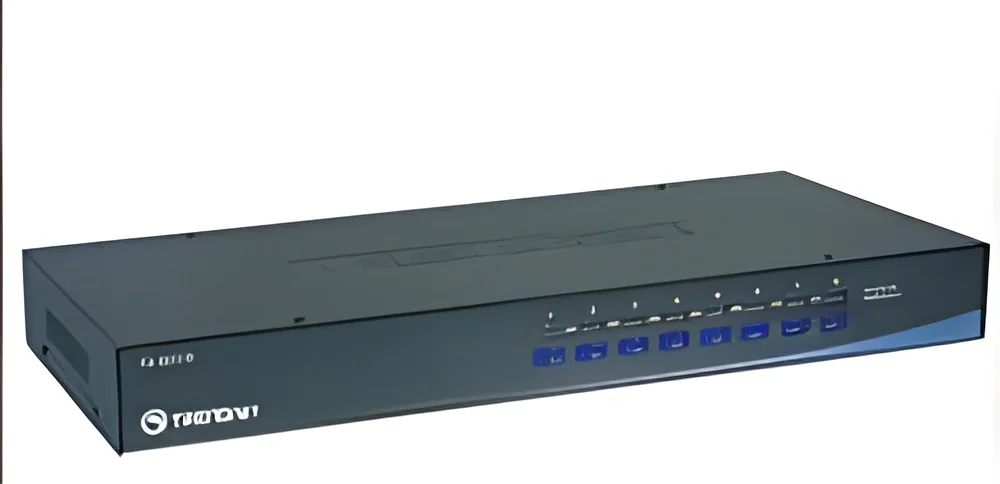
What are KVM Switches?
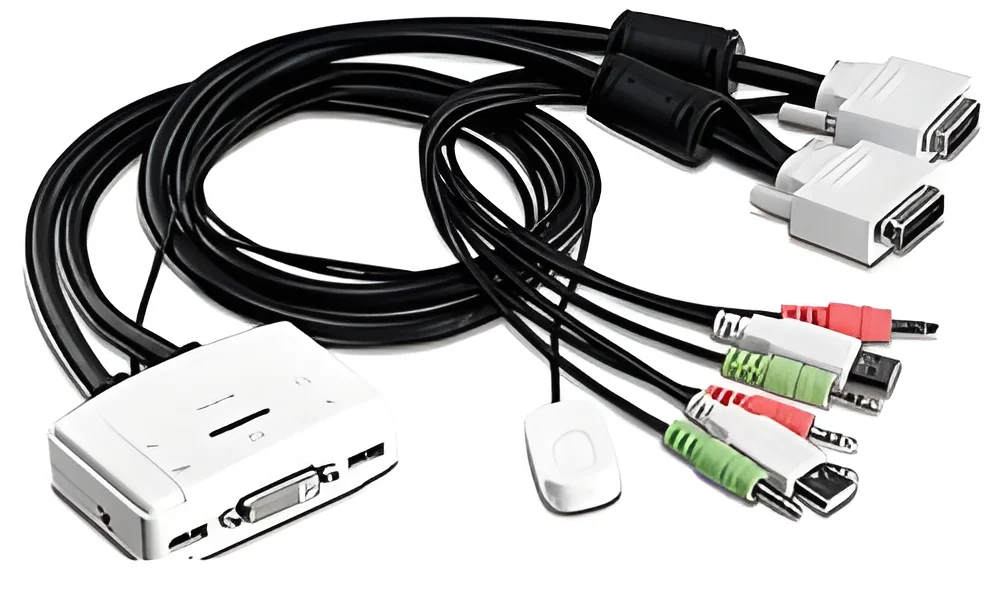
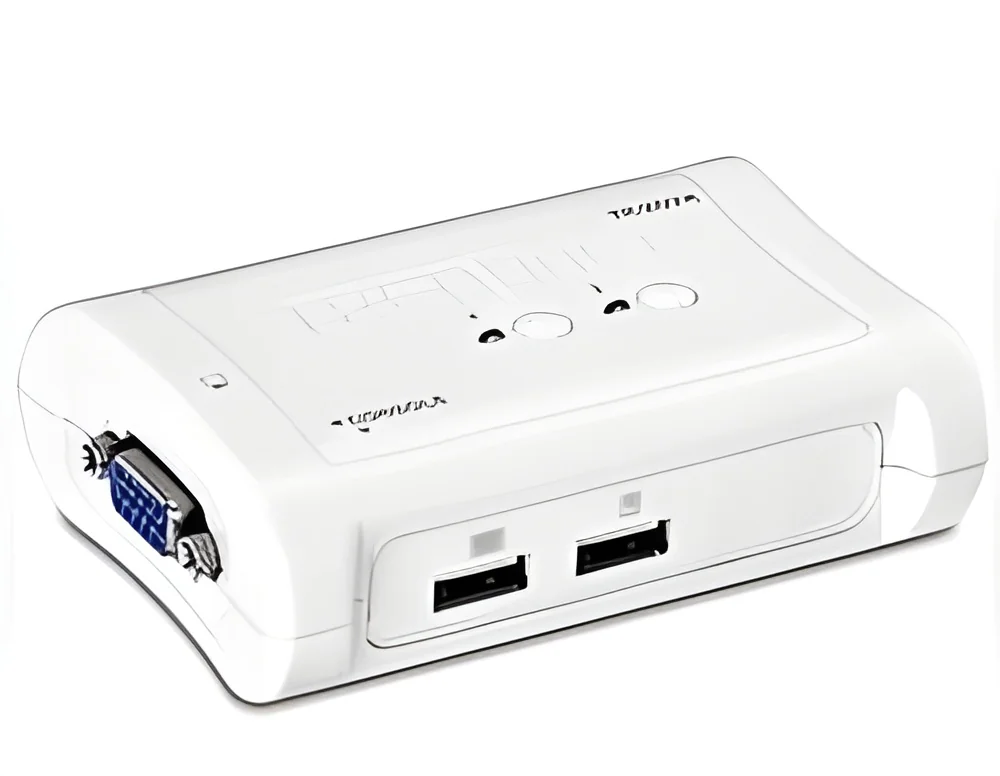
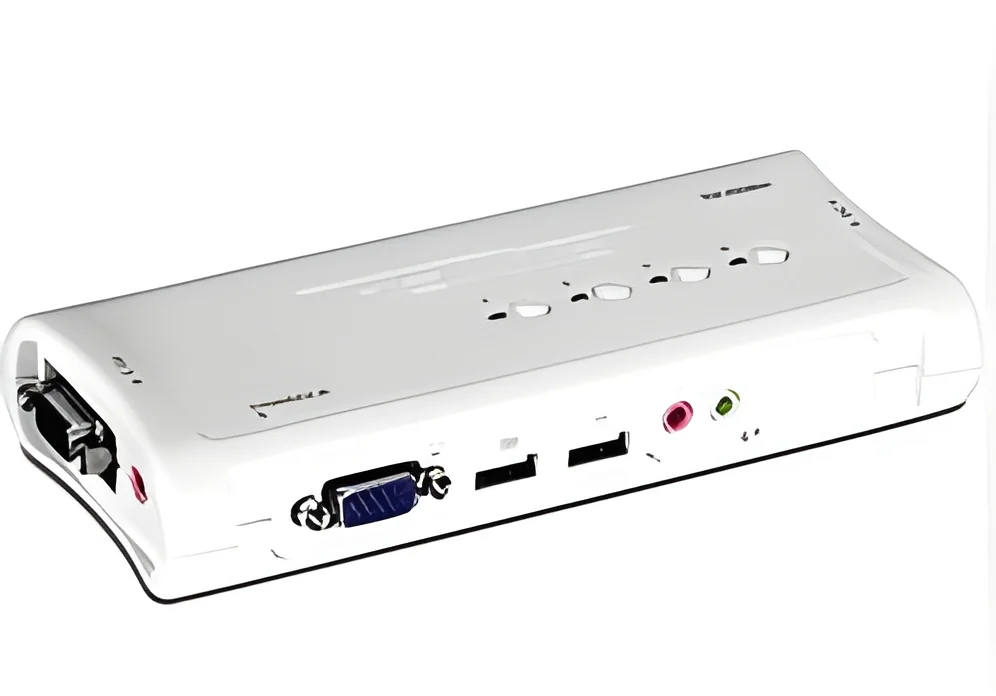
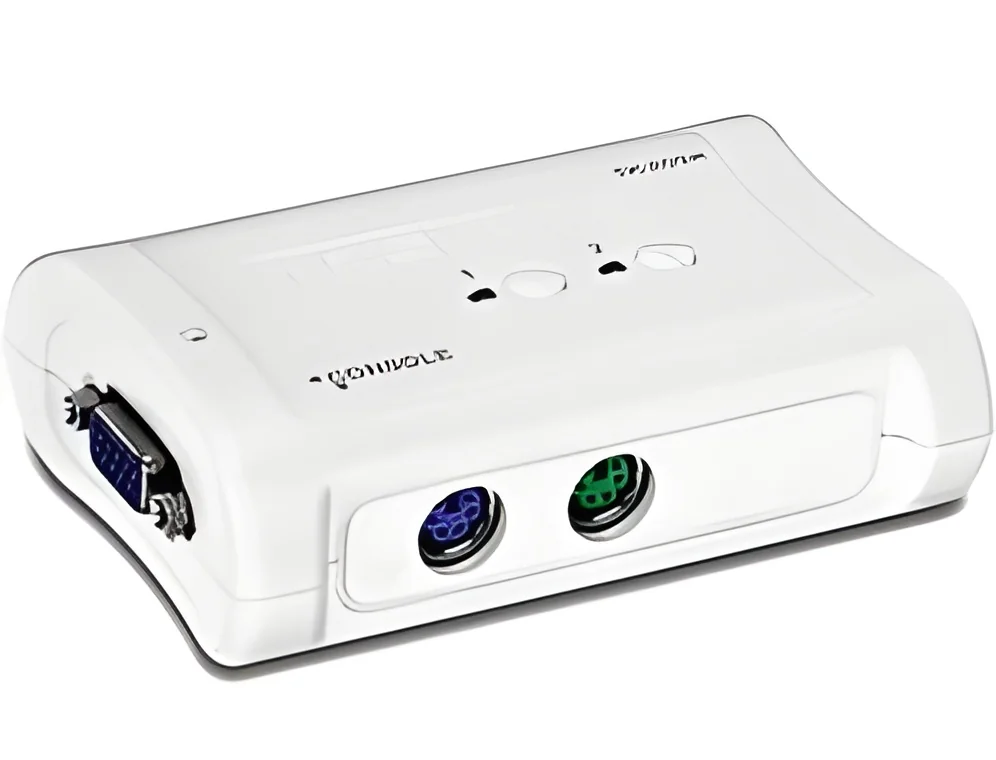
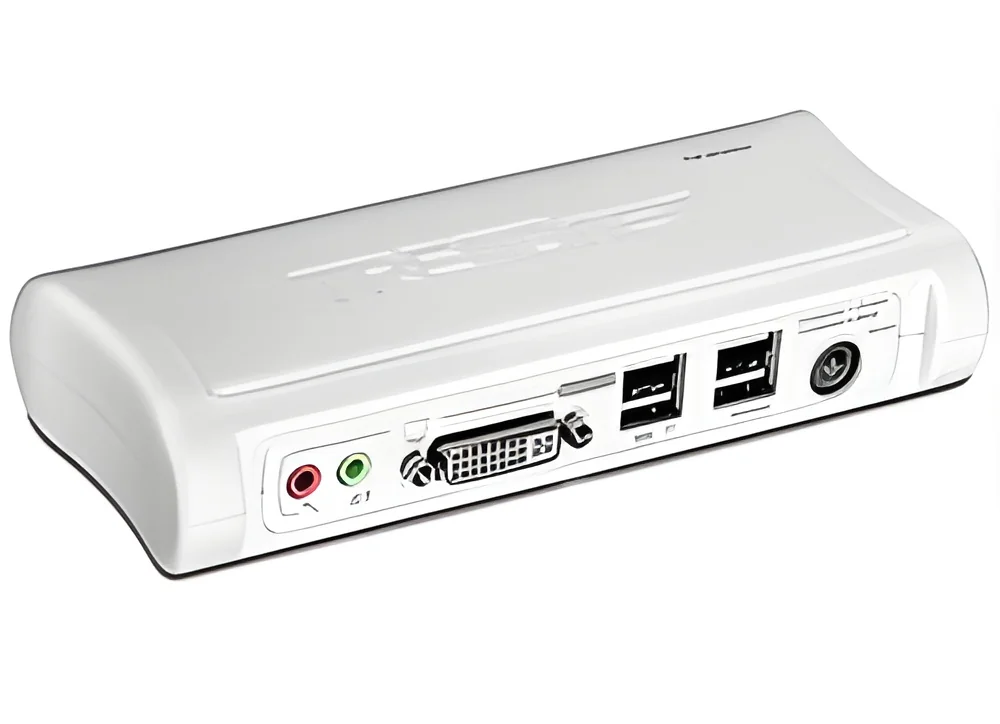
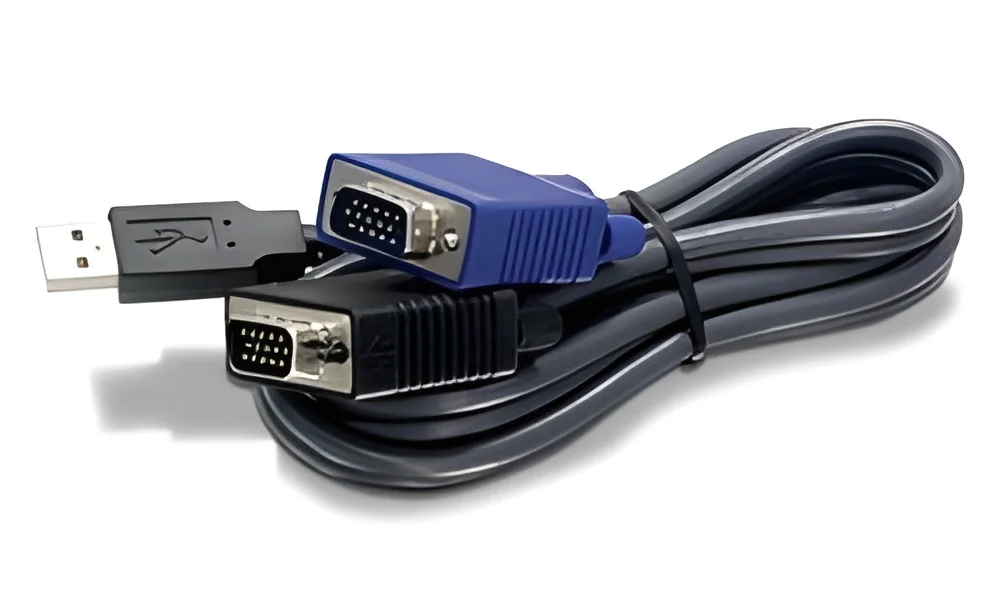
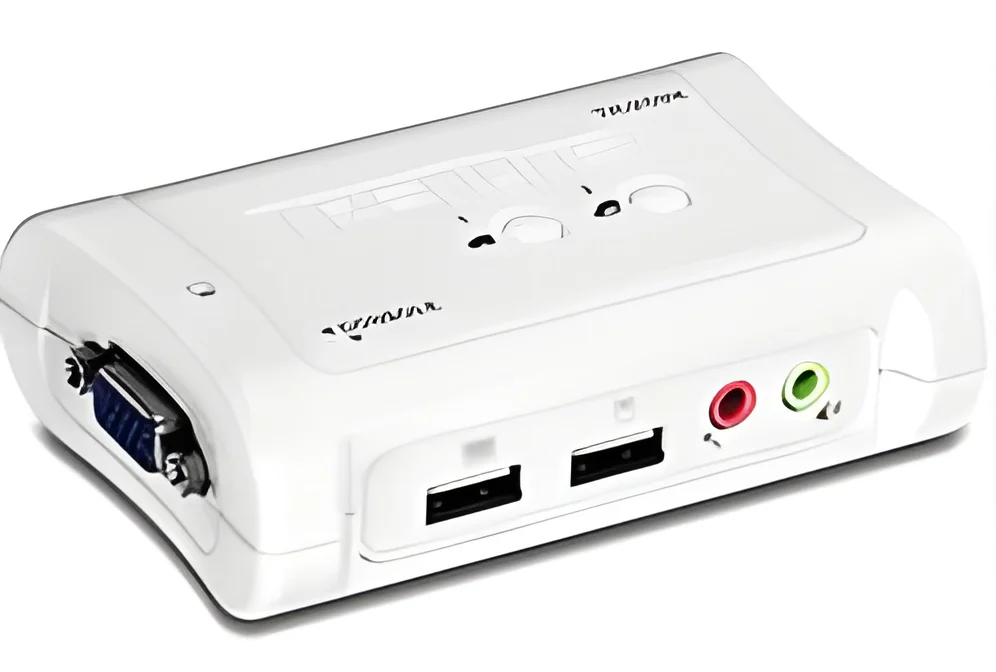
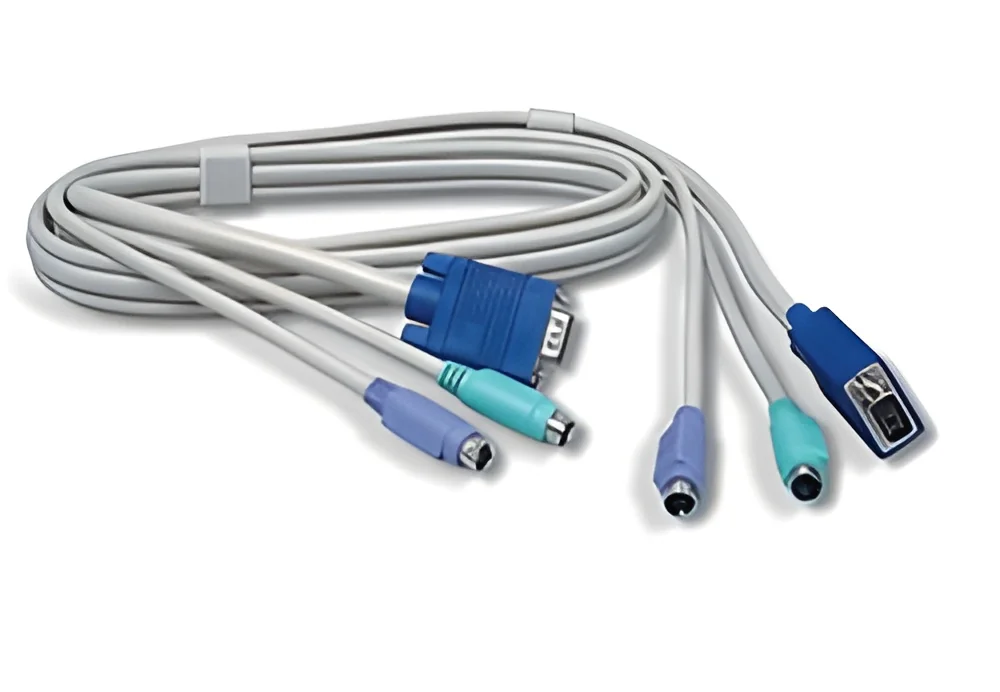
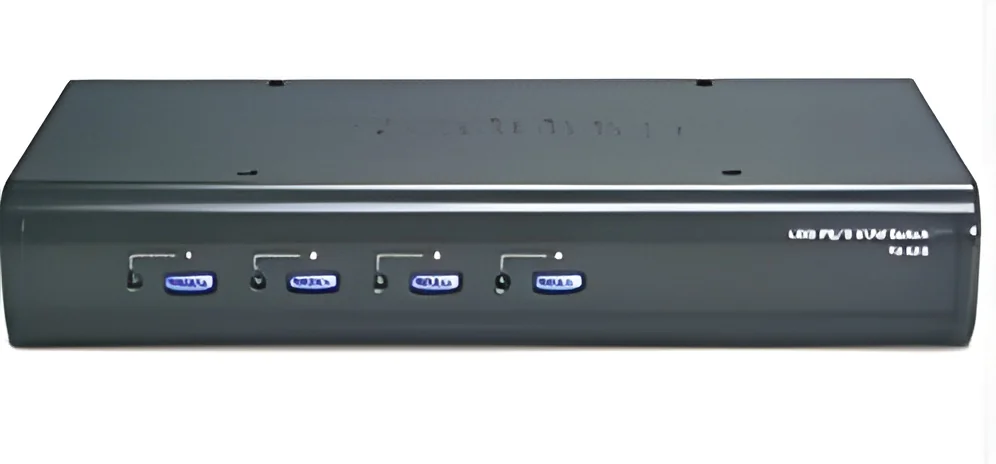
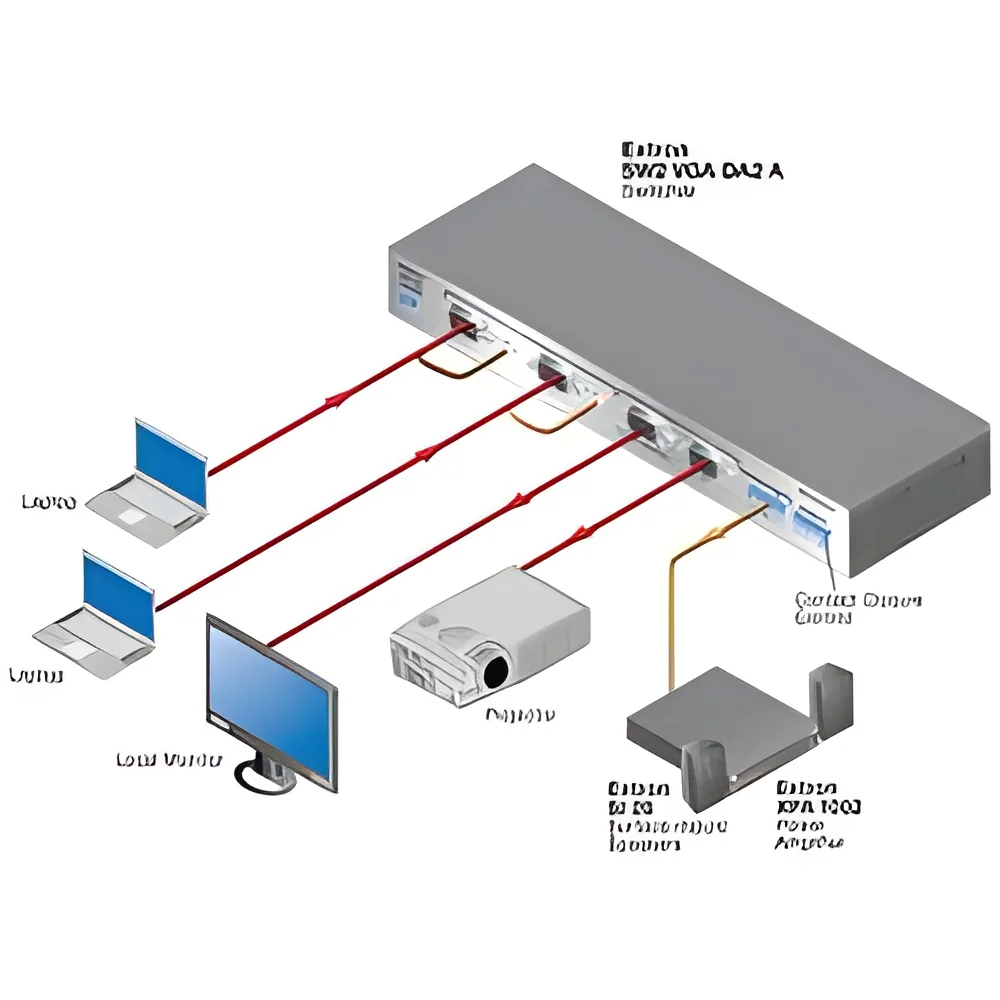
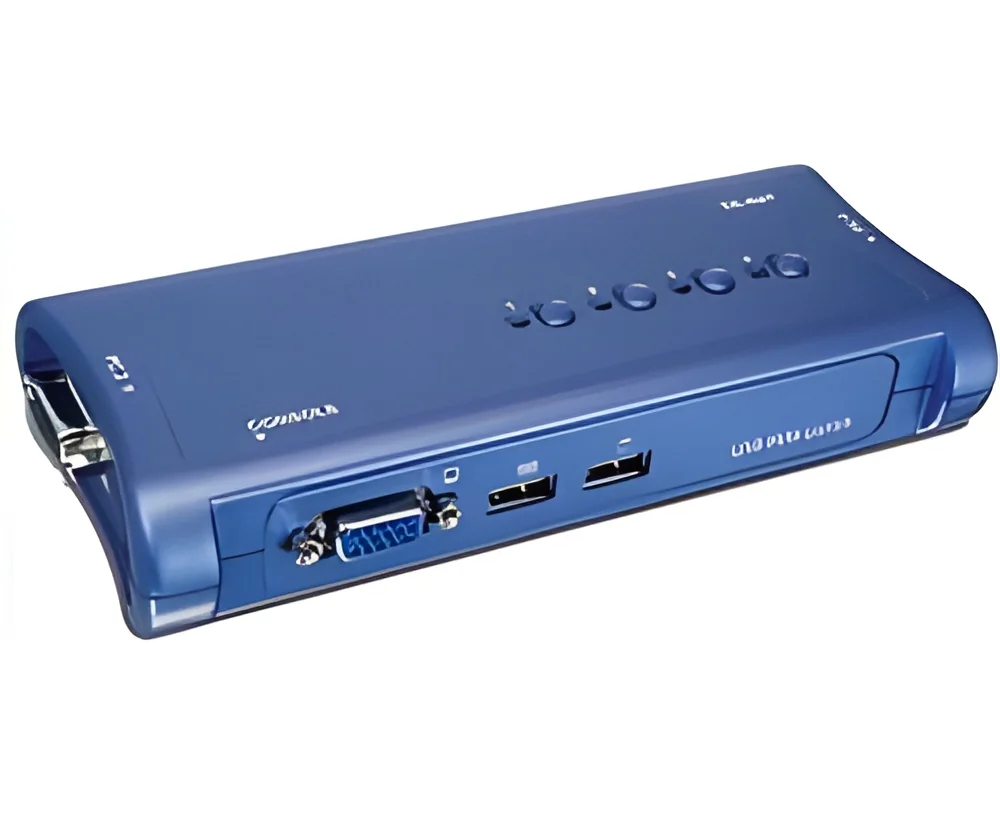
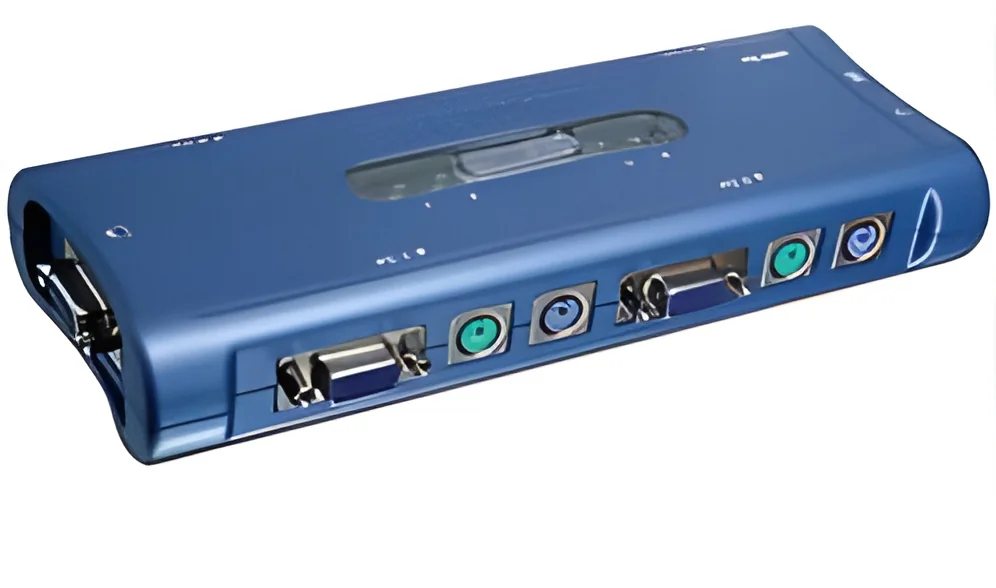
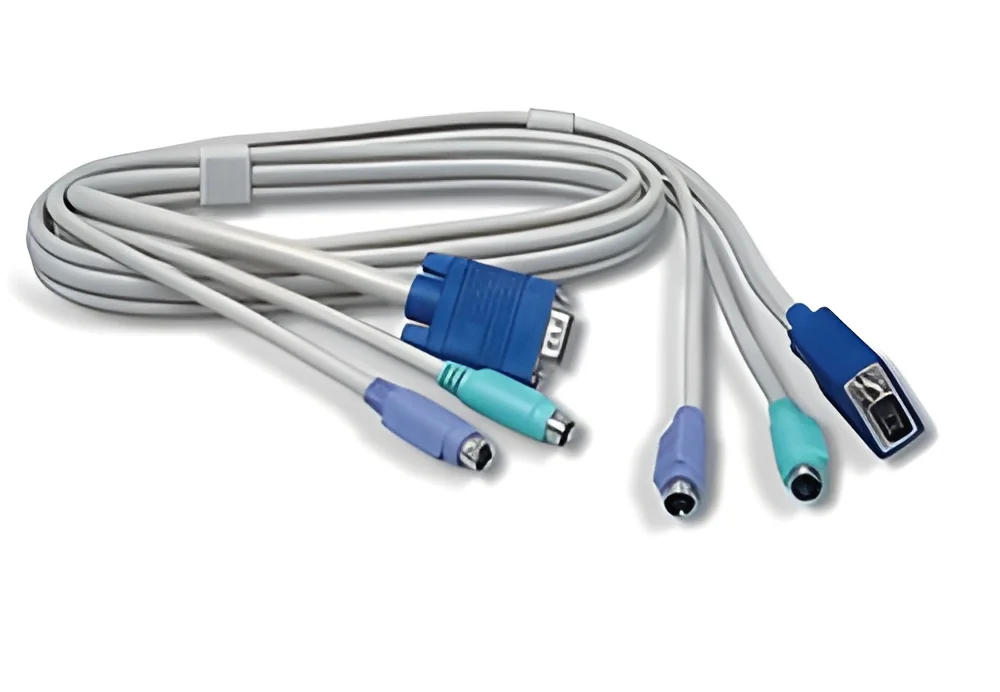
KVM switches, or Keyboard, Video, and Mouse switches, are devices that allow users to control multiple computers from a single set of peripherals. This technology simplifies the management of multiple systems by enabling seamless switching between them without the need for individual keyboards, mice, and monitors for each computer. KVM switches can vary in complexity, catering to both small businesses and large data centers.
Primary applications of KVM switches include server management, desktop virtualization, and IT management, among others. Businesses utilize these switches to optimize workspace efficiency and reduce equipment costs. By centralizing control, KVM switches enhance productivity and provide an effective solution for managing numerous systems simultaneously.
In today's market, KVM switches play a crucial role in industries where space is limited and efficiency is paramount. As companies increasingly rely on virtualization and remote management, the demand for KVM technology continues to grow. This trend underscores the relevance of KVM switches in both small and large enterprises, highlighting their importance in modern IT infrastructure.
Key Features and Specifications
KVM switches come equipped with various features and specifications that enhance their performance and usability. These specifications can vary based on the model and intended application, ensuring there is a suitable option for diverse needs.
Key specifications include:
1. Number of Ports
- Determines how many computers can be connected to the switch.
- Common configurations include 2, 4, 8, and 16 ports.
2. Video Resolution
- Indicates the maximum display resolution supported by the switch.
- Many models support resolutions up to 4K for high-definition displays.
3. Connectivity Type
- Refers to the type of connections available, such as HDMI, DisplayPort, or VGA.
- Options may include both digital and analog connections.
4. Switching Method
- Describes how users switch between computers.
- Methods may include hotkey commands, physical buttons, or on-screen displays.
5. Form Factor
- Represents the physical size and design of the KVM switch.
- Available in desktop, rack-mounted, or portable designs.
6. USB Support
- Indicates compatibility with USB devices for keyboard and mouse functionality.
- Many models support USB 2.0 or USB 3.0 for faster data transfer.
7. Power Supply
- Details the power requirements for the KVM switch.
- Some models are powered through USB, while others require an external power adapter.
8. Security Features
- Highlights security protocols such as encryption to protect data during transmission.
- Essential for applications in sensitive environments.
In summary, understanding these key features and specifications is vital for selecting the right KVM switch to meet specific business needs.
Common Applications and Use Cases
KVM switches serve a wide range of industries, providing versatile solutions for various applications.
1. Data Centers: KVM switches are essential for managing multiple servers efficiently, allowing IT personnel to control numerous systems from a single console. This reduces the need for physical access to each server, streamlining operations.
2. Broadcasting: In the broadcasting industry, KVM switches enable operators to manage multiple video sources simultaneously. This is crucial for live events where quick switching between feeds is necessary for seamless production.
3. Healthcare: Medical facilities utilize KVM switches to manage imaging systems and patient data securely. This technology allows healthcare professionals to access critical information while maintaining a clean and organized workspace.
4. Education: Schools and universities use KVM switches in computer labs to provide students access to various systems without cluttering the space with multiple peripherals. This setup enhances the learning environment.
5. Financial Services: In the finance sector, KVM switches help manage trading stations where multiple data feeds must be monitored. This allows traders to react quickly to market changes.
6. Manufacturing: KVM switches are used in manufacturing for monitoring machines and controlling processes from a centralized location, improving efficiency and safety.
7. IT Support: IT departments use KVM switches to troubleshoot and manage computers remotely, saving time and resources by minimizing the need for on-site visits.
Product Variants and Subcategories
KVM switches come in various forms to cater to different user needs and environments. Each variant offers distinct features and capabilities.
1. Desktop KVM Switches
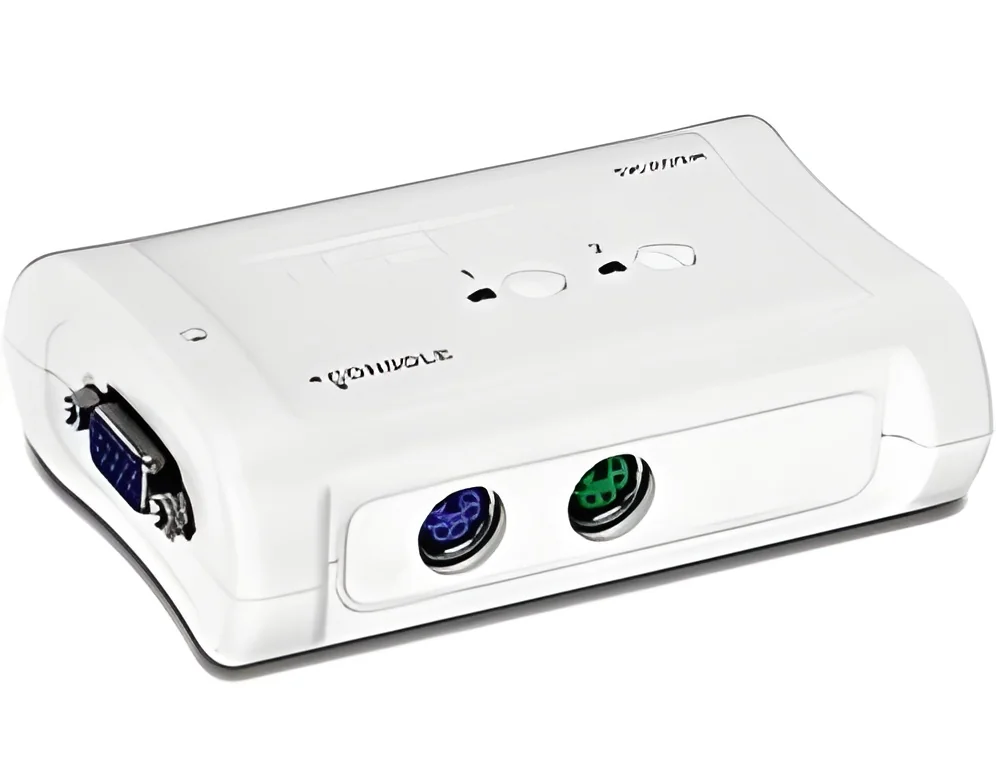
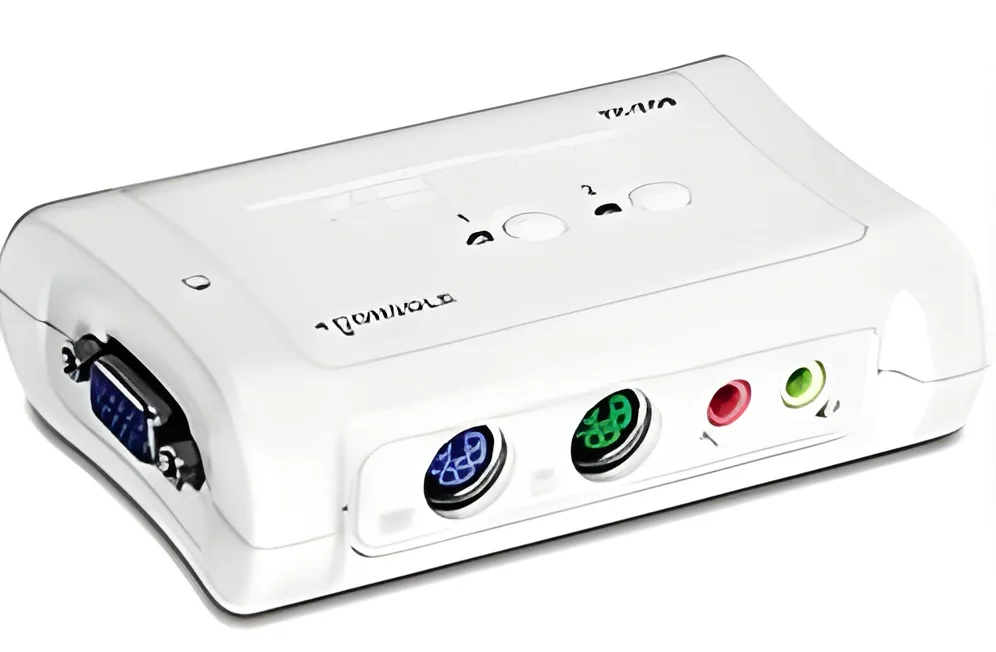
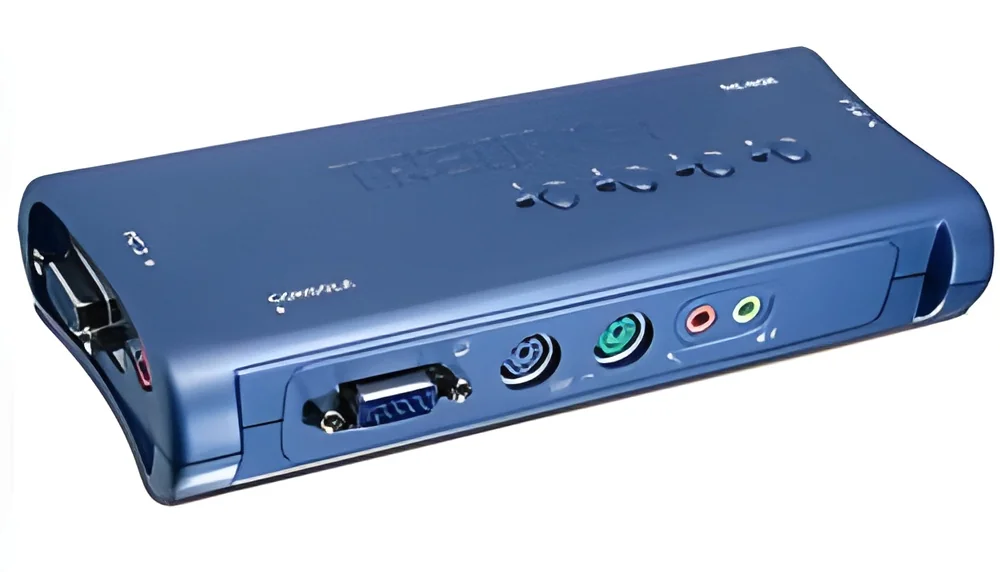
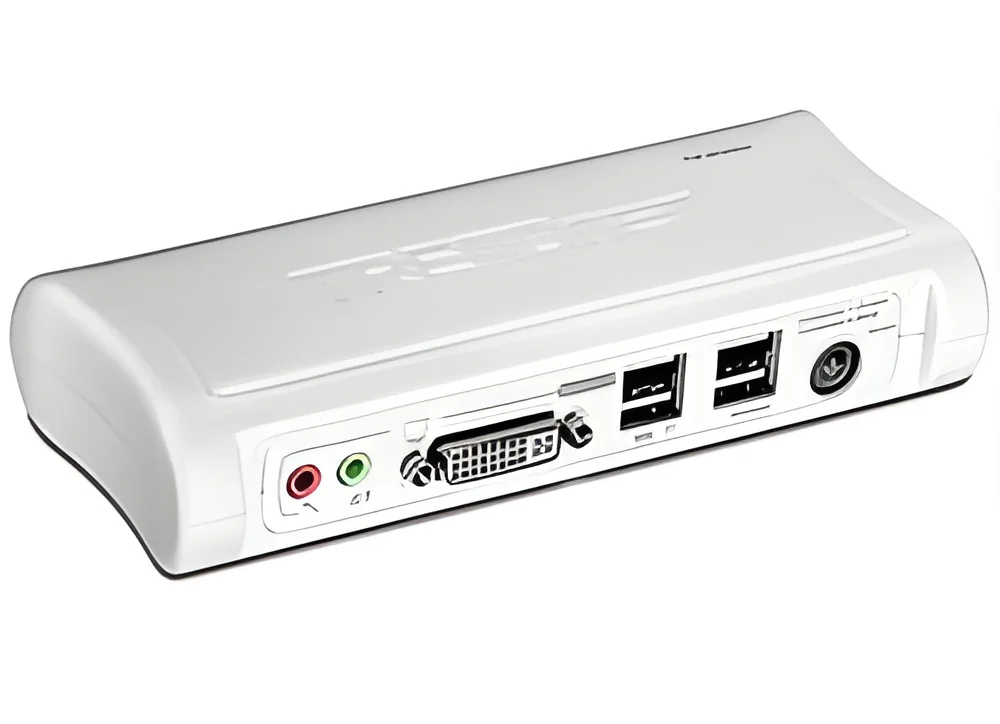
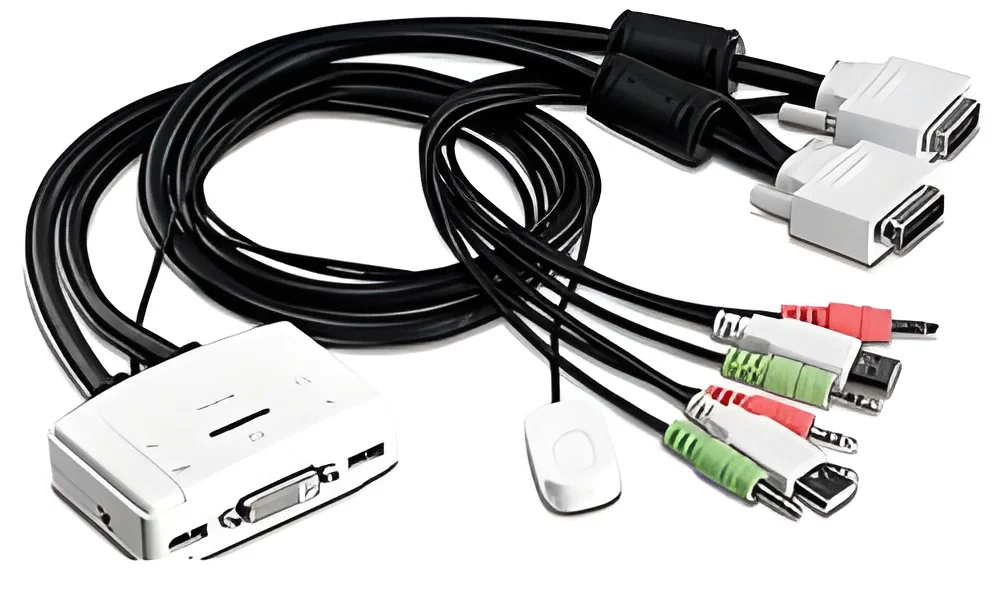
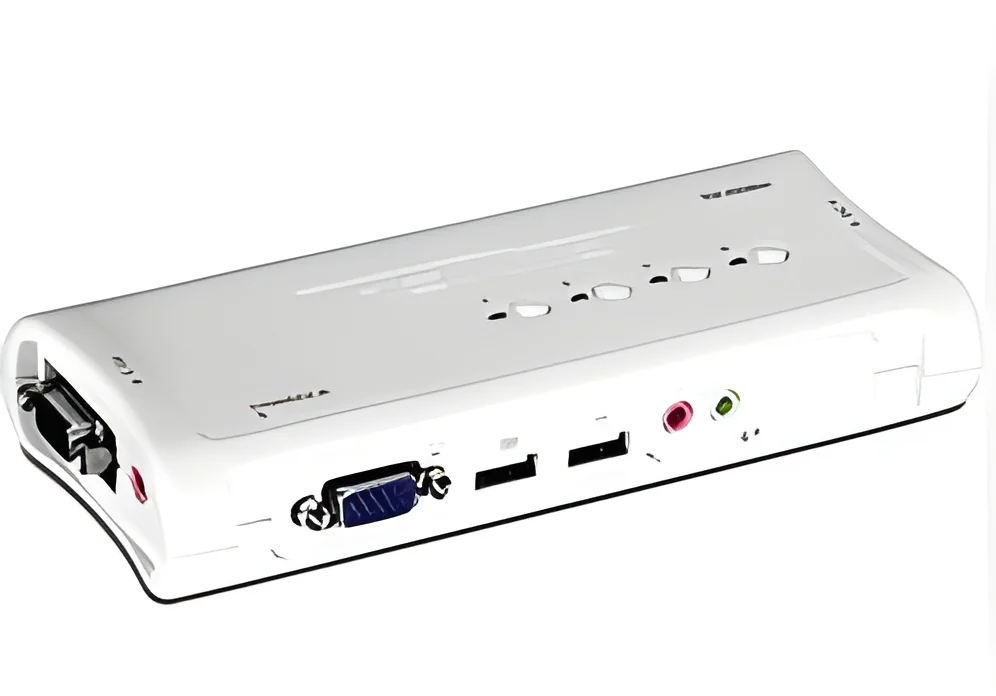
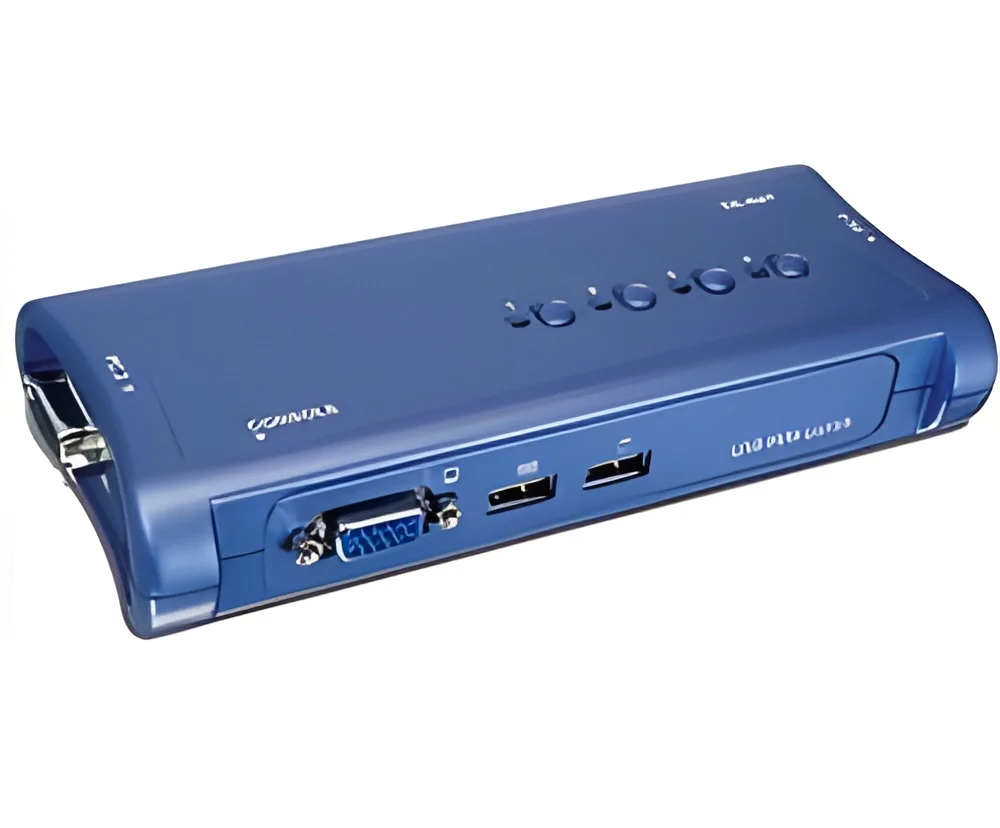
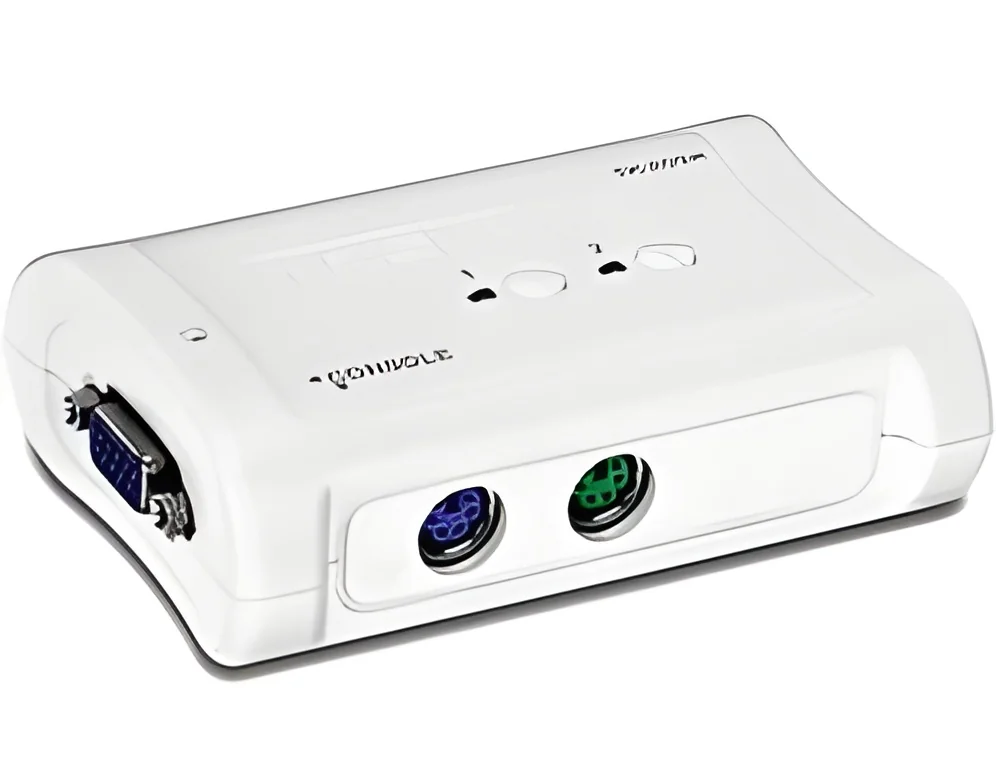
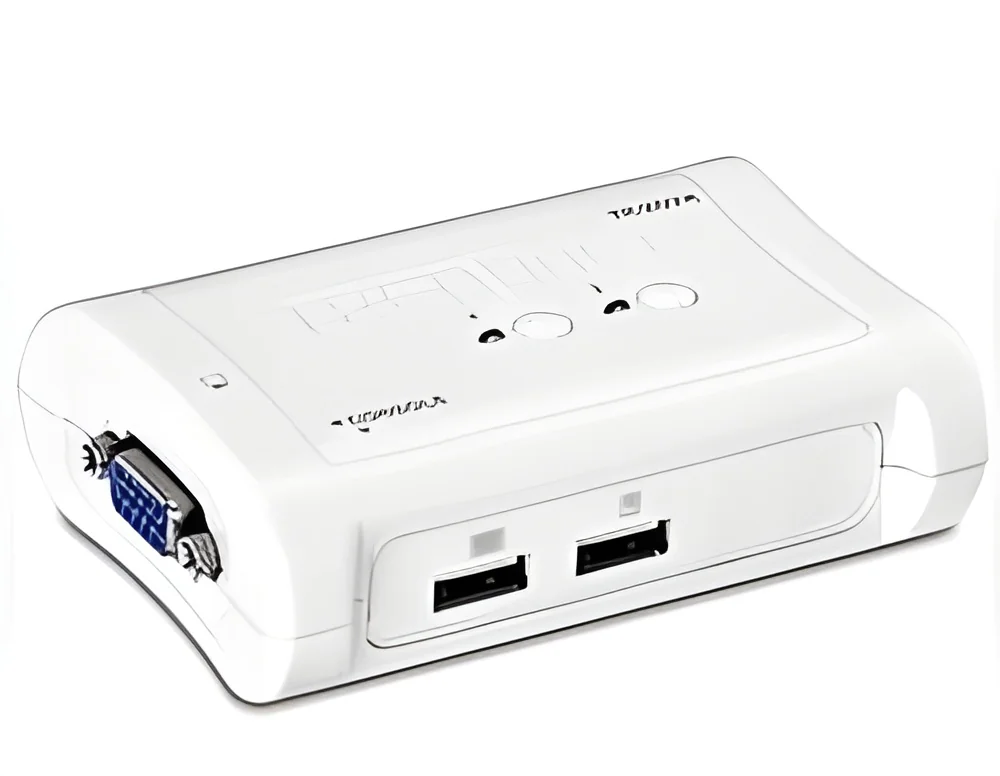
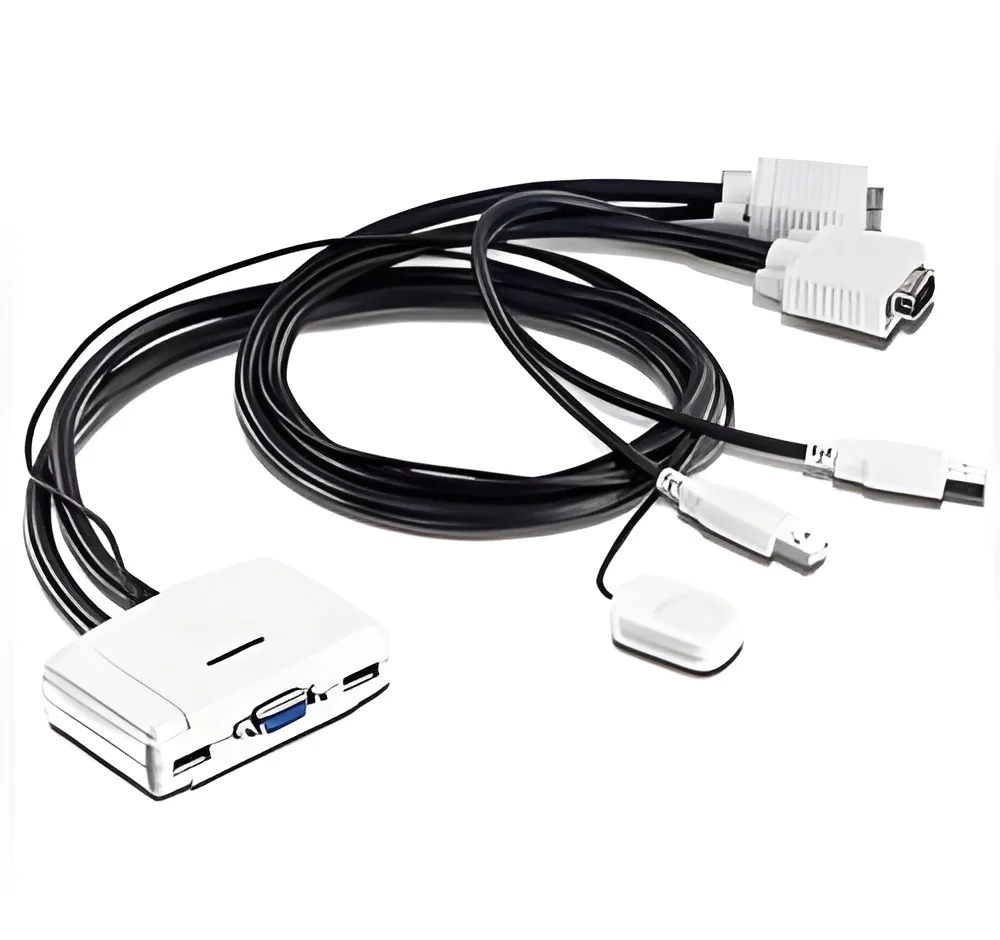
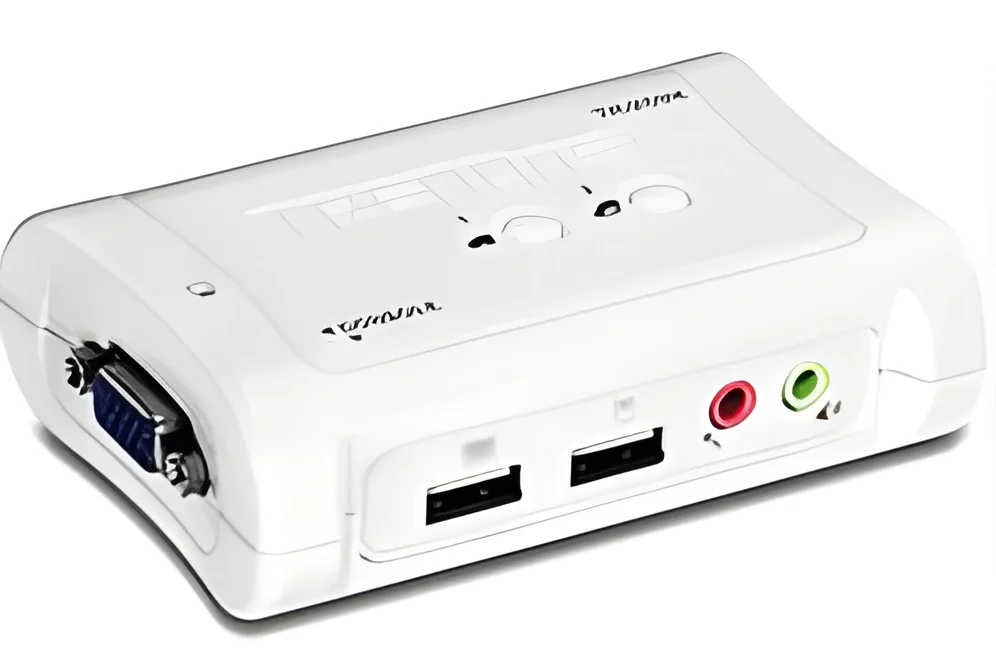
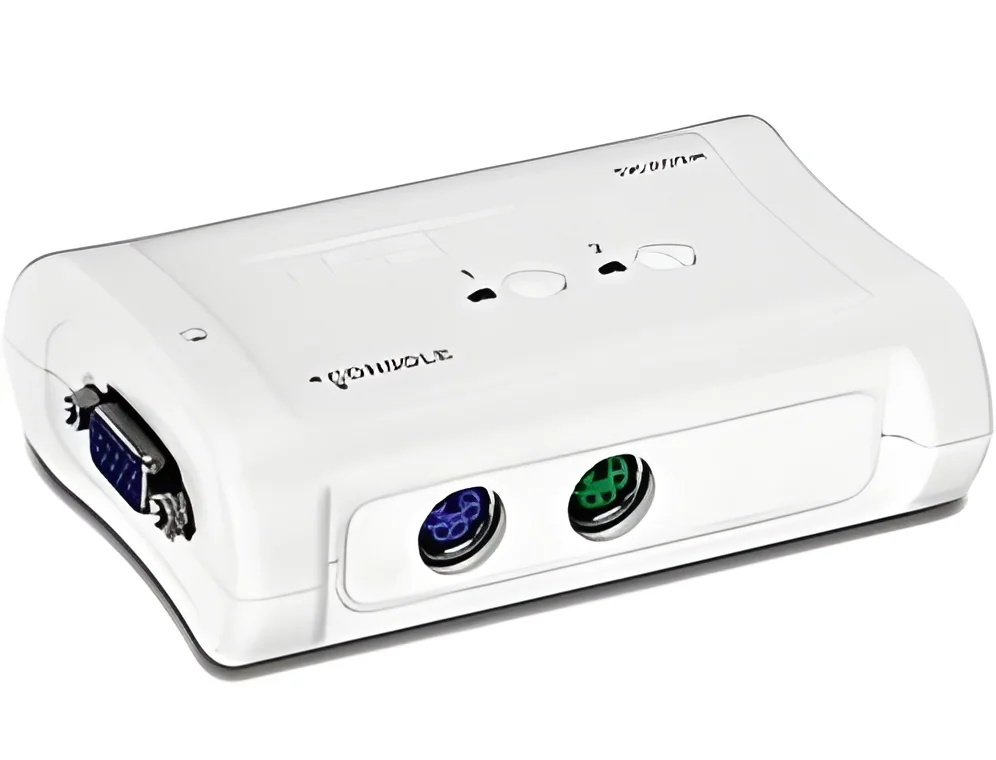
These compact models are designed for small office environments. They allow users to switch between two or more computers using a single set of peripherals. Their portability makes them ideal for users who frequently move between workstations.
2. Rack-Mount KVM Switches
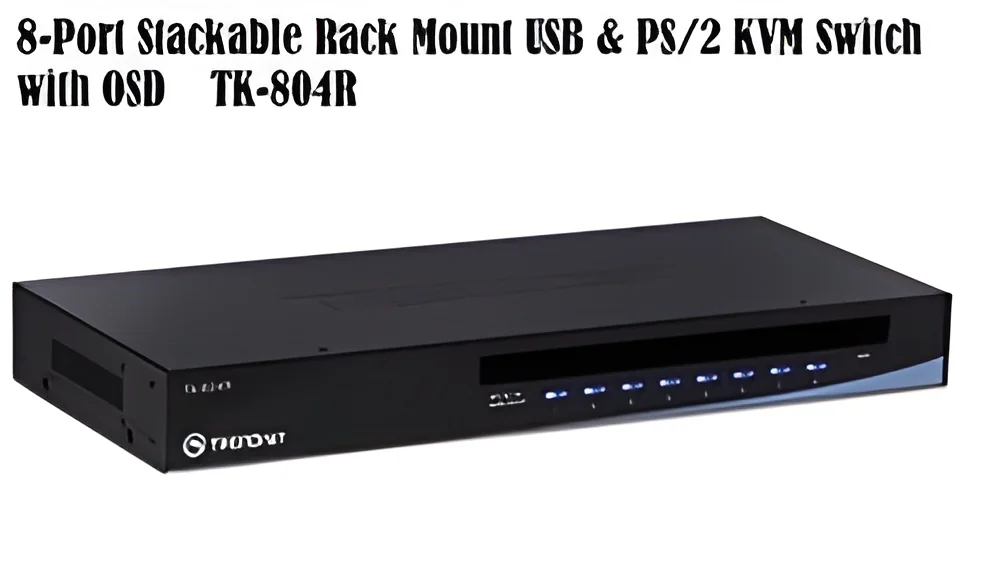
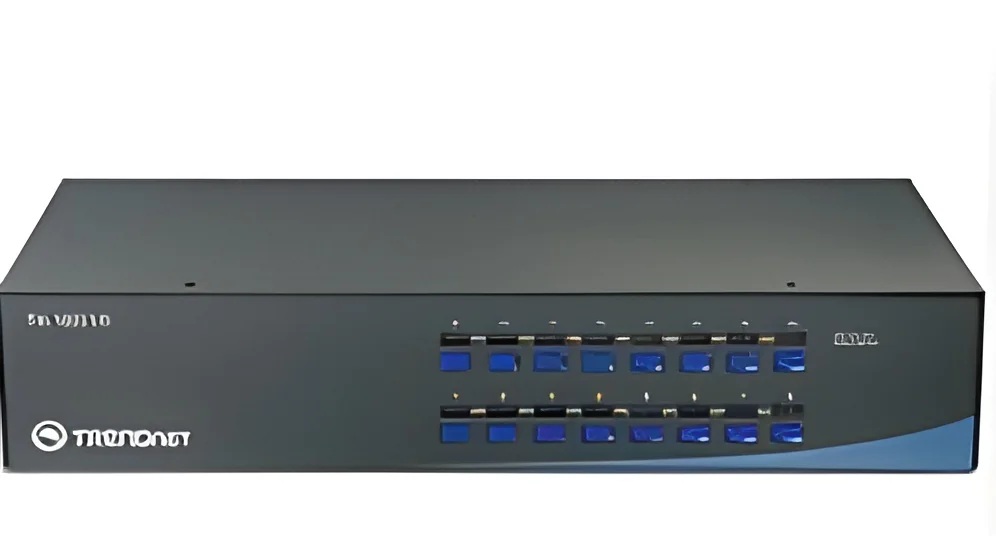
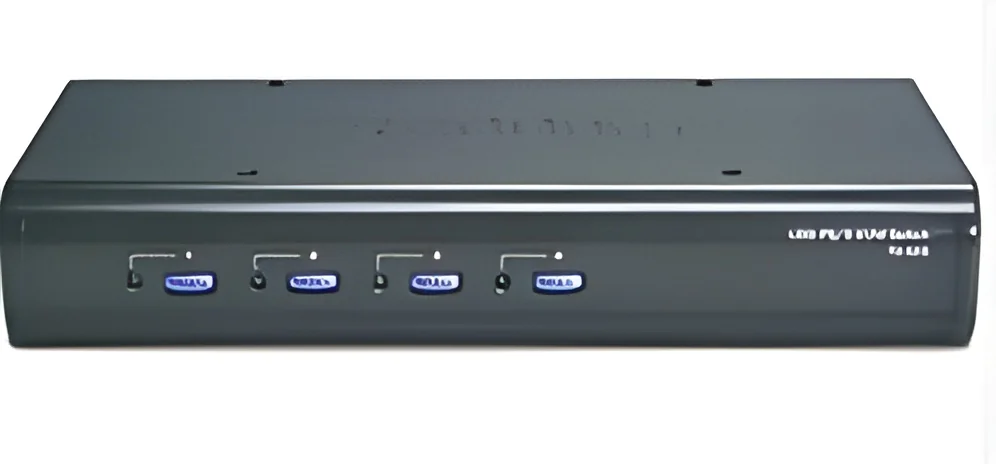
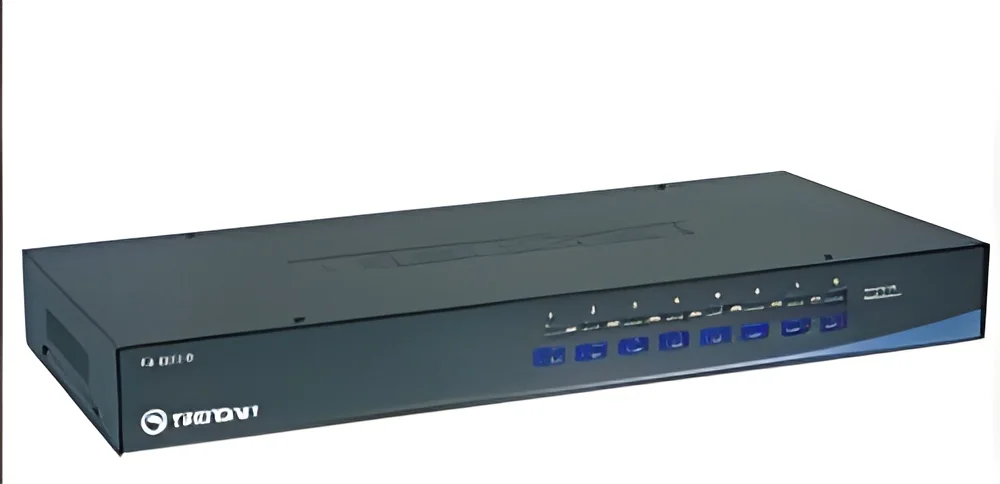
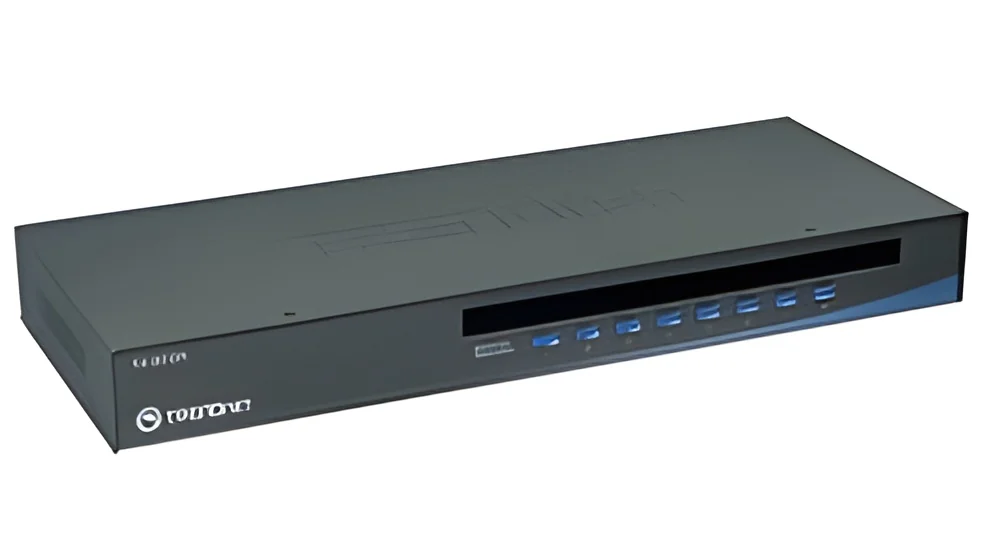
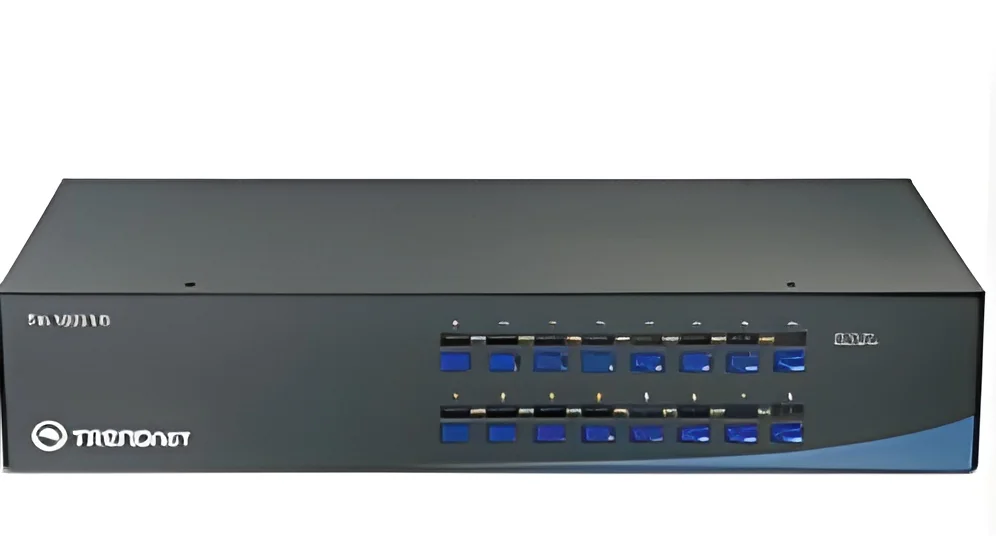
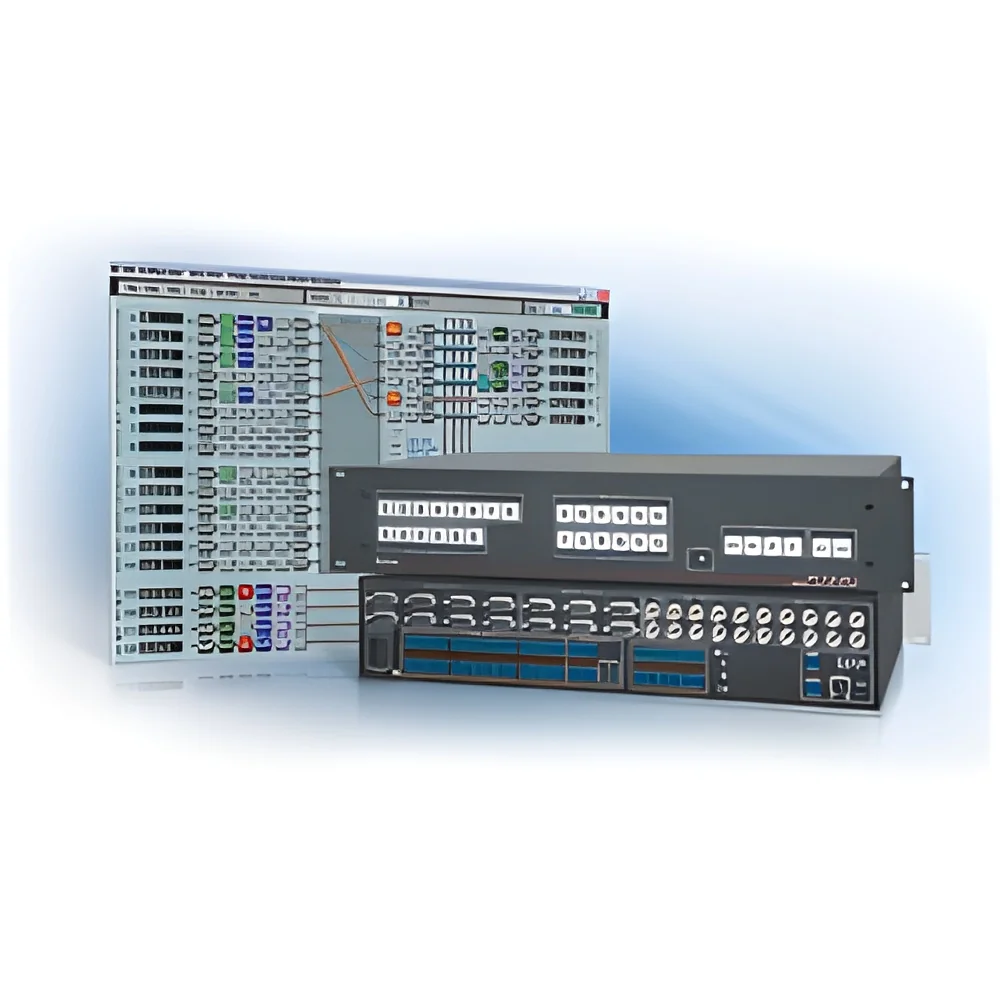
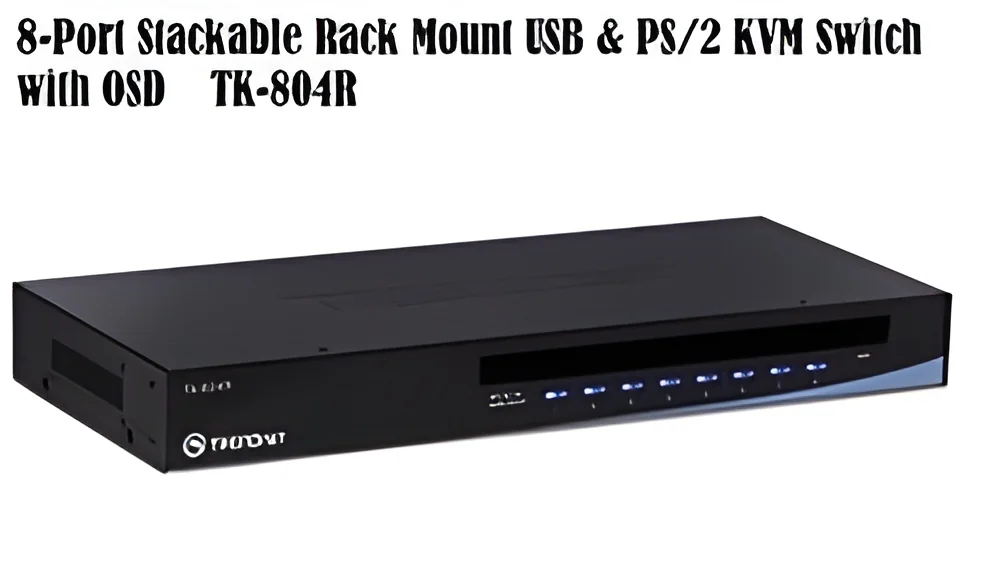
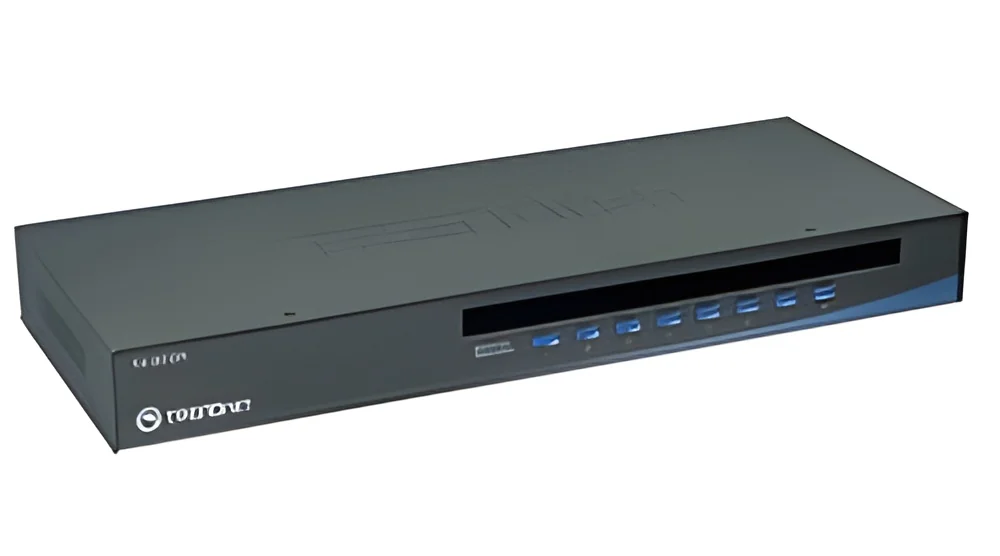
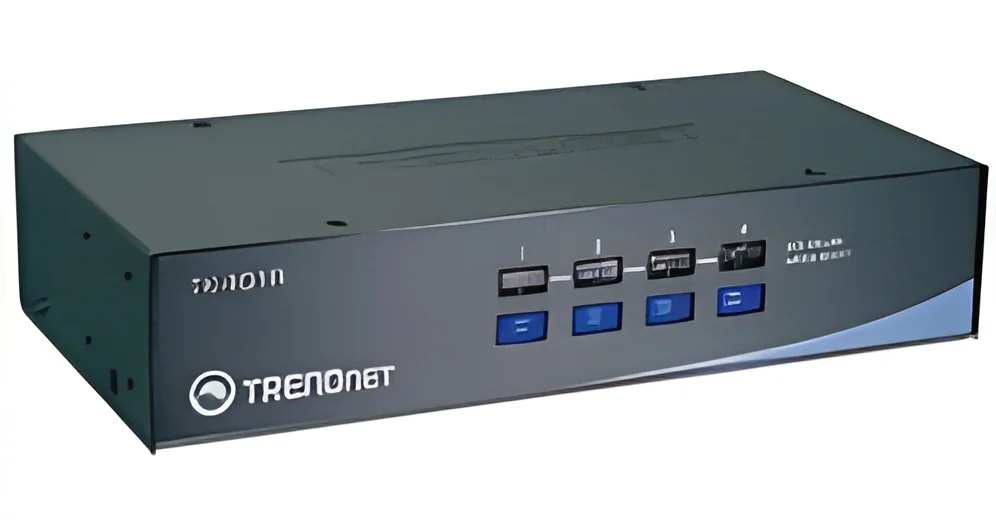
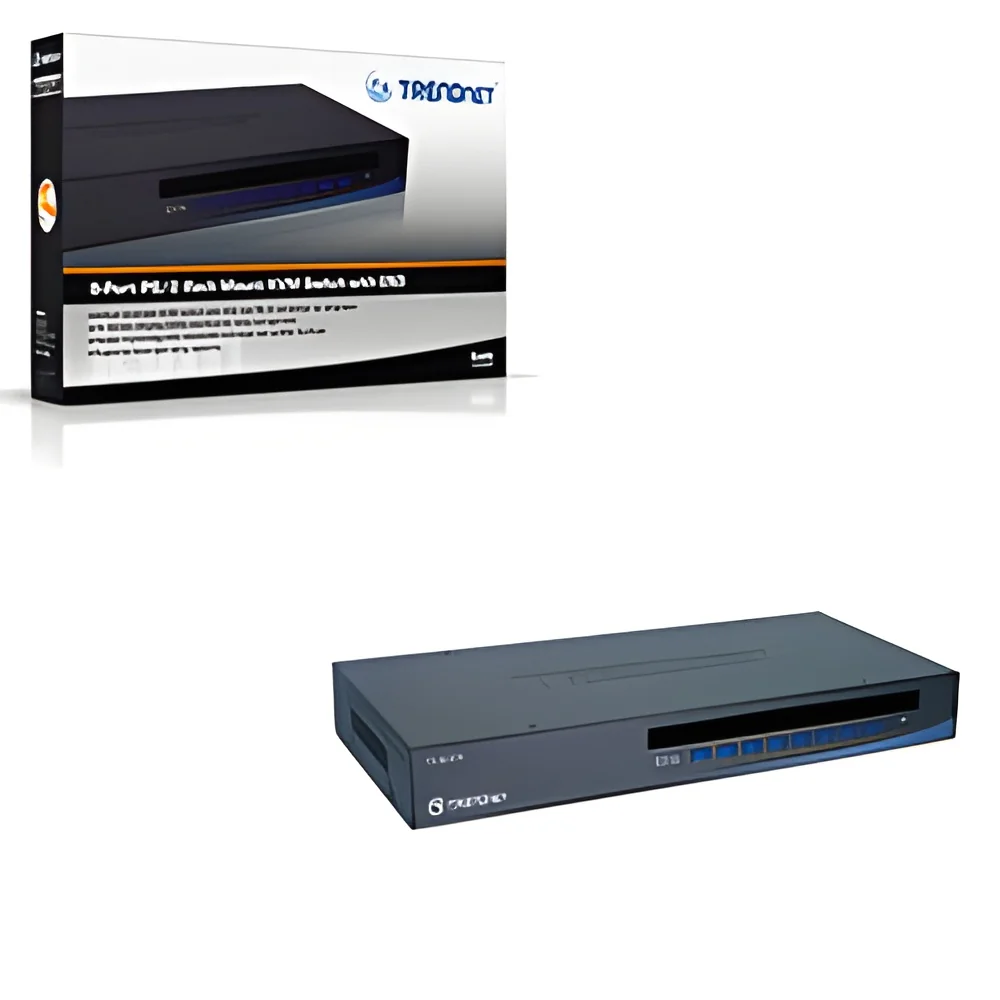
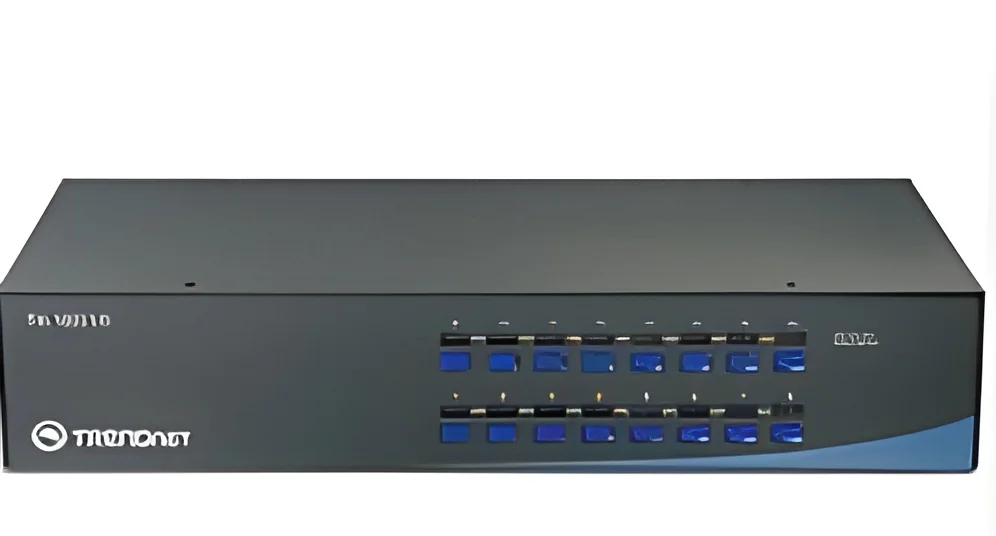
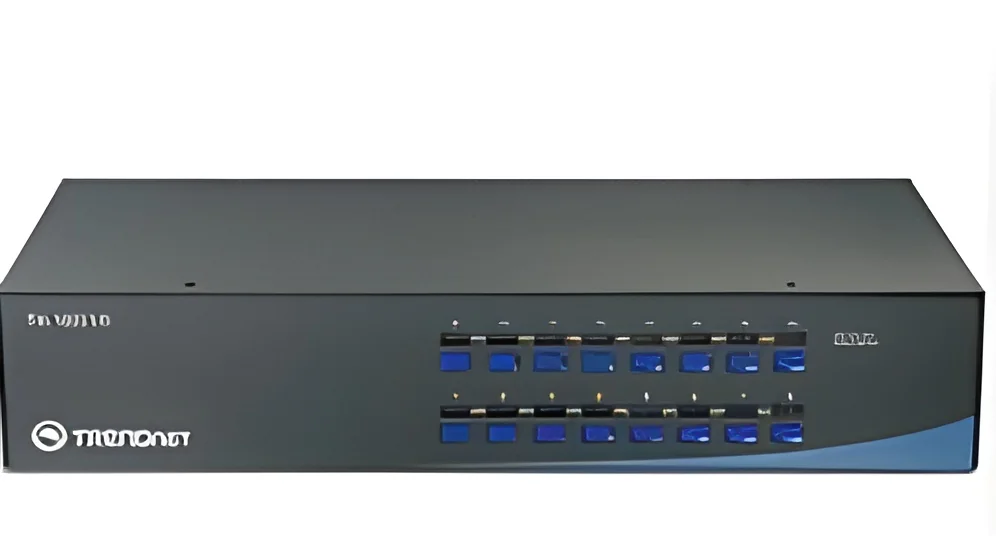
Designed for data centers and server rooms, rack-mount KVM switches are installed in standard server racks. They provide efficient management of multiple servers while maximizing space. These models often support higher resolutions and additional features.
3. IP KVM Switches
IP KVM switches enable remote access to computers over a network. This variant is ideal for businesses that require off-site management capabilities. Users can control systems from anywhere, making them suitable for remote IT support and monitoring.
4. USB KVM Switches
These switches focus on USB connectivity, allowing users to connect USB peripherals. They are popular for environments where USB devices are predominant, providing a flexible and efficient solution.
5. HDMI KVM Switches
Designed for high-definition video applications, HDMI KVM switches support high-resolution displays. They are used in environments where video quality is critical, such as media production and gaming.
Benefits and Advantages
KVM switches offer numerous advantages that enhance operational efficiency and simplify IT management.
1. Space Efficiency: By consolidating multiple computers into a single console, KVM switches reduce clutter and free up valuable workspace.
2. Cost Savings: Utilizing KVM switches can lower the total cost of ownership by decreasing the number of required peripherals and reducing energy consumption.
3. Increased Productivity: Users can quickly switch between systems, minimizing downtime and enhancing workflow efficiency.
4. Simplified Management: KVM switches streamline IT management tasks, allowing for easier server maintenance and troubleshooting.
5. Improved Security: Many KVM switches incorporate security features to protect sensitive data and restrict unauthorized access.
6. Remote Access: IP KVM switches enable remote control of systems, allowing IT staff to manage devices from off-site locations, which is especially beneficial for large organizations.
Buying Guide for B2B Buyers
When sourcing KVM switches, it is essential to consider several key factors to ensure optimal selection and procurement.
1. Quality Assessment: Evaluate the product by checking reviews and certifications. Quality KVM switches should meet industry standards and have a reputation for reliability and performance.
2. Supplier Verification: It is crucial to vet suppliers for credibility and service quality. Consider their experience, customer feedback, and support services to ensure a trustworthy partnership.
3. Pricing and MOQ: Understand the pricing structure and minimum order quantity (MOQ) expectations. This will help in budgeting and planning purchases effectively.
4. Delivery and Lead Times: Assess the logistics capabilities of suppliers, including delivery schedules and lead times. Timely delivery is critical for maintaining operational efficiency.
5. Compliance Requirements: Ensure that the KVM switches meet all relevant regulatory and compliance standards specific to your industry. This may include safety and environmental regulations.
Compliance and Certifications
KVM switches must adhere to various quality standards and certifications to ensure their reliability and safety in industrial applications. Key quality standards include ISO 9001, which focuses on quality management systems, ensuring that products consistently meet customer and regulatory requirements.
Industry certifications, such as CE, indicate that the KVM switches comply with European health, safety, and environmental protection standards. This certification assures buyers of the product's safety and performance in various applications.
Safety and testing requirements also play a significant role in KVM switch compliance. Manufacturers should conduct thorough testing to ensure that their products operate safely under specified conditions. Additionally, regional compliance considerations may vary, necessitating that manufacturers tailor their products to meet local regulations.
Why Source KVM Switches from Pepagora?
Pepagora provides a trusted platform for sourcing KVM switches, offering numerous advantages for B2B buyers seeking reliable solutions.
The verified supplier network ensures that buyers can connect with reputable manufacturers, minimizing the risk of substandard products. Each supplier is thoroughly vetted to guarantee quality and service continuity.
Pepagora streamlines the RFQ process, making it easy for buyers to request quotations from multiple suppliers. This feature saves time and provides buyers with competitive pricing options, enabling informed purchasing decisions.
Trade assurance and support options add an extra layer of protection for buyers, ensuring that transactions are secure and satisfactory. Pepagora stands by its commitment to facilitating positive buyer experiences.
With regional coverage spanning India, the GCC, and Southeast Asia, Pepagora enables buyers to access a wide range of KVM switches tailored to their specific needs. The platform's geographic reach ensures that businesses can conveniently source products while benefiting from localized support.

 IN
IN