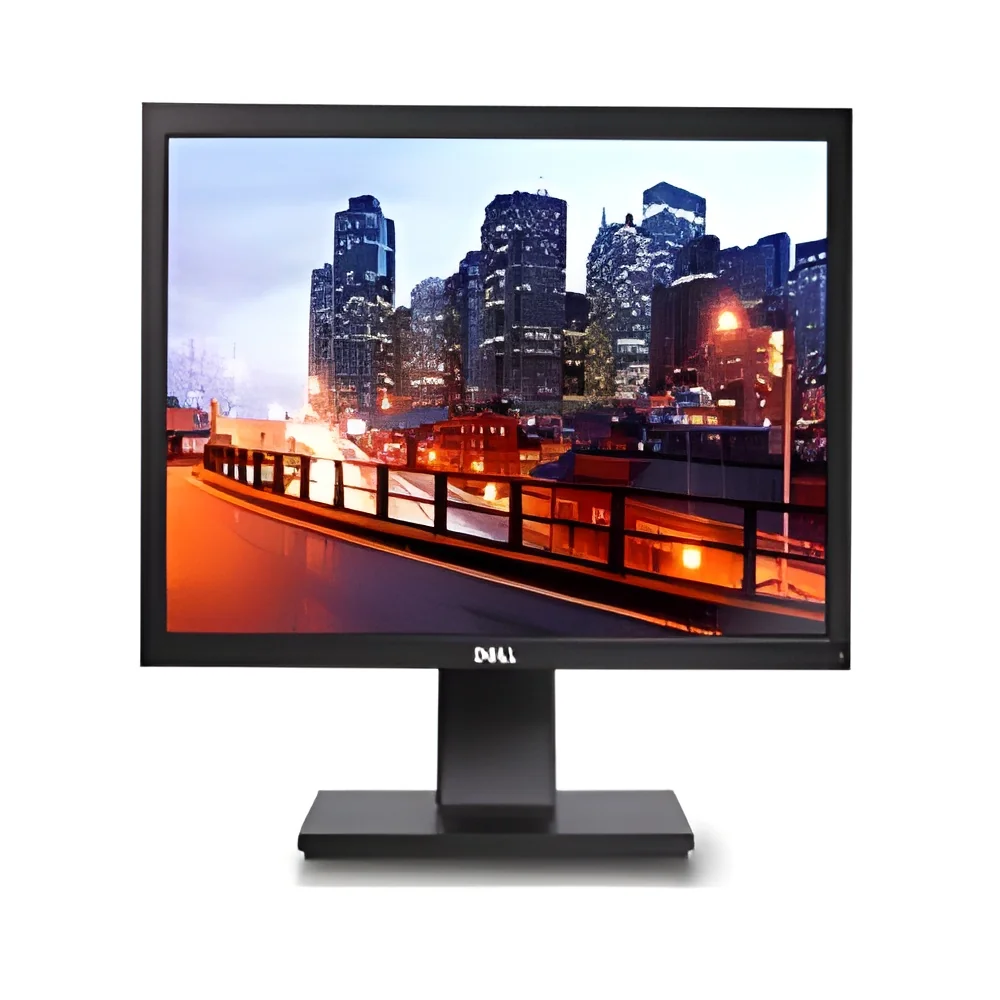
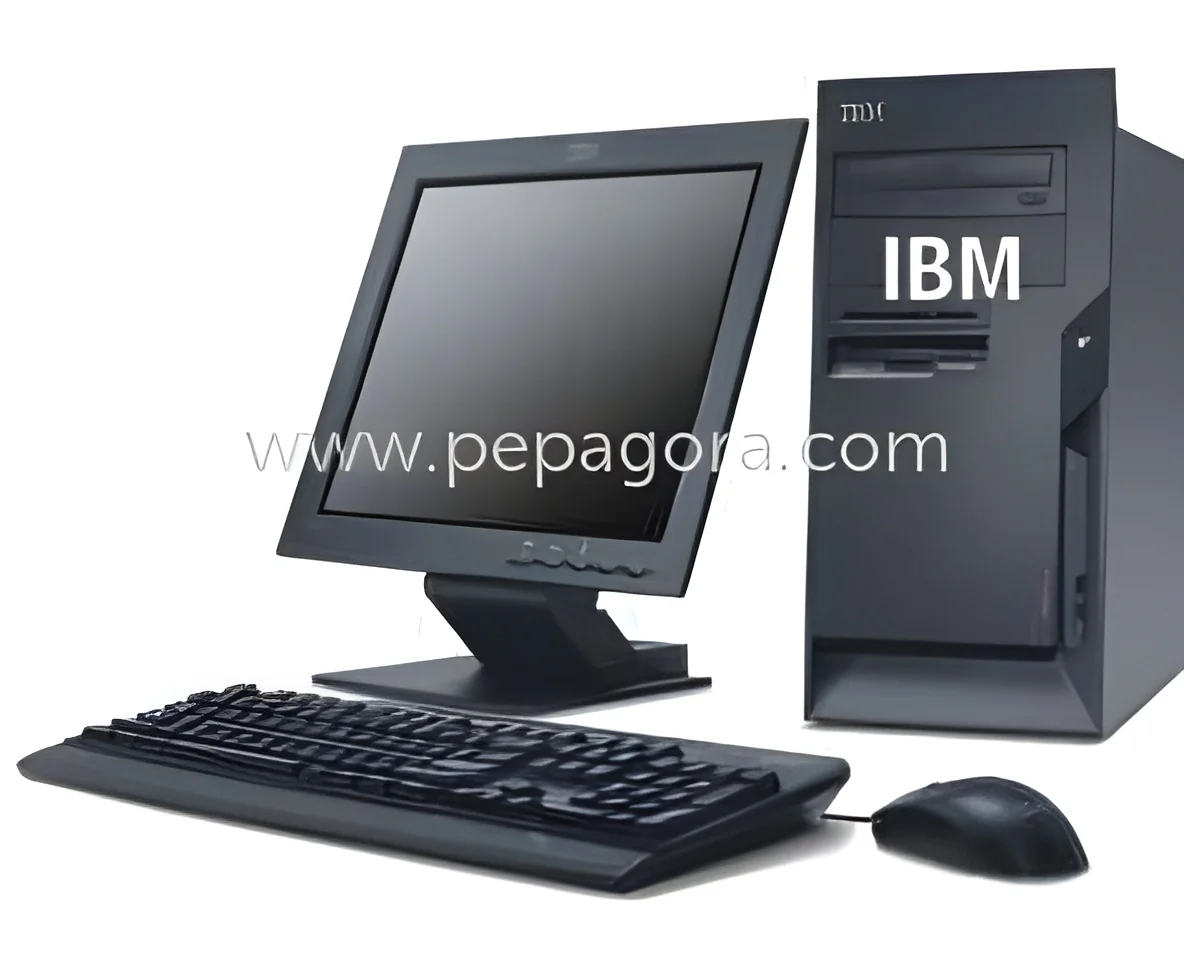
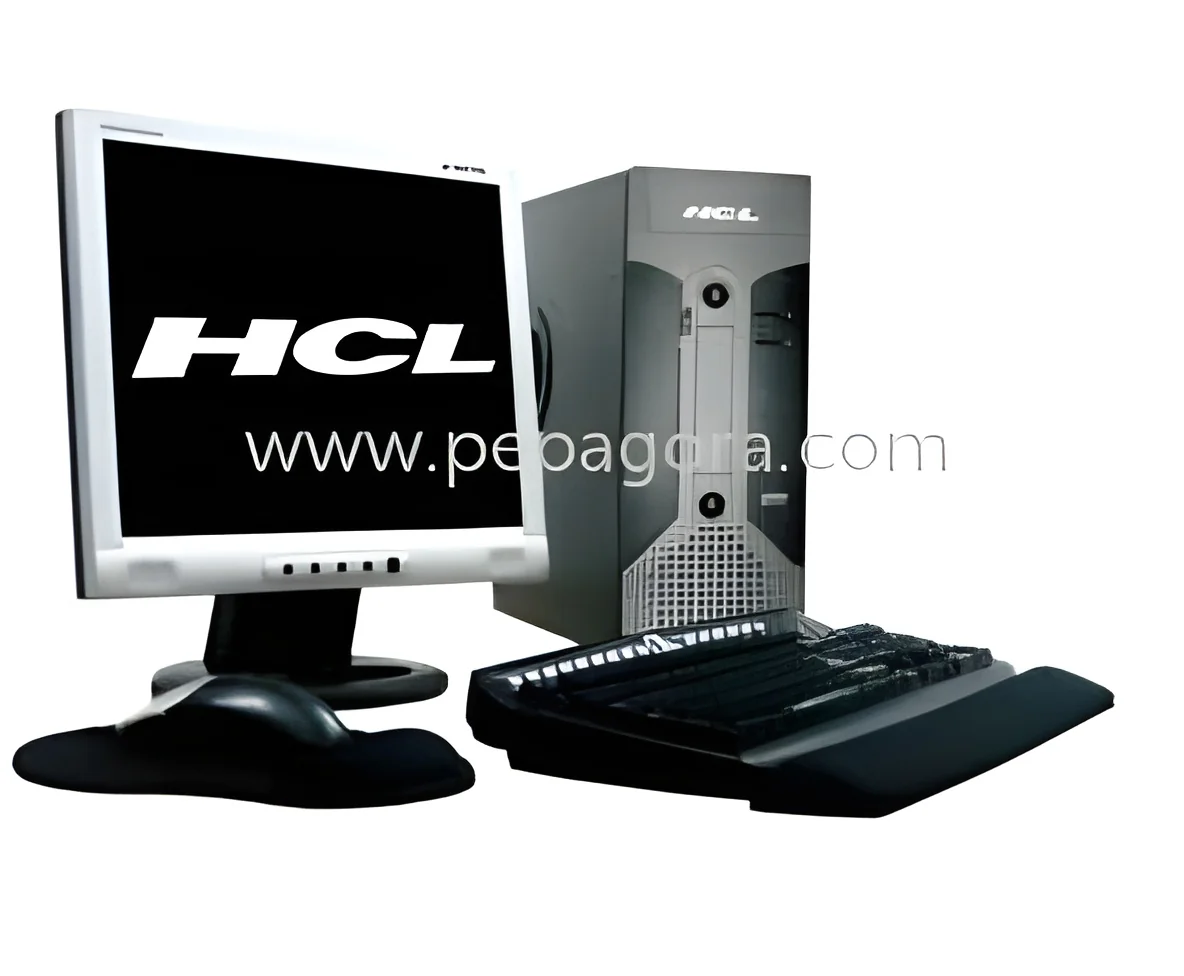
𝗪𝗵𝗮𝘁 𝗮𝗿𝗲 𝗠𝗼𝗻𝗶𝘁𝗼𝗿𝘀, 𝗖𝗣𝗨𝘀 & 𝗪𝗼𝗿𝗸𝘀𝘁𝗮𝘁𝗶𝗼𝗻𝘀?
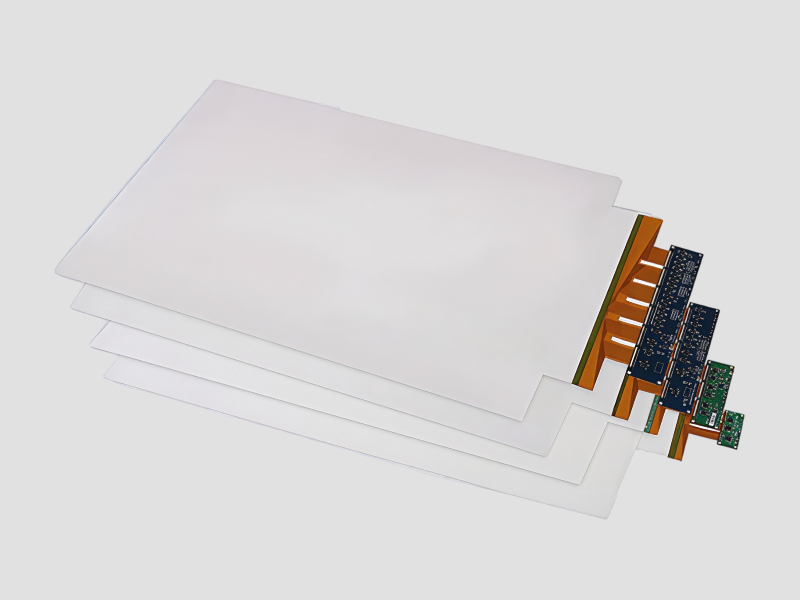
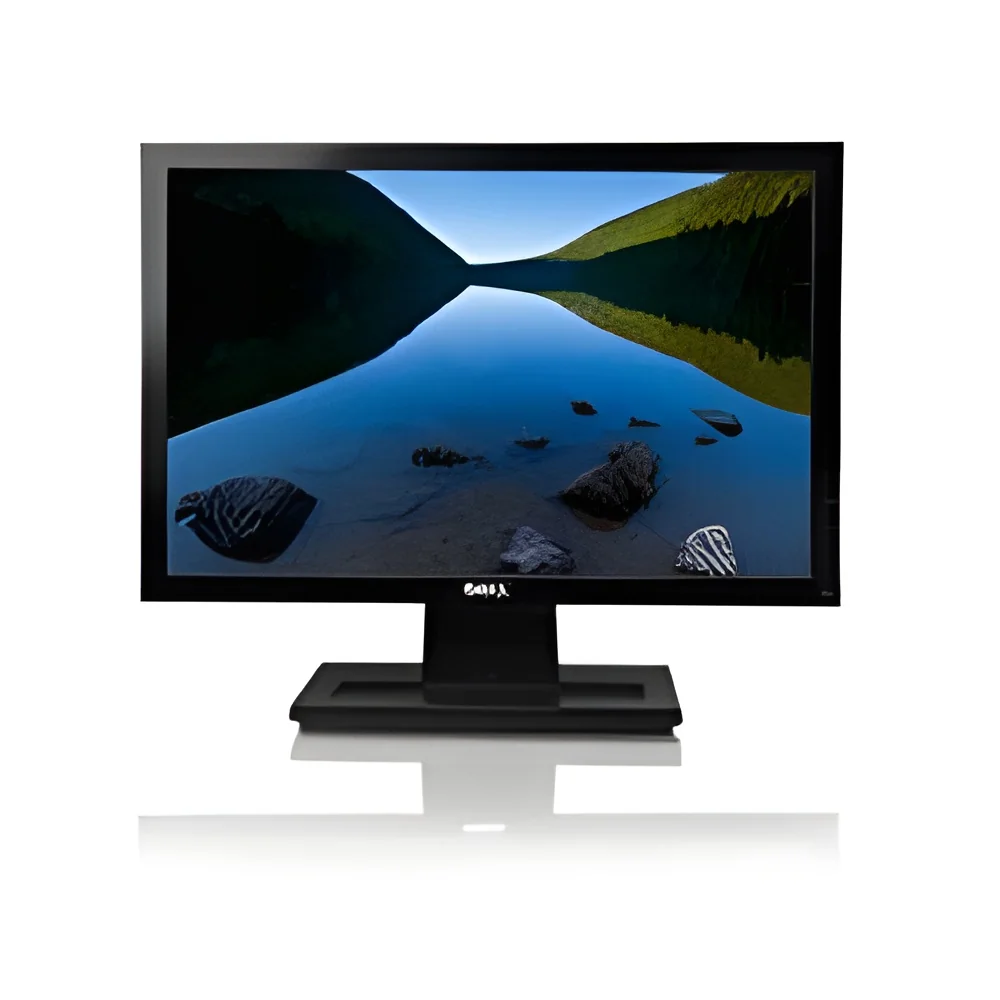
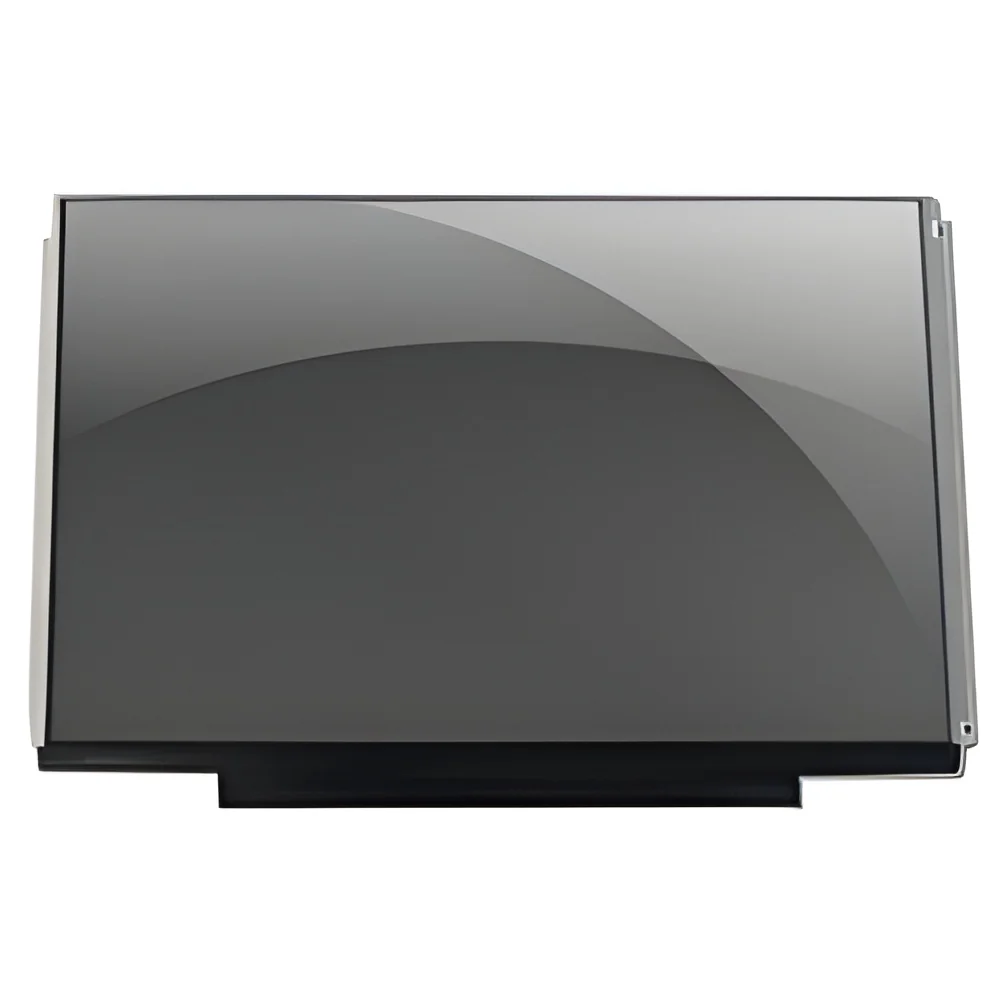
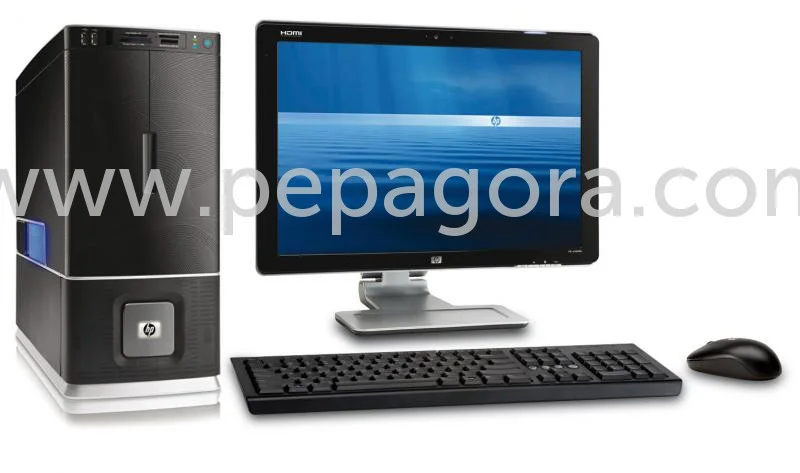
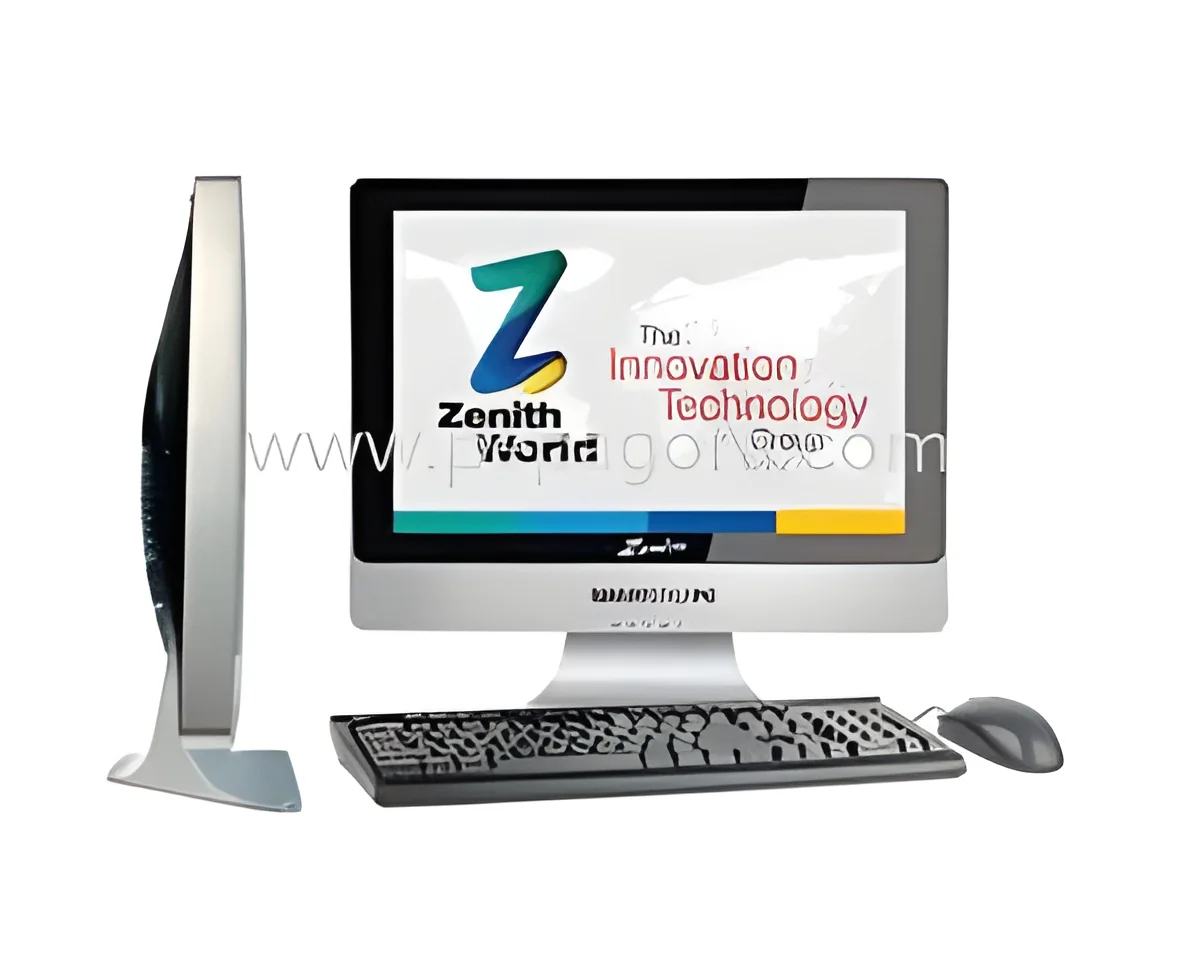
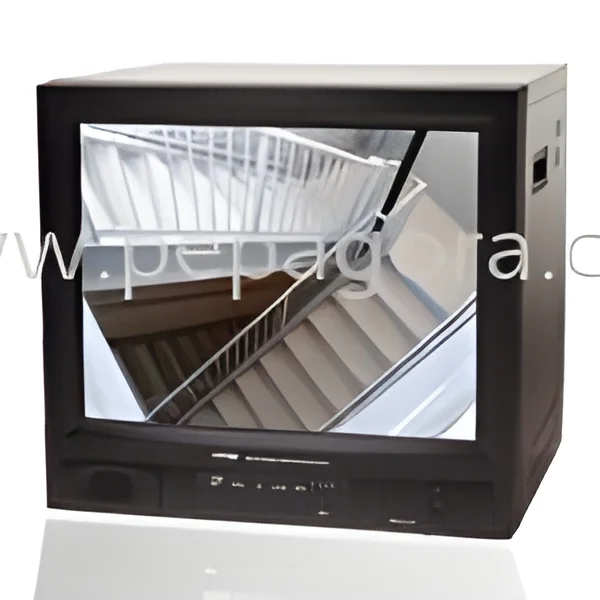
Monitors, CPUs, and workstations are critical components of modern computing systems, particularly in business and industrial settings. Monitors display visual output from computers, allowing users to interact with software and data effectively. Central Processing Units (CPUs) serve as the brains of computers, executing instructions and processing data. Workstations are high-performance computers designed for technical or scientific applications, offering enhanced processing power and graphics capabilities compared to standard desktop systems.
These products are widely utilized across various industries for tasks such as data analysis, graphic design, software development, and engineering simulations. Businesses rely on monitors for visual output and on CPUs and workstations to handle demanding applications that require substantial computing power. As industries evolve, the need for advanced computing solutions continues to grow, making these products central to operational efficiency.
In the current market context, the demand for monitors, CPUs, and workstations is driven by the increasing reliance on technology in business processes. Companies are seeking systems that can support complex applications, enhance productivity, and provide reliable performance. This trend is expected to continue as businesses invest in technology to remain competitive.
𝗞𝗲𝘆 𝗙𝗲𝗮𝘁𝘂𝗿𝗲𝘀 𝗮𝗻𝗱 𝗦𝗽𝗲𝗰𝗶𝗳𝗶𝗰𝗮𝘁𝗶𝗼𝗻𝘀
Monitors, CPUs, and workstations come with a variety of features and specifications that cater to different business needs. Understanding these specifications is vital for choosing the right equipment for specific applications.
Key specifications include:
1. Display Resolution
- Determines the clarity of images and text on the screen
- Common resolutions include Full HD (1920x1080), 4K (3840x2160), and higher
2. Refresh Rate
- Indicates how often the display updates per second
- Standard rates are 60Hz, with gaming monitors offering up to 240Hz
3. CPU Speed
- Refers to the clock speed of the processor, measured in GHz
- Typical speeds can range from 2.0 GHz to 5.0 GHz
4. Number of Cores
- Indicates how many independent units can process tasks
- Modern CPUs have 4 to 16 cores or more for multitasking efficiency
5. RAM Capacity
- Refers to the amount of memory available for running applications
- Common capacities range from 8 GB to 64 GB or higher
6. Graphics Card
- Determines the performance of visual tasks, especially in design and gaming
- Options include integrated graphics and dedicated GPUs from brands like NVIDIA and AMD
7. Storage Type
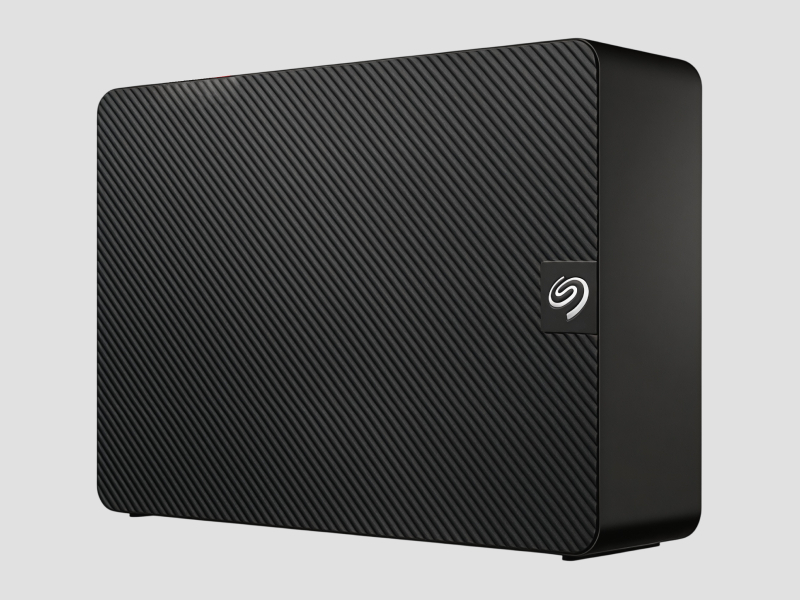
- Refers to the kind of storage used, such as HDD or SSD
- SSDs offer faster data access speeds compared to traditional HDDs
8. Connectivity Options
- Includes available ports such as HDMI, USB-C, Ethernet, and DisplayPort
- Variety in options ensures compatibility with different devices
In summary, selecting the right monitors, CPUs, and workstations involves understanding their features and specifications to ensure they meet the specific demands of the intended applications.
𝗖𝗼𝗺𝗺𝗼𝗻 𝗔𝗽𝗽𝗹𝗶𝗰𝗮𝘁𝗶𝗼𝗻𝘀 𝗮𝗻𝗱 𝗨𝘀𝗲 𝗖𝗮𝘀𝗲𝘀
Monitors, CPUs, and workstations are utilized across numerous industries, each with unique requirements and applications.
1. Graphic Design: Monitors with high resolution and color accuracy are essential for designers to create visually appealing content. Workstations equipped with powerful CPUs and GPUs help in rendering complex graphics.
2. Data Analysis: Businesses in finance and research use high-performance workstations for data processing and analysis. Monitors with large screen sizes facilitate multitasking and data visualization.
3. Software Development: Developers require robust CPUs and workstations to run resource-intensive software and debugging tools. Multiple monitors can enhance productivity by providing additional screen space.
4. Engineering: Engineers rely on workstations for CAD (Computer-Aided Design) and simulation software. High-resolution monitors help in detailed design work and visualizing complex models.
5. Video Editing: Video editors use high-quality monitors for precise color grading and editing. Workstations with powerful CPUs and ample RAM are necessary for handling large video files and rendering.
6. Scientific Research: Research facilities utilize workstations for simulations and data modeling. Monitors with high refresh rates are beneficial for visualizing real-time data.
7. Education: Educational institutions employ monitors and workstations for interactive learning environments, enhancing the learning experience through technology.
𝗣𝗿𝗼𝗱𝘂𝗰𝘁 𝗩𝗮𝗿𝗶𝗮𝗻𝘁𝘀 𝗮𝗻𝗱 𝗦𝘂𝗯𝗰𝗮𝘁𝗲𝗴𝗼𝗿𝗶𝗲𝘀
Monitors, CPUs, and workstations come in various configurations to suit different user needs.
Standard Monitors
These monitors are designed for general business use, offering a balance of performance and cost. They are suitable for office tasks like word processing and spreadsheets.
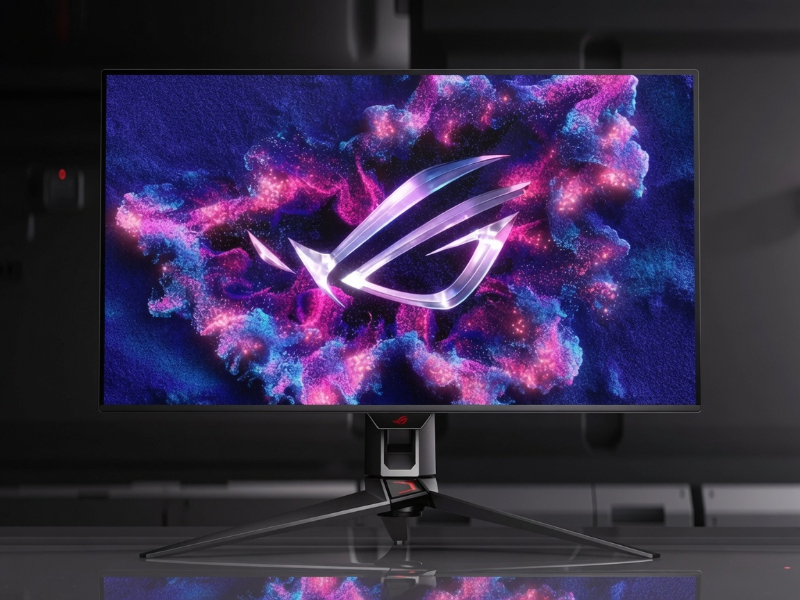
Gaming Monitors
Tailored for gamers, these monitors feature high refresh rates and low response times. They provide immersive experiences with enhanced graphics and fast-paced gameplay.
Business Workstations
Built for professionals, these workstations offer powerful CPUs and extensive memory options, ideal for tasks like 3D modeling, simulations, and heavy data processing.
Mobile Workstations
These are portable versions of traditional workstations, providing powerful computing in a compact form. They are suitable for professionals who require performance on the go.
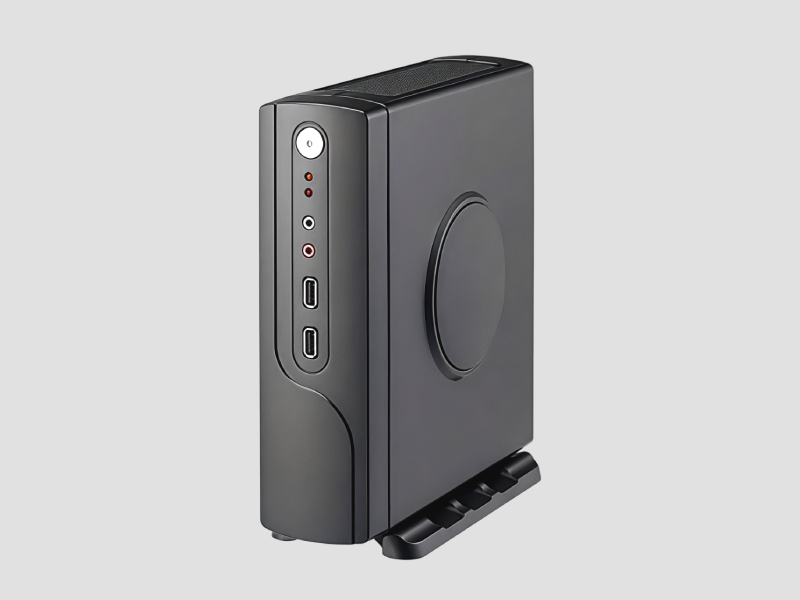
Compact PCs
These small form-factor PCs are designed to save space while delivering strong performance. They are ideal for environments with limited workspace.
𝗕𝗲𝗻𝗲𝗳𝗶𝘁𝘀 𝗮𝗻𝗱 𝗔𝗱𝘃𝗮𝗻𝘁𝗮𝗴𝗲𝘀
Investing in high-quality monitors, CPUs, and workstations offers several advantages for businesses.
1. Enhanced Productivity: High-performance systems allow employees to complete tasks faster, improving overall efficiency.
2. Better Visual Experience: Monitors with superior resolution and color accuracy improve the user experience, particularly in design and media-related tasks.
3. Reliability and Durability: Quality workstations are built to handle demanding applications, ensuring consistent performance over time.
4. Scalability: Many systems can be upgraded with additional RAM or storage, allowing businesses to adapt to changing needs without complete overhauls.
5. Improved Collaboration: Multi-monitor setups enhance collaboration among team members, enabling simultaneous viewing of multiple documents or applications.
6. Energy Efficiency: Modern monitors and workstations often come with energy-efficient components, reducing overall operational costs.
𝗕𝘂𝘆𝗶𝗻𝗴 𝗚𝘂𝗶𝗱𝗲 𝗳𝗼𝗿 𝗕𝟮𝗕 𝗕𝘂𝘆𝗲𝗿𝘀
When sourcing monitors, CPUs, and workstations, several factors should be considered to ensure the right choice.
1. Quality Assessment: Evaluate the build quality and performance specifications of the products. Look for reviews and ratings from other businesses to gauge reliability.
2. Supplier Verification: It's essential to vet suppliers for credibility and performance history. Check for certifications and customer feedback to ensure you are dealing with reputable vendors.
3. Pricing and MOQ: Understand the pricing structure and minimum order quantities (MOQ) required by suppliers. This helps in budgeting and managing inventory effectively.
4. Delivery and Lead Times: Consider logistics and delivery timelines. Ensure that suppliers can meet your operational deadlines without delays.
5. Compliance Requirements: Be aware of any regulatory standards and certifications necessary for your industry. Compliance ensures that the products meet safety and quality benchmarks.
𝗖𝗼𝗺𝗽𝗹𝗶𝗮𝗻𝗰𝗲 𝗮𝗻𝗱 𝗖𝗲𝗿𝘁𝗶𝗳𝗶𝗰𝗮𝘁𝗶𝗼𝗻𝘀
Monitors, CPUs, and workstations must adhere to various quality standards and certifications to ensure safety and reliability. Relevant standards include ISO 9001, which focuses on quality management systems. Additionally, CE certification indicates that products meet European safety requirements.
Safety and testing requirements are crucial to ensure that the electronics operate safely under various conditions. Manufacturers may test for electrical safety, electromagnetic compatibility, and environmental impact.
Regional compliance considerations vary, with different regions having specific regulations regarding electronics. Businesses should ensure that their products comply with local laws to avoid legal issues and ensure market access.
𝗪𝗵𝘆 𝗦𝗼𝘂𝗿𝗰𝗲 𝗠𝗼𝗻𝗶𝘁𝗼𝗿𝘀, 𝗖𝗣𝗨𝘀 & 𝗪𝗼𝗿𝗸𝘀𝘁𝗮𝘁𝗶𝗼𝗻𝘀 𝗳𝗿𝗼𝗺 𝗣𝗲𝗽𝗮𝗴𝗼𝗿𝗮?
Pepagora provides a trusted platform for sourcing monitors, CPUs, and workstations with several key advantages.
Verified Supplier Network: Pepagora connects buyers with a network of verified suppliers, ensuring that the products meet quality and safety standards.
Streamlined RFQ Process: The request for quotation (RFQ) system simplifies the procurement process, allowing buyers to receive competitive pricing and terms efficiently.
Trade Assurance and Support: Pepagora offers buyer protection through trade assurance, ensuring transactions are secure and reliable. Support services help buyers navigate their purchasing decisions.
Regional Coverage: With a focus on markets in India, the GCC, and Southeast Asia, Pepagora enables businesses to access a wide range of products and suppliers tailored to their geographic needs.
By choosing Pepagora, businesses can confidently source the necessary technology to enhance their operations and drive success.

 IN
IN