𝗪𝗵𝗮𝘁 𝗮𝗿𝗲 𝗪𝗼𝗿𝗸𝘀𝘁𝗮𝘁𝗶𝗼𝗻𝘀 𝗳𝗼𝗿 𝗗𝗲𝘀𝗶𝗴𝗻𝗲𝗿𝘀?
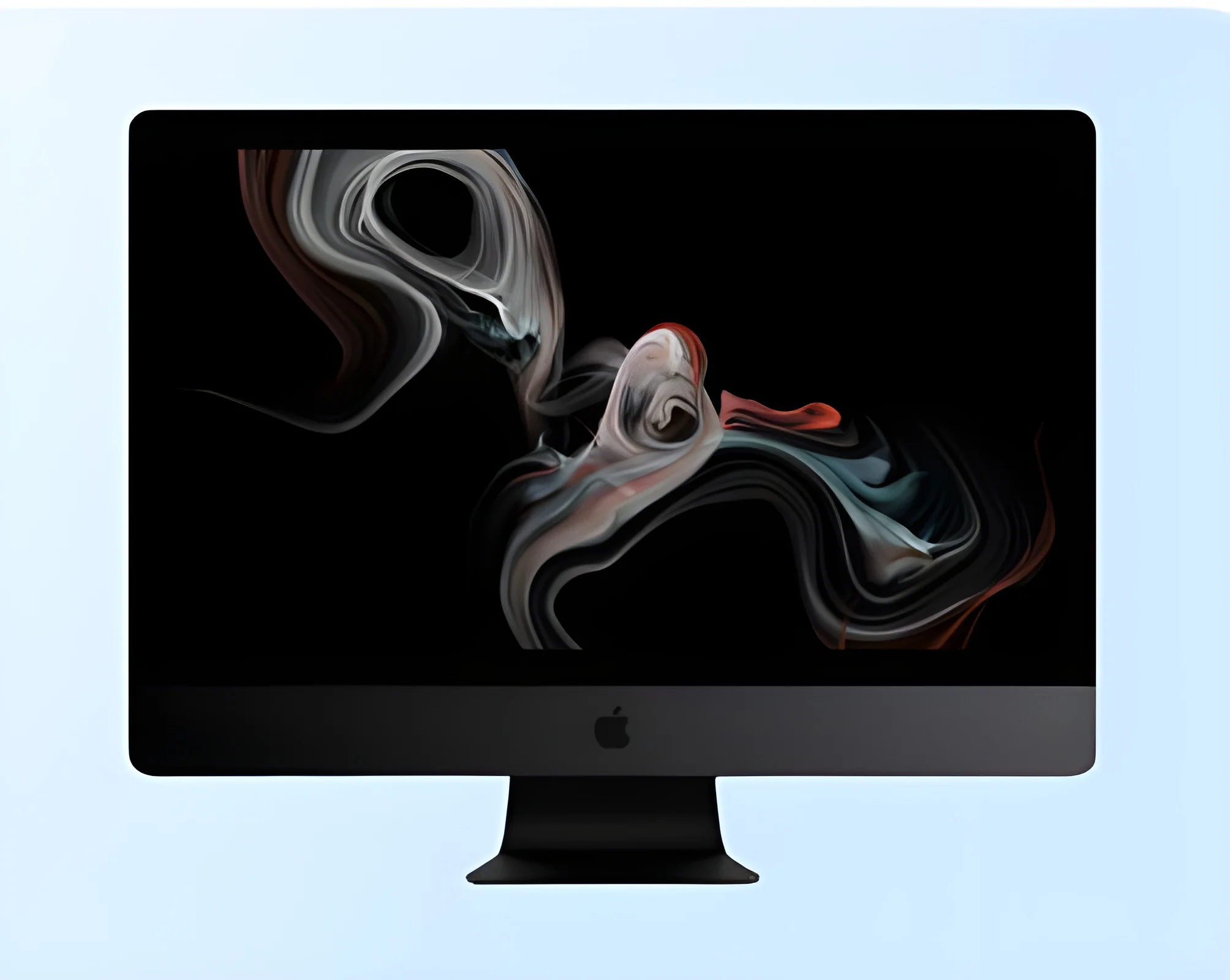
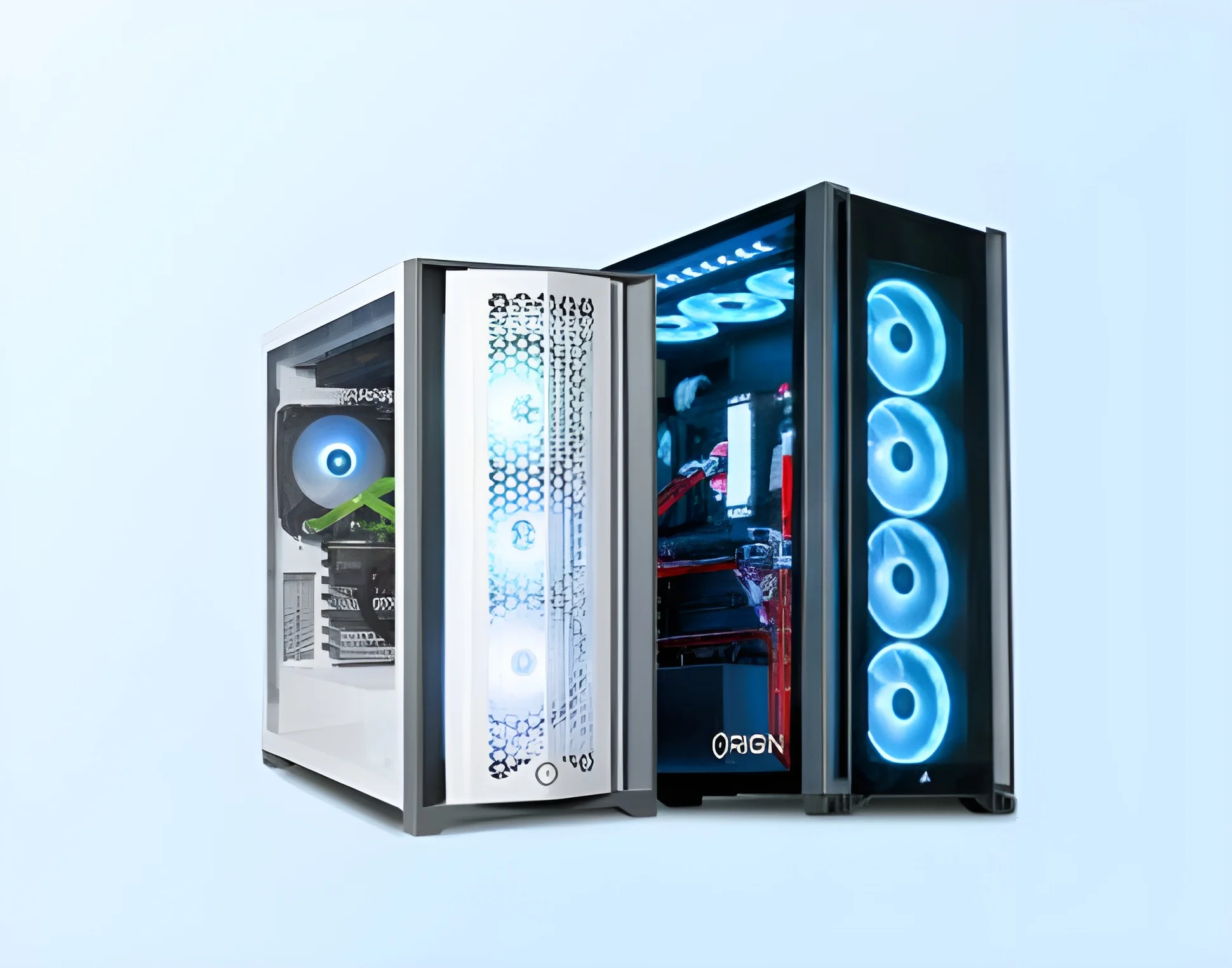
Workstations for designers are specialized setups tailored to meet the unique needs of design professionals in various fields. These workstations are equipped with essential tools, technology, and ergonomics that facilitate creativity and productivity. They often combine high-performance computing capabilities with comfortable and functional designs, enabling designers to work efficiently on intricate projects.
These workstations are primarily used in industries such as graphic design, architecture, engineering, and multimedia production. They serve as a central hub where designers can create, edit, and collaborate on visual content. With advanced hardware and software configurations, these workstations support demanding applications such as CAD software, 3D modeling, and video editing, making them indispensable in design-focused businesses.
The relevance of workstations for designers continues to grow as industries evolve and demand higher quality outputs. The market for design workstations is expanding, driven by the increasing use of digital tools and the necessity for enhanced performance in design tasks. Businesses that invest in these workstations can significantly improve their work efficiency and output quality, which is critical in a competitive landscape.
𝗞𝗲𝘆 𝗙𝗲𝗮𝘁𝘂𝗿𝗲𝘀 𝗮𝗻𝗱 𝗦𝗽𝗲𝗰𝗶𝗳𝗶𝗰𝗮𝘁𝗶𝗼𝗻𝘀
Workstations for designers come with a variety of features and specifications designed to enhance performance and usability. These specifications ensure that the workstations can handle resource-intensive tasks while providing a comfortable working environment.
Key specifications include:
1. Processor Type
- High-performance CPUs such as Intel Core i7/i9 or AMD Ryzen 7/9
- Multi-core processors for improved multitasking capabilities
2. Graphics Card
- Dedicated graphics solutions from NVIDIA or AMD
- Minimum 4GB VRAM for optimal performance in design applications
3. Memory (RAM)
- Options ranging from 16GB to 64GB
- Sufficient RAM to run multiple applications simultaneously
4. Storage Solutions
- Solid State Drives (SSD) for fast load times
- Configurable storage options from 512GB to 2TB
5. Display Quality
- High-resolution monitors with 4K capabilities
- Color-accurate displays for precise design work
6. Ergonomics
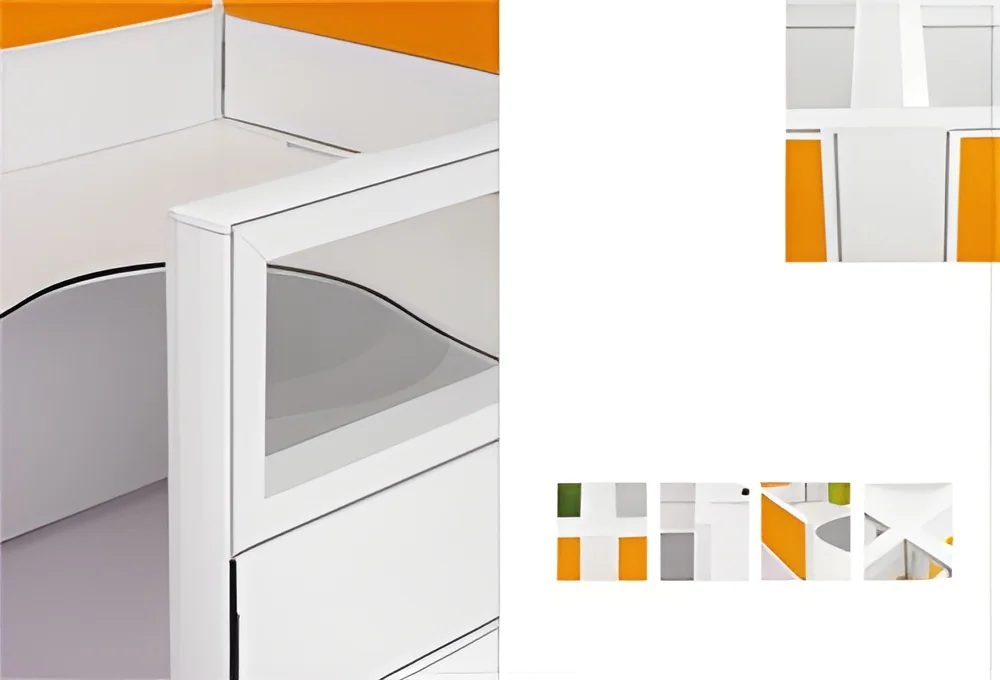
- Adjustable desks and chairs
- Consideration for long hours of work to reduce fatigue
7. Connectivity Options
- Multiple USB ports, HDMI, and DisplayPort connections
- Wi-Fi and Ethernet capabilities for seamless online collaboration
8. Operating System
- Compatibility with Windows or macOS
- Pre-installed software tailored for design needs
These features ensure that workstations are not only powerful but also user-friendly, allowing designers to focus on their creative processes without technological hindrances.
𝗖𝗼𝗺𝗺𝗼𝗻 𝗔𝗽𝗽𝗹𝗶𝗰𝗮𝘁𝗶𝗼𝗻𝘀 𝗮𝗻𝗱 𝗨𝘀𝗲 𝗖𝗮𝘀𝗲𝘀
Workstations for designers find applications across various industries, each with unique requirements and uses.
1. Graphic Design: Designers utilize these workstations for creating visual content, editing images, and producing graphics for print and digital media. High-resolution displays and powerful graphics cards are essential for color accuracy.
2. Architecture: Architects rely on workstations to run CAD software for 2D and 3D modeling. The ability to manipulate complex designs and perform rendering tasks makes high-performance workstations crucial.
3. Engineering: Engineers use design workstations for simulations and modeling, requiring robust processing power and memory. These workstations support software that aids in product design and testing.
4. Multimedia Production: Video editors and animators depend on powerful workstations to handle intensive video editing and animation software. Fast storage and high RAM are critical for smooth playback and rendering.
5. Game Development: Game designers utilize workstations to create and test games, requiring advanced graphics capabilities and high processing power to run game engines effectively.
6. Fashion Design: Fashion designers use workstations to create digital designs and patterns. The ability to work with high-resolution images and detailed graphics is vital for this industry.
7. Interior Design: Interior designers employ workstations to visualize spaces using 3D modeling software, enabling them to present concepts to clients effectively.
𝗣𝗿𝗼𝗱𝘂𝗰𝘁 𝗩𝗮𝗿𝗶𝗮𝗻𝘁𝘀 𝗮𝗻𝗱 𝗦𝘂𝗯𝗰𝗮𝘁𝗲𝗴𝗼𝗿𝗶𝗲𝘀
Workstations for designers come in various configurations to suit different needs and applications.
High-Performance Workstations: These models are equipped with the latest CPUs and high-end graphics cards, making them ideal for resource-intensive tasks like 3D rendering and complex simulations. They cater to professionals in architecture, engineering, and multimedia production.
Compact Workstations: Designed for smaller workspaces, compact workstations do not compromise on performance. They are suitable for graphic designers and video editors who need a powerful setup without taking up much space.
Mobile Workstations: These portable units allow designers to work on the go. Equipped with powerful components, they provide the flexibility needed for professionals who travel frequently or work in multiple locations.
𝗕𝗲𝗻𝗲𝗳𝗶𝘁𝘀 𝗮𝗻𝗱 𝗔𝗱𝘃𝗮𝗻𝘁𝗮𝗴𝗲𝘀
Investing in workstations for designers offers numerous advantages that enhance both productivity and creativity.
1. Enhanced Performance: High-performance components ensure that demanding applications run smoothly, allowing designers to focus on their work without interruptions.
2. Improved Ergonomics: Ergonomically designed workstations reduce physical strain, helping to maintain comfort during long hours of work.
3. Increased Collaboration: Workstations equipped with advanced connectivity options facilitate collaboration among team members, making it easier to work on projects together remotely.
4. Customizability: Many workstations can be tailored to meet specific requirements, enabling businesses to choose configurations that best suit their design needs.
5. Future-Proofing: Investing in high-quality workstations ensures that businesses are prepared for future design trends and software developments.
6. Reliability: Quality workstations offer stable performance and longevity, minimizing downtime and maintenance costs.
𝗕𝘂𝘆𝗶𝗻𝗴 𝗚𝘂𝗶𝗱𝗲 𝗳𝗼𝗿 𝗕𝟮𝗕 𝗕𝘂𝘆𝗲𝗿𝘀
When sourcing workstations for designers, it is important to consider several key factors to ensure a suitable purchase.
1. Quality Assessment: Evaluate the build quality and performance specifications of the workstation. Look for well-reviewed brands known for reliability and user satisfaction.
2. Supplier Verification: Conduct thorough research on potential suppliers. Check their reputation, customer reviews, and the quality of support they provide.
3. Pricing and MOQ: Understand the pricing structure and minimum order quantities. Competitive pricing can help manage budgets effectively without compromising on quality.
4. Delivery and Lead Times: Inquire about delivery times and logistics to ensure timely availability of workstations, especially if they are needed for specific projects.
5. Compliance Requirements: Make sure that the workstations meet any relevant regulatory standards. This ensures they are safe to use and appropriate for the intended applications.
𝗖𝗼𝗺𝗽𝗹𝗶𝗮𝗻𝗰𝗲 𝗮𝗻𝗱 𝗖𝗲𝗿𝘁𝗶𝗳𝗶𝗰𝗮𝘁𝗶𝗼𝗻𝘀
Workstations for designers must adhere to certain compliance standards and certifications to ensure quality and safety.
ISO 9001 is a widely recognized quality management standard that ensures products meet customer and regulatory requirements. Workstations meeting this standard typically undergo rigorous quality control processes throughout their production.
CE certification indicates that a product complies with European health, safety, and environmental protection standards. This certification is essential for workstations sold in European markets.
Additionally, workstations must meet safety and testing requirements relevant to the electronics industry. This includes compliance with electrical safety standards to prevent hazards during use.
Regional compliance considerations may vary based on the location of the buyer. It is important to verify that workstations adhere to local regulations and standards to ensure safe and reliable operation.
𝗪𝗵𝘆 𝗦𝗼𝘂𝗿𝗰𝗲 𝗪𝗼𝗿𝗸𝘀𝘁𝗮𝘁𝗶𝗼𝗻𝘀 𝗳𝗼𝗿 𝗗𝗲𝘀𝗶𝗴𝗻𝗲𝗿𝘀 𝗳𝗿𝗼𝗺 𝗣𝗲𝗽𝗮𝗴𝗼𝗿𝗮?
Pepagora offers a trusted platform for sourcing workstations for designers, providing several key advantages for businesses.
Verified Supplier Network: Pepagora connects buyers with a network of verified suppliers. Each supplier undergoes a thorough vetting process, ensuring that they meet high standards of quality and reliability.
Streamlined RFQ Process: The platform simplifies the request for quotation process, allowing buyers to easily obtain competitive quotes from multiple suppliers. This saves time and enhances decision-making.
Trade Assurance and Support: Pepagora provides trade assurance, ensuring that buyers are protected throughout the purchasing process. Dedicated support teams are available to assist with any inquiries or issues that may arise.
Regional Coverage: With a strong presence in India, the GCC, and Southeast Asia, Pepagora offers extensive regional coverage. This allows buyers to source workstations tailored to their specific needs while benefiting from local market knowledge.

 IN
IN