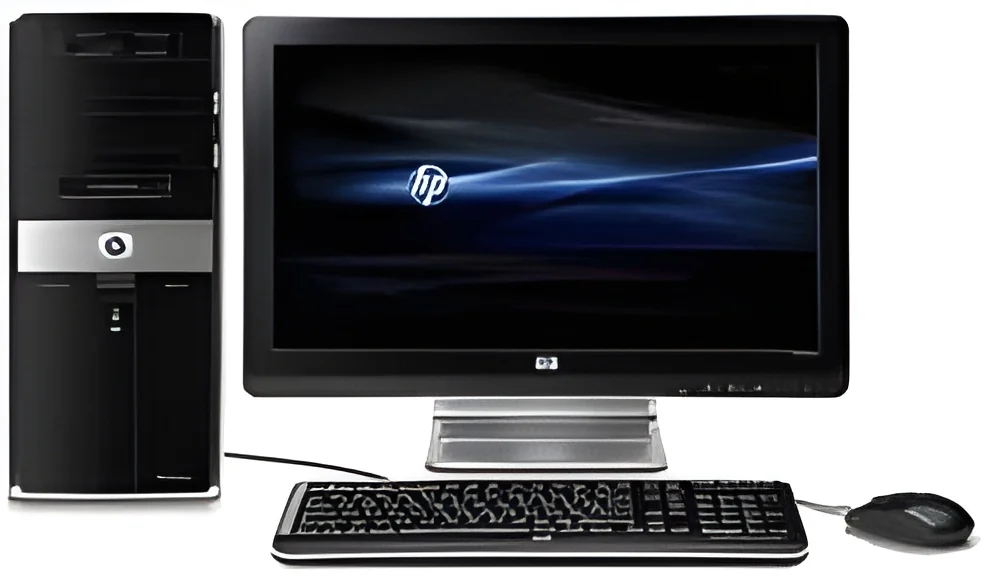
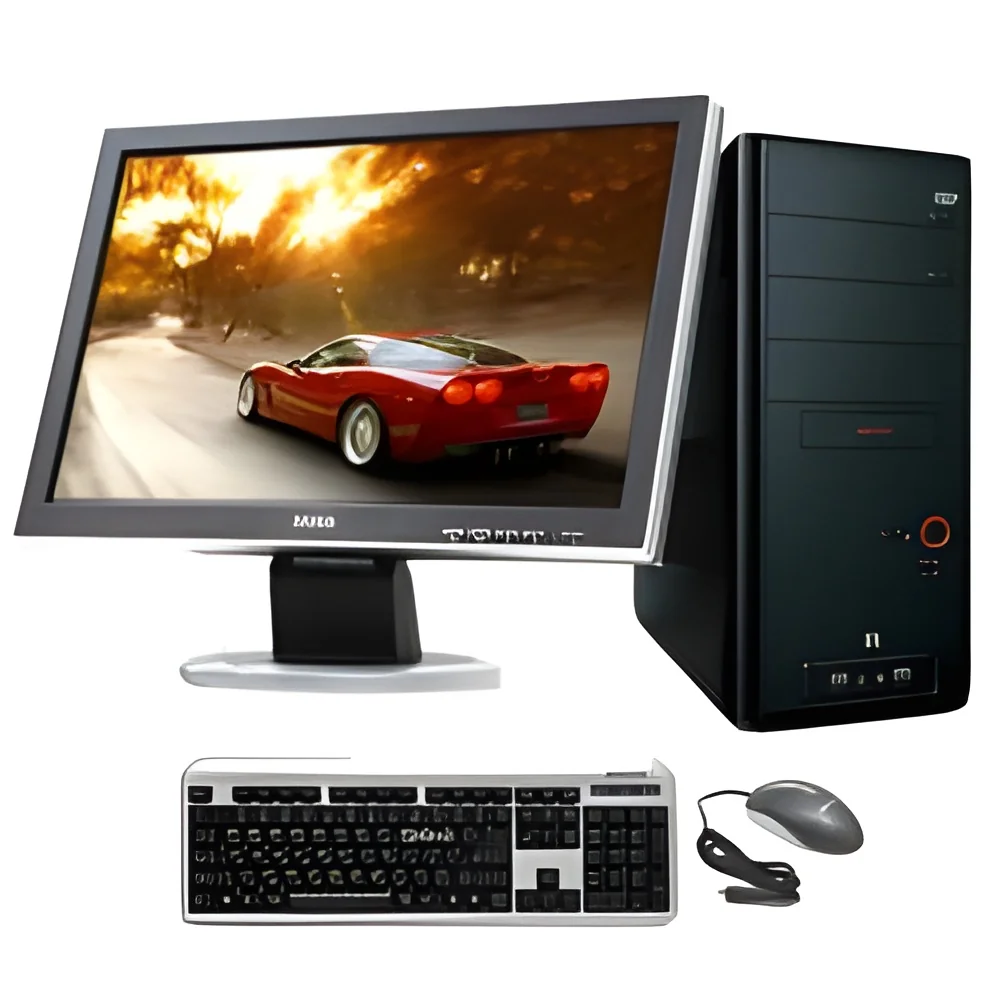
What are Business Desktops?
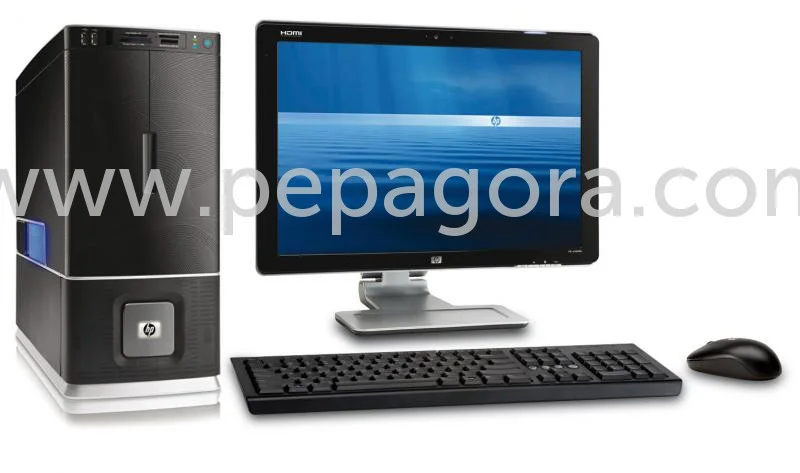
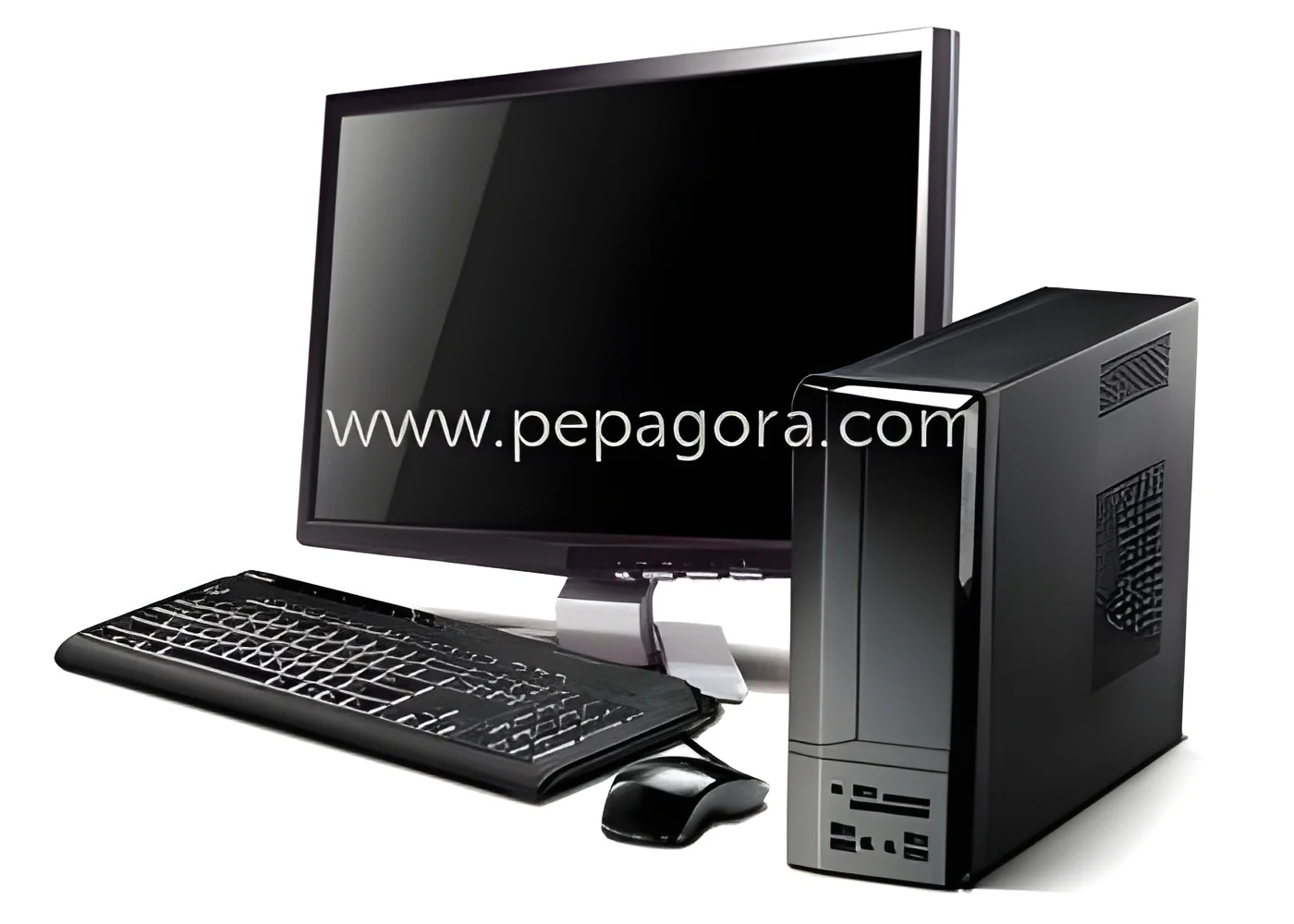
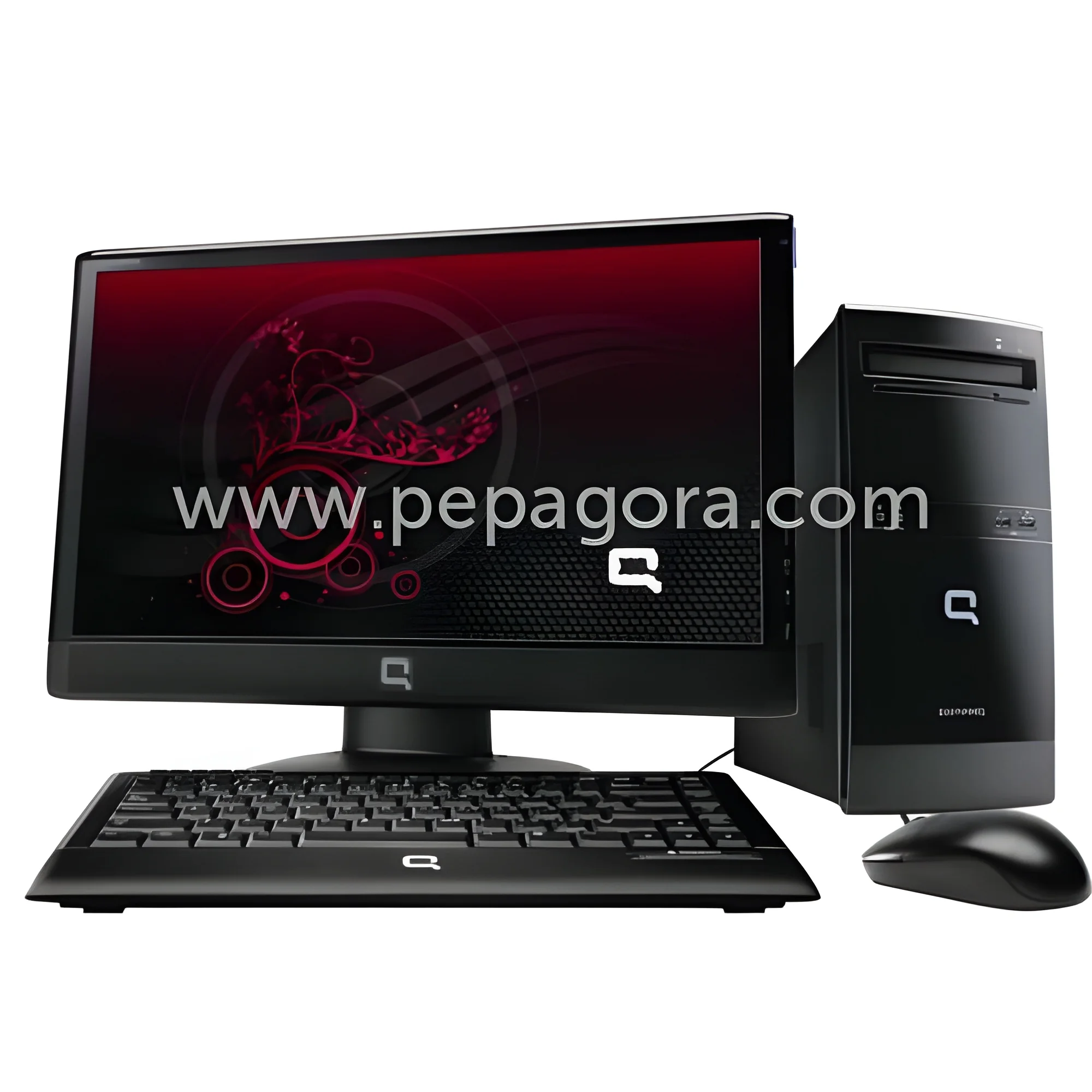
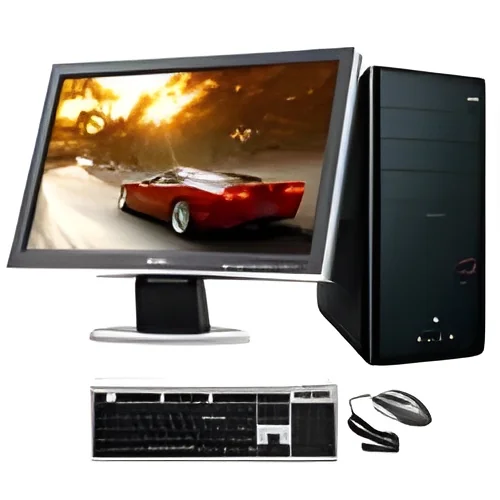
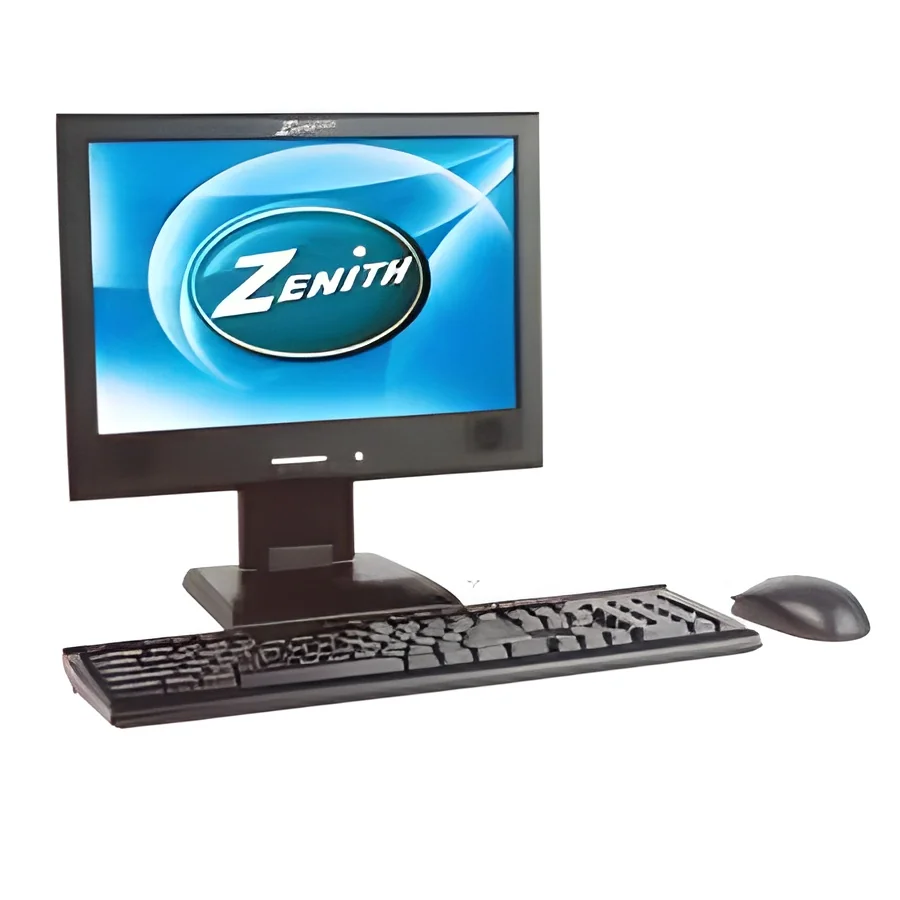
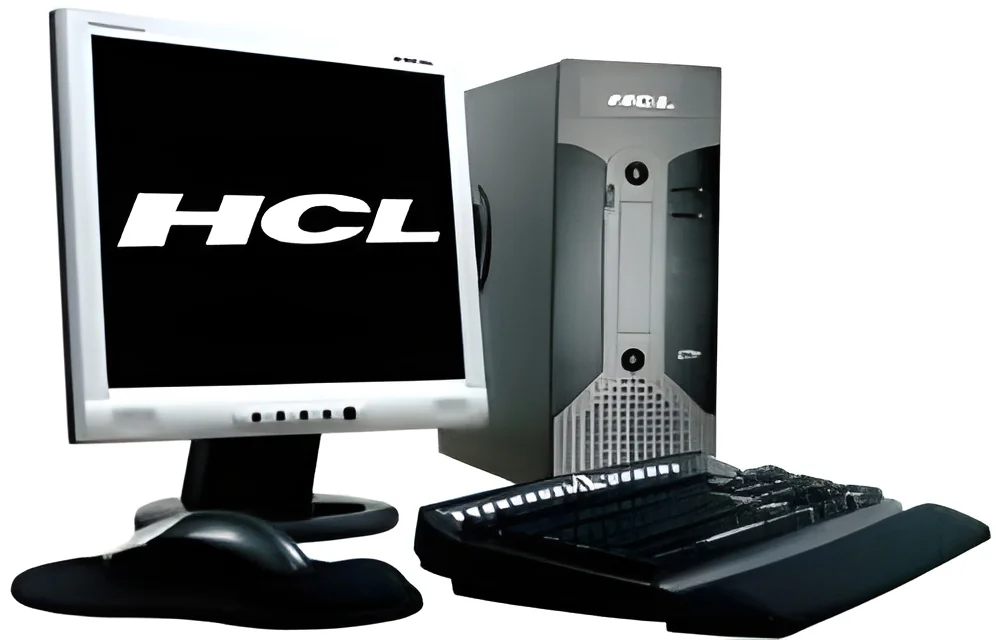
Business desktops are specialized computer systems designed to meet the demands of commercial environments. Unlike standard consumer desktops, these systems are built with higher reliability, performance, and durability in mind. They often come equipped with robust hardware components that cater to the needs of businesses, including enhanced processing power, greater storage capacity, and advanced graphics capabilities.
These desktops are primarily used in office settings, where they support various tasks such as data processing, communication, and software applications essential for business operations. They are commonly utilized in sectors like finance, healthcare, and education, where reliability and efficiency are critical. In the current market, as businesses increasingly embrace digital transformation, the relevance of business desktops continues to grow, adapting to modern needs for connectivity and performance.
Key Features and Specifications
Business desktops are equipped with features and specifications tailored to enhance productivity and efficiency in the workplace. These machines prioritize performance, reliability, and upgradeability, making them ideal for long-term use in business environments.
Key specifications include:
1. Processor
- Typically equipped with Intel Core i5 or i7, or AMD Ryzen processors
- Ranges from dual-core to high-performance multi-core options
2. RAM
- Standard configurations range from 8GB to 32GB
- Options for expansion to support demanding applications
3. Storage
- Available with SSDs for speed or traditional HDDs for larger capacity
- Options range from 256GB to 2TB
4. Graphics
- Integrated graphics for basic tasks or dedicated GPUs for graphic-intensive applications
- Suitable for design software, CAD, or video editing
5. Connectivity
- Multiple USB ports, HDMI, and Ethernet for seamless connectivity
- Wi-Fi and Bluetooth capabilities for wireless communication
6. Operating System
- Pre-installed with Windows 10 Pro or other business-oriented OS
- Options for Linux-based systems for specialized uses
7. Security Features
- Hardware-based security options such as TPM chips
- Support for biometric authentication and secure boot
8. Warranty and Support
- Extended warranty options typically available
- Access to dedicated IT support for troubleshooting
In summary, business desktops are designed with features and specifications that cater to the unique demands of various industries, ensuring reliability and performance.
Common Applications and Use Cases
Business desktops find application across a wide range of industries, each benefiting from their robust performance and reliability.
1. Finance: In the finance sector, desktops are used for data analysis, financial modeling, and secure transactions, ensuring high efficiency and accuracy.
2. Healthcare: Healthcare providers utilize business desktops to manage patient records, conduct patient assessments, and support telehealth services, all of which require secure and reliable systems.
3. Education: Educational institutions employ these desktops for administrative tasks, online learning platforms, and research, supporting both faculty and student needs.
4. Manufacturing: In manufacturing, business desktops are essential for inventory management, production scheduling, and quality control, optimizing operational workflows.
5. Legal: Law firms rely on desktops for document management, case research, and client communications, ensuring compliance and confidentiality.
6. Retail: Retail businesses use these systems for point of sale (POS) operations, inventory tracking, and customer relationship management, enhancing customer experiences.
7. Government: Government agencies use business desktops for record-keeping, data processing, and public service delivery, ensuring transparency and accountability.
Product Variants and Subcategories
Business desktops come in various configurations to meet the diverse needs of organizations. While specific subcategories are not available, the diversity in specifications allows businesses to select the best fit for their requirements.
All-in-One Desktops: These systems combine the monitor and computer into a single unit, saving space while providing a clean and organized workspace. They are ideal for environments with limited space or for businesses that prioritize aesthetics.
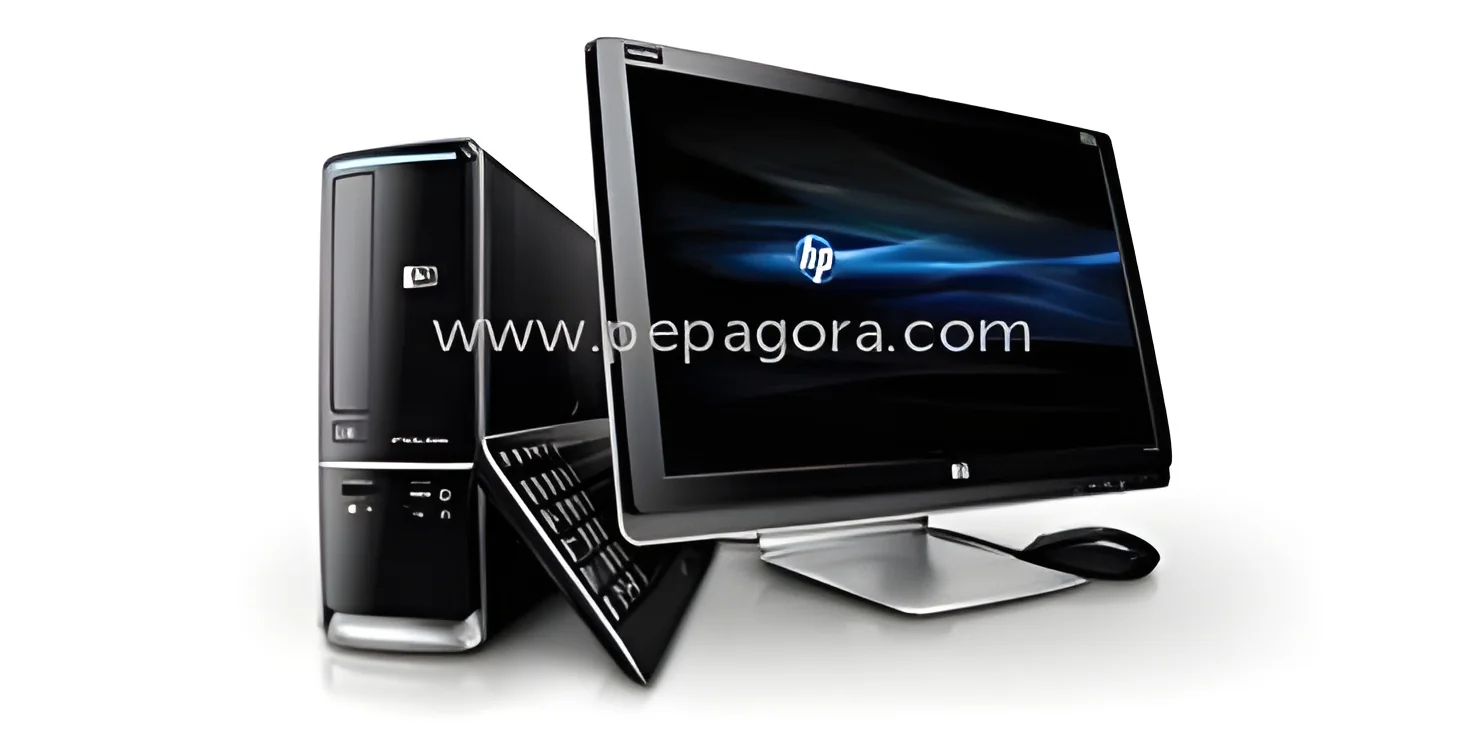
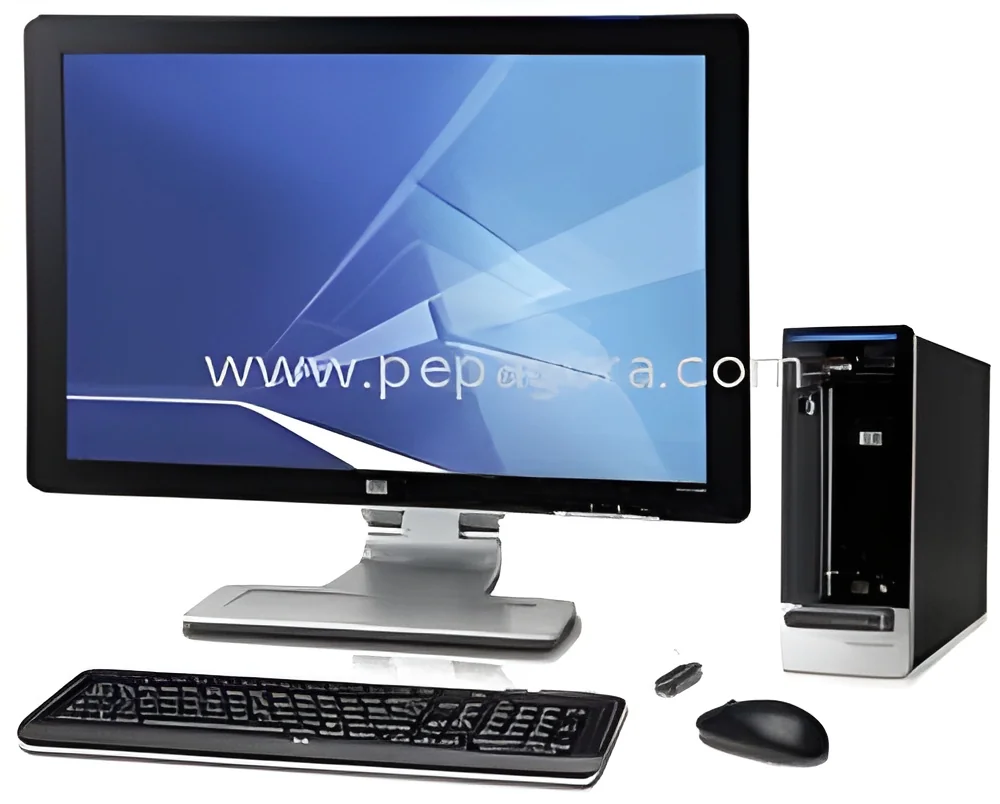
Mini Desktops: Compact and portable, mini desktops offer essential performance in a smaller form factor. They are suitable for remote working or for users who require flexible workstations.
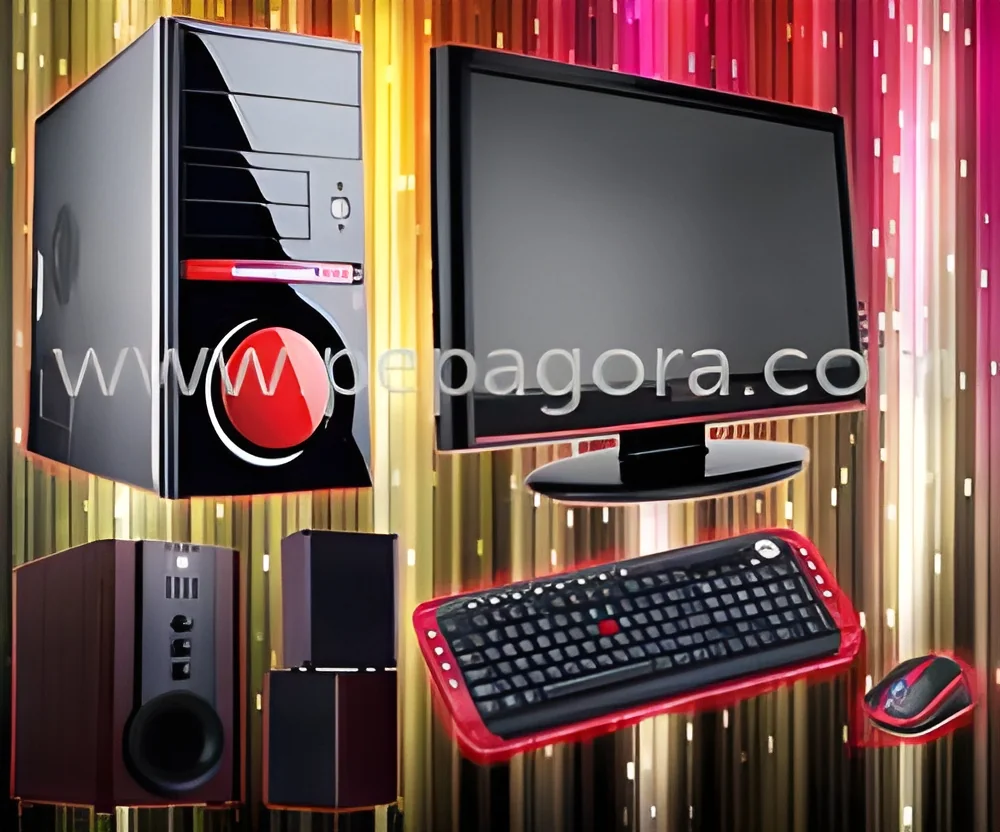
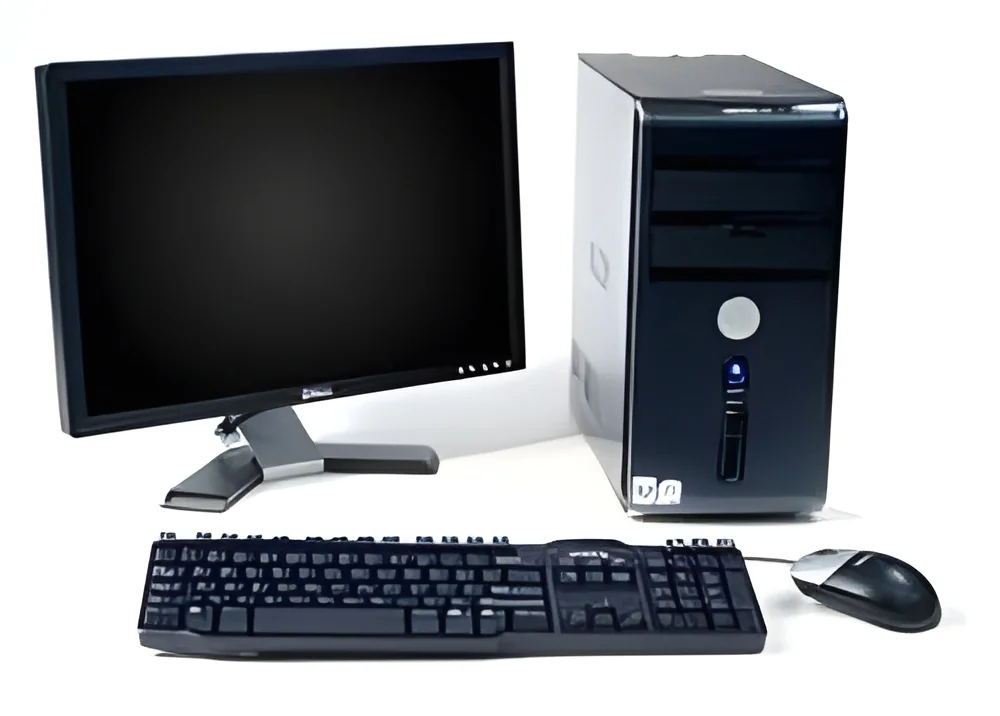
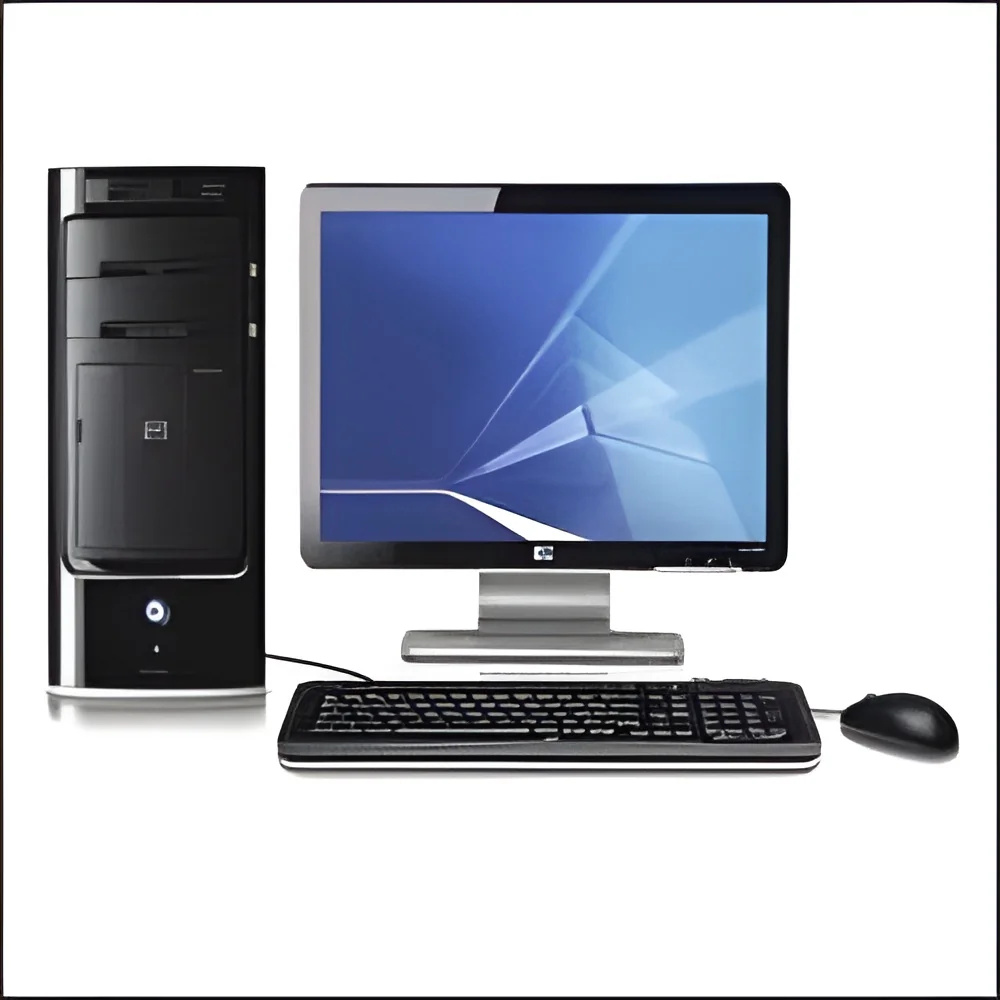
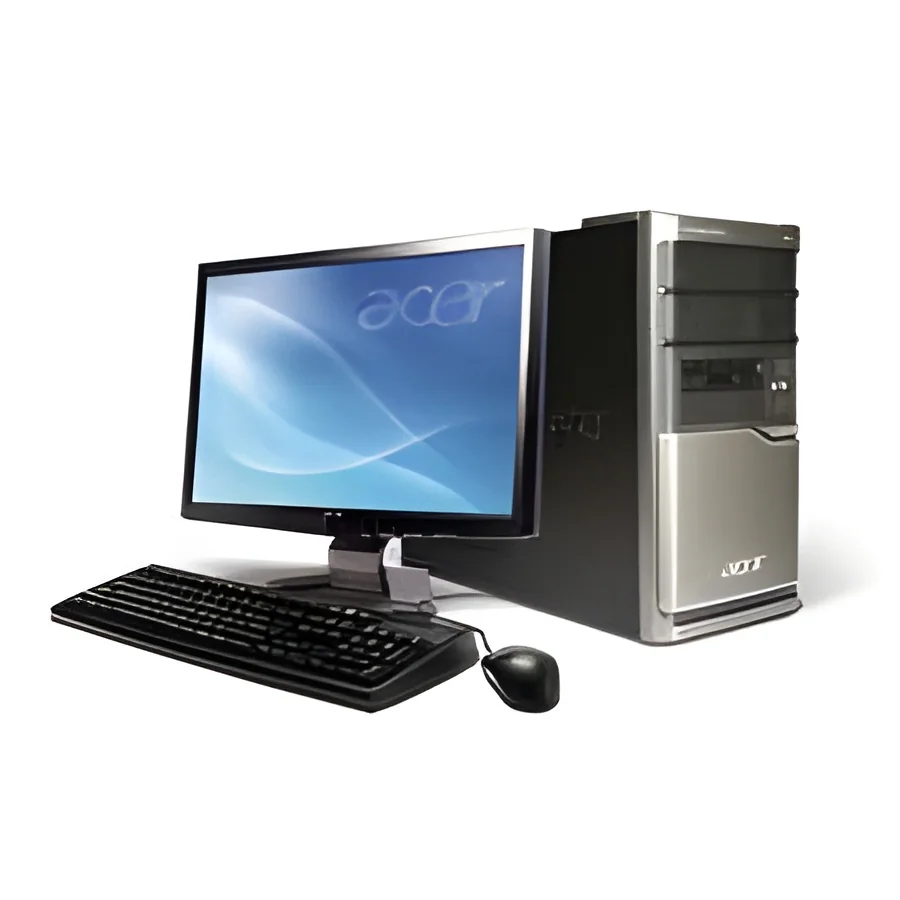
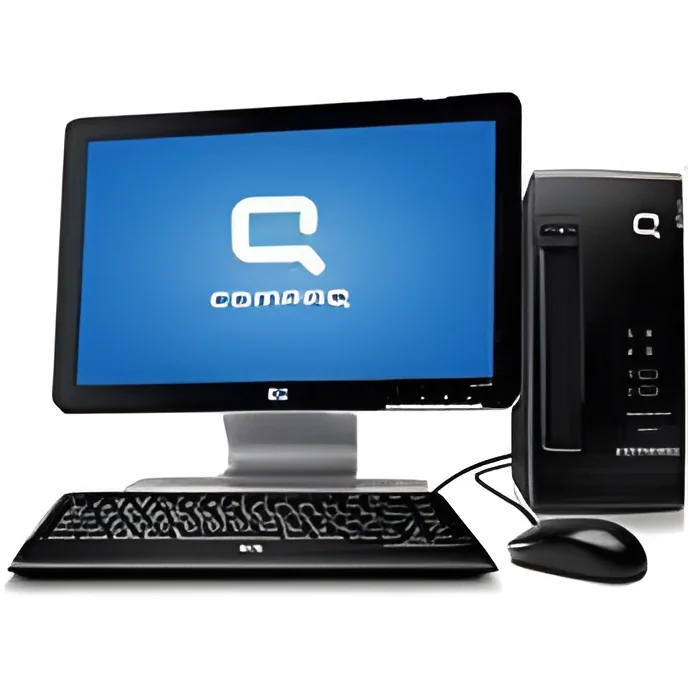
Tower Desktops: Tower desktops provide extensive customization and upgrade options, allowing businesses to tailor their systems for specific applications. They are a great choice for organizations with intensive computational needs.
Benefits and Advantages
Investing in business desktops offers numerous benefits tailored to enhance operational efficiency and productivity.
1. Reliability: Business desktops are built for continuous use, minimizing downtime and ensuring that critical operations run smoothly.
2. Performance: With high-performance components, these systems handle demanding tasks efficiently, allowing employees to work more effectively.
3. Customization: Many business desktops can be customized to meet specific needs, providing flexibility in configuration and upgrades as technology evolves.
4. Security: Enhanced security features protect sensitive business information, helping to maintain compliance with industry regulations.
5. Support: Many manufacturers offer dedicated support for business desktops, ensuring timely assistance and maintenance to keep systems running optimally.
6. Cost-Effectiveness: While the initial investment may be higher, the longevity and reliability of business desktops often lead to lower total cost of ownership over time.
Buying Guide for B2B Buyers
When sourcing business desktops, several key factors should be considered to ensure the right investment for your organization.
1. Quality Assessment: Evaluate the build quality and reliability of the desktops. Look for products that have undergone rigorous testing to ensure performance under various conditions.
2. Supplier Verification: It is essential to vet suppliers for their reputation, reliability, and customer service. Look for verified suppliers with positive reviews and a history of delivering quality products.
3. Pricing and MOQ: Understand pricing structures and minimum order quantities. Ensure that the pricing aligns with your budget while considering the total cost of ownership.
4. Delivery and Lead Times: Assess the lead times for delivery to ensure that your business needs are met promptly. Consider logistics and whether the supplier can accommodate your timeline.
5. Compliance Requirements: Ensure that the desktops meet any regulatory standards relevant to your industry. This may include certifications such as CE for safety and performance.
Compliance and Certifications
Business desktops must comply with various quality standards and certifications to ensure reliability and safety in the workplace. Relevant quality standards include ISO 9001, which focuses on quality management systems and ensuring that products meet customer and regulatory requirements.
In addition to ISO standards, many business desktops carry certifications such as CE, indicating compliance with European health, safety, and environmental protection standards. This certification assures buyers that the products have been tested for safety and performance.
Safety and testing requirements may vary by region, and it is crucial for businesses to ensure that their desktops comply with local regulations. This compliance not only protects the organization but also enhances trust with clients and stakeholders.
Why Source Business Desktops from Pepagora?
Pepagora provides a trusted platform for sourcing business desktops, offering several key advantages to B2B buyers.
Verified Supplier Network: Pepagora has established a robust network of verified suppliers, ensuring that buyers have access to quality products from reputable manufacturers. This verification process helps mitigate risks and ensures product authenticity.
Streamlined RFQ Process: The platform features a streamlined request for quotation (RFQ) process, making it easy for buyers to compare offers and select the best deals. This efficiency saves time and simplifies procurement.
Trade Assurance and Support: Pepagora offers trade assurance and dedicated support to buyers, providing protection throughout the purchasing process. This support ensures that buyers can confidently source their business desktops.
Regional Coverage: With geographic reach across India, the GCC, and Southeast Asia, Pepagora connects buyers with suppliers in key markets, facilitating easier access to products and services tailored to regional needs.

 IN
IN