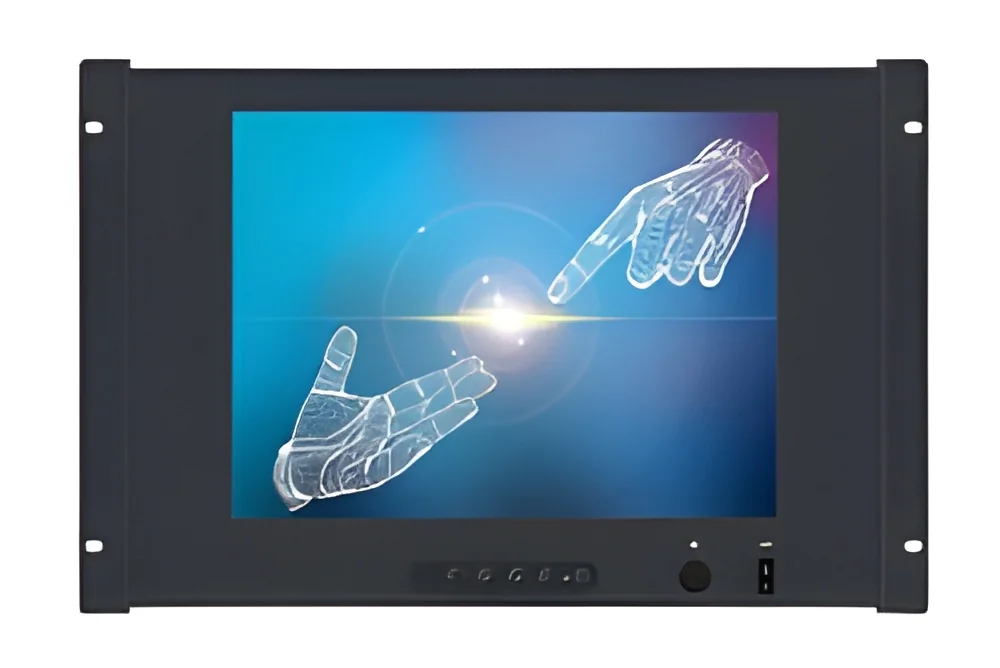
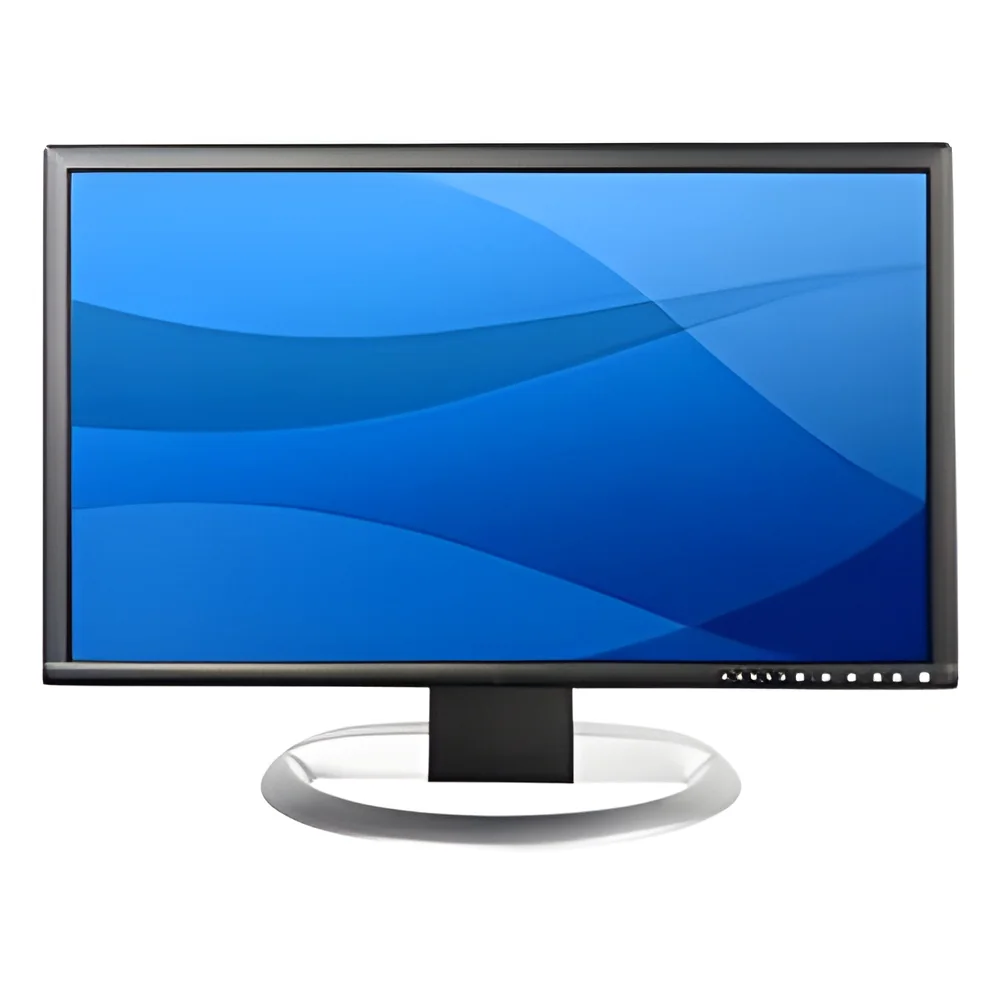
What are Computer Monitors?
Computer monitors are electronic display devices that convert digital signals from a computer into visual output. They serve as the primary interface for users to interact with software applications, view data, and execute tasks. Monitors come in various sizes, resolutions, and technologies, such as LED, LCD, and OLED, each offering distinct advantages in clarity, color, and energy efficiency.
In a business context, computer monitors play a crucial role in enhancing productivity and facilitating collaboration. They are widely used in offices, design studios, manufacturing plants, and educational institutions. High-resolution monitors enable professionals to work with detailed graphics and complex data, while multi-monitor setups enhance multitasking capabilities. The continued demand for advanced display technologies highlights the relevance of computer monitors in modern workplaces and their impact on overall operational efficiency.
Key Features and Specifications
When evaluating computer monitors, several key features and specifications are essential to consider. These specifications determine the performance and suitability of monitors for various business applications.
Key specifications include:
1. Screen Size
- Refers to the diagonal measurement of the monitor.
- Common sizes range from 21 inches to 34 inches or more.
2. Resolution
- Indicates the number of pixels displayed on the screen.
- Common resolutions include Full HD (1920x1080), 2K (2560x1440), and 4K (3840x2160).
3. Refresh Rate
- The number of times the image refreshes per second.
- Typical rates are 60Hz for standard monitors and up to 144Hz or higher for gaming monitors.
4. Panel Type
- Refers to the technology used in the display.
- Common types include IPS (In-Plane Switching), TN (Twisted Nematic), and VA (Vertical Alignment).
5. Connectivity Options
- Types of ports available for connecting to computers and other devices.
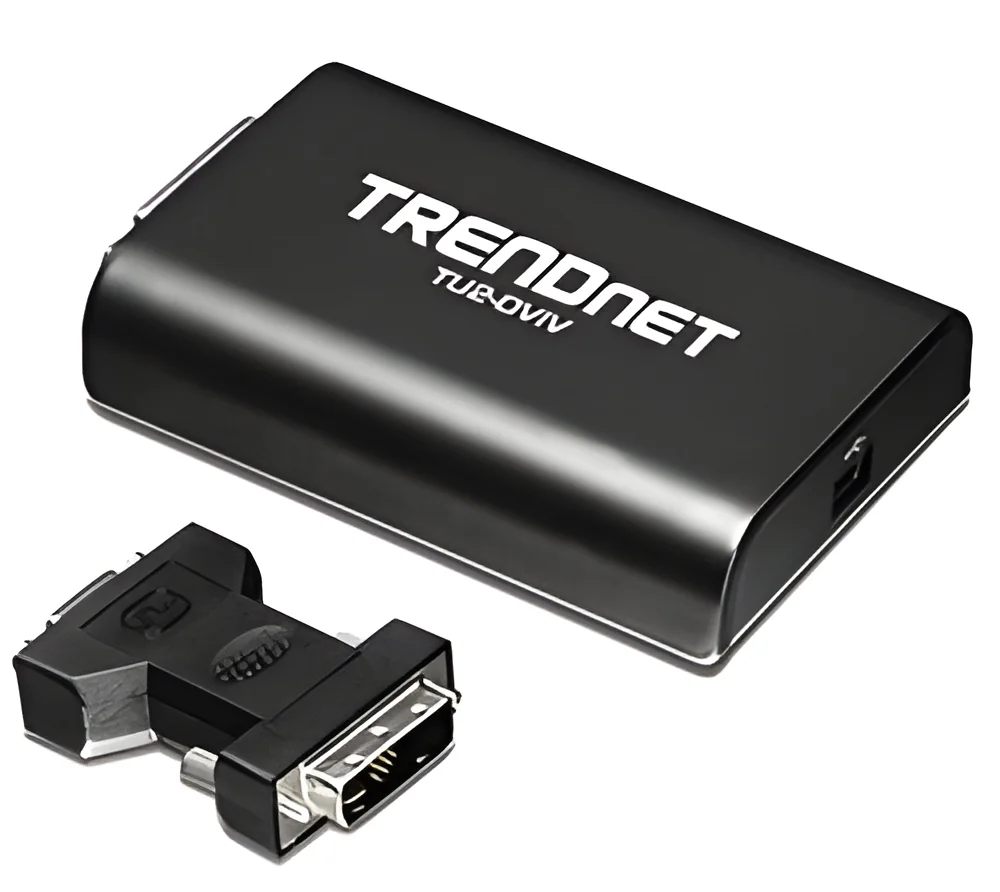
- Common options include HDMI, DisplayPort, USB-C, and VGA.
6. Color Accuracy
- Measures how accurately the monitor reproduces colors.
- Often expressed as a percentage of sRGB or Adobe RGB color spaces.
7. Viewing Angles
- The maximum angle at which the display can be viewed without significant color or brightness distortion.
- A wider viewing angle is beneficial for collaborative work.
8. Ergonomics
- Features that allow for adjustment of height, tilt, and swivel for user comfort.
- Important for reducing strain during prolonged use.
In summary, understanding these specifications helps businesses select the right monitors that align with their operational needs and enhance employee productivity.
Common Applications and Use Cases
Computer monitors serve a wide range of industries and applications.
1. Graphic Design: High-resolution monitors with accurate color reproduction are essential for designers who need to produce visually appealing graphics and images.
2. Software Development: Developers benefit from multiple monitors to display code, debugging tools, and documentation simultaneously, improving efficiency.
3. Financial Services: Monitors with high refresh rates and multiple screen setups are common in trading environments where real-time data analysis is crucial.
4. Education: Interactive monitors are increasingly used in classrooms to enhance learning experiences through engaging presentations and collaborative projects.
5. Healthcare: Monitors are vital in medical settings for displaying imaging data and patient records, requiring high clarity and reliability.
6. Manufacturing: Specialized monitors are used to monitor processes and equipment, ensuring operational efficiency and safety.
7. Video Editing: Monitors with high resolution and color accuracy are important for editors who need to refine video content.
Product Variants and Subcategories
Computer monitors come in various forms to meet different user needs.
Curved Monitors: These monitors are designed with a curved screen to provide a more immersive viewing experience. They are particularly popular in gaming and simulation environments, as they help reduce distortion and enhance peripheral vision.
Ultra-Wide Monitors: Offering a wider aspect ratio, these monitors are ideal for multitasking and allow users to view multiple applications side by side. They are commonly used in finance and design fields where screen real estate is essential.
Portable Monitors: Lightweight and compact, these monitors are designed for on-the-go professionals. They can easily connect to laptops and provide additional screen space for presentations or remote work.
Benefits and Advantages
Computer monitors offer numerous advantages that enhance workplace productivity and user experience.
1. Improved Productivity: Larger screen sizes and higher resolutions allow users to view more content simultaneously, reducing the need for constant switching between applications.
2. Enhanced Visual Experience: High-quality displays with accurate colors and sharp images improve the overall visual experience, making tasks like graphic design and video editing easier.
3. Ergonomic Benefits: Adjustable monitors can help maintain a comfortable viewing position, reducing strain on the neck and eyes during extended use.
4. Versatility: Monitors are compatible with various devices and can be used for diverse applications, from office work to gaming and creative projects.
5. Multitasking Capabilities: Multi-monitor setups allow users to run multiple applications at once, streamlining workflows and increasing efficiency.
6. Energy Efficiency: Many modern monitors are designed to consume less power, which can lead to significant cost savings for businesses over time.
Buying Guide for B2B Buyers
When sourcing computer monitors, several factors should be considered to ensure that the right choice is made.
1. Quality Assessment: Evaluate the build quality and performance specifications of monitors. Look for reputable brands that meet industry standards for reliability and durability.
2. Supplier Verification: Ensure that suppliers are verified and have a good reputation in the market. Check for reviews and feedback from other businesses to assess their reliability.
3. Pricing and MOQ: Understand the pricing structure and minimum order quantities (MOQ) required by suppliers. This helps in budgeting and planning for purchases.
4. Delivery and Lead Times: Inquire about delivery schedules and lead times. Timely delivery is crucial for businesses to maintain operations without delays.
5. Compliance Requirements: Ensure that the monitors meet relevant regulatory standards and certifications, such as CE certification, to guarantee safety and quality.
Compliance and Certifications
Computer monitors must adhere to specific quality standards and regulations to ensure safety and reliability.
Relevant quality standards include ISO 9001, which outlines requirements for a quality management system, ensuring that products meet customer and regulatory requirements.
Industry certifications such as CE mark demonstrate compliance with European health, safety, and environmental protection standards.
Safety and testing requirements are essential to verify that monitors do not pose risks to users. This includes electrical safety tests and performance evaluations under various conditions.
Regional compliance considerations may vary, making it essential for businesses to check local regulations and standards when sourcing monitors for specific markets.
Why Source Computer Monitors from Pepagora?
Pepagora provides a trusted platform for sourcing computer monitors, offering several key advantages that benefit B2B buyers.
Verified Supplier Network: Pepagora connects buyers with a network of verified suppliers, ensuring that products are sourced from reputable manufacturers. This reduces the risk of purchasing substandard equipment.
Streamlined RFQ Process: The request for quotation (RFQ) process on Pepagora is designed to be user-friendly, allowing buyers to quickly obtain quotes from multiple suppliers. This facilitates better decision-making.
Trade Assurance and Support: Pepagora offers trade assurance to protect buyers from potential risks during transactions. Support is available to assist buyers throughout the purchasing process.
Regional Coverage: With a wide geographic reach, including India, the GCC, and Southeast Asia, Pepagora facilitates sourcing for businesses in various regions, catering to diverse market needs.
By leveraging Pepagora's platform, businesses can confidently find the right computer monitors to meet their operational demands.

 IN
IN



 India
India