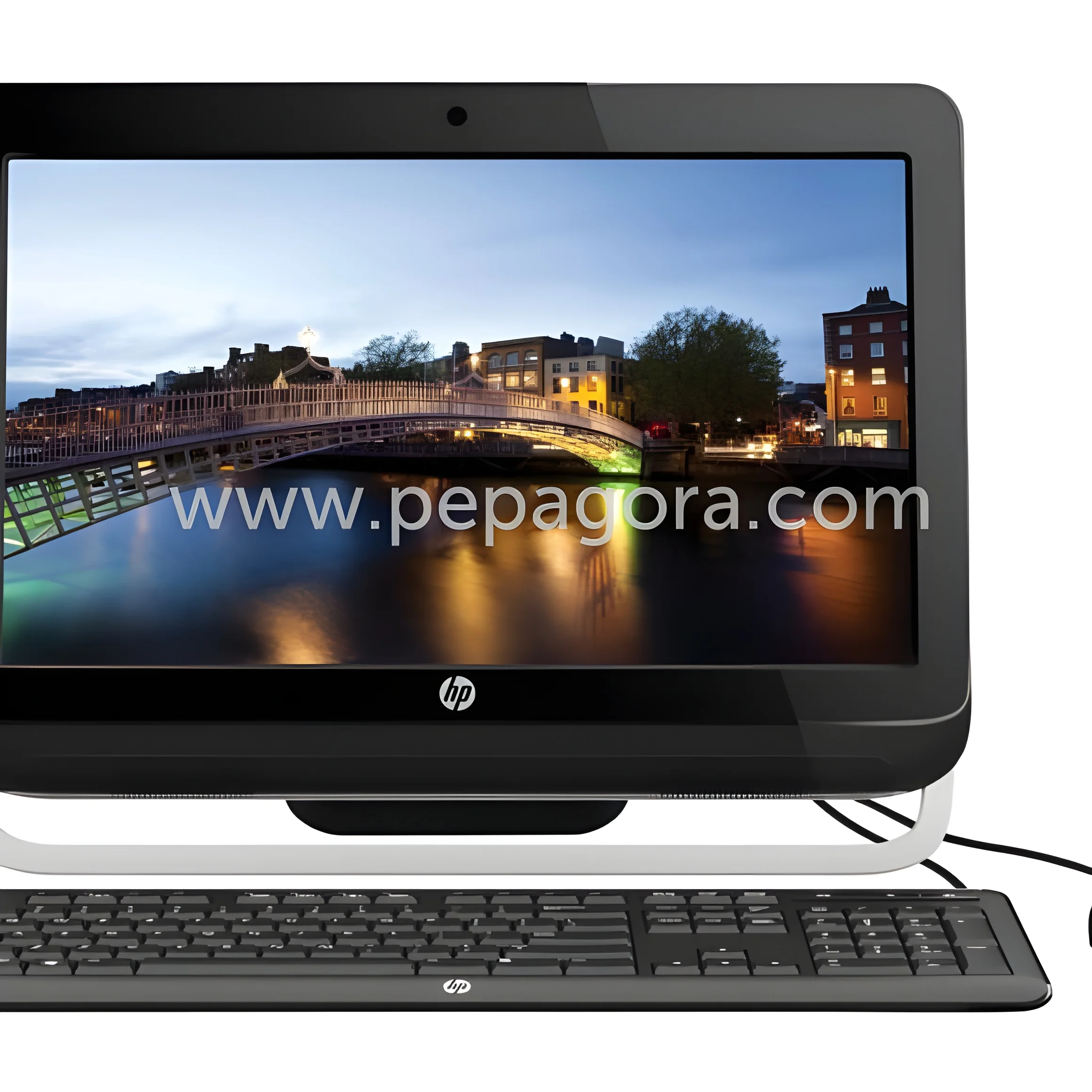
What are All-in-One PCs?
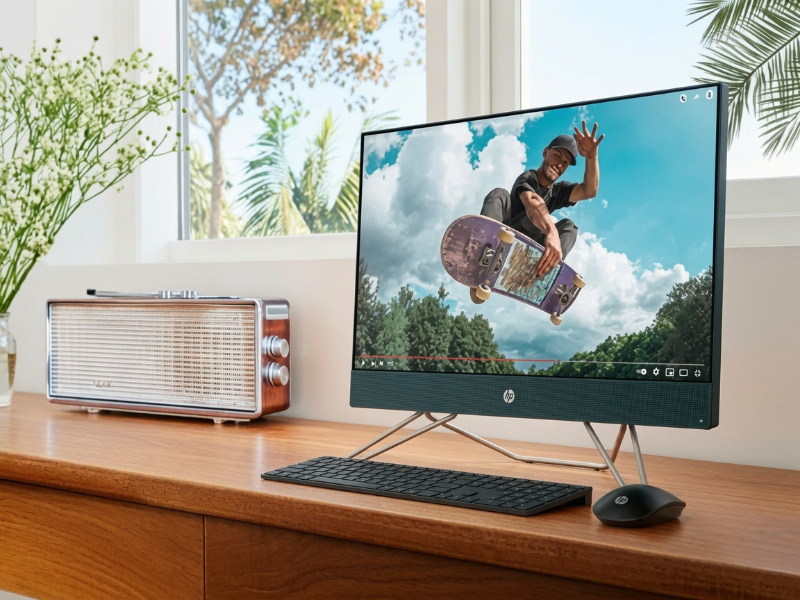
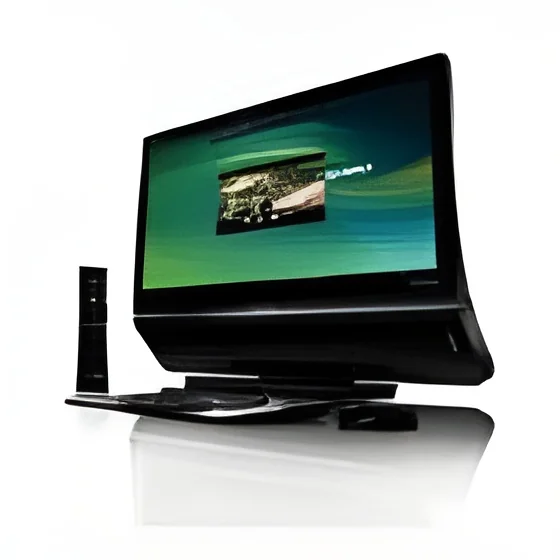
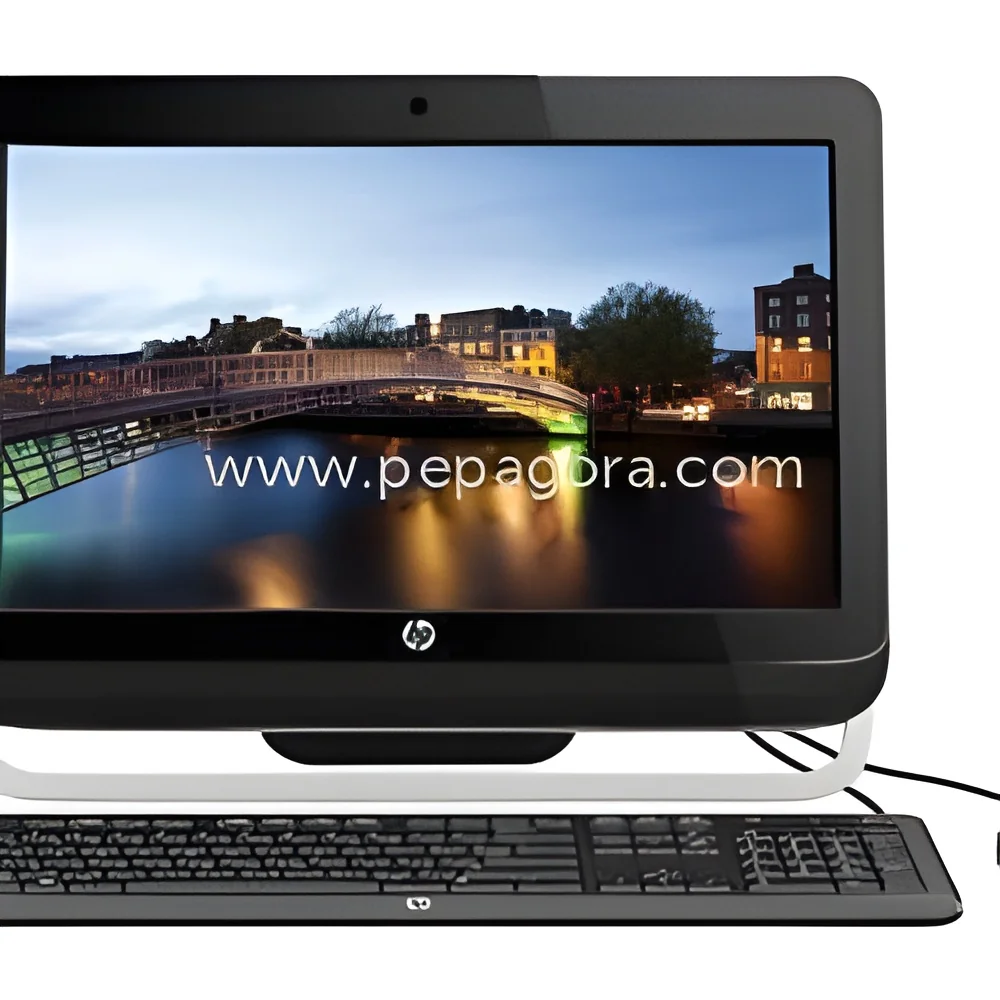
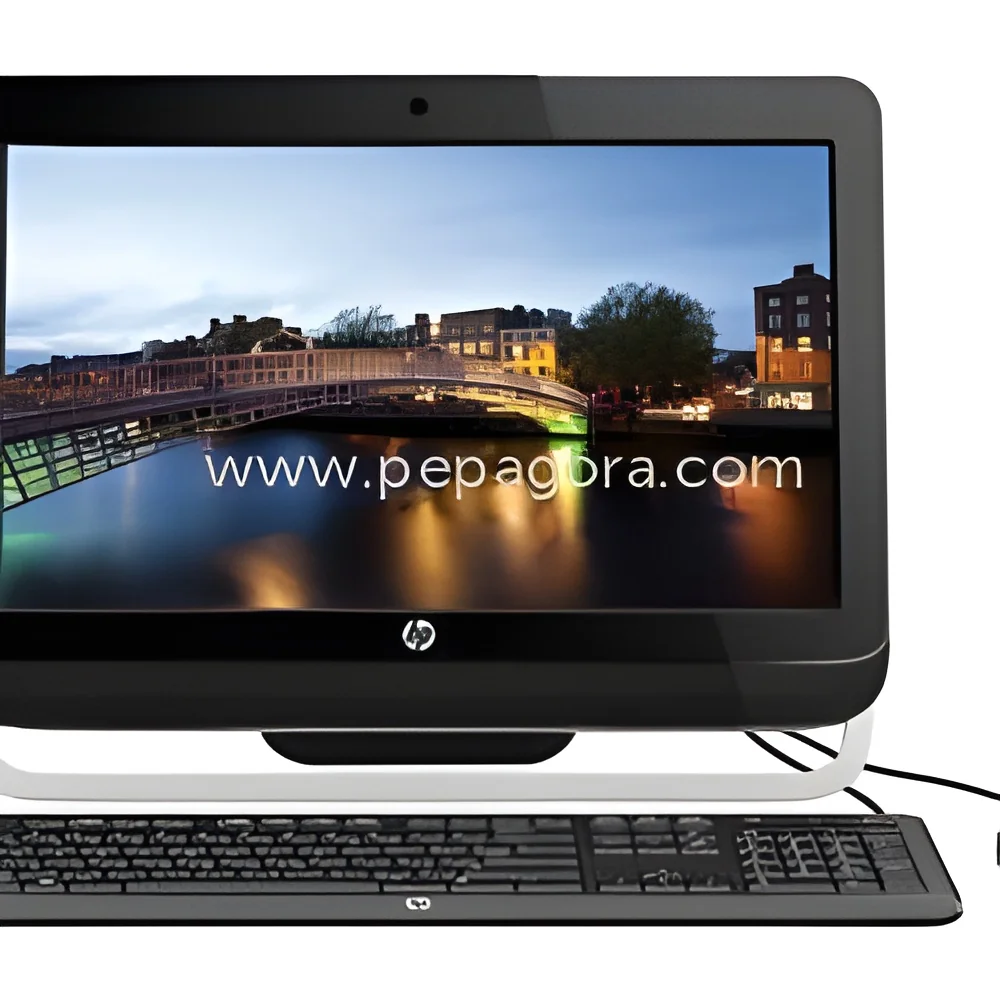
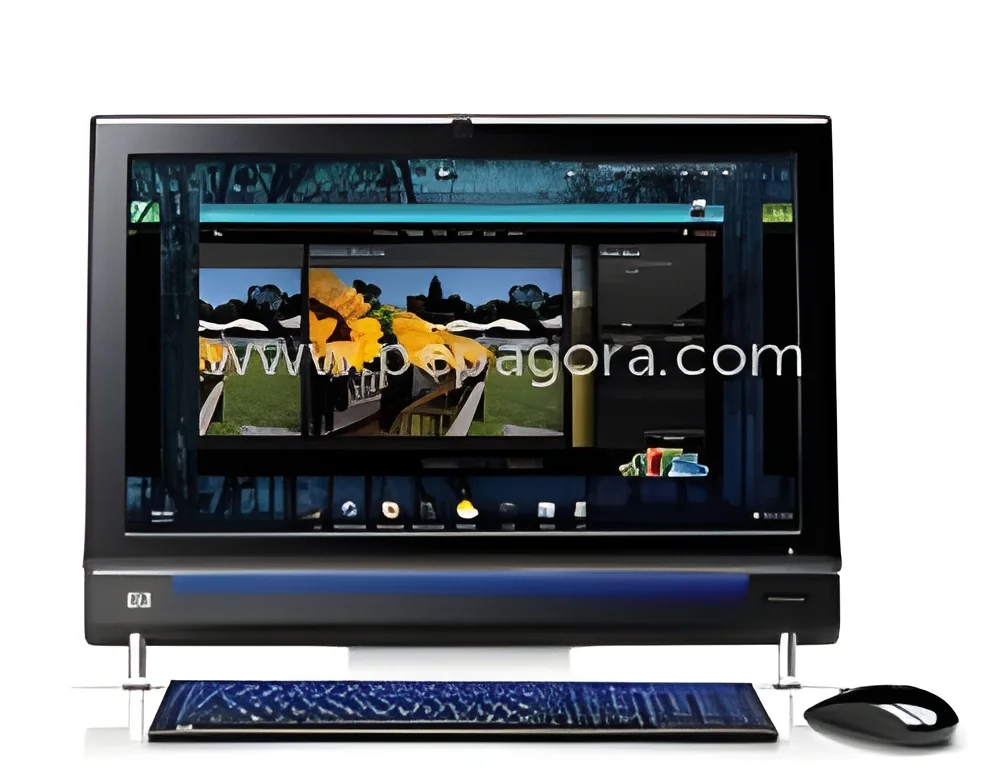
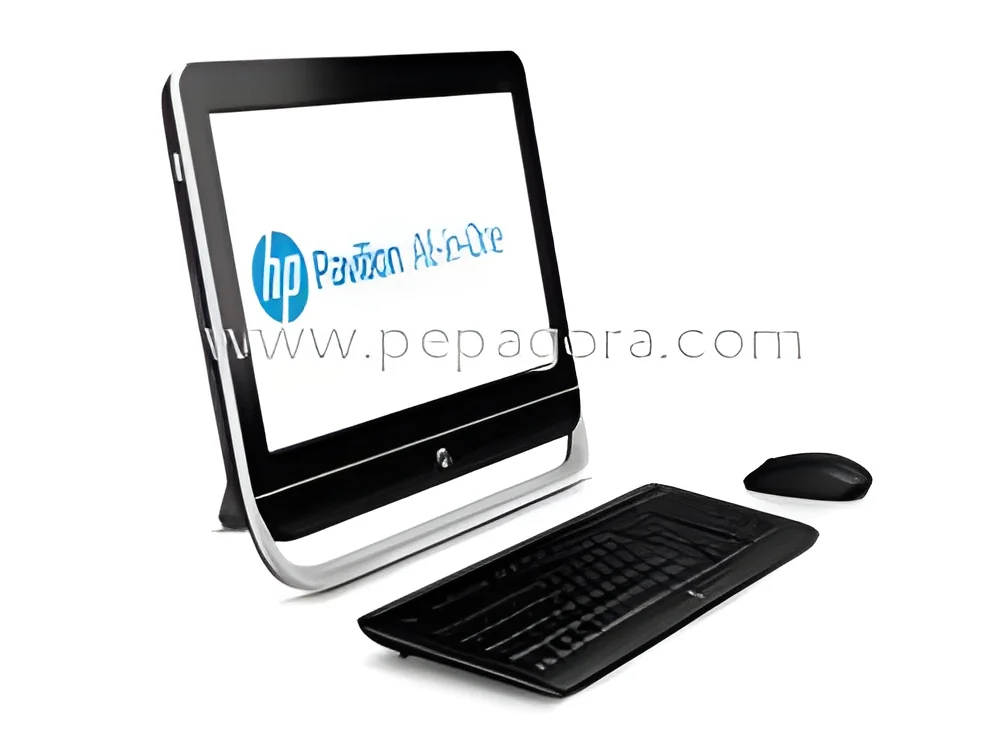
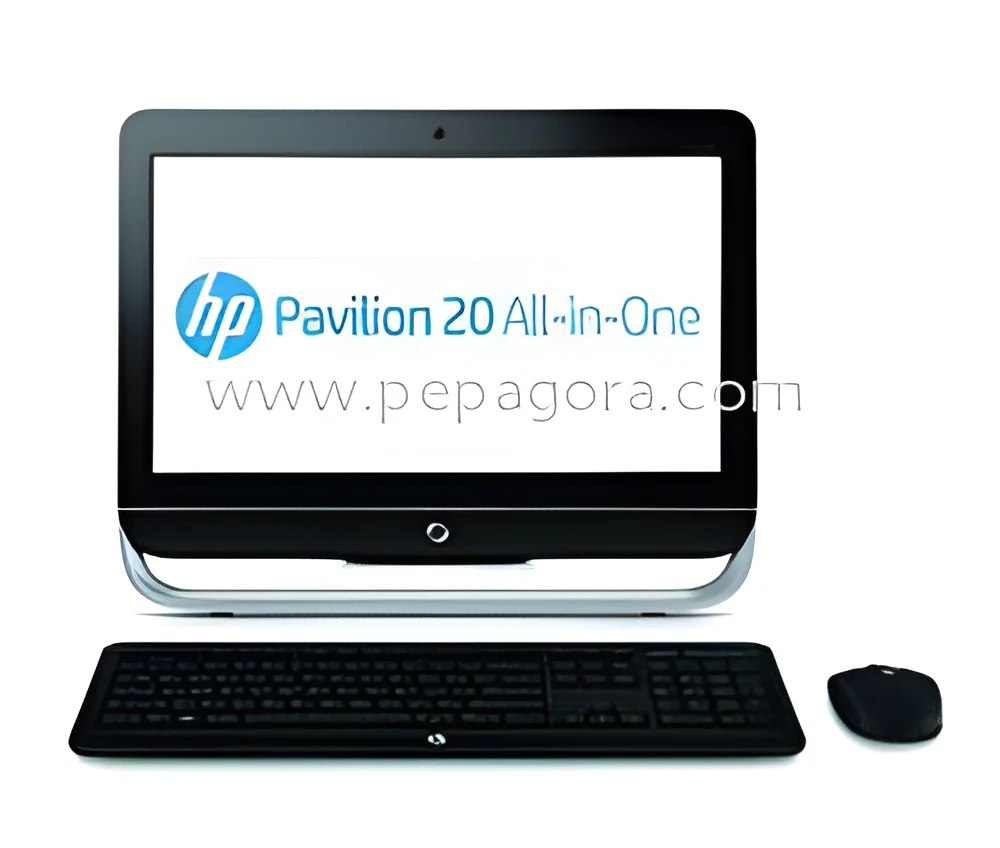
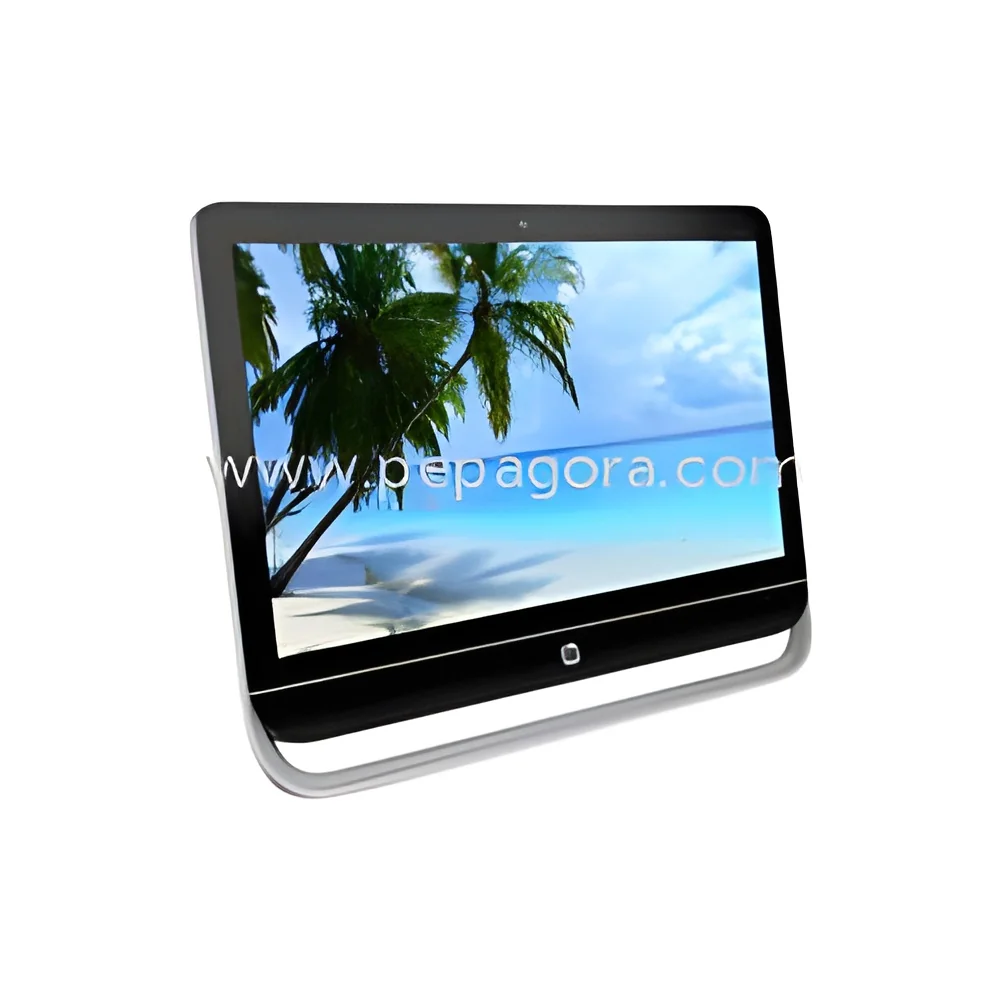
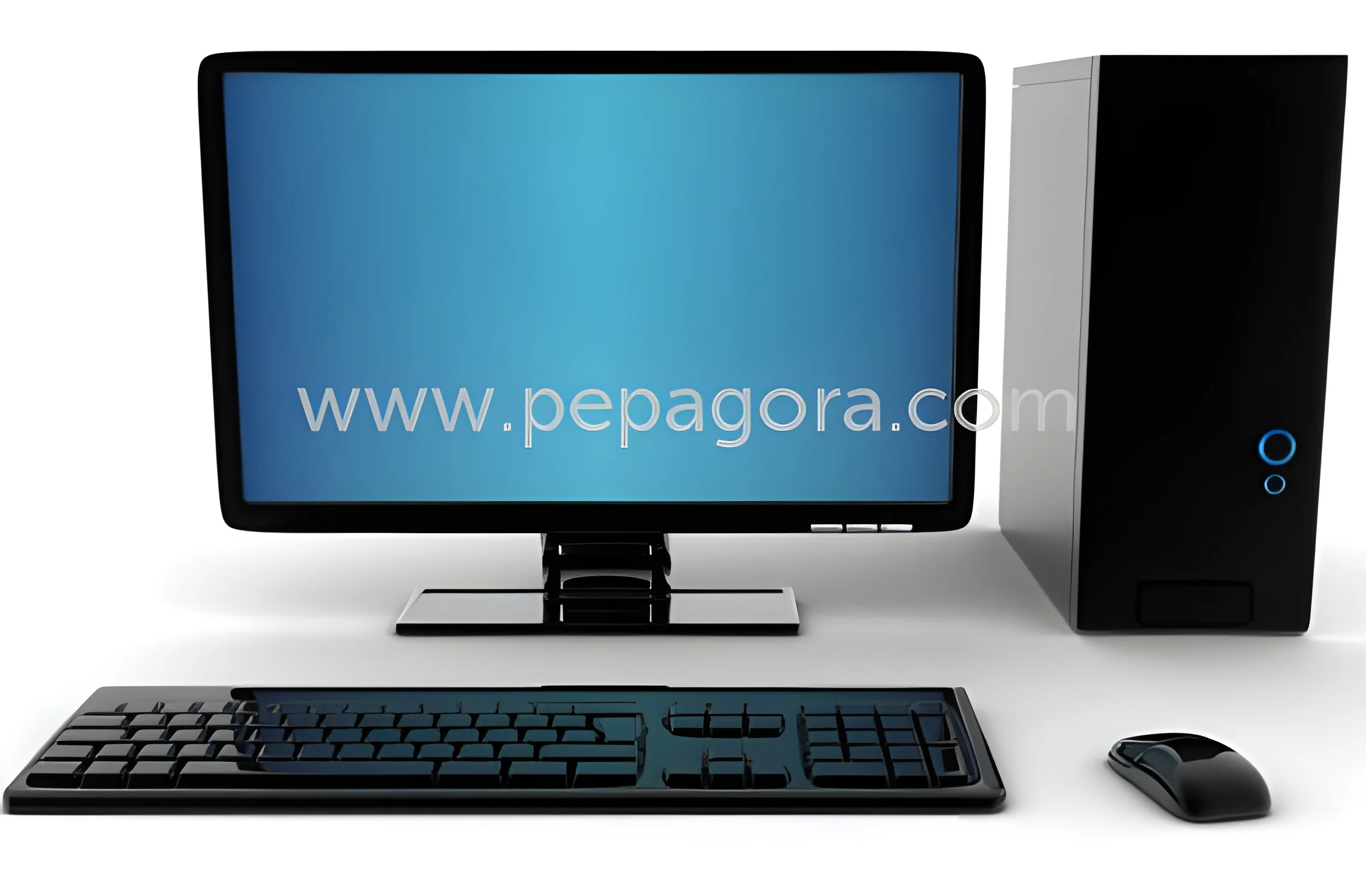
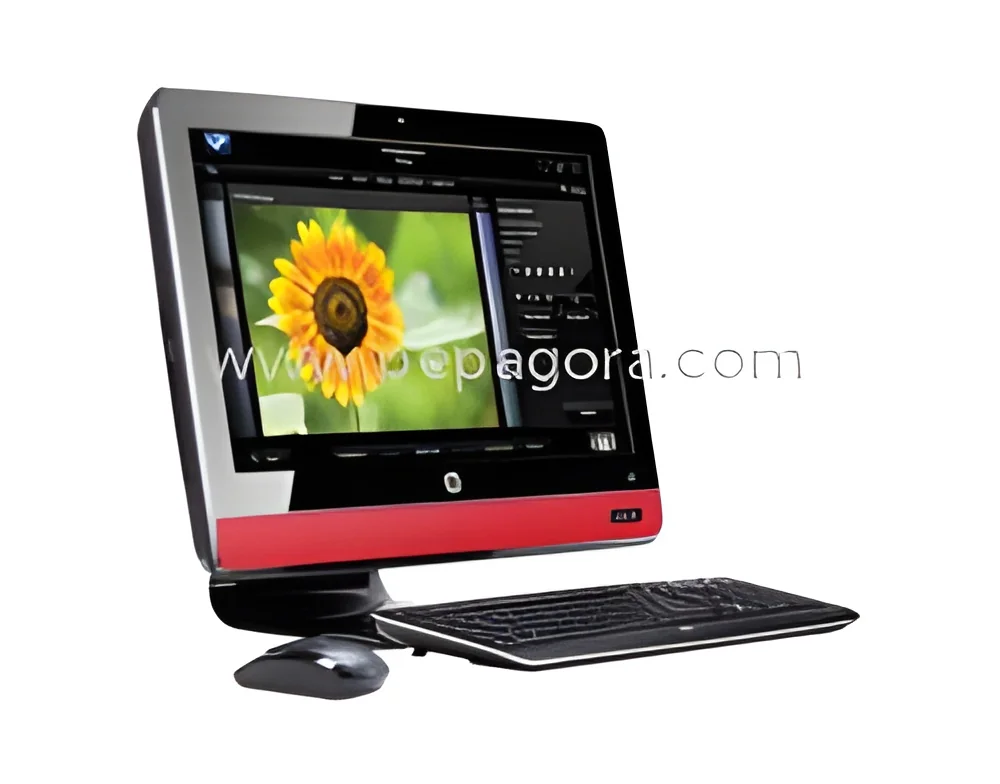
All-in-One PCs are computing devices that integrate the computer hardware and monitor into a single unit. Unlike traditional desktop setups that separate the monitor and the CPU, All-in-One PCs combine these elements, offering a compact and space-saving solution. They typically feature a sleek design, making them suitable for both office and home environments.
These devices serve a wide range of business applications, from basic tasks like word processing and internet browsing to more intensive activities such as graphic design and data analysis. All-in-One PCs are particularly popular in environments where space is limited, such as small offices, retail settings, and educational institutions. Their design also reduces cable clutter, contributing to a cleaner workspace.
The relevance of All-in-One PCs in the market has grown, driven by the demand for versatile, user-friendly computing solutions. Industries are increasingly adopting these devices for their performance, aesthetic appeal, and ease of use. As technology advances, All-in-One PCs continue to evolve, integrating modern features such as touch screens and high-definition displays.
Key Features and Specifications
All-in-One PCs come with a variety of features and specifications that cater to diverse business needs. Understanding these specifications is essential for selecting the right model for your organization.
Key specifications include:
1. Display Size
- Typically ranges from 21 inches to 34 inches
- High-resolution options available, including Full HD and 4K displays
2. Processor Type
- Options include Intel Core i3, i5, i7, and AMD Ryzen processors
- Dual-core and quad-core options available for varying performance needs
3. Memory (RAM)
- Options generally range from 4GB to 32GB
- Higher RAM supports multitasking and memory-intensive applications
4. Storage Capacity
- SSD options from 128GB to 2TB
- HDD options from 500GB to 2TB for traditional data storage needs
5. Operating System
- Usually pre-installed with Windows, macOS, or Linux
- Availability of different versions based on business requirements
6. Connectivity Options
- Includes USB ports, HDMI outputs, and Ethernet ports
- Wireless connectivity features such as Wi-Fi and Bluetooth
7. Audio Quality
- Integrated speakers with high-definition sound
- Some models include additional audio features for enhanced multimedia experiences
8. Webcam and Microphone
- Built-in cameras and microphones for video conferencing
- Quality varies by model, with some supporting HD video
In summary, the specifications of All-in-One PCs provide a blend of performance, connectivity, and convenience tailored to meet various business demands.
Common Applications and Use Cases
All-in-One PCs play a crucial role across multiple industries, enhancing productivity and efficiency.
1. Education: In classrooms, All-in-One PCs are used for interactive learning, presentations, and administrative tasks. Their compact design is ideal for limited space in schools.
2. Retail: Retailers utilize All-in-One PCs for point-of-sale systems, inventory management, and customer engagement. Their sleek appearance complements modern retail environments.
3. Healthcare: In medical settings, these devices are employed for patient management, electronic health records, and telemedicine applications, providing ease of access to critical information.
4. Design: Graphic designers and architects use All-in-One PCs for rendering, video editing, and design tasks, benefiting from high-resolution displays and powerful processors.
5. Small Business: Small businesses appreciate the space-saving design for administrative work, accounting, and client presentations, making it an ideal choice for startups.
6. Hospitality: Hotels and restaurants use All-in-One PCs for front desk operations, reservations, and customer service applications, improving efficiency in guest interactions.
7. Corporate Offices: In corporate settings, these devices are used for meetings, collaborative work, and daily operations, combining functionality with an aesthetic appeal.
Product Variants and Subcategories
All-in-One PCs come in various models tailored to different user requirements. While specific subcategories may not be available, there are distinctions based on features and target markets.
Business Class All-in-One PC: These models are designed for corporate environments, offering enhanced security features, enterprise-level processing power, and options for remote management.
Home and Entertainment All-in-One PC: Aimed at consumers, these PCs often come with larger displays and superior audio capabilities, making them ideal for media consumption and casual gaming.
Design and Creative All-in-One PC: Tailored for professionals in design fields, these models feature powerful graphics and high-resolution displays, catering to tasks like video editing and 3D rendering.
Benefits and Advantages
All-in-One PCs offer numerous advantages that make them an attractive choice for businesses.
1. Space Efficiency: Their compact design reduces the footprint in offices, making them ideal for small workspaces.
2. Reduced Cable Clutter: Integration of hardware components minimizes the number of cables, contributing to a cleaner work environment.
3. Easy Setup: All-in-One PCs are straightforward to install and use, minimizing the technical skills required for setup.
4. Aesthetic Appeal: With their modern designs, these devices enhance the visual appeal of any workspace.
5. Versatility: Suitable for various applications, they can be adapted for different business needs, from basic tasks to advanced computing.
6. Energy Efficiency: Many models are designed to be energy-efficient, helping businesses reduce electricity costs.
Buying Guide for B2B Buyers
When sourcing All-in-One PCs, it is essential to consider several factors to ensure you make a well-informed purchase.
1. Quality Assessment: Evaluate the build quality, performance ratings, and user reviews to ensure the device meets your business needs.
2. Supplier Verification: Research potential suppliers thoroughly to confirm their reliability, reputation, and customer service history.
3. Pricing and MOQ: Understand the pricing structure and minimum order quantities to align with your budget and volume requirements.
4. Delivery and Lead Times: Discuss logistics and lead times with suppliers to ensure timely delivery that meets your operational timelines.
5. Compliance Requirements: Be aware of relevant industry standards and certifications to ensure the devices meet regional regulations.
Compliance and Certifications
All-in-One PCs must adhere to various compliance and certification standards to ensure quality and safety.
Relevant quality standards such as ISO 9001 ensure that manufacturing processes meet consistent quality requirements. Compliance with these standards reflects a commitment to delivering reliable products.
Industry certifications, like CE marking, indicate that the product meets European safety, health, and environmental protection standards. This certification is crucial for marketing products in Europe.
Safety and testing requirements involve rigorous assessments to ensure that the devices operate safely under various conditions. Manufacturers often conduct tests for electrical safety, temperature tolerance, and durability.
Regional compliance considerations may vary, so it is important to check local regulations to ensure that the All-in-One PCs meet all necessary requirements before import or sale.
Why Source All-in-One PCs from Pepagora?
Pepagora provides a trusted platform for sourcing All-in-One PCs, presenting several key advantages for B2B buyers.
Verified Supplier Network: Pepagora connects buyers with a network of verified suppliers, ensuring that you source from reputable manufacturers who meet quality standards.
Streamlined RFQ Process: The platform simplifies the request for quotation (RFQ) process, allowing buyers to easily compare offers and select the best option for their needs.
Trade Assurance and Support: Buyers benefit from trade assurance features that protect transactions, ensuring that you receive the products as described, along with dedicated support throughout the purchasing process.
Regional Coverage: Pepagora offers extensive coverage across regions such as India, the GCC, and Southeast Asia, making it easier for businesses to find suitable suppliers within their geographical area.
By choosing Pepagora, B2B buyers can confidently navigate the market for All-in-One PCs, ensuring access to quality products and reliable supplier connections.

 IN
IN