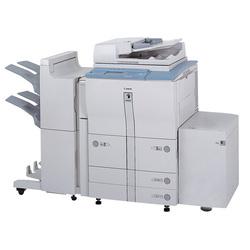
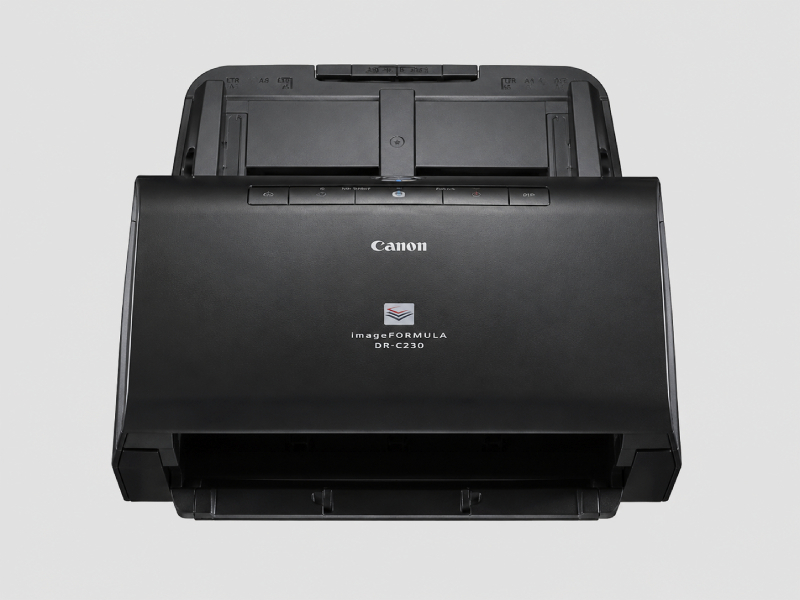
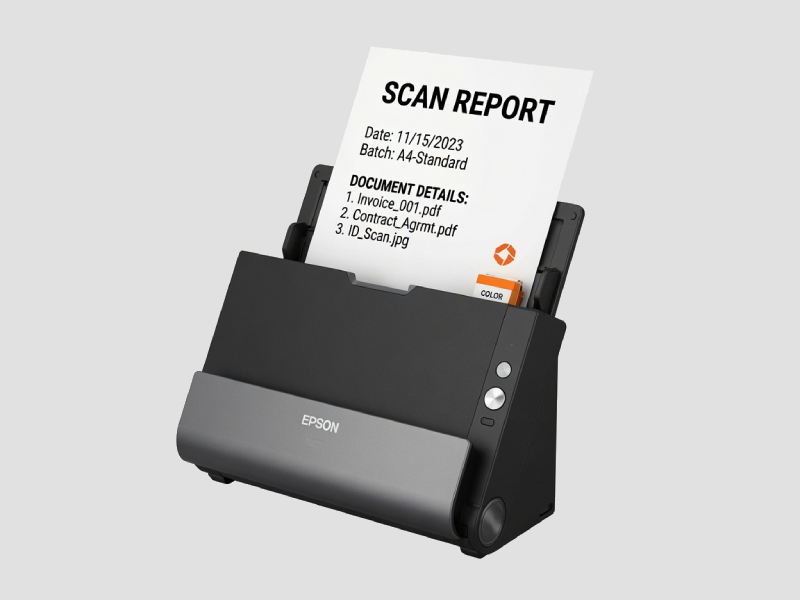
𝗪𝗵𝗮𝘁 𝗮𝗿𝗲 𝗣𝗿𝗶𝗻𝘁𝗲𝗿𝘀 & 𝗦𝗰𝗮𝗻𝗻𝗲𝗿𝘀?
Printers and scanners are essential devices in modern business environments, enabling the conversion of digital documents into physical copies and vice versa. Printers produce hard copies of electronic documents, while scanners capture physical documents and transform them into digital formats. Together, these devices facilitate efficient document management, ensuring that businesses can create, store, and share information seamlessly.
The primary uses of printers and scanners in business include producing reports, marketing materials, invoices, and other essential documents. Scanners are commonly used for digitizing files, archiving records, and enabling easy access to information. Their applications span across various industries, enhancing productivity and streamlining workflows.
In today's market, the demand for printers and scanners remains strong due to the increasing need for efficient document handling and management solutions. As businesses continue to digitalize processes, the relevance of these devices grows, supporting both small companies and large enterprises in their operational needs.
𝗞𝗲𝘆 𝗙𝗲𝗮𝘁𝘂𝗿𝗲𝘀 𝗮𝗻𝗱 𝗦𝗽𝗲𝗰𝗶𝗳𝗶𝗰𝗮𝘁𝗶𝗼𝗻𝘀
Printers and scanners come equipped with a range of features that enhance their functionality and usability. Understanding these specifications helps businesses select the right model for their needs.
Key specifications include:
1. Print Resolution
- Determines the clarity of printed documents.
- Measured in DPI (dots per inch), with common ranges being 600 to 4800 DPI.
2. Scan Resolution
- Affects the quality of scanned images and documents.
- Typically ranges from 300 to 1200 DPI.
3. Print Speed
- Indicates how quickly a printer can produce documents.
- Commonly measured in pages per minute (PPM), with typical speeds ranging from 15 to 50 PPM.
4. Connectivity Options
- Involves the methods through which devices connect to computers or networks.
- Options may include USB, Ethernet, and wireless connections.
5. Paper Handling Capacity
- Refers to the amount of paper a printer can hold at one time.
- Often expressed in sheets, with standard trays holding 250 sheets or more.
6. Duplex Printing
- The ability to print on both sides of a page.
- This feature helps reduce paper usage and is common in many modern printers.
7. Operating System Compatibility
- Indicates the systems with which the printer or scanner can operate.
- Most devices support major operating systems like Windows and macOS.
8. Size and Weight
- The physical dimensions and weight of the unit, affecting installation and mobility.
- Portable models may weigh around 5 to 10 pounds, while larger units can weigh significantly more.
In summary, understanding the features and specifications of printers and scanners is crucial for businesses aiming to optimize their document management processes.
𝗖𝗼𝗺𝗺𝗼𝗻 𝗔𝗽𝗽𝗹𝗶𝗰𝗮𝘁𝗶𝗼𝗻𝘀 𝗮𝗻𝗱 𝗨𝘀𝗲 𝗖𝗮𝘀𝗲𝘀
Printers and scanners serve a variety of industries, each with unique applications that enhance operational efficiency.
1. Healthcare: In hospitals and clinics, printers are used for patient records, prescriptions, and informational brochures, while scanners digitize medical documents for easy access.
2. Education: Schools and universities utilize printers for educational materials, exams, and administrative documents, alongside scanners for digitizing student records and curriculum content.
3. Legal: Law firms rely on printers for contracts, briefs, and case documents, while scanners help digitize case files for better organization and retrieval.
4. Finance: Banks and financial institutions use printers for statements, reports, and promotional materials, while scanners facilitate the digitization of client documents for secure storage.
5. Manufacturing: In manufacturing settings, printers are used for labels, quality control documents, and production schedules, whereas scanners help track inventory and manage documents efficiently.
6. Retail: Retail businesses print receipts, product labels, and promotional materials, while scanners are essential for managing inventory and processing transactions.
7. Government: Government agencies utilize printers for official documents, forms, and public communications, with scanners playing a role in archiving records and processing applications.
𝗣𝗿𝗼𝗱𝘂𝗰𝘁 𝗩𝗮𝗿𝗶𝗮𝗻𝘁𝘀 𝗮𝗻𝗱 𝗦𝘂𝗯𝗰𝗮𝘁𝗲𝗴𝗼𝗿𝗶𝗲𝘀
Printers and scanners come in various types to meet specific needs. Here are some common variants:
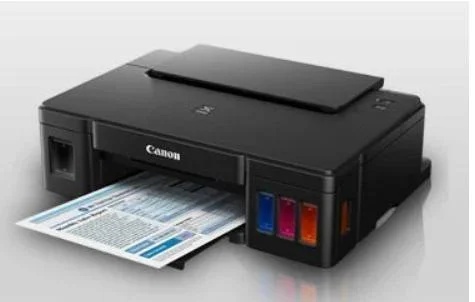
Inkjet Printers: These printers use liquid ink to produce high-quality images and are ideal for printing photos and colorful documents. They are often used in offices with diverse printing needs.
Laser Printers: Known for their speed and efficiency, laser printers use toner to produce sharp text and graphics. They are commonly found in business environments that require high-volume printing.
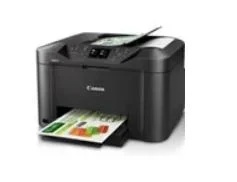
All-in-One Printers: Combining printing, scanning, copying, and faxing capabilities, these versatile devices are popular in small to medium-sized businesses where space and budget are considerations.
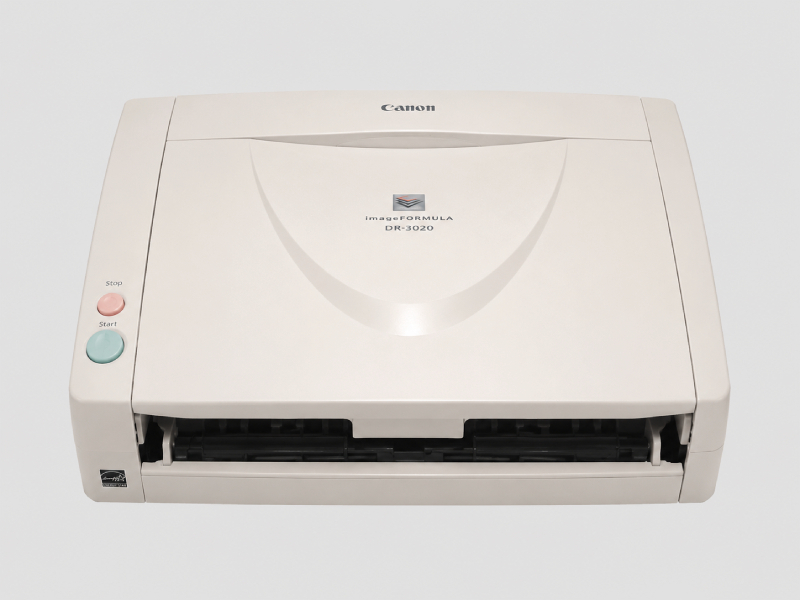
Document Scanners: Specifically designed for digitizing paper documents, these scanners offer high-speed scanning and advanced features such as automatic document feeders. They are suitable for businesses focused on digitization.
𝗕𝗲𝗻𝗲𝗳𝗶𝘁𝘀 𝗮𝗻𝗱 𝗔𝗱𝘃𝗮𝗻𝘁𝗮𝗴𝗲𝘀
Investing in printers and scanners offers numerous advantages for businesses.
Key benefits include:
1. Increased Productivity: Efficient printing and scanning processes help save time, enabling employees to focus on core tasks.
2. Cost Efficiency: Modern printers and scanners provide high-quality output at lower operating costs, reducing the overall expenditure on printed materials.
3. Improved Document Management: Digital scanning allows for better organization and retrieval of documents, enhancing workflow efficiency.
4. Versatility: Multi-functional devices, such as all-in-one printers, offer multiple capabilities, minimizing the need for separate machines.
5. Enhanced Collaboration: Digital documents facilitate sharing and collaboration among team members, improving communication and project outcomes.
6. Environmental Sustainability: Many printers now offer eco-friendly options, such as duplex printing, which reduces paper waste and supports sustainability efforts.
𝗕𝘂𝘆𝗶𝗻𝗴 𝗚𝘂𝗶𝗱𝗲 𝗳𝗼𝗿 𝗕𝟮𝗕 𝗕𝘂𝘆𝗲𝗿𝘀
When sourcing printers and scanners, businesses should consider several key factors to ensure they make informed decisions.
1. Quality Assessment: Evaluate the print and scan quality by reviewing specifications and testing samples. Consider the resolution and output quality to meet business needs.
2. Supplier Verification: Vet potential suppliers by checking reviews, references, and certifications. Reliable suppliers ensure product quality and support.
3. Pricing and MOQ: Analyze the cost of devices and any associated expenses, such as cartridges and maintenance. Be aware of minimum order quantities that suppliers may impose.
4. Delivery and Lead Times: Understand the logistics involved in acquiring printers and scanners, including delivery times and any potential delays.
5. Compliance Requirements: Ensure that products meet industry standards and regulatory requirements, especially in sectors like healthcare and finance.
𝗖𝗼𝗺𝗽𝗹𝗶𝗮𝗻𝗰𝗲 𝗮𝗻𝗱 𝗖𝗲𝗿𝘁𝗶𝗳𝗶𝗰𝗮𝘁𝗶𝗼𝗻𝘀
Printers and scanners must adhere to various quality standards and certifications to ensure safety and reliability.
Relevant quality standards include ISO 9001, which focuses on quality management systems, ensuring that products meet consistent quality levels. Additionally, certifications like CE indicate compliance with European safety, health, and environmental protection standards.
In terms of safety and testing requirements, manufacturers often conduct rigorous tests to ensure that devices operate safely and efficiently. This includes assessments of electrical safety, electromagnetic compatibility, and performance reliability.
Regional compliance considerations are also important, as different regions may have specific regulations governing electronic devices. Companies should be aware of these requirements when sourcing products to ensure compliance and avoid potential legal issues.
𝗪𝗵𝘆 𝗦𝗼𝘂𝗿𝗰𝗲 𝗣𝗿𝗶𝗻𝘁𝗲𝗿𝘀 & 𝗦𝗰𝗮𝗻𝗻𝗲𝗿𝘀 𝗳𝗿𝗼𝗺 𝗣𝗲𝗽𝗮𝗴𝗼𝗿𝗮?
Pepagora provides a trusted platform for sourcing printers and scanners, offering several key advantages that benefit B2B buyers.
Verified Supplier Network: Pepagora connects businesses with a network of verified suppliers, ensuring that buyers receive high-quality products from reputable manufacturers. This verification process mitigates risks associated with untrustworthy suppliers.
Streamlined RFQ Process: The platform features an efficient request-for-quotation (RFQ) system, allowing buyers to easily compare offers from multiple suppliers. This simplifies the purchasing process and helps secure the best pricing and terms.
Trade Assurance and Support: Pepagora offers trade assurance, providing buyers with protection against potential risks in their transactions. The platform also provides support throughout the purchasing process, ensuring a smooth experience.
Regional Coverage: With a strong presence in India, the GCC, and Southeast Asia, Pepagora enables businesses to source printers and scanners from various regions. This geographic reach allows buyers to access a wide range of products tailored to their specific needs.

 IN
IN

 India
India