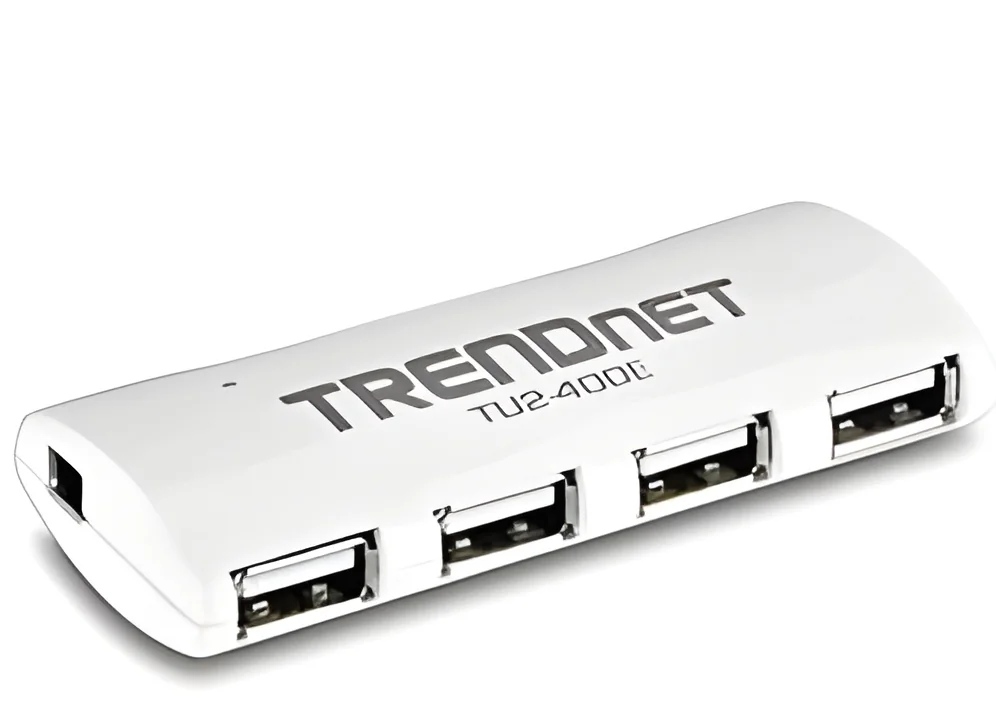
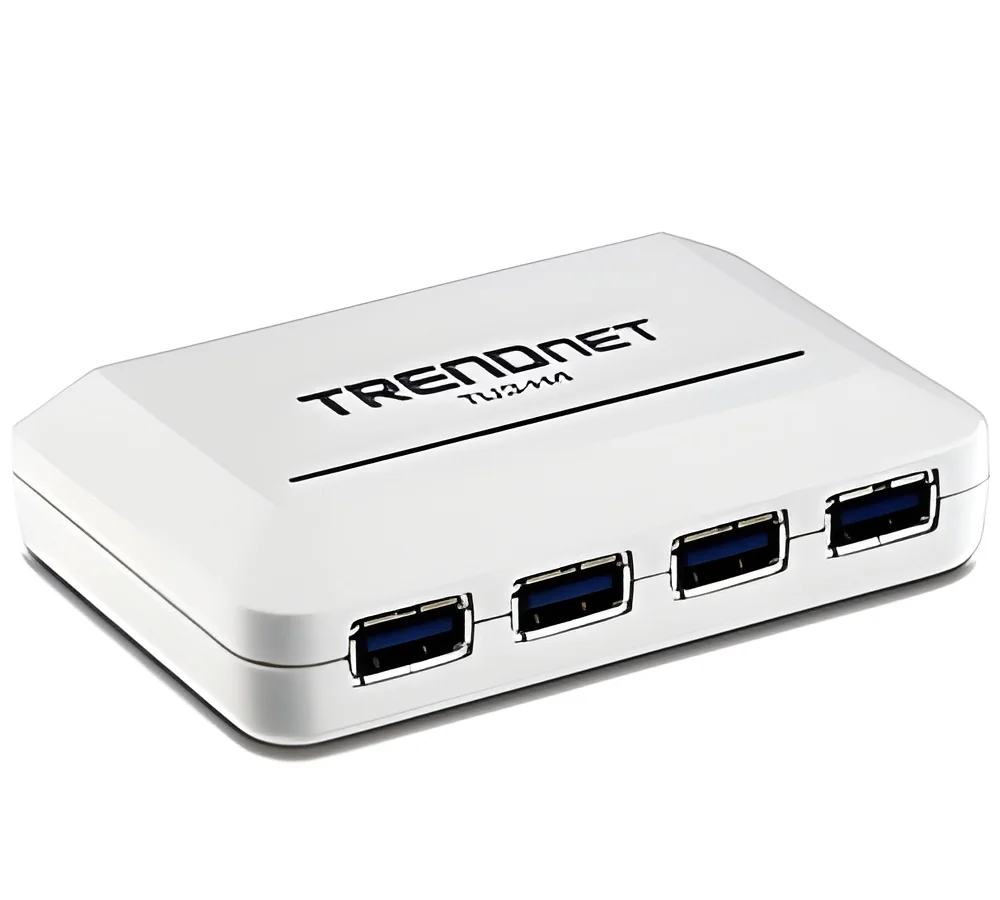
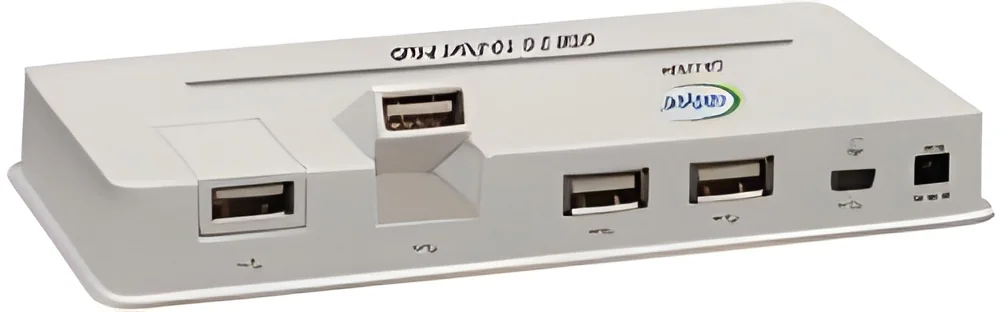
What are Docking Stations & USB Hubs?
Docking stations and USB hubs are essential tools in the modern business environment, enabling seamless connectivity for various devices. A docking station typically provides a single interface that connects a laptop or tablet to multiple peripherals such as monitors, keyboards, and printers. USB hubs, on the other hand, expand the number of available USB ports, allowing users to connect multiple devices simultaneously. Both products enhance productivity by simplifying connections and reducing cable clutter.
In business applications, these devices are particularly useful for professionals who require frequent access to multiple devices or peripherals. For instance, employees working in collaborative environments may use docking stations to quickly connect their laptops to shared monitors and keyboards. USB hubs are beneficial in scenarios where devices such as printers, external hard drives, and other USB-enabled tools must be accessed at once. The relevance of docking stations and USB hubs is growing as companies continue to adopt more portable computing solutions.
As remote work and flexible office layouts become more common, the demand for docking stations and USB hubs is increasing. Businesses are recognizing the importance of providing their employees with efficient tools that enhance workflow and connectivity. The market for these products continues to evolve, with innovations aimed at improving performance and user experience.
Key Features and Specifications
Docking stations and USB hubs come with a variety of features and specifications that cater to different user needs. Understanding these specifications is crucial for businesses looking to invest in reliable connectivity solutions.
Key specifications include:
1. Connectivity Options
- Includes a variety of ports such as HDMI, DisplayPort, Ethernet, and USB-A/USB-C.
- Offers both wired and wireless connectivity options.
2. Power Delivery
- Provides power to connected devices, eliminating the need for separate power adapters.
- Supports various wattage levels, typically up to 100W.
3. Data Transfer Speed
- Varies by technology, with USB 3.0 offering speeds up to 5 Gbps and USB 3.1 offering up to 10 Gbps.
- Essential for transferring large files quickly.
4. Compatibility
- Supports multiple operating systems, including Windows, macOS, and Linux.
- Ensures versatility across different devices and platforms.
5. Build Quality
- Durable materials that withstand regular use in busy environments.
- Compact designs for easy portability.
6. Size and Weight
- Varies from compact models ideal for travel to larger units meant for stationary setups.
- Important for workspace management.
7. Security Features
- Some models include encryption and security protocols to safeguard data.
- Useful for businesses with strict data protection policies.
8. Additional Features
- May include built-in card readers, audio ports, or integrated cooling systems.
- Enhances functionality for specific user needs.
These specifications play a crucial role in determining the right product for a business's connectivity requirements.
Common Applications and Use Cases
Docking stations and USB hubs are versatile products used across various industries to enhance connectivity and efficiency.
1. Information Technology: IT departments utilize docking stations to facilitate quick connections to multiple devices during troubleshooting and system setups.
2. Education: Schools and universities often use USB hubs to connect various devices in classrooms, enabling interactive learning experiences.
3. Healthcare: Medical professionals depend on docking stations to connect medical devices to laptops, ensuring quick access to patient data.
4. Manufacturing: In manufacturing environments, USB hubs help connect multiple machines and devices to centralized systems for monitoring and control.
5. Finance: Financial institutions use docking stations to streamline workflows for analysts who require multiple monitors and peripherals for data analysis.
6. Design and Engineering: Creative teams rely on docking stations to connect high-resolution displays and graphic tablets for design work.
7. Remote Work: With the rise of remote work, professionals use docking stations and USB hubs to maintain productivity in home office setups.
Product Variants and Subcategories
Docking stations and USB hubs come in various models, each catering to specific needs and user preferences.
Universal Docking Stations
These docking stations support a wide range of laptops and devices, making them ideal for businesses with diverse hardware. They often include multiple port options for enhanced connectivity.
Thunderbolt Docking Stations
Designed for high-performance tasks, these docking stations provide faster data transfer speeds and higher power delivery. They are suitable for creative professionals using resource-intensive software.
Portable USB Hubs
Compact and lightweight, portable USB hubs are perfect for on-the-go professionals. They offer essential connectivity without taking up much space.
Multi-Monitor Docking Stations
These docking stations allow users to connect multiple monitors, enhancing productivity for tasks that require extensive screen real estate.
Benefits and Advantages
Investing in docking stations and USB hubs offers numerous advantages for businesses.
1. Enhanced Productivity: These devices simplify connections to multiple peripherals, allowing employees to work more efficiently.
2. Space Optimization: By reducing cable clutter, docking stations and USB hubs help maintain organized workspaces.
3. Increased Flexibility: Users can easily switch between devices and setups, making it convenient for collaborative work.
4. Improved Data Management: Faster data transfer speeds ensure that large files are shared quickly, enhancing operational efficiency.
5. Cost-Effective Solution: Investing in these products can reduce the need for multiple individual adapters and cables.
6. Future-Proofing: As technology evolves, many docking stations and USB hubs are designed to be compatible with new devices, ensuring long-term usability.
Buying Guide for B2B Buyers
When sourcing docking stations and USB hubs, B2B buyers should consider several critical factors to ensure they select the right products.
1. Quality Assessment: Look for products that meet industry standards for durability and performance. Consider user reviews and manufacturer reputation to gauge quality.
2. Supplier Verification: Vet suppliers to ensure they have a reliable track record. Check for certifications and customer feedback to confirm their credibility.
3. Pricing and MOQ: Evaluate the pricing structure and minimum order quantities. Negotiate terms that suit your business needs while ensuring you get value for your investment.
4. Delivery and Lead Times: Factor in logistics and delivery schedules. Ensure that suppliers can meet your timelines for product availability.
5. Compliance Requirements: Understand any regulatory requirements that apply to your industry. Ensure the products you choose comply with relevant standards for safety and performance.
Compliance and Certifications
Docking stations and USB hubs must adhere to various compliance and certification standards to ensure quality and safety.
ISO 9001 is a relevant quality management standard that ensures manufacturers maintain consistent quality in their products. This standard is crucial for maintaining high performance and reliability in docking stations and USB hubs.
Additionally, CE certification indicates that products meet European safety, health, and environmental protection standards. This certification is vital for ensuring that products are safe for consumers and compliant with relevant regulations.
Safety and testing requirements also play a significant role in the compliance of these devices. Manufacturers must conduct rigorous testing to ensure their products can withstand typical usage conditions and do not pose risks to users.
Regional compliance considerations may vary. It is essential for businesses to evaluate local regulations regarding electronic devices to ensure that the products they source are compliant in their respective markets.
Why Source Docking Stations & USB Hubs from Pepagora?
Pepagora offers a trusted platform for sourcing docking stations and USB hubs, providing several key advantages for B2B buyers.
Verified Supplier Network: At Pepagora, we maintain a network of verified suppliers who meet strict quality and reliability standards. This ensures that buyers can confidently source products that meet their specifications.
Streamlined RFQ Process: Our request for quotation (RFQ) system simplifies the procurement process. Buyers can easily submit their requirements and receive competitive quotes from multiple suppliers.
Trade Assurance and Support: Pepagora provides buyer protection through trade assurance, ensuring that your orders are fulfilled as agreed. Our dedicated support team is available to assist with any inquiries or issues that may arise during the procurement process.
Regional Coverage: With a strong presence in India, the GCC, and Southeast Asia, Pepagora offers regional coverage that facilitates easy sourcing for businesses operating in these markets. This geographic reach helps buyers find the right products to meet their needs efficiently.

 IN
IN



 India
India