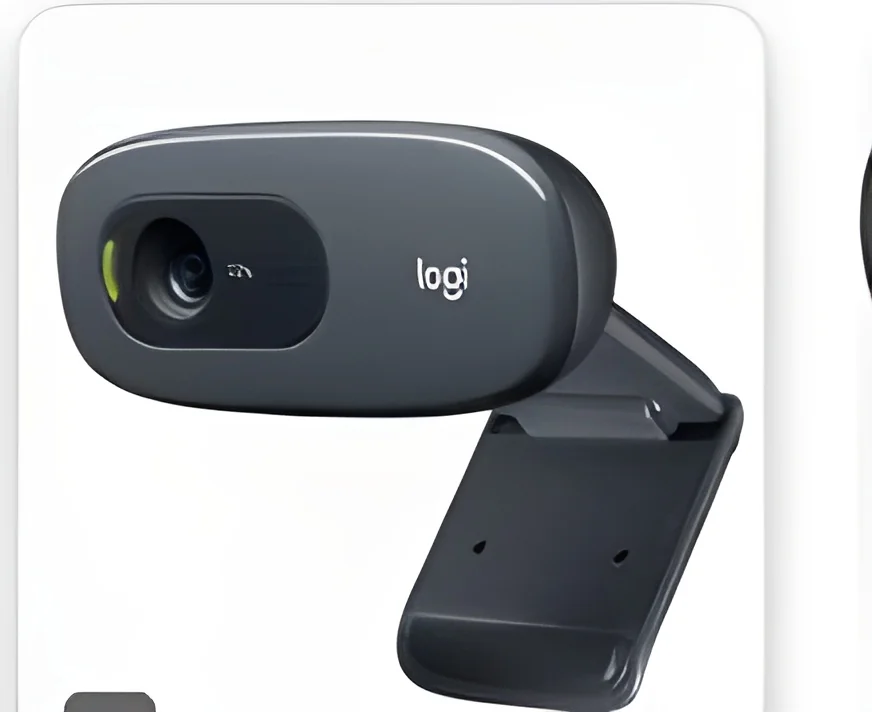
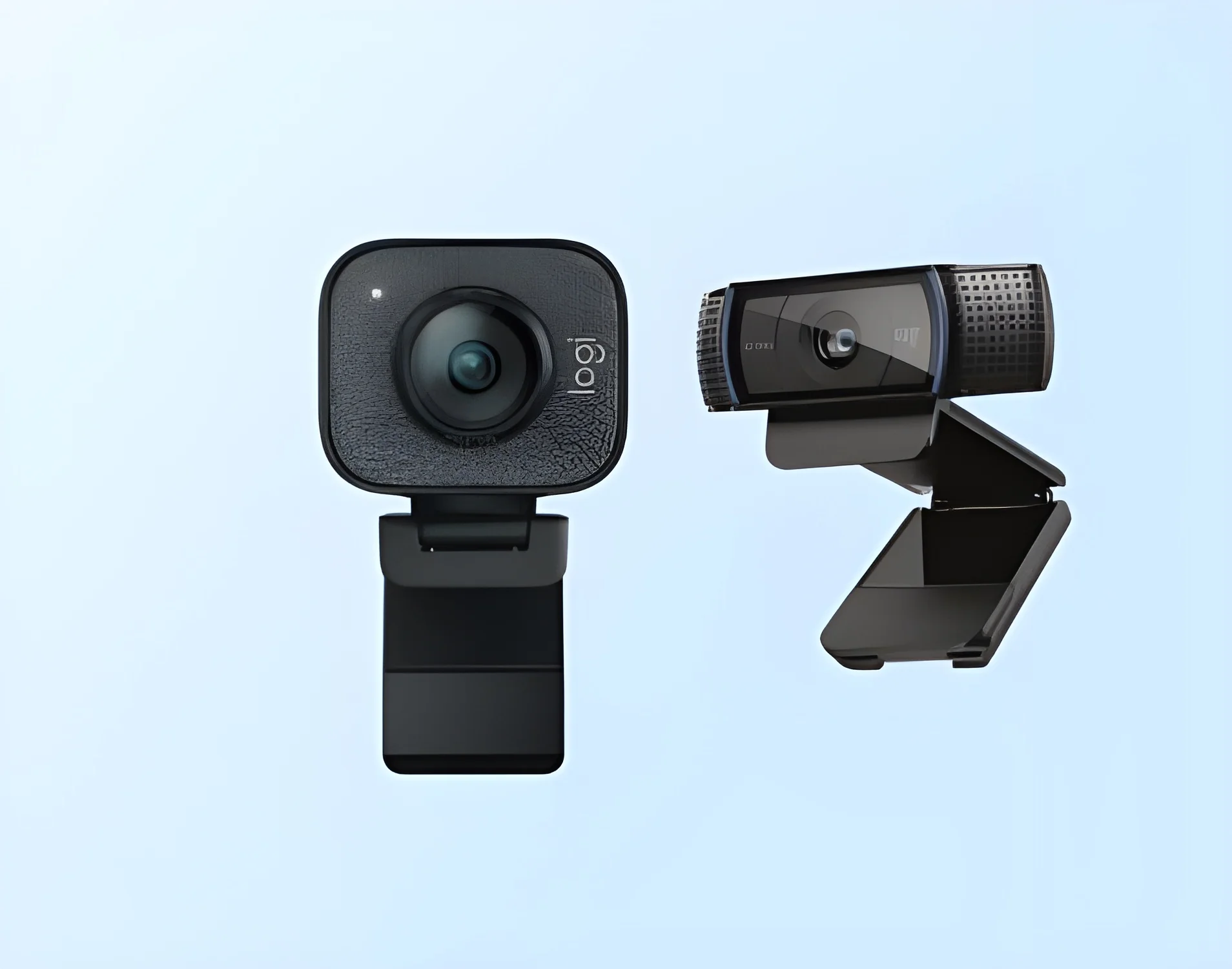
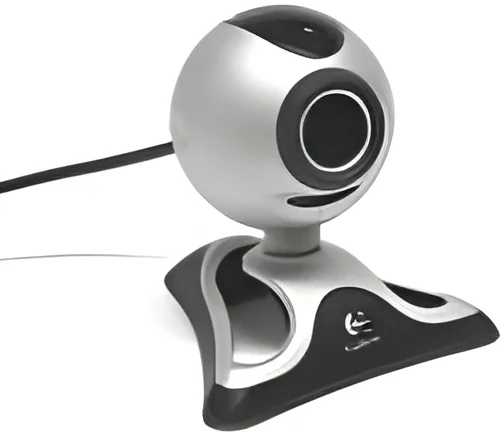
What are Webcams & Conference Cameras?
Webcams and conference cameras are essential tools for modern communication, particularly in business environments. A webcam is a digital video camera that connects to a computer or network and captures video, typically used for video conferencing and streaming. Conference cameras, on the other hand, are more advanced devices designed specifically for larger meeting spaces. They often include features such as wide-angle lenses, built-in microphones, and speakers, enabling high-quality video and audio for multiple participants in a room.
In business applications, these devices facilitate remote communication and collaboration. They are widely used in virtual meetings, webinars, and online training sessions. With the rise of remote work and global teams, effective video communication has become vital for maintaining productivity and engagement. The increasing demand for these technologies is reflected in the expanding market, with innovations aimed at enhancing user experience and integrating seamlessly with various platforms.
Key Features and Specifications
When evaluating webcams and conference cameras, it is important to consider several key features that define their performance and usability. These specifications can significantly impact the quality of video calls and presentations.
Key specifications include:
1. Resolution
- Common resolutions include 720p, 1080p, and 4K.
- Higher resolutions provide clearer images, especially in larger screens.
2. Frame Rate
- Typical frame rates range from 30 to 60 frames per second (fps).
- Higher frame rates result in smoother video playback.
3. Field of View (FOV)
- FOV typically ranges from 60 to 120 degrees.
- A wider FOV captures more participants in a single frame.
4. Microphone Quality
- Options include built-in microphones and external microphone support.
- Superior audio quality enhances the overall communication experience.
5. Connectivity Options
- Common interfaces include USB, HDMI, and Bluetooth.
- Multiple connectivity options allow for versatile usage.
6. Auto-Focus and Zoom
- Features like auto-focus and digital zoom improve user experience.
- These features help center participants and focus on details.
7. Low Light Performance
- Some models perform better in low light conditions.
- Enhanced sensors can adjust to various lighting environments.
8. Compatibility with Software
- Compatibility with popular software platforms is crucial.
- Ensure the device works with tools like Zoom, Microsoft Teams, and Skype.
In summary, understanding these features can guide B2B buyers in selecting the right webcam or conference camera for their specific needs.
Common Applications and Use Cases
Webcams and conference cameras are utilized across various industries to enhance communication and collaboration.
1. Corporate Sector: Businesses use these devices for internal meetings, client presentations, and remote team collaboration, ensuring that teams stay connected regardless of location.
2. Education: Schools and universities leverage webcams for online classes, lectures, and virtual student interactions, facilitating remote learning and engagement.
3. Healthcare: Telehealth services use conference cameras to conduct virtual consultations and follow-ups, improving patient access to healthcare.
4. Media and Broadcasting: Media organizations employ these cameras for live streaming events, interviews, and online content creation, reaching broader audiences effectively.
5. Event Management: Conference cameras are essential in managing hybrid events, allowing in-person and remote attendees to participate seamlessly.
6. Sales and Marketing: Companies utilize webcams for product demonstrations and virtual pitches, enhancing customer engagement.
7. Government: Public sector organizations employ these technologies for virtual town hall meetings and inter-agency collaboration, improving communication efficiency.
Product Variants and Subcategories
Webcams and conference cameras come in various models to meet different user needs.
USB Webcams: These are plug-and-play devices that connect easily to computers. They are ideal for individual users and small businesses, offering basic functionality at a lower cost.
PTZ (Pan-Tilt-Zoom) Cameras: These advanced cameras can be remotely controlled to pan, tilt, and zoom. They are suitable for larger meeting rooms and auditoriums, providing flexibility in capturing video from different angles.
All-in-One Conference Systems: These systems integrate cameras, microphones, and speakers for a complete solution. They are designed for seamless installation and use in conference rooms.
Benefits and Advantages
Choosing the right webcams and conference cameras offers numerous benefits to businesses.
1. Enhanced Communication: High-quality video and audio improve clarity during meetings, fostering better collaboration.
2. Increased Productivity: Remote teams can communicate effectively, reducing travel time and expenses.
3. Flexibility in Meetings: Webcams and conference cameras support virtual meetings, allowing teams to connect from anywhere.
4. Improved Engagement: Interactive features in these devices keep participants engaged during presentations and discussions.
5. Cost Savings: Utilizing video conferencing technology can lower travel costs and improve resource efficiency.
6. Scalability: Businesses can easily scale their video conferencing solutions as they grow, adapting to changing needs.
Buying Guide for B2B Buyers
When sourcing webcams and conference cameras, B2B buyers should consider several critical factors.
1. Quality Assessment: Evaluate the camera's resolution, frame rate, and audio quality to ensure it meets your business requirements.
2. Supplier Verification: Conduct due diligence to verify the credibility and reliability of potential suppliers, ensuring they maintain high standards.
3. Pricing and MOQ: Analyze pricing structures and minimum order quantities to align with your budget and purchasing needs.
4. Delivery and Lead Times: Consider logistics and shipping times to ensure timely delivery of products to meet your operational schedules.
5. Compliance Requirements: Check for necessary regulatory compliance and certifications to ensure the products meet industry standards.
Compliance and Certifications
Webcams and conference cameras must adhere to various quality standards and certifications to ensure safety and reliability.
Relevant quality standards, such as ISO 9001, ensure that manufacturers maintain consistent quality management systems. This leads to reliable product performance and customer satisfaction.
Industry certifications like CE indicate compliance with European safety standards, ensuring that products meet essential health and safety requirements.
Safety and testing requirements are crucial, especially for devices used in professional settings. Manufacturers should conduct rigorous testing to ensure that their products function correctly and safely under various conditions.
Additionally, buyers should consider regional compliance standards to ensure that products are suitable for use in specific markets.
Why Source Webcams & Conference Cameras from Pepagora?
Pepagora provides a trusted platform for sourcing webcams and conference cameras, offering several key advantages for businesses.
Verified Supplier Network: Pepagora's extensive network includes verified suppliers, ensuring that buyers connect with reputable manufacturers. This reduces the risk of sourcing low-quality products.
Streamlined RFQ Process: The platform simplifies the request for quotation process, enabling buyers to receive competitive offers from multiple suppliers efficiently.
Trade Assurance and Support: Pepagora offers trade assurance, protecting buyers' investments. Their support team is available to assist with any inquiries, ensuring a seamless purchasing experience.
Regional Coverage: With a strong presence in India, the GCC, and Southeast Asia, Pepagora effectively caters to businesses across these regions, facilitating easy access to quality webcams and conference cameras.

 IN
IN