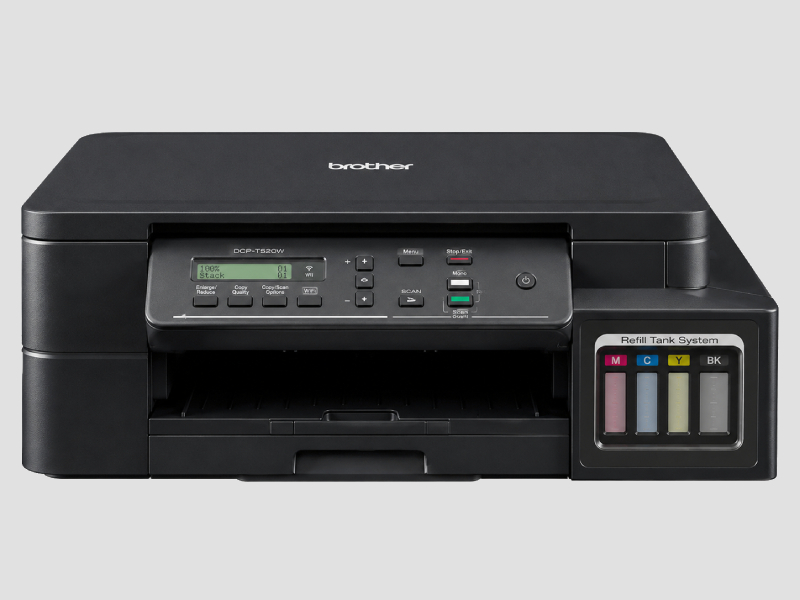
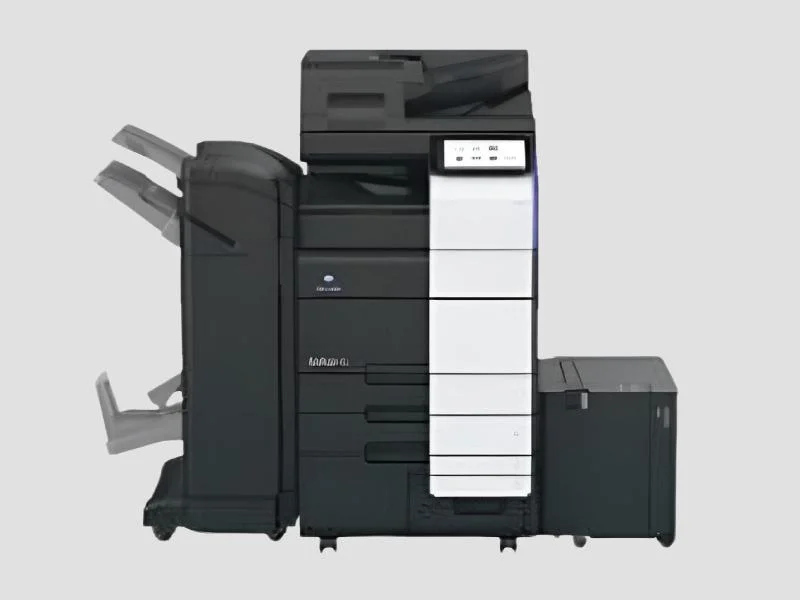
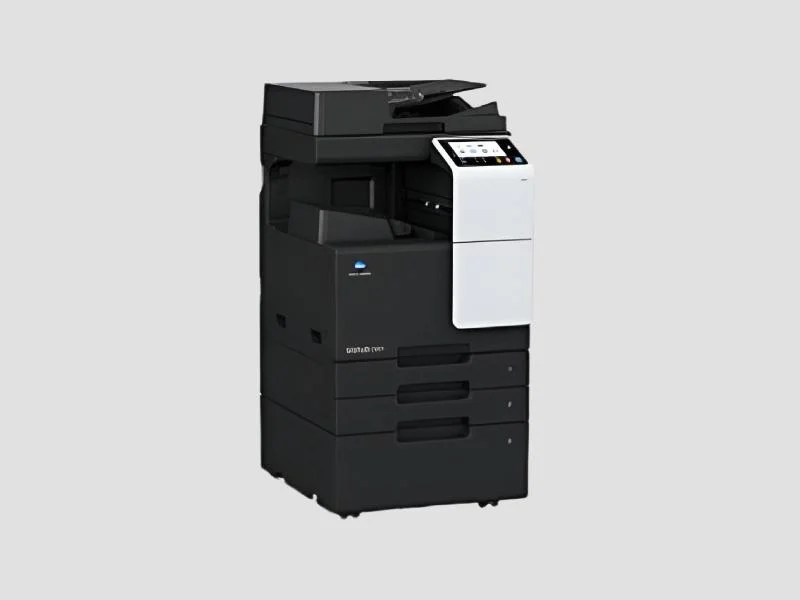
What are All-in-One Printers?
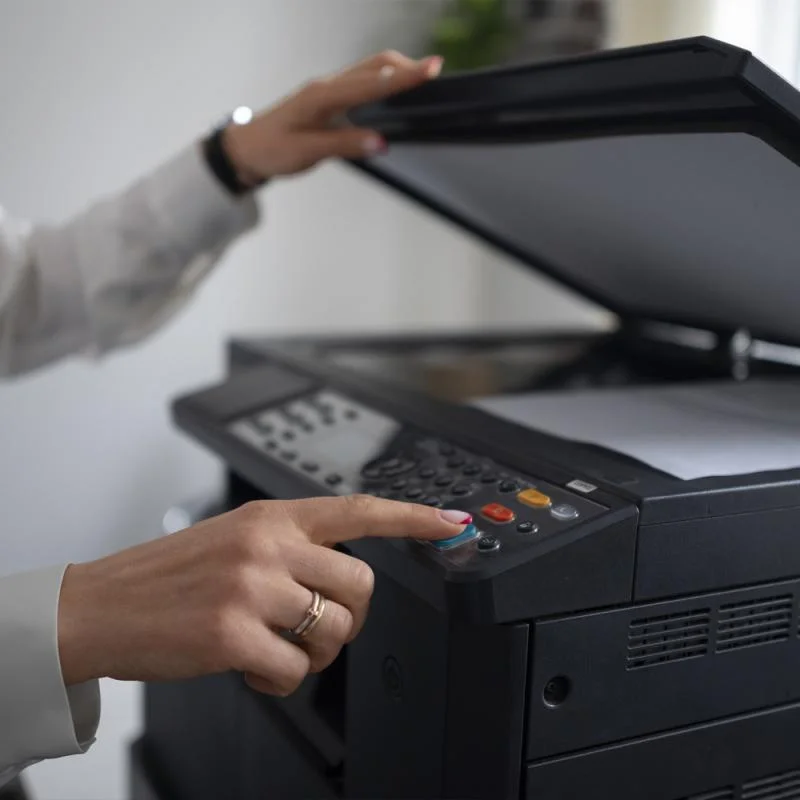
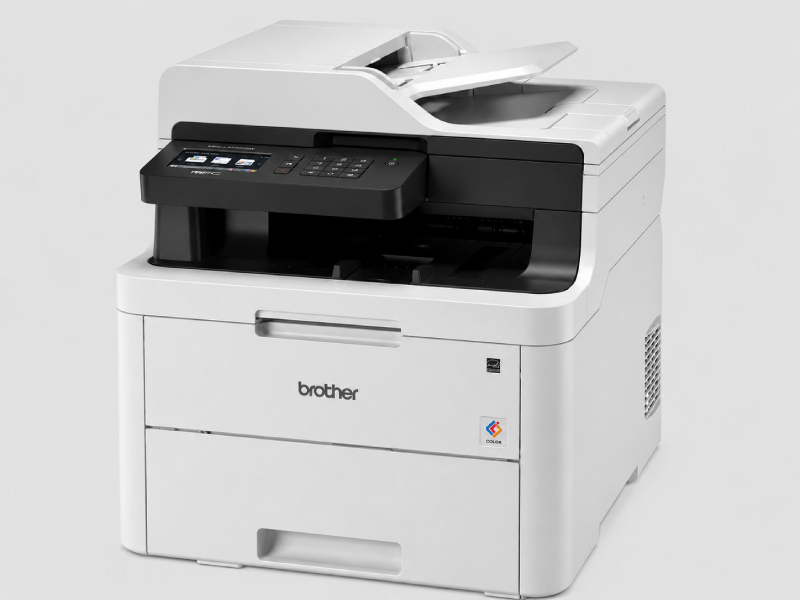
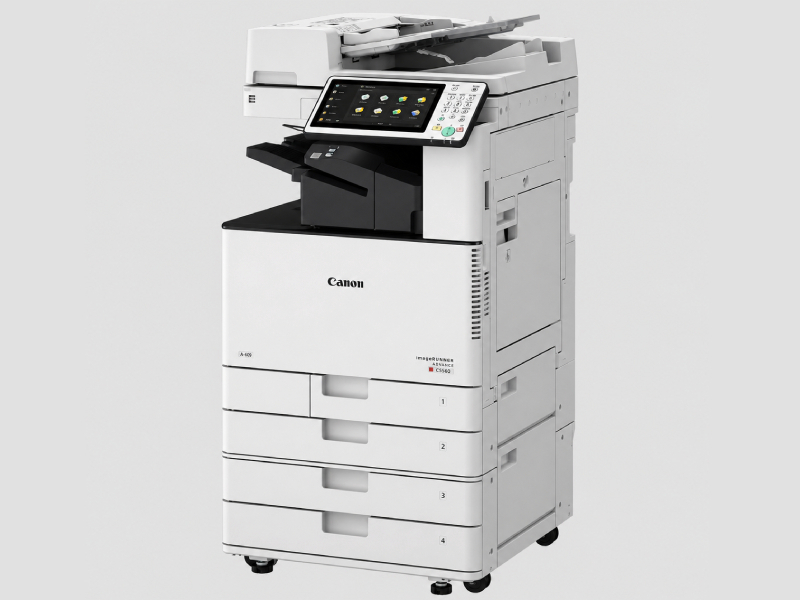
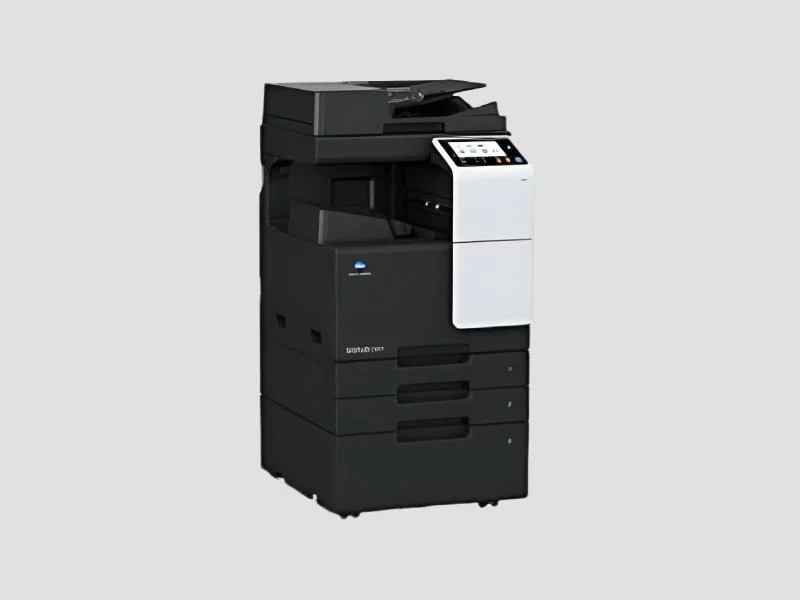
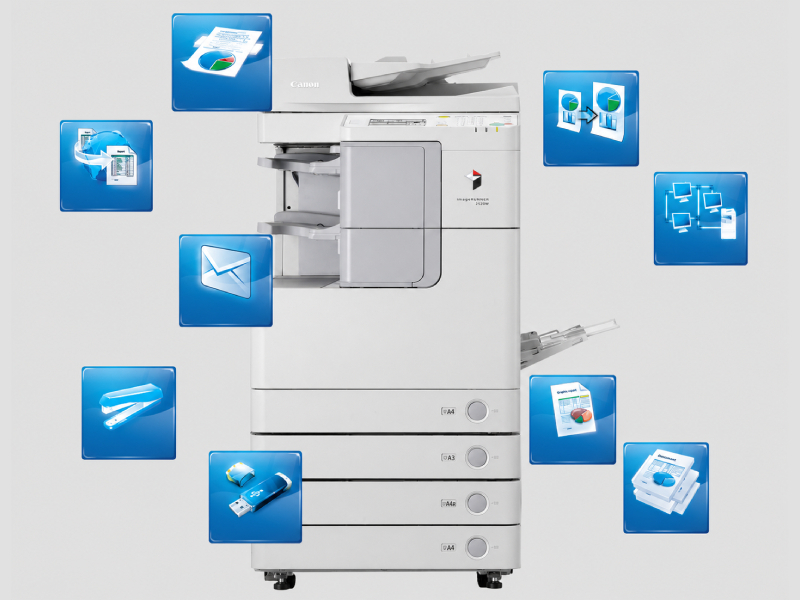
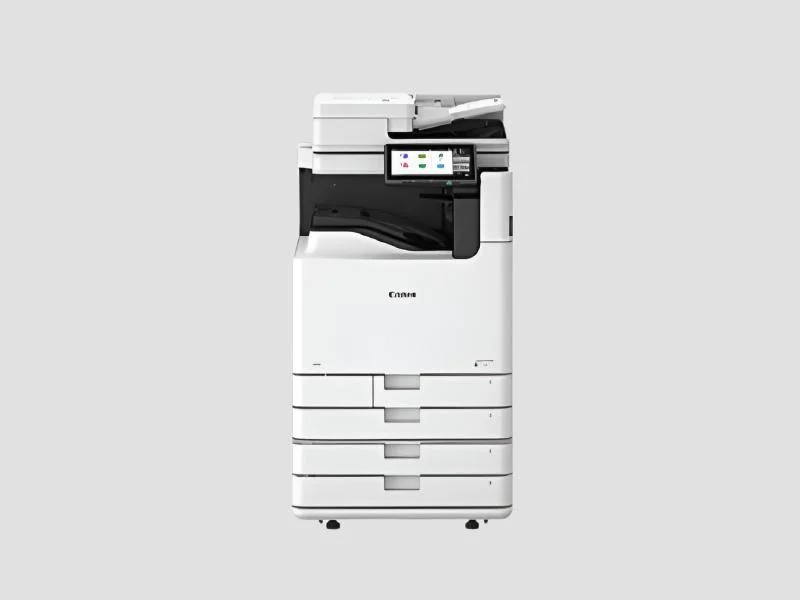
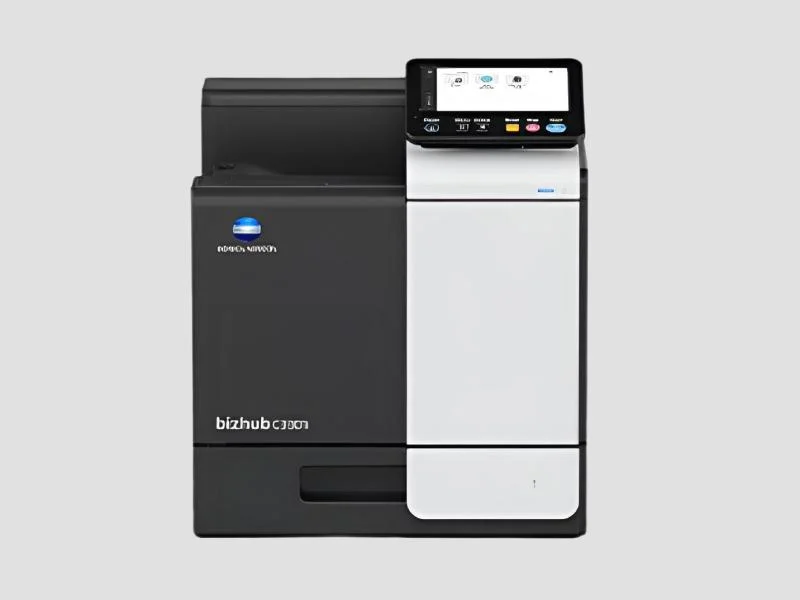
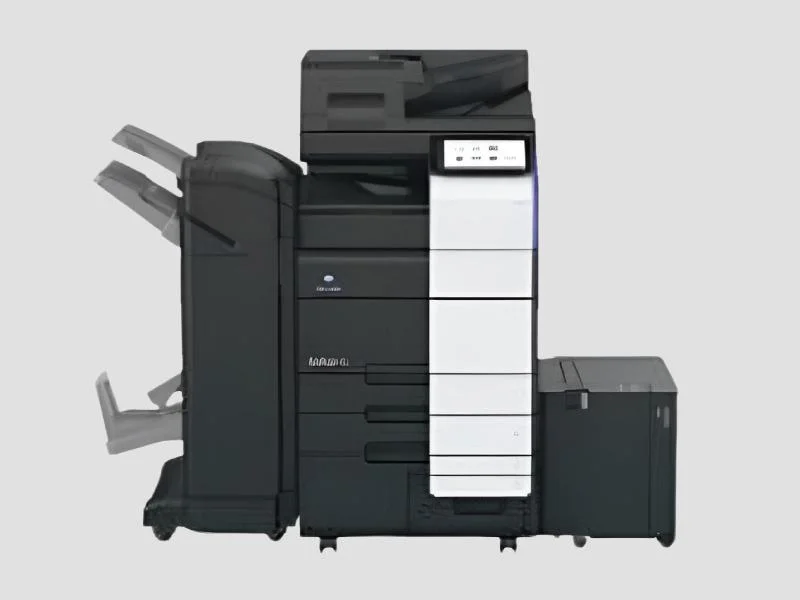
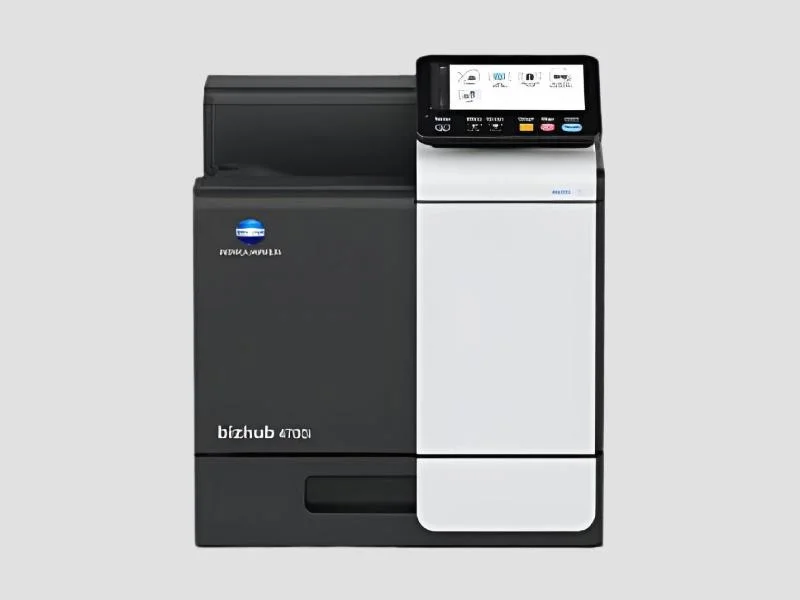
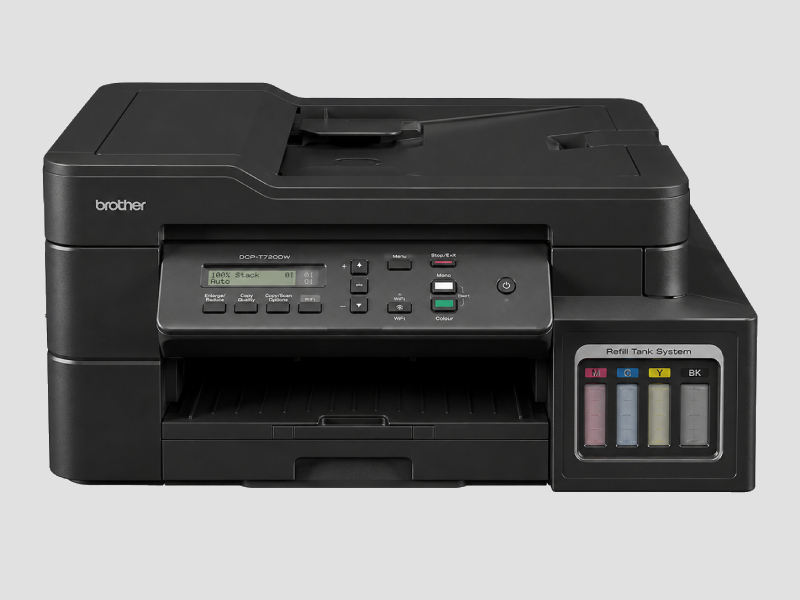
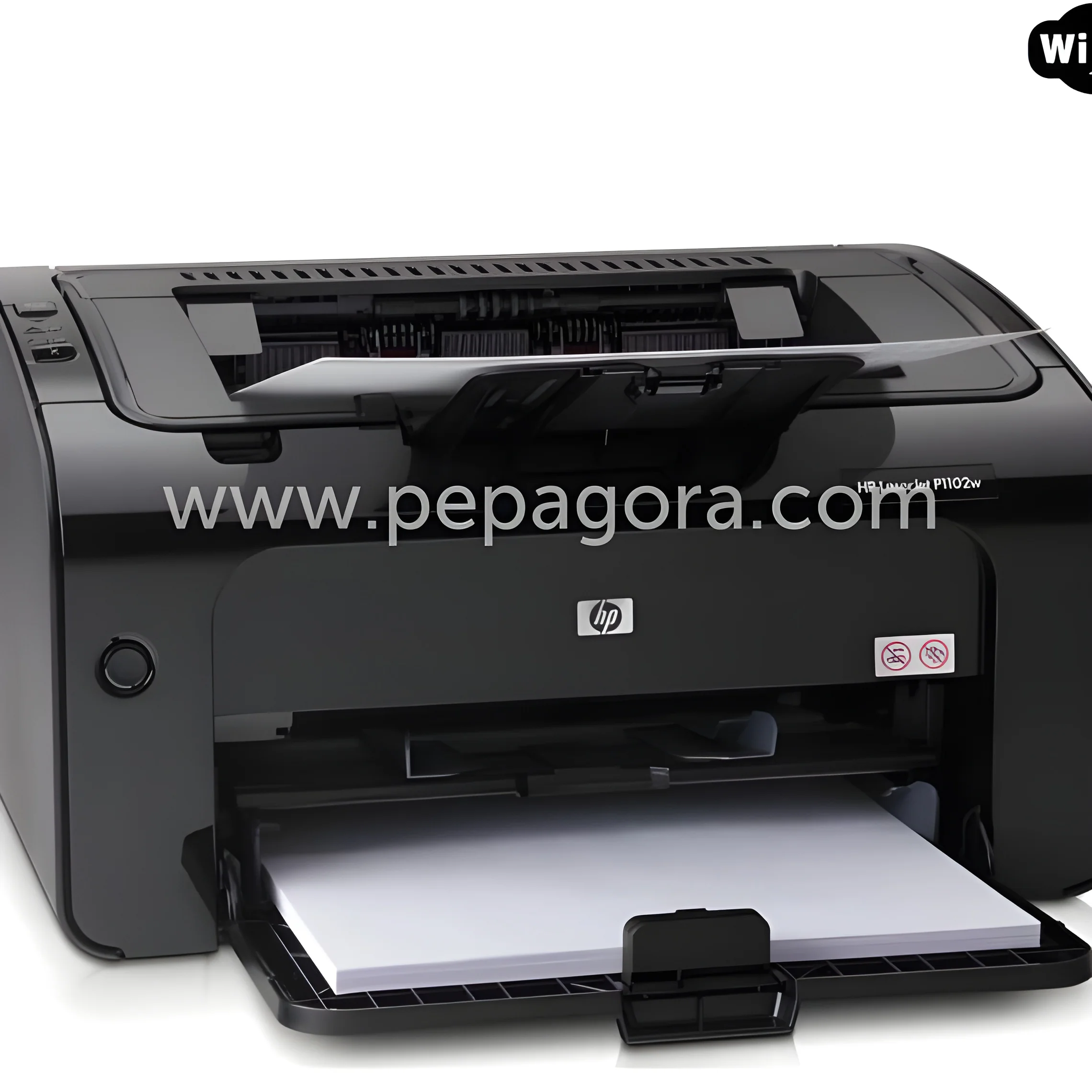
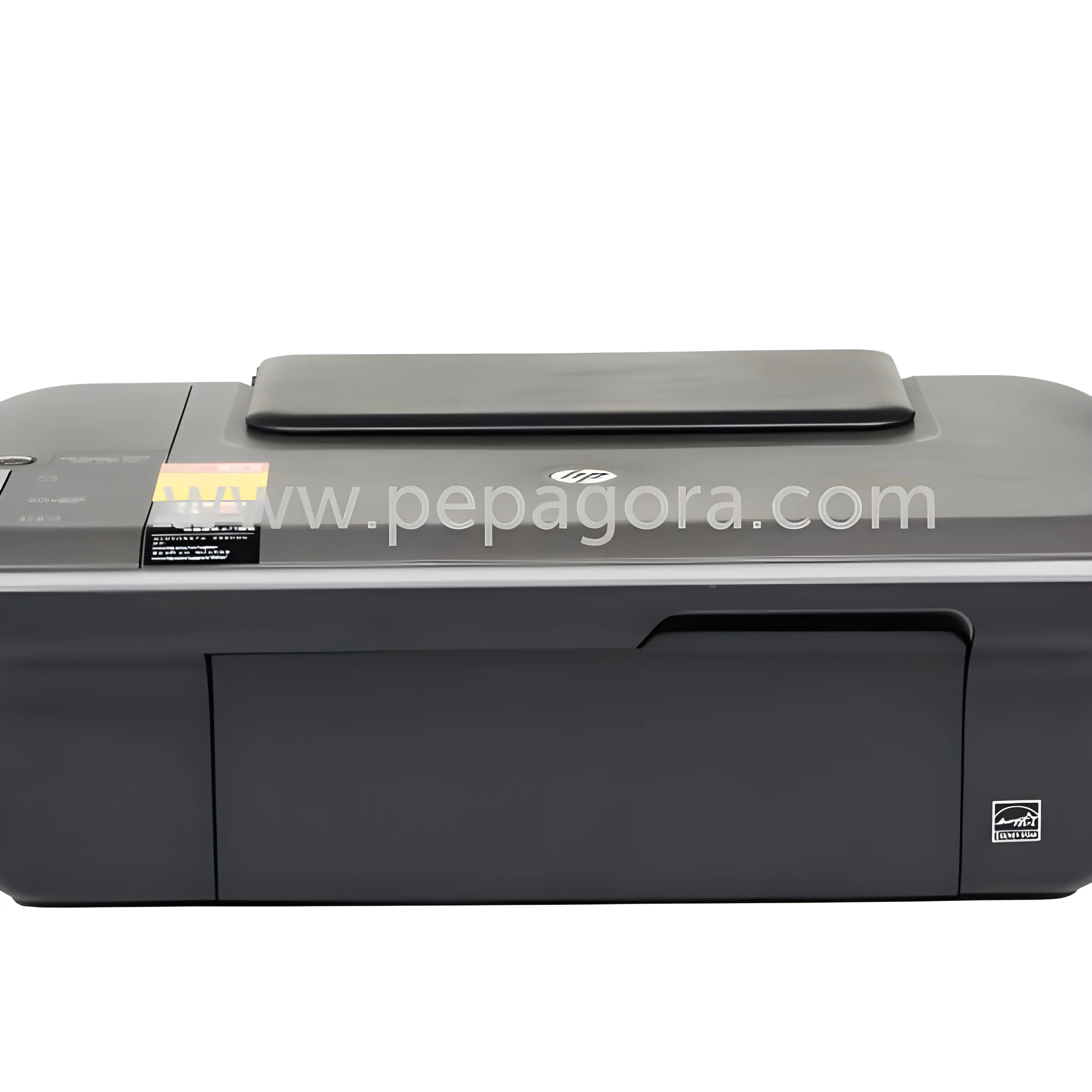
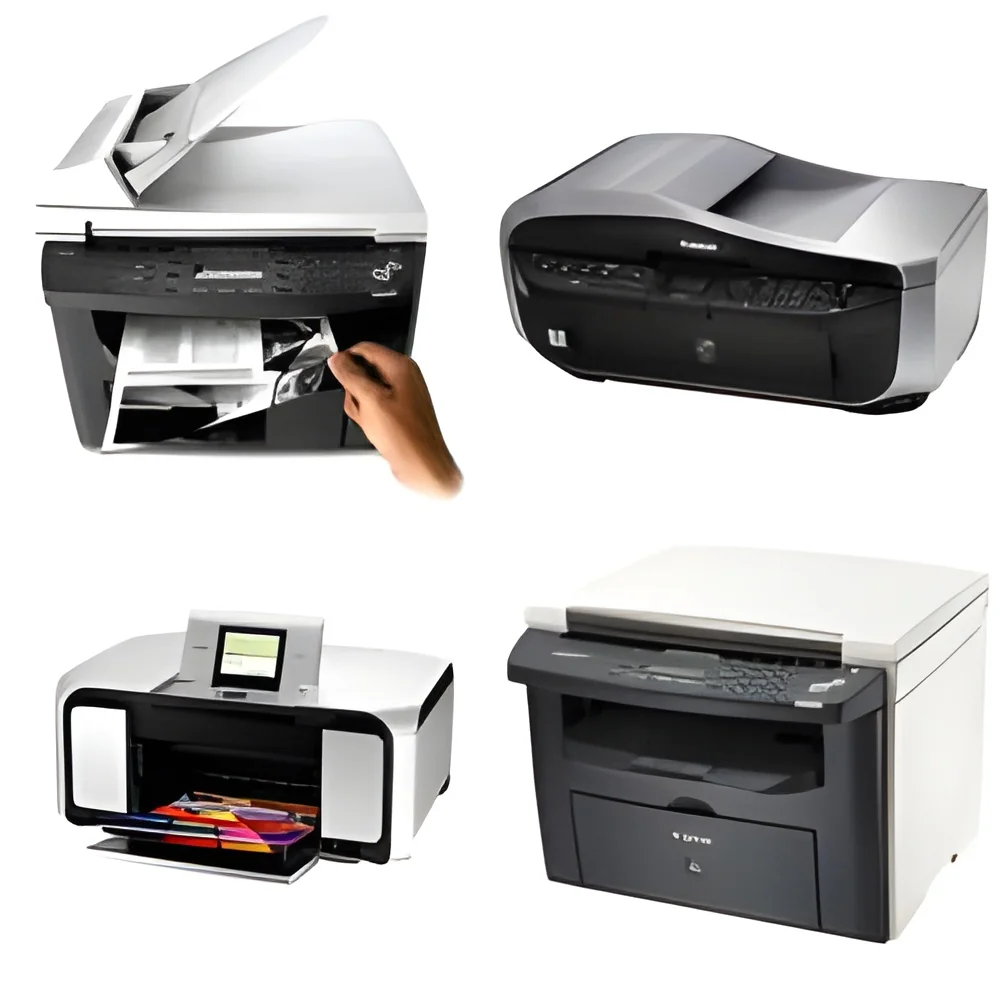
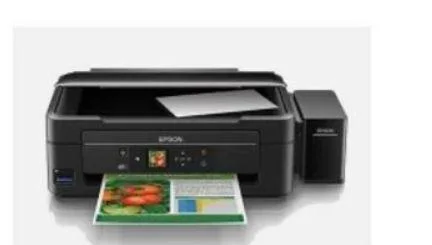
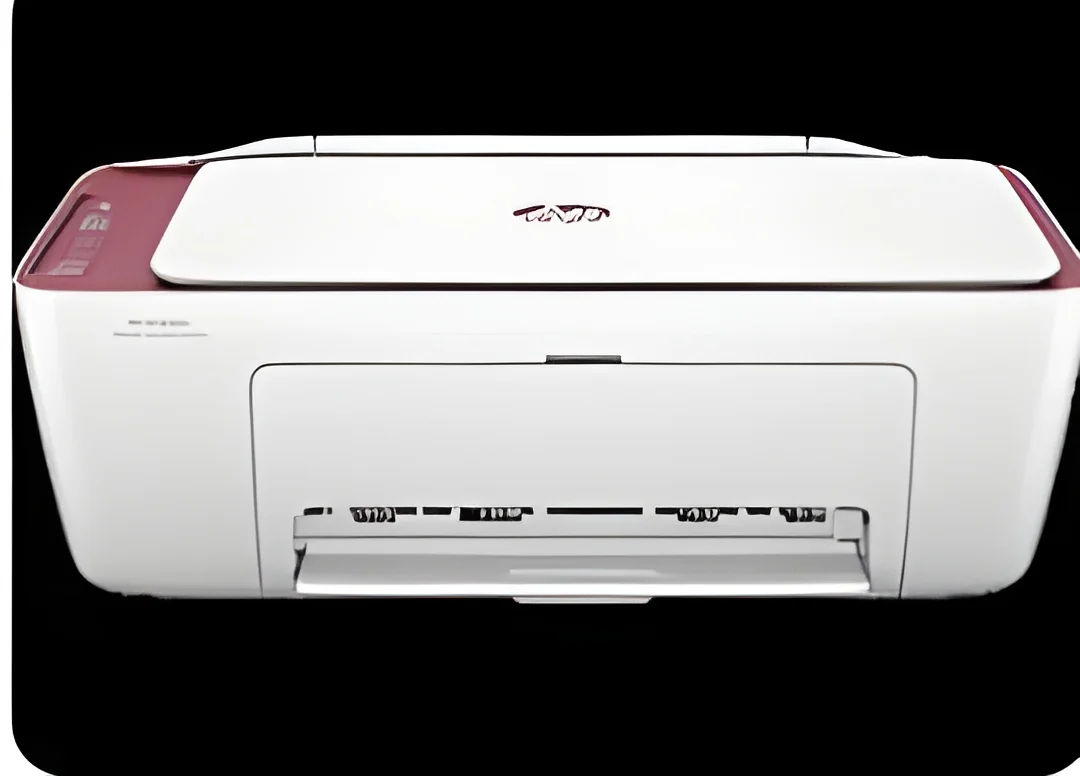
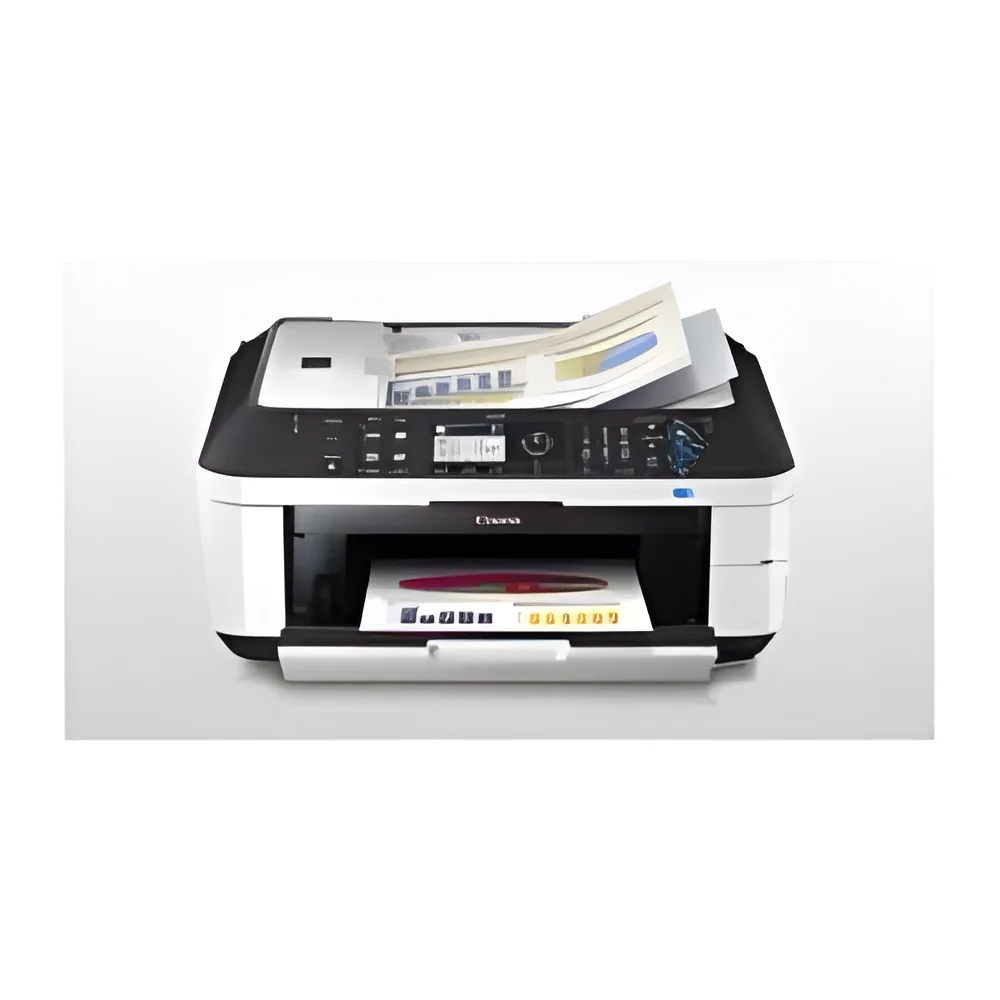
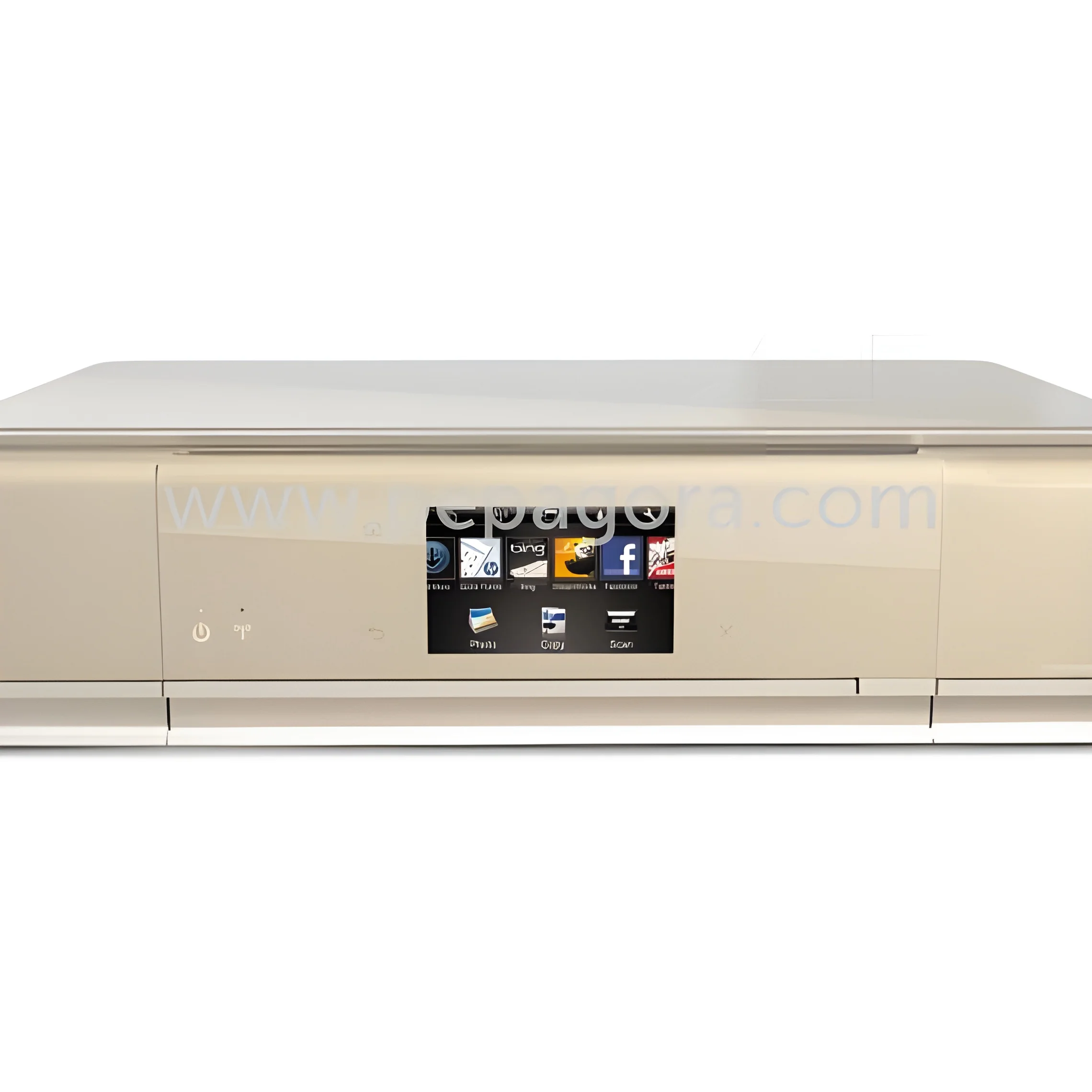
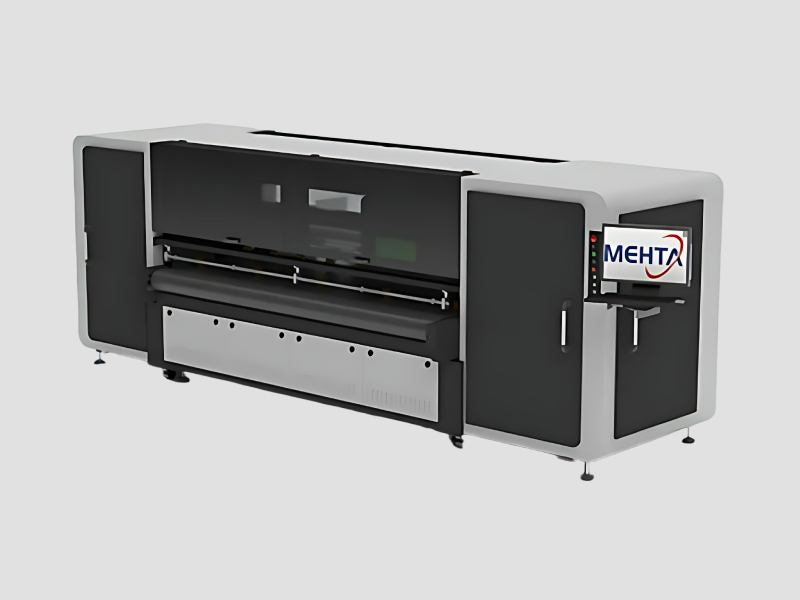
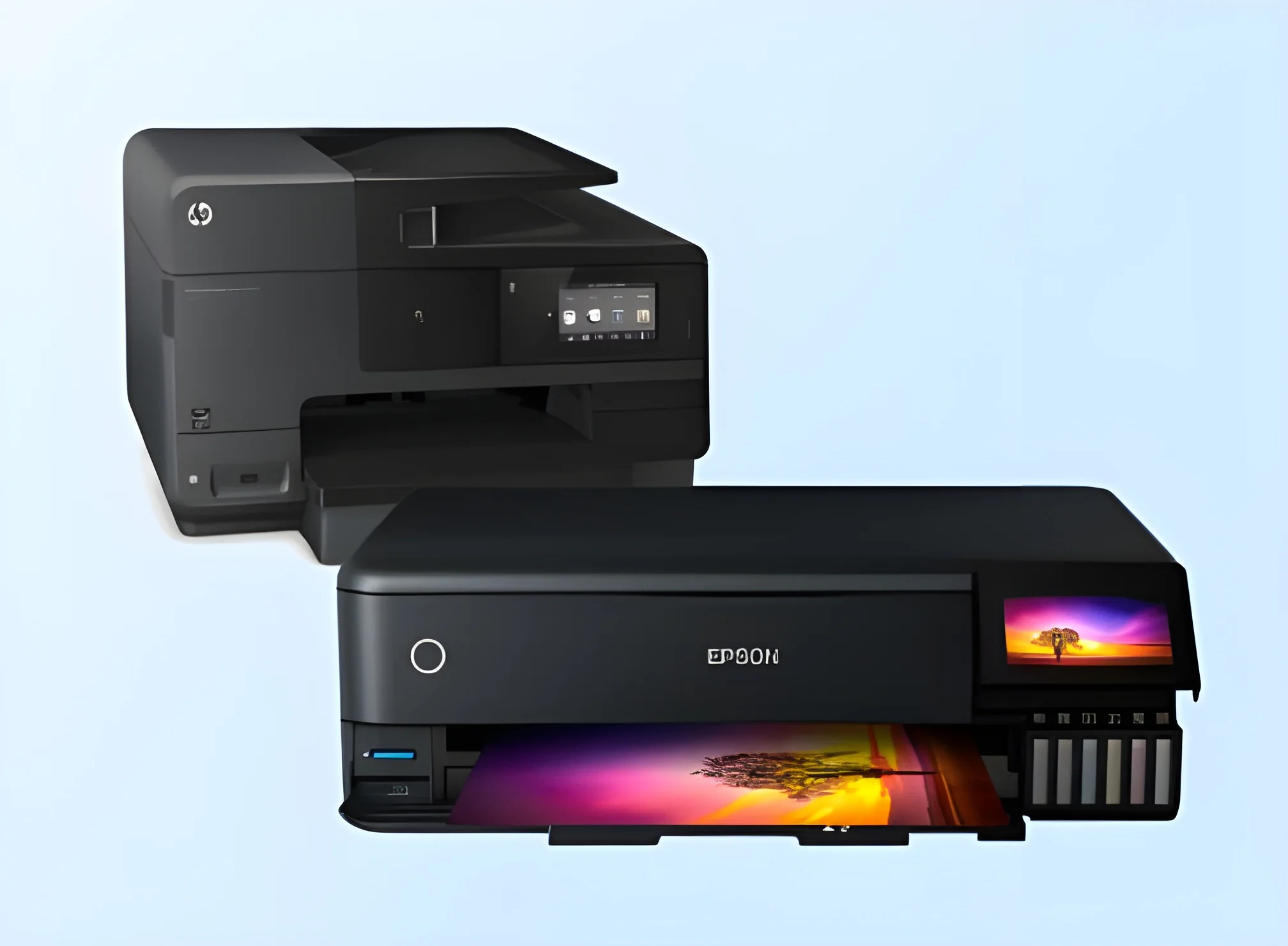
All-in-One Printers are versatile devices that combine multiple printing functions into a single unit. These printers typically offer capabilities for printing, scanning, copying, and sometimes faxing. This integration allows businesses to streamline their operations and reduce the need for multiple machines, which can save space and costs. The convenience of having all essential functions in one device makes All-in-One Printers an appealing choice for organizations of various sizes.
In business environments, All-in-One Printers are particularly useful for tasks such as producing high-quality documents, scanning important paperwork, and making copies of reports. They are widely used in offices, educational institutions, and healthcare facilities, among others. This adaptability ensures that All-in-One Printers remain relevant across different sectors, optimizing workflow and enhancing productivity.
In the current market, All-in-One Printers are continually evolving with technological advancements. Businesses are increasingly looking for devices that not only perform basic functions but also offer advanced features such as wireless connectivity and mobile printing. This trend indicates a growing demand for multifunctional devices that cater to the diverse needs of modern workplaces.
Key Features and Specifications
All-in-One Printers come with a range of features designed to meet the needs of various business applications. Understanding these features and specifications can help businesses select the right model for their requirements.
Key specifications include:
1. Printing Technology
- Inkjet or laser printing technology
- Varying print speeds measured in pages per minute (PPM)
2. Print Resolution
- Quality of printed output measured in dots per inch (DPI)
- Higher DPI results in clearer images and text
3. Scanning Capabilities
- Flatbed or sheet-fed scanning options
- Optical resolution measured in DPI
4. Connectivity Options
- USB, Wi-Fi, and Ethernet connectivity
- Mobile printing compatibility with devices like smartphones and tablets
5. Copying Functionality
- Speed and quality of copies
- Additional features like duplex copying
6. Paper Handling
- Maximum paper size supported
- Input and output tray capacities
7. Operating Systems Compatibility
- Compatibility with Windows, macOS, and Linux platforms
8. Energy Efficiency
- Energy Star certification and power consumption ratings
In summary, the features and specifications of All-in-One Printers play a crucial role in determining their suitability for various business environments. By assessing these key aspects, businesses can make informed purchasing decisions that align with their operational needs.
Common Applications and Use Cases
All-in-One Printers serve a diverse range of industries, each with specific applications that enhance productivity.
1. Office Environments: In corporate settings, All-in-One Printers are used for printing reports, scanning documents, and making copies of important paperwork, facilitating smooth daily operations.
2. Educational Institutions: Schools and universities utilize these printers for producing educational materials, student handouts, and administrative documents, making them a vital resource for both teachers and students.
3. Healthcare Facilities: Hospitals and clinics rely on All-in-One Printers for printing patient records, scanning medical documents, and producing informative brochures, ensuring efficient patient management and communication.
4. Retail Businesses: Retailers use these devices to print promotional materials, manage inventory documents, and create customer receipts, aiding in effective customer service and sales operations.
5. Legal Firms: Law offices benefit from the ability to print, scan, and copy legal documents, contracts, and case files, ensuring compliance and organization in legal processes.
6. Manufacturing Companies: These printers support the production of labels, specifications, and operational documents, streamlining manufacturing processes and enhancing communication.
7. Non-Profit Organizations: Non-profits utilize All-in-One Printers for creating marketing materials, newsletters, and donor communications, helping them to effectively reach their audience.
Product Variants and Subcategories
All-in-One Printers come in various models, each tailored to specific business needs. While detailed subcategories are not available, it is important to recognize the diversity within this product line.
Home Office Model
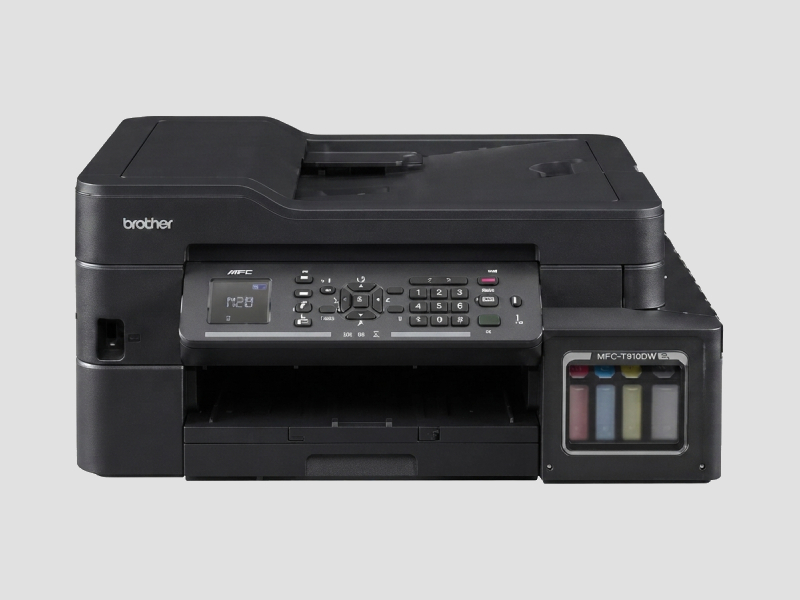
This variant is designed for small office or home office use. It typically features compact designs, moderate printing speeds, and essential functions suitable for individual users or small teams.
Business Model
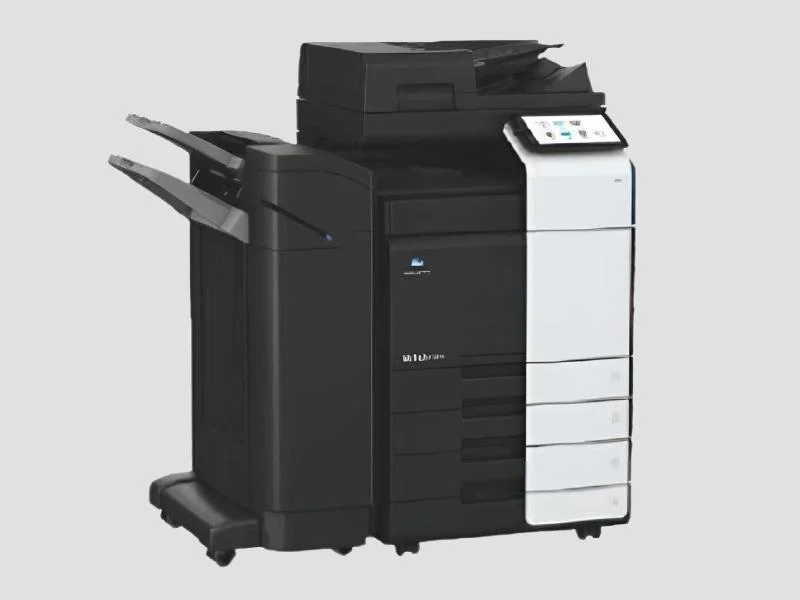
Business models are built for higher volumes and include features like faster print speeds, larger paper capacities, and advanced security options. They are ideal for medium to large enterprises that require robust performance.
Multifunctional Model
These models provide additional capabilities, such as advanced scanning features and enhanced connectivity options. They cater to businesses that need more than basic functions, making them suitable for dynamic work environments.
Benefits and Advantages
All-in-One Printers offer numerous benefits that can enhance operational efficiency for businesses.
1. Space Efficiency: By combining multiple functions in one device, these printers save valuable office space, reducing clutter and simplifying workflows.
2. Cost Savings: Investing in an All-in-One Printer can lower overall equipment costs by eliminating the need for separate devices for each function.
3. Increased Productivity: With quick access to printing, scanning, and copying, employees can complete tasks more efficiently, leading to improved productivity.
4. Versatility: These printers can handle a variety of tasks, making them suitable for diverse business needs across different departments.
5. Enhanced Connectivity: Many models feature wireless connectivity, allowing for remote printing from multiple devices, which is essential in today's mobile work environment.
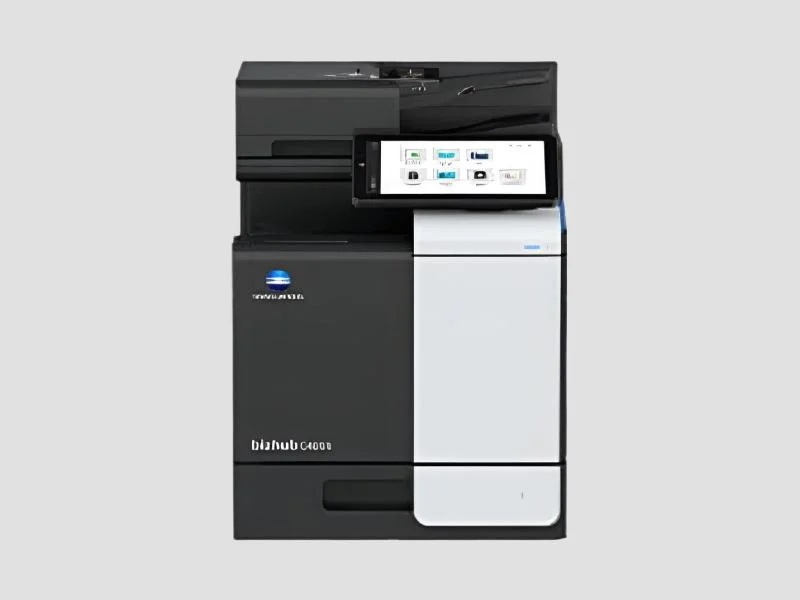
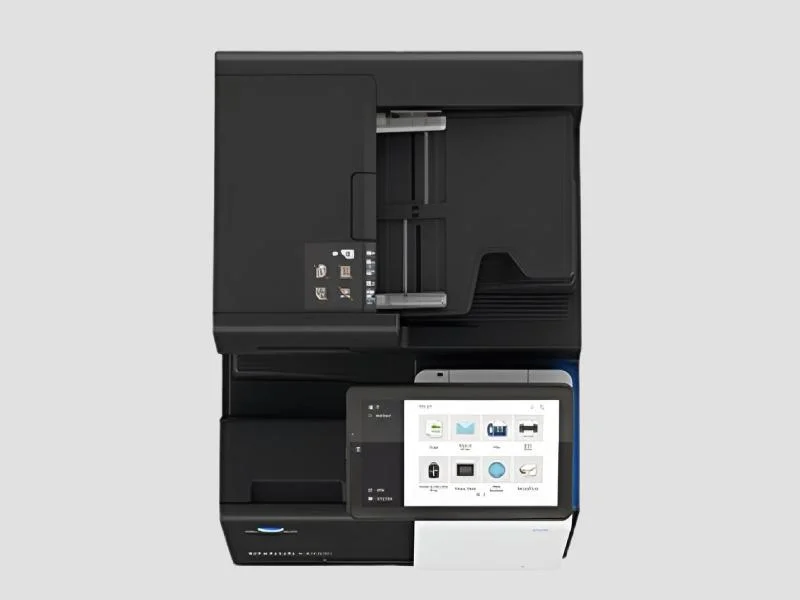
6. User-Friendly Interfaces: All-in-One Printers often include intuitive touchscreens and software for easy navigation and operation, reducing the learning curve for users.
Buying Guide for B2B Buyers
When sourcing All-in-One Printers for business use, it is crucial to consider several important factors.
1. Quality Assessment: Evaluate print quality, speed, and durability. Look for reviews and ratings from other businesses to ensure the product meets industry standards.
2. Supplier Verification: Vet suppliers carefully to ensure they are reputable and provide reliable support. Check for certifications and customer feedback.
3. Pricing and MOQ: Understand the pricing structure and minimum order quantities (MOQ) that suppliers require. This can affect budgeting and inventory planning.
4. Delivery and Lead Times: Confirm logistics details, including shipping options and estimated delivery times. Timely delivery is essential for maintaining business operations.
5. Compliance Requirements: Ensure the printers meet any relevant regulatory or safety standards applicable in your region, such as CE certification for European markets.
Compliance and Certifications
Compliance and certifications play a significant role in the quality and safety of All-in-One Printers. Many products adhere to quality standards such as ISO 9001, which ensures that manufacturers maintain effective quality management systems.
Additionally, All-in-One Printers may have industry-specific certifications, such as CE, which indicates compliance with European safety, health, and environmental protection standards.
It is also important to consider safety and testing requirements that ensure products are safe for use in various environments. Businesses should be aware of regional compliance considerations, as regulations may vary by country or region.
Why Source All-in-One Printers from Pepagora?
Pepagora provides a trusted platform for sourcing All-in-One Printers with several key advantages that benefit B2B buyers.
Verified Supplier Network: Pepagora connects buyers with a network of verified suppliers, ensuring that businesses can source high-quality printers from reputable manufacturers. This verification process helps mitigate risks associated with purchasing.
Streamlined RFQ Process: The platform offers a streamlined request for quotation (RFQ) process, allowing buyers to easily compare prices and features from multiple suppliers. This efficiency enables businesses to make informed purchasing decisions quickly.
Trade Assurance and Support: Pepagora prioritizes buyer protection through trade assurance programs, providing peace of mind throughout the purchasing process. Support teams are available to assist with any inquiries or issues that may arise.
Regional Coverage: With a strong presence in India, the GCC, and Southeast Asia, Pepagora offers regional coverage that facilitates easy access to All-in-One Printers. This geographic reach ensures that businesses can find suitable products that meet their specific needs.

 IN
IN