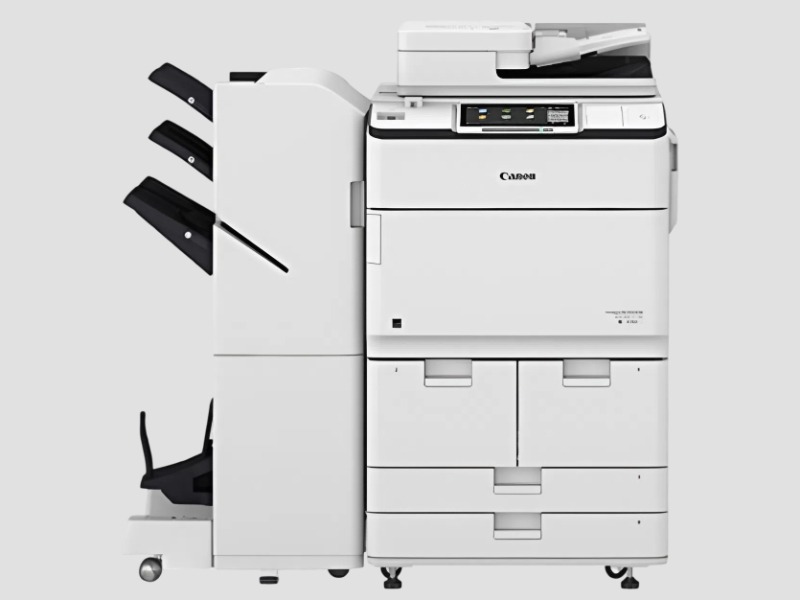
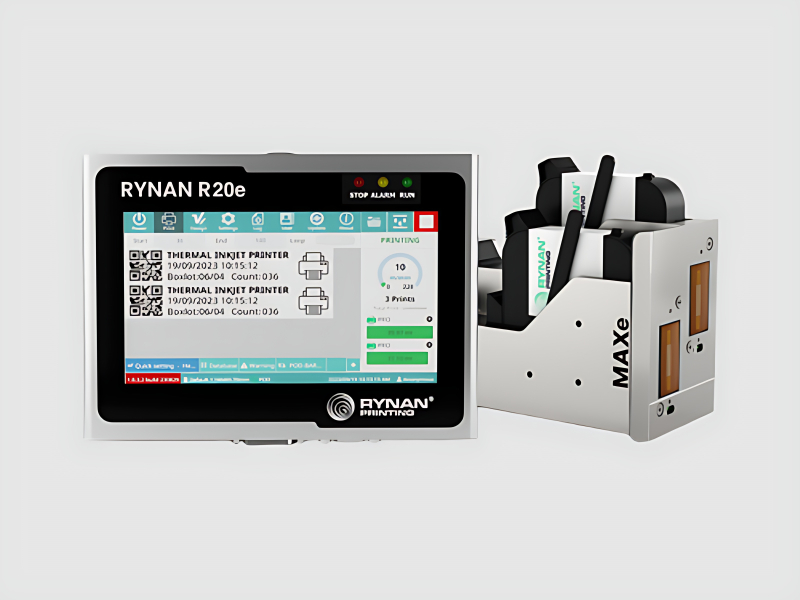
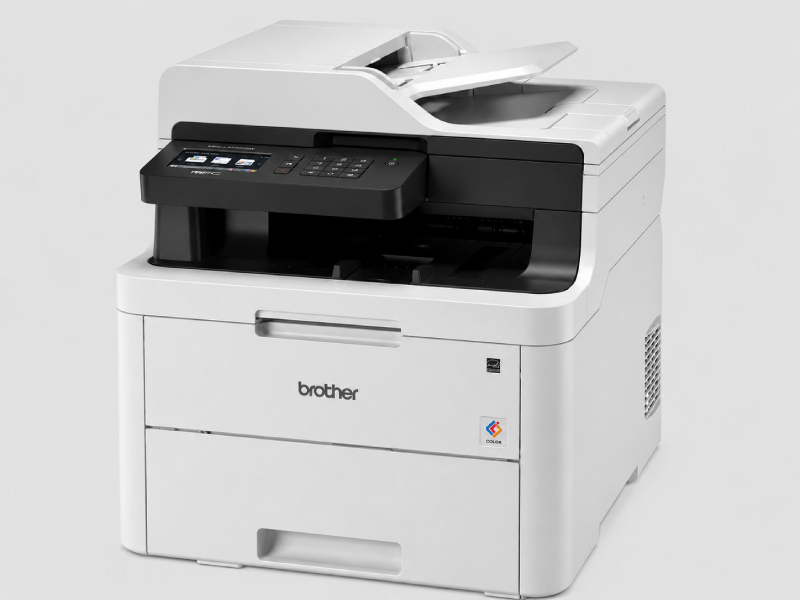
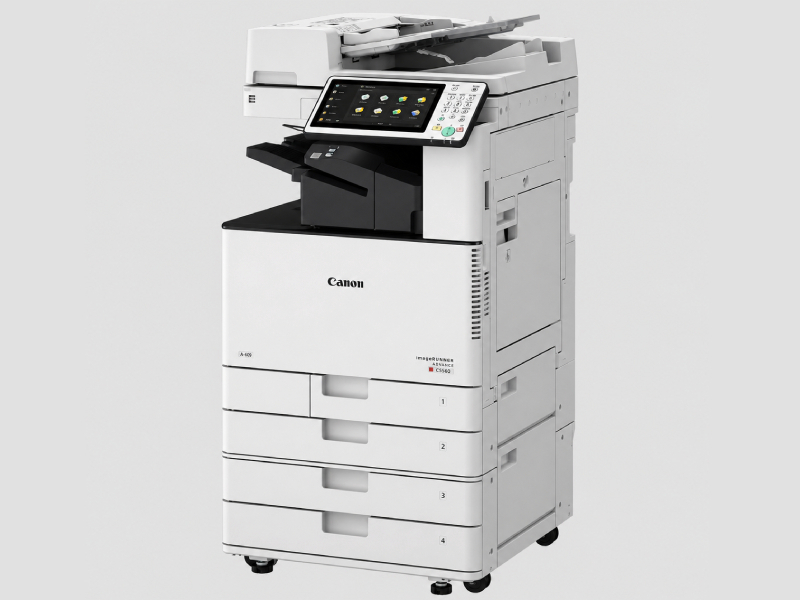
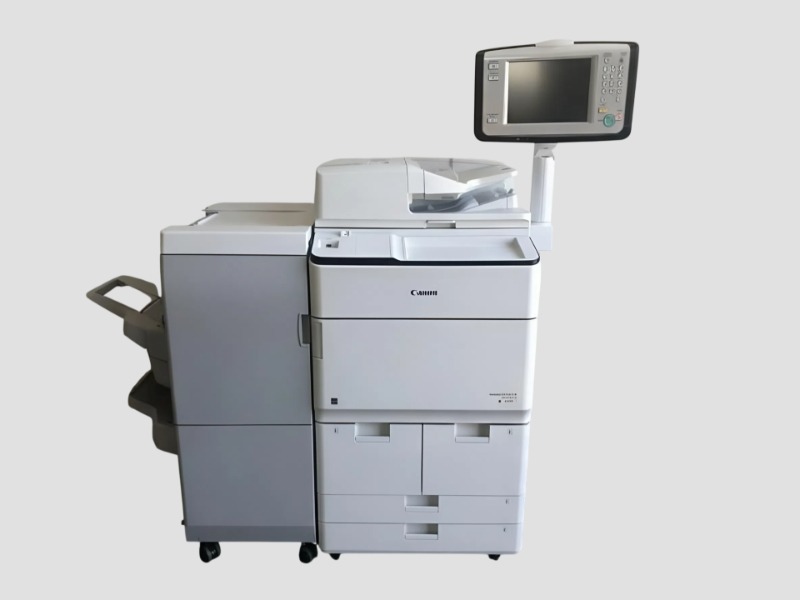
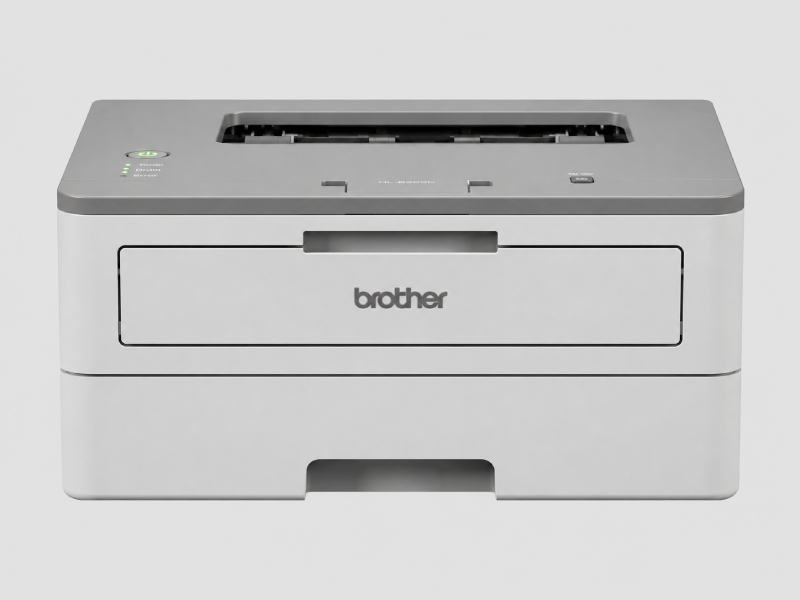
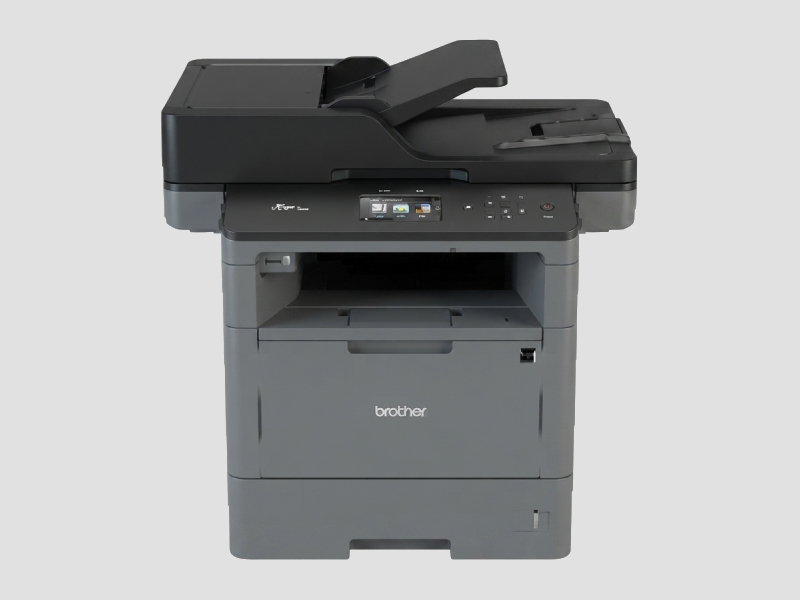
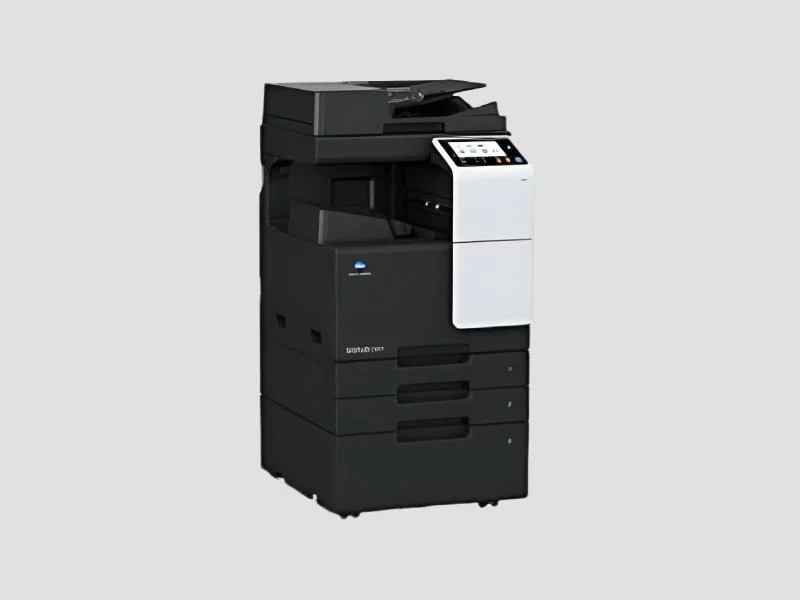
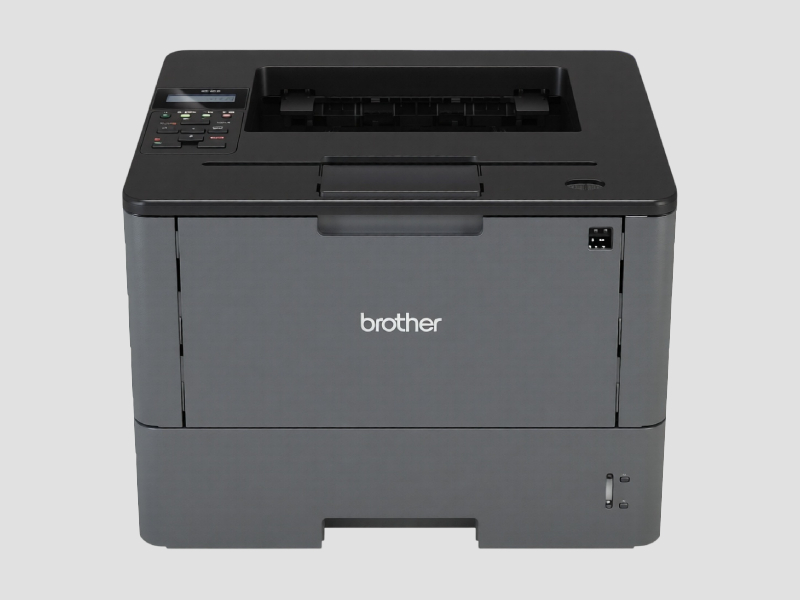
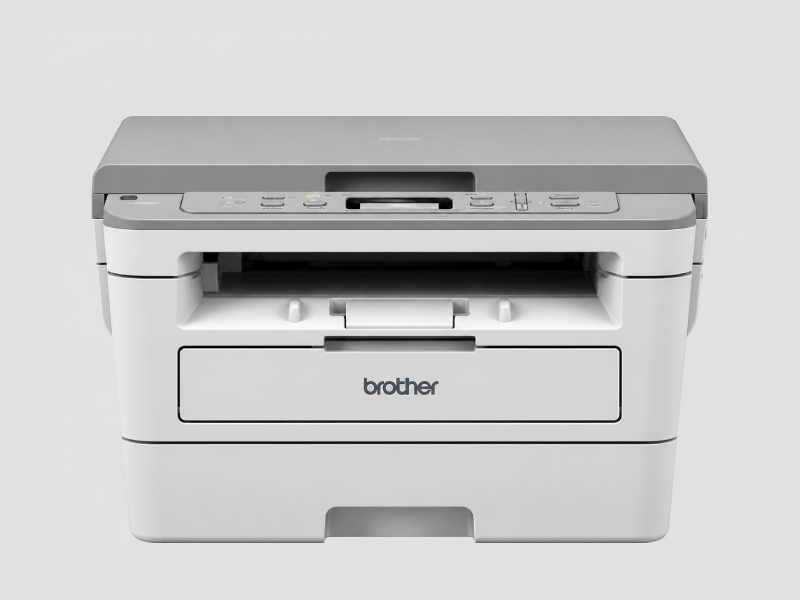
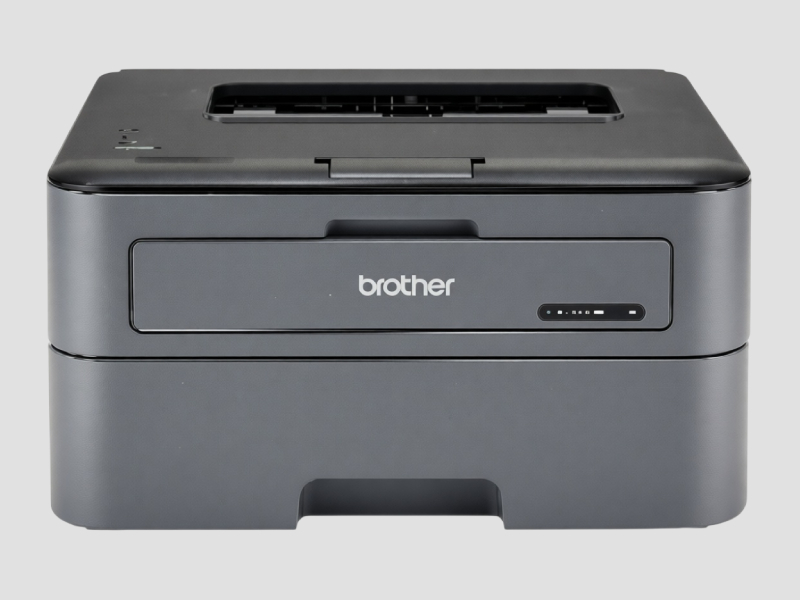
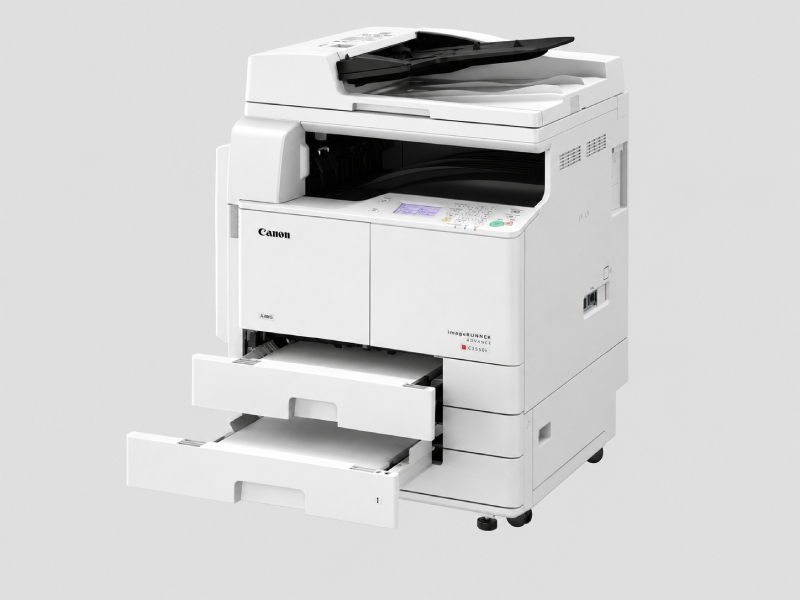
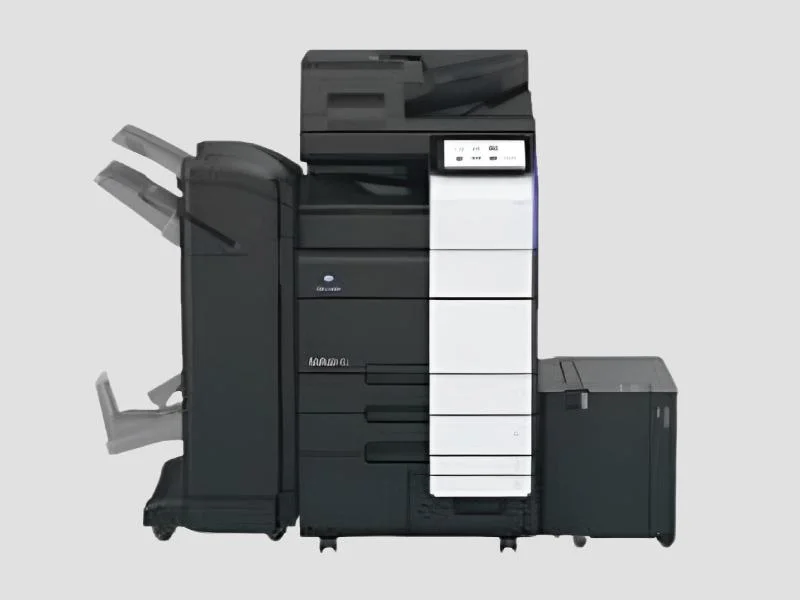
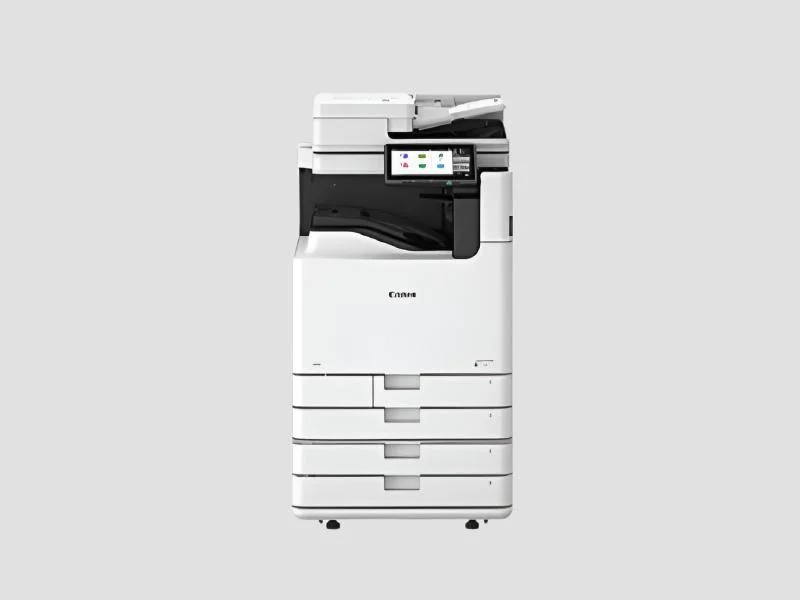
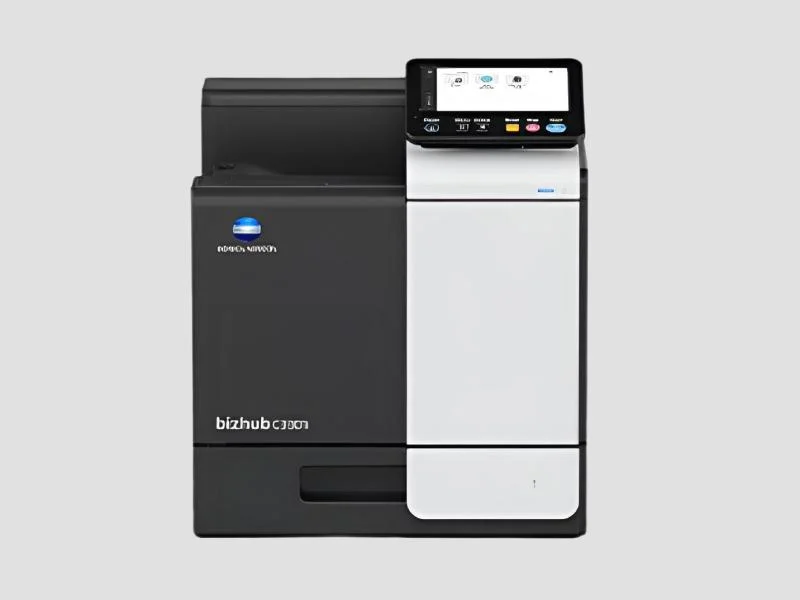
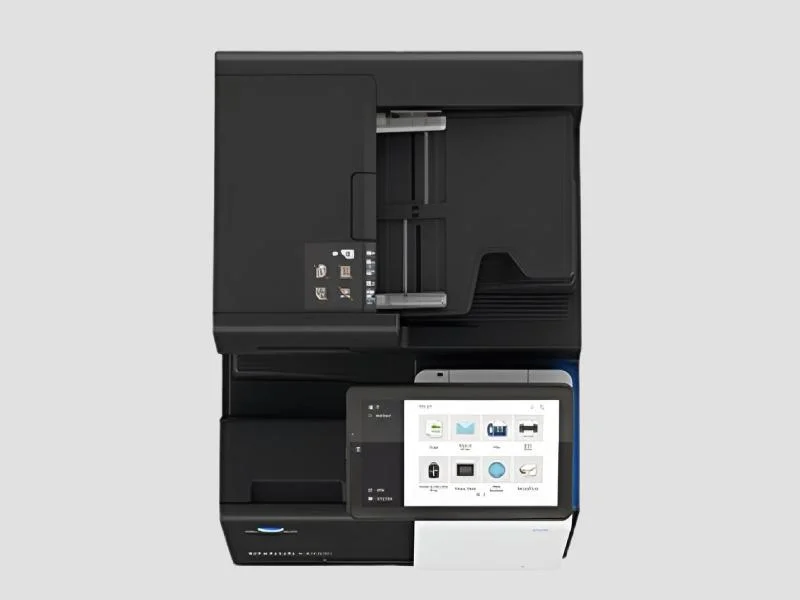
𝗪𝗵𝗮𝘁 𝗮𝗿𝗲 𝗣𝗿𝗶𝗻𝘁𝗲𝗿𝘀 & 𝗦𝗰𝗮𝗻𝗻𝗲𝗿𝘀?
Printers and scanners are essential devices in both office and industrial environments. Printers create hard copies of digital documents, images, and graphics, while scanners convert physical documents into digital formats. Together, they facilitate the transition from paper to digital workflows, enhancing productivity and document management.
In business applications, printers are used for producing reports, invoices, marketing materials, and other essential documents. Scanners are crucial for digitizing records, archiving, and enabling electronic document sharing. This combination supports a more efficient, organized, and environmentally friendly approach to documentation.
In today's market, the relevance of printers and scanners is significant. Businesses are increasingly adopting digital practices, making these devices vital for maintaining operational efficiency. With growing demand for document management solutions, the market for printers and scanners continues to expand, driven by technological advancements and the need for seamless integration into digital workflows.
𝗞𝗲𝘆 𝗙𝗲𝗮𝘁𝘂𝗿𝗲𝘀 𝗮𝗻𝗱 𝗦𝗽𝗲𝗰𝗶𝗳𝗶𝗰𝗮𝘁𝗶𝗼𝗻𝘀
Printers and scanners come with various features and specifications that cater to different business needs. Understanding these specifications is essential for selecting the right equipment for your organization.
Key specifications include:
1. Print Resolution
- The clarity of the printed document, measured in dots per inch (DPI).
- Common ranges are 300 DPI to 1200 DPI, depending on the printer type.
2. Scanning Resolution
- The quality of the scanned image, also measured in DPI.
- Typical ranges include 300 DPI for standard documents and up to 4800 DPI for high-resolution images.
3. Print Speed
- The number of pages a printer can produce per minute (PPM).
- Ranges from 20 PPM for standard models to over 100 PPM for high-performance devices.
4. Connectivity Options
- Types of connections available, such as USB, Ethernet, and Wi-Fi.
- Wireless capabilities are becoming increasingly common for ease of use.
5. Paper Handling Capacity
- The maximum number of sheets the printer or scanner can hold.
- Ranges from 50 sheets in compact models to several hundred in larger units.
6. Duplex Printing
- The ability to print on both sides of the paper.
- Many modern printers include automatic duplexing features.
7. Operating System Compatibility
- The systems the printer or scanner can work with, including Windows, macOS, and Linux.
8. Size and Weight
- Physical dimensions and weight of the device, which can affect placement and mobility in the workplace.
In summary, understanding these key features and specifications will help businesses make informed decisions when selecting printers and scanners that align with their operational needs.
𝗖𝗼𝗺𝗺𝗼𝗻 𝗔𝗽𝗽𝗹𝗶𝗰𝗮𝘁𝗶𝗼𝗻𝘀 𝗮𝗻𝗱 𝗨𝘀𝗲 𝗖𝗮𝘀𝗲𝘀
Printers and scanners are versatile tools that serve various industries effectively.
1. Healthcare: Hospitals and medical facilities use scanners to digitize patient records and imaging documents, improving accessibility and storage efficiency.
2. Education: Schools and universities utilize printers for producing educational materials, while scanners facilitate the digitization of archives and student records.
3. Legal: Law firms rely on printers for creating legal documents and scanners for digitizing case files and contracts.
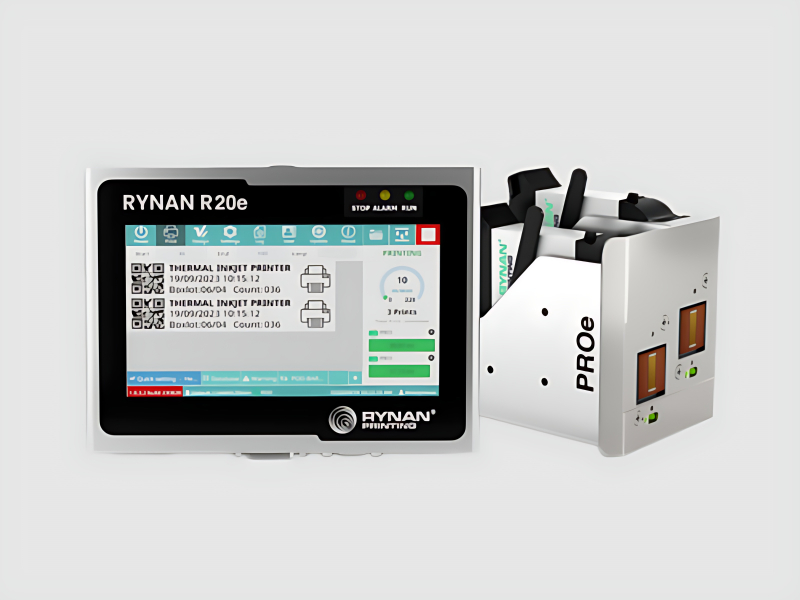
4. Manufacturing: Printers are used for labeling and documentation, while scanners help manage inventory and quality assurance processes.
5. Retail: Retail businesses use printers for receipts and marketing materials, while scanners assist in managing inventory and sales records.
6. Finance: Banks and financial institutions utilize printers for statements and reports, while scanners are essential for processing applications and verifying documents.
7. Government: Municipalities and government agencies use printers for public notices and scanners for digitizing records, enhancing transparency and public access.
𝗣𝗿𝗼𝗱𝘂𝗰𝘁 𝗩𝗮𝗿𝗶𝗮𝗻𝘁𝘀 𝗮𝗻𝗱 𝗦𝘂𝗯𝗰𝗮𝘁𝗲𝗴𝗼𝗿𝗶𝗲𝘀
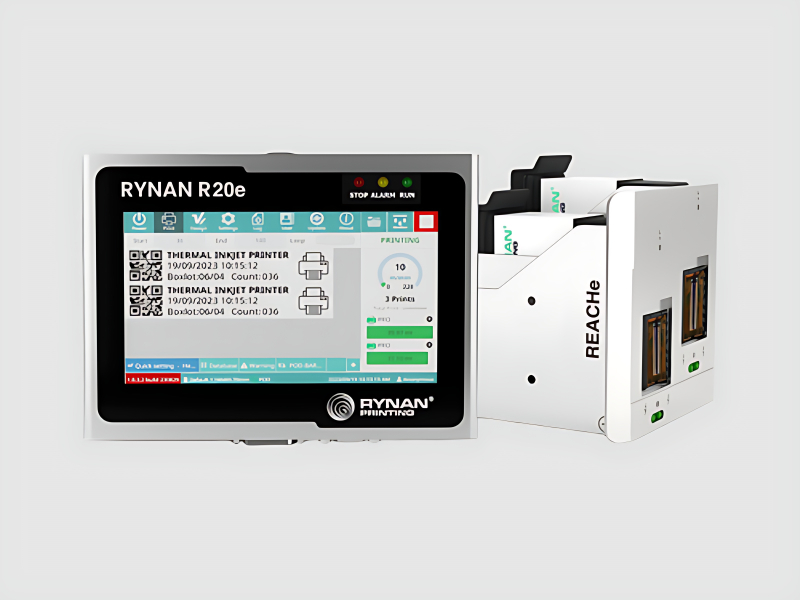
Printers and scanners come in several variants to meet different business requirements.
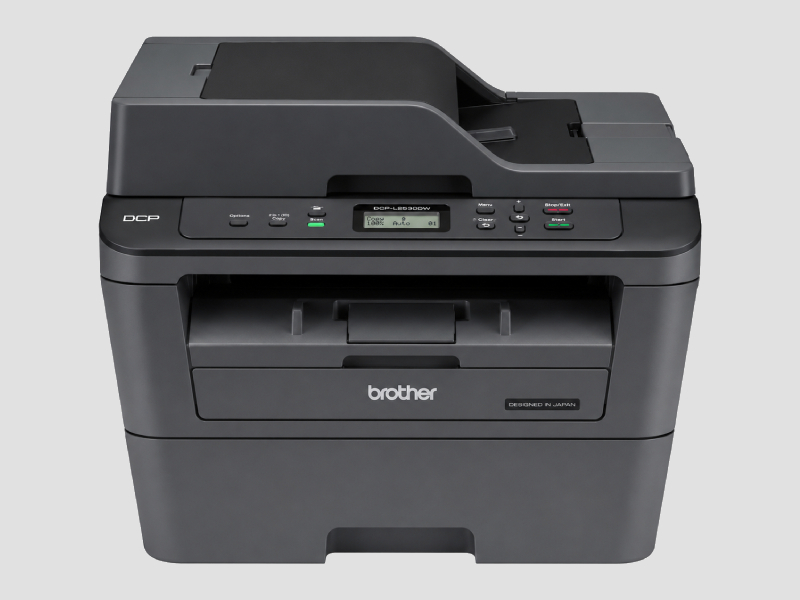
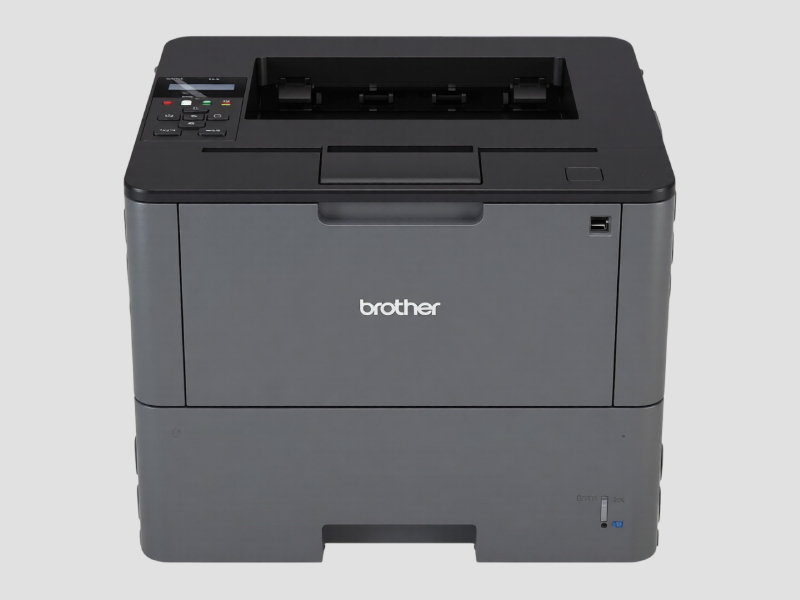
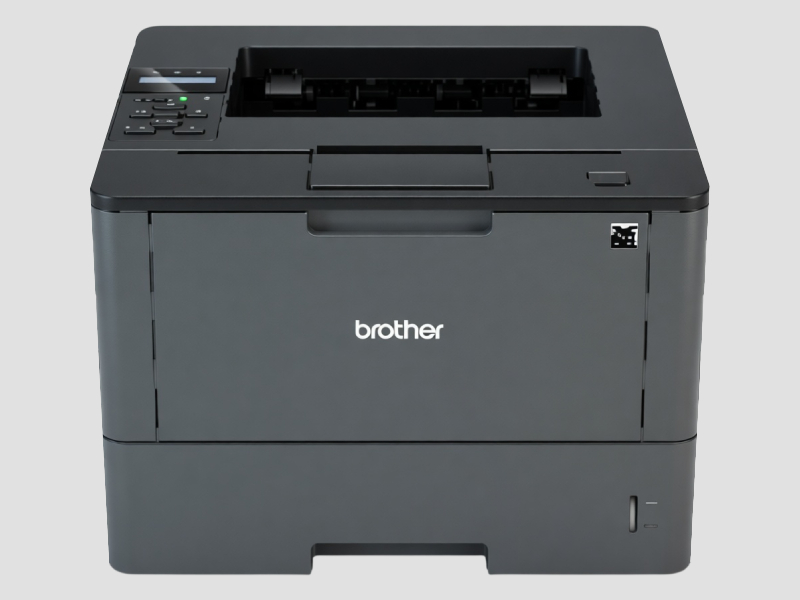
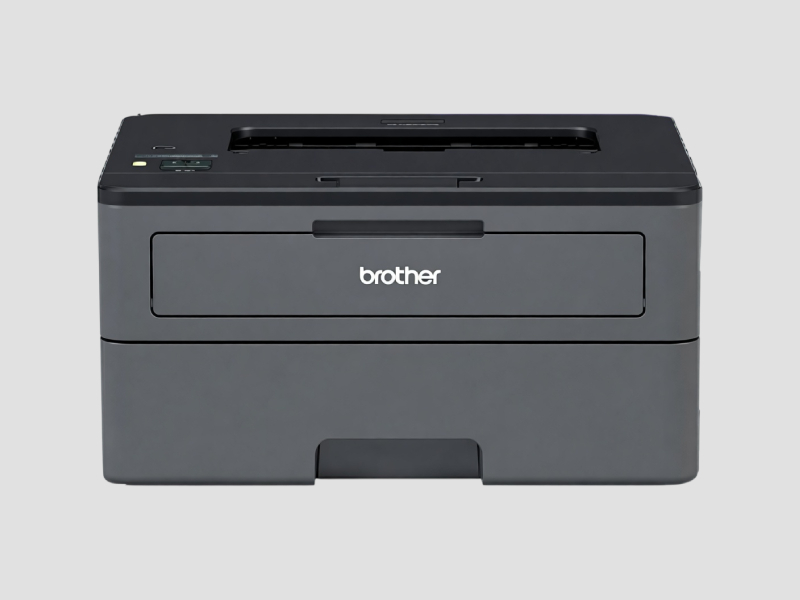
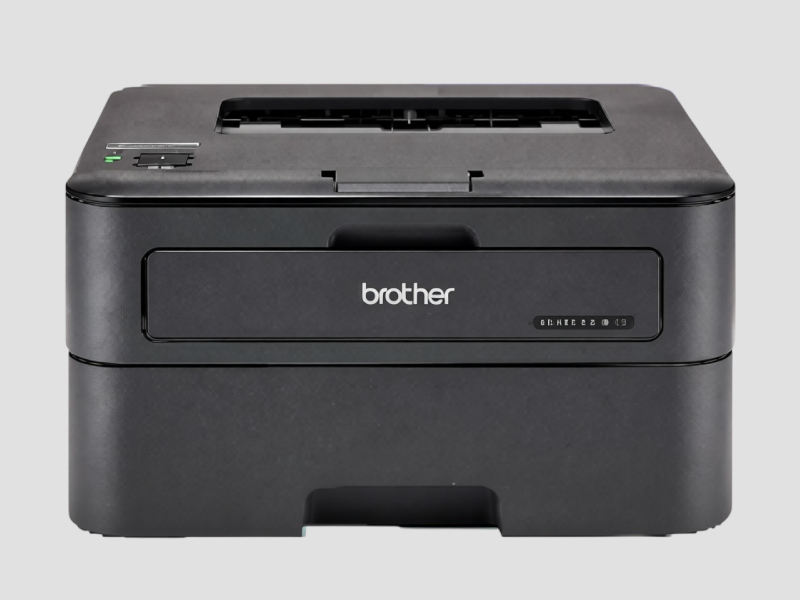
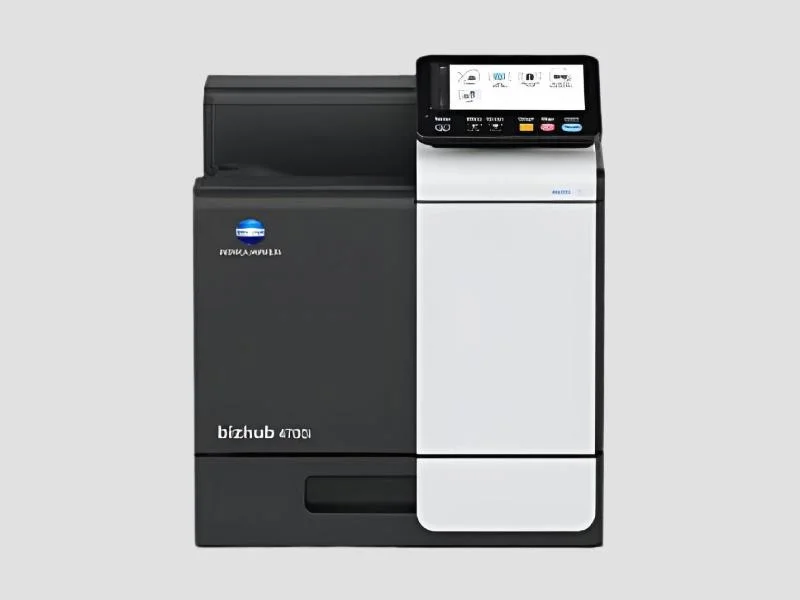
Laser Printers: These printers use laser technology to produce high-quality text and images. They are ideal for high-volume printing environments, offering fast print speeds and lower cost per page.
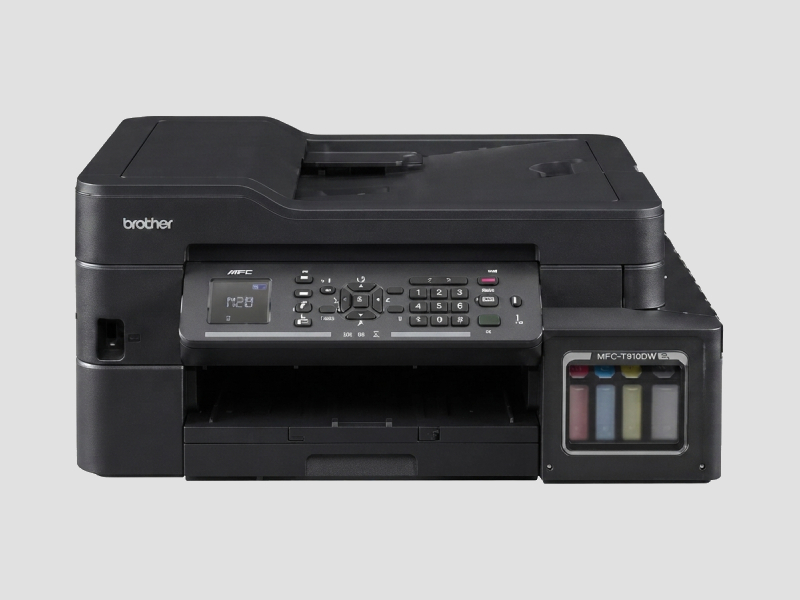
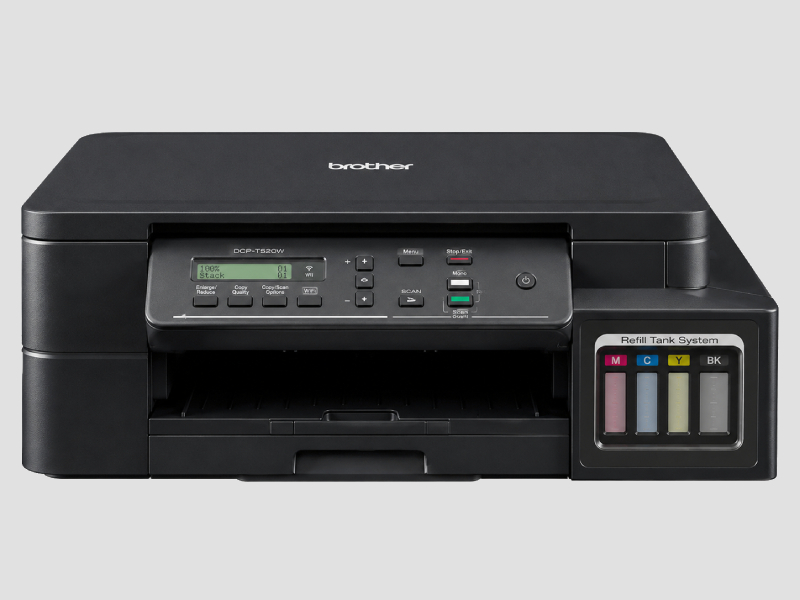
Inkjet Printers: Inkjet printers are known for their ability to produce high-quality color prints. They are suitable for graphics-heavy printing and are often used in creative industries.
Flatbed Scanners: These devices provide high-quality scanning for a wide range of document sizes. They are particularly useful for scanning books, photographs, and fragile documents.
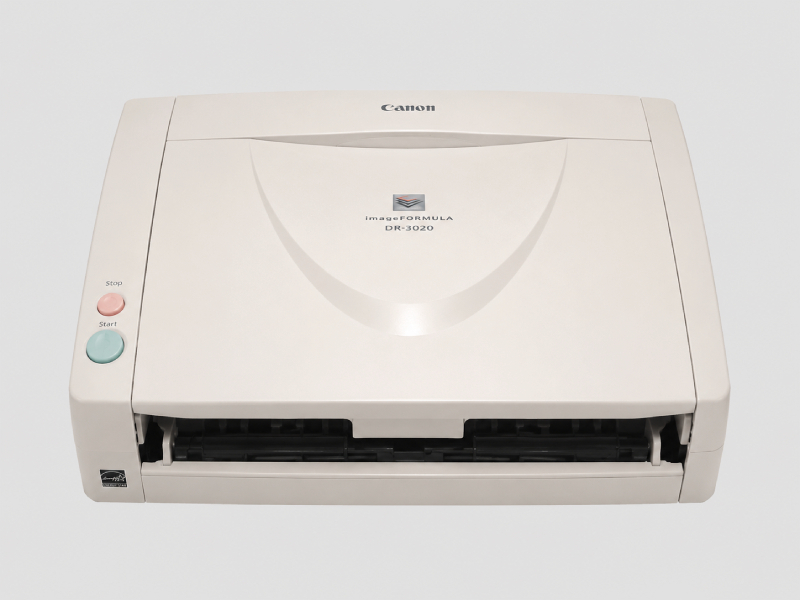
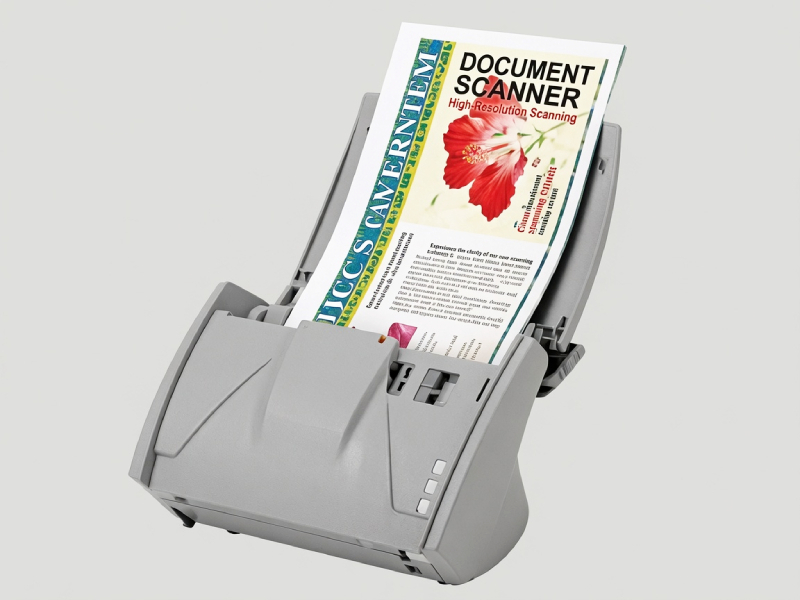
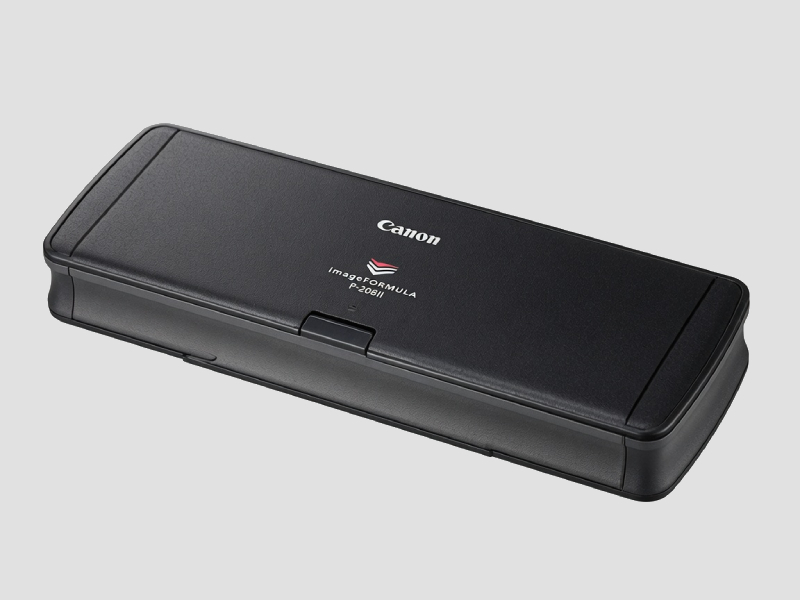
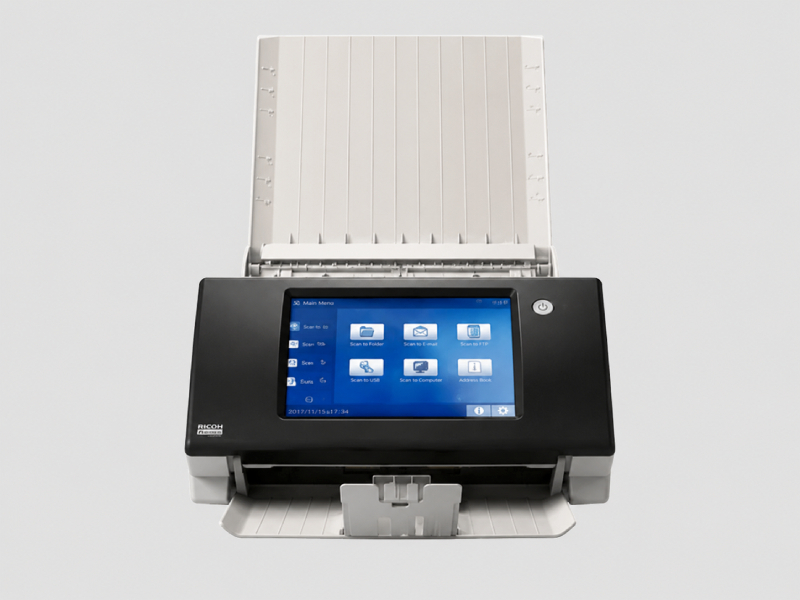
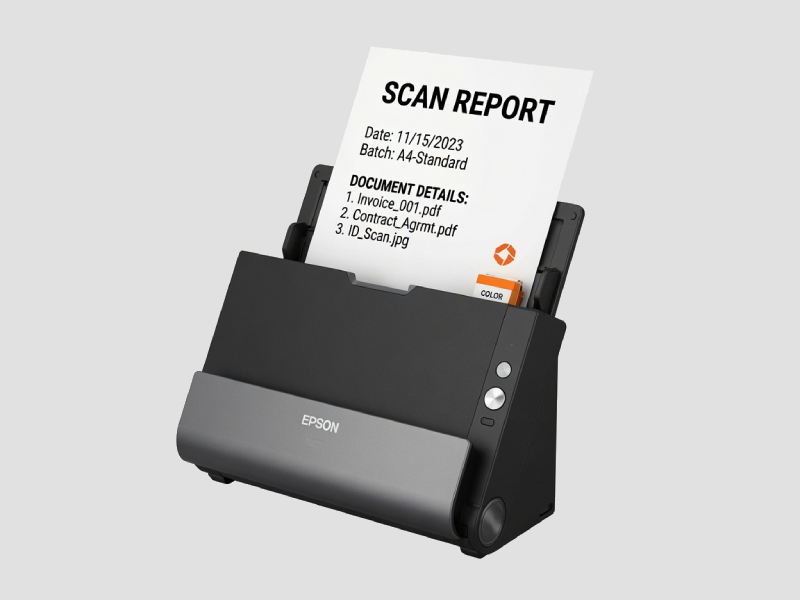
Sheetfed Scanners: Designed for high-speed scanning of multiple pages, sheetfed scanners are ideal for digitizing large volumes of documents quickly and efficiently.
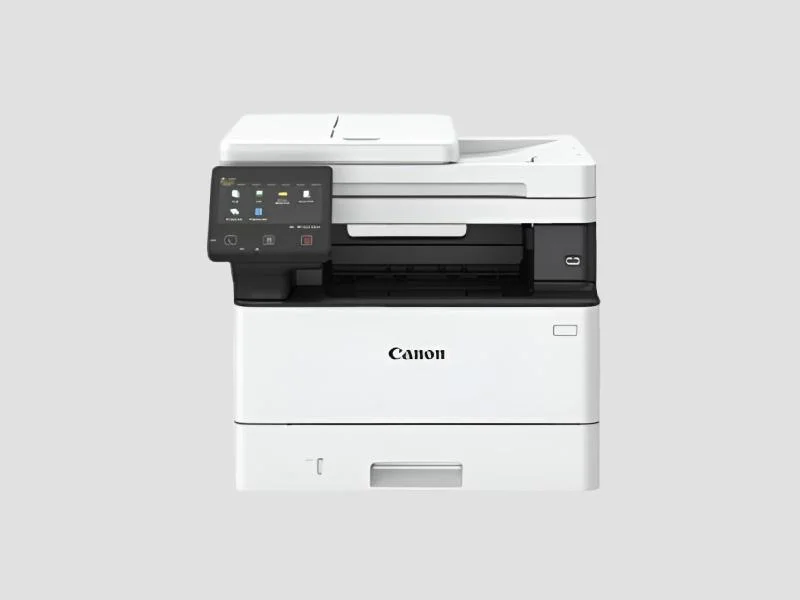
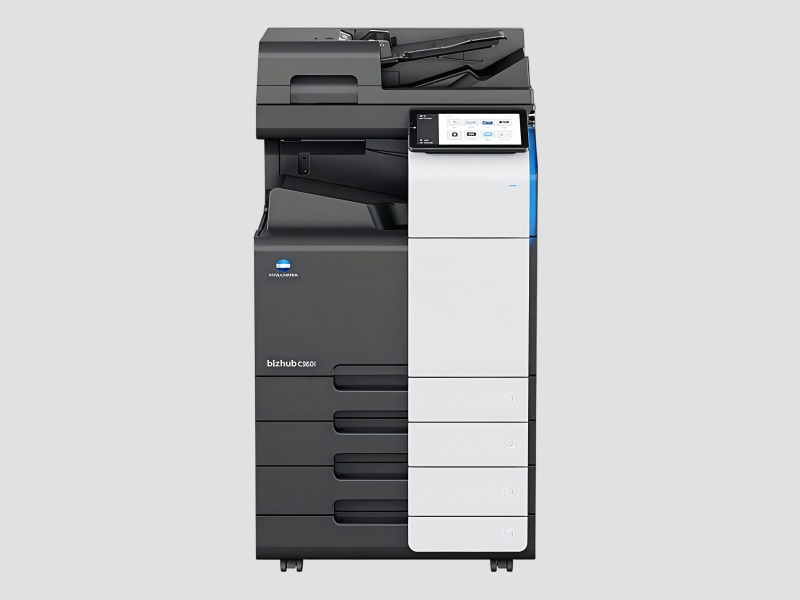
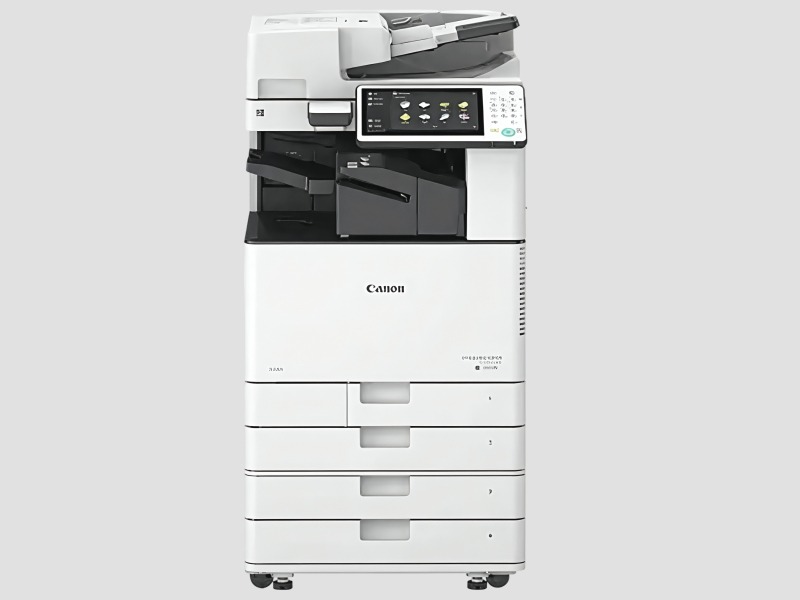
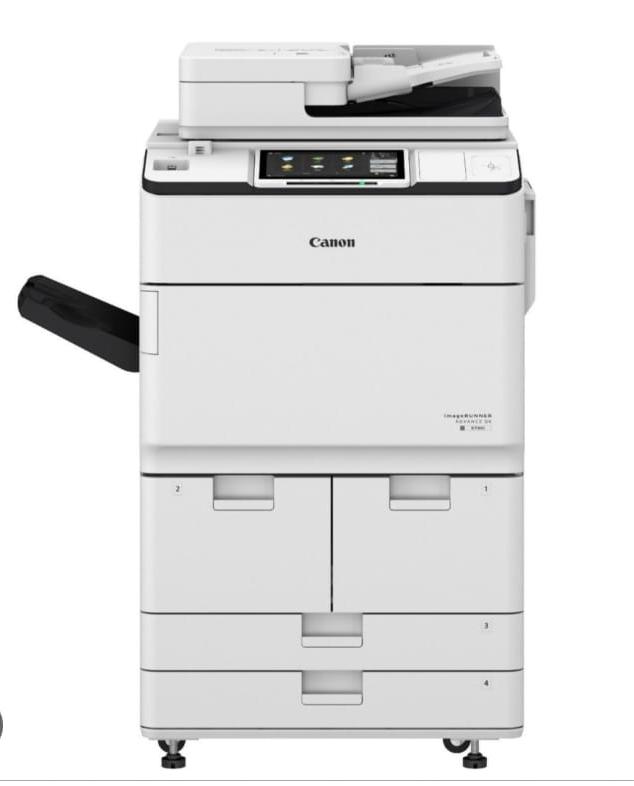
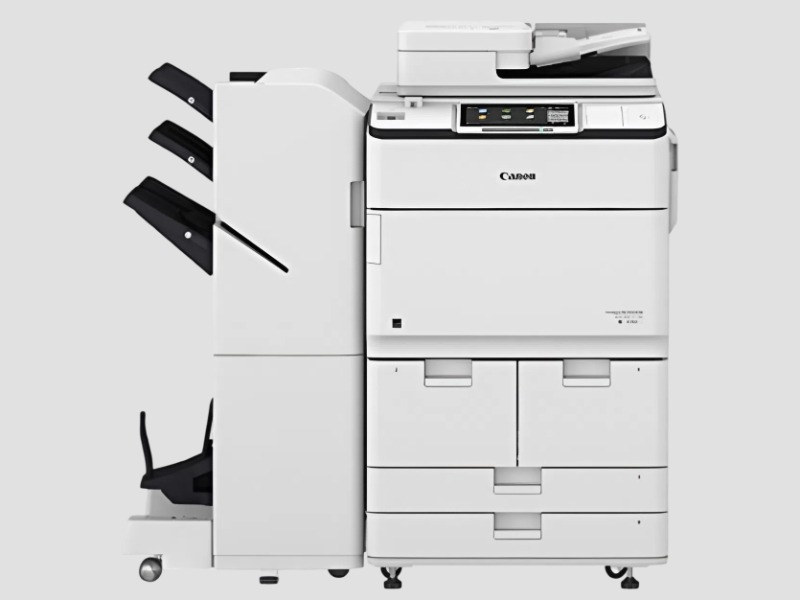
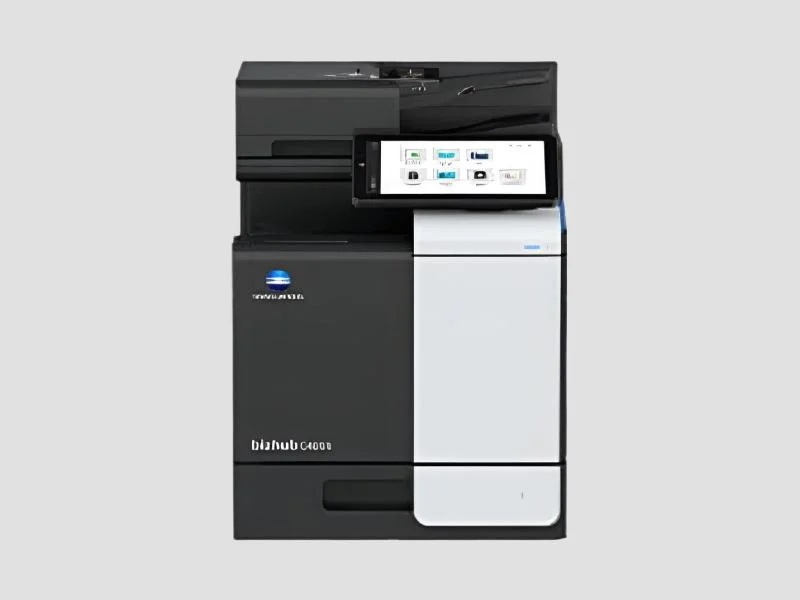
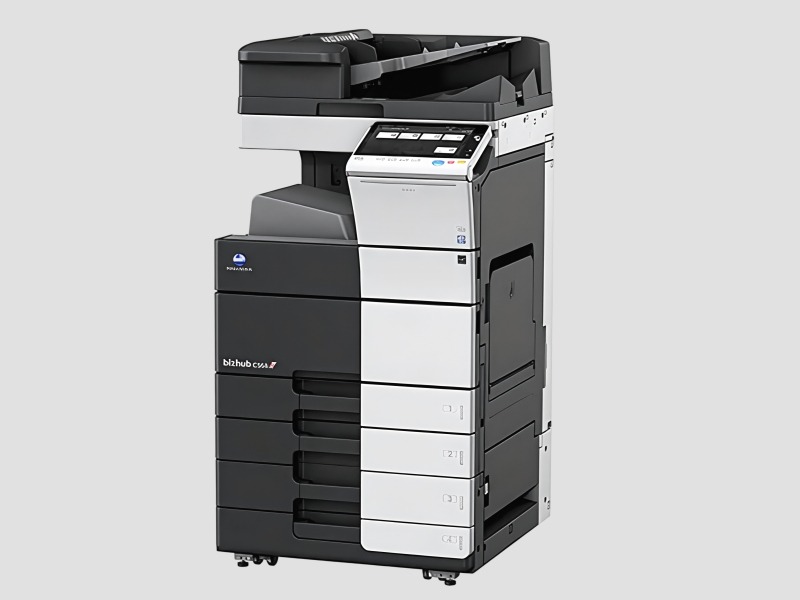
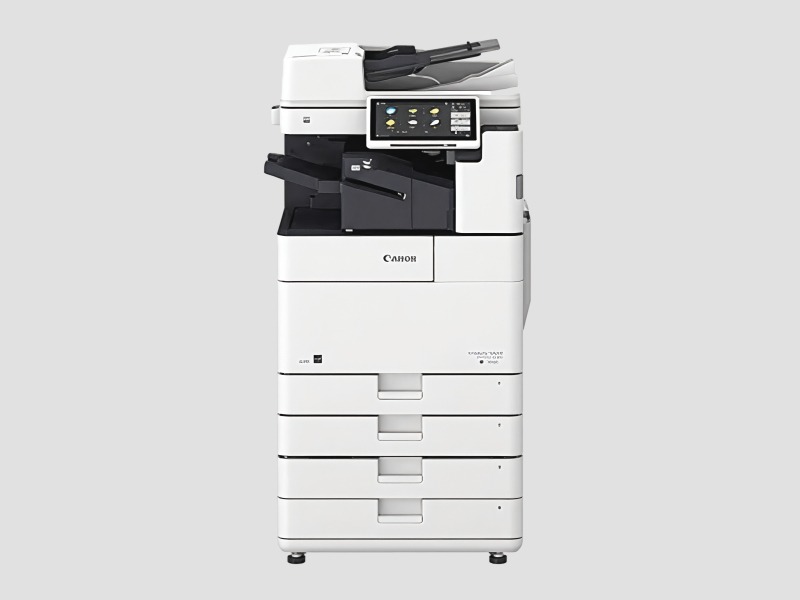
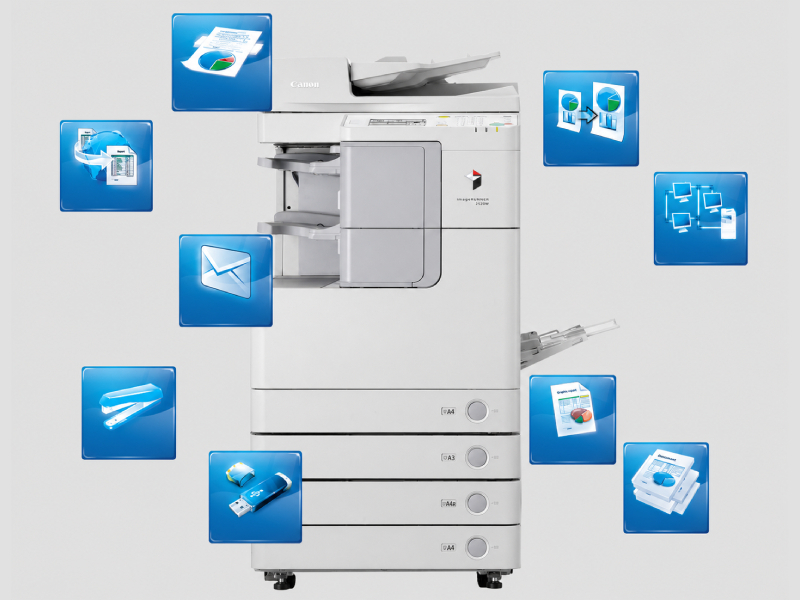
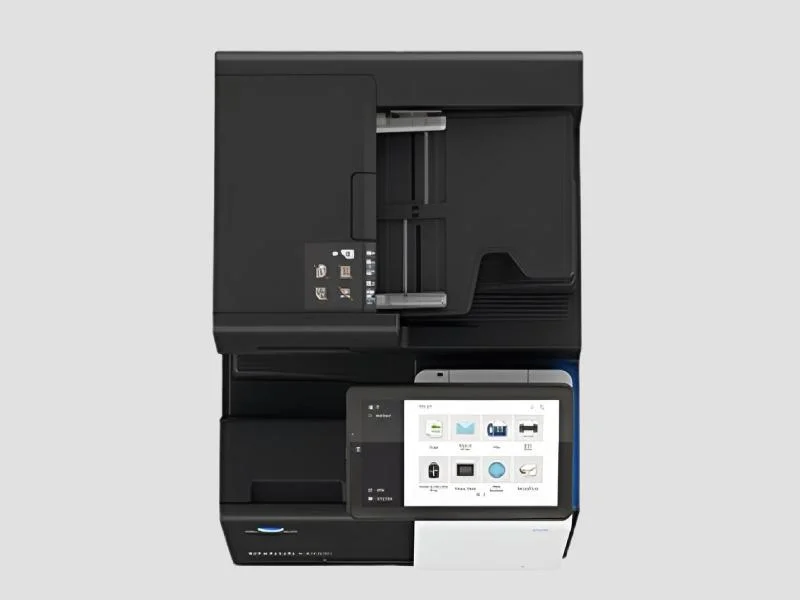
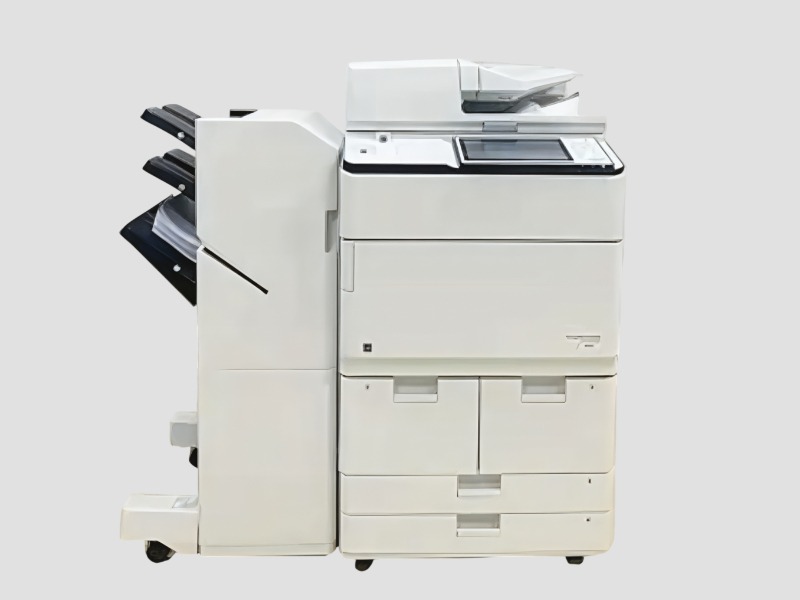
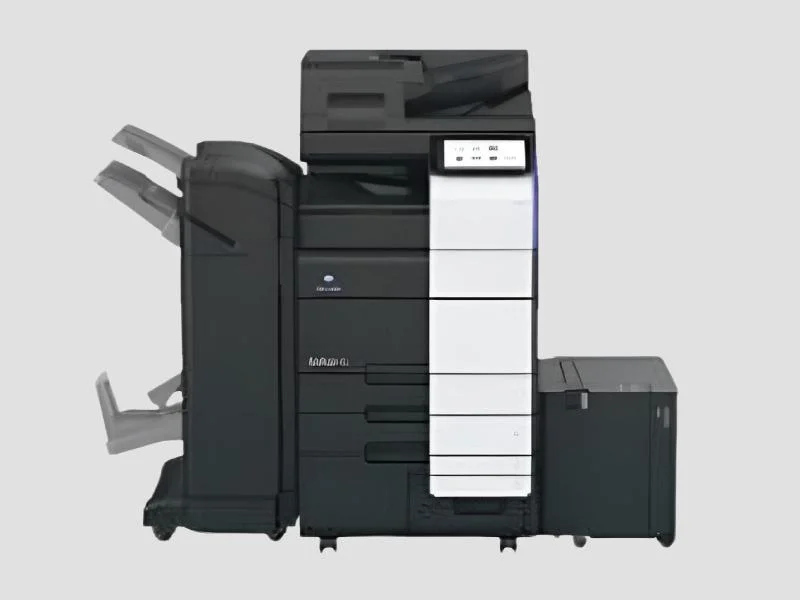
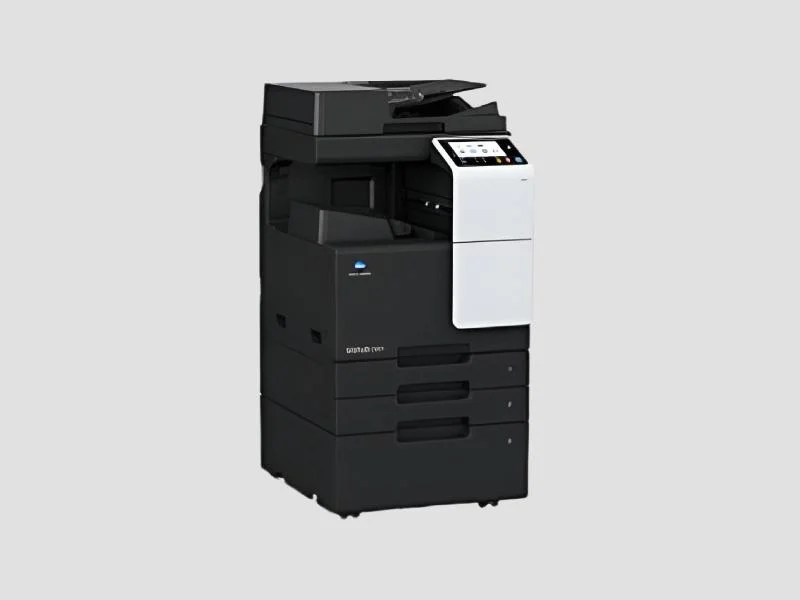
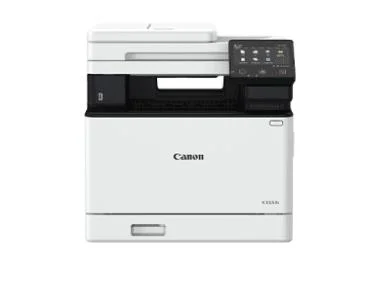
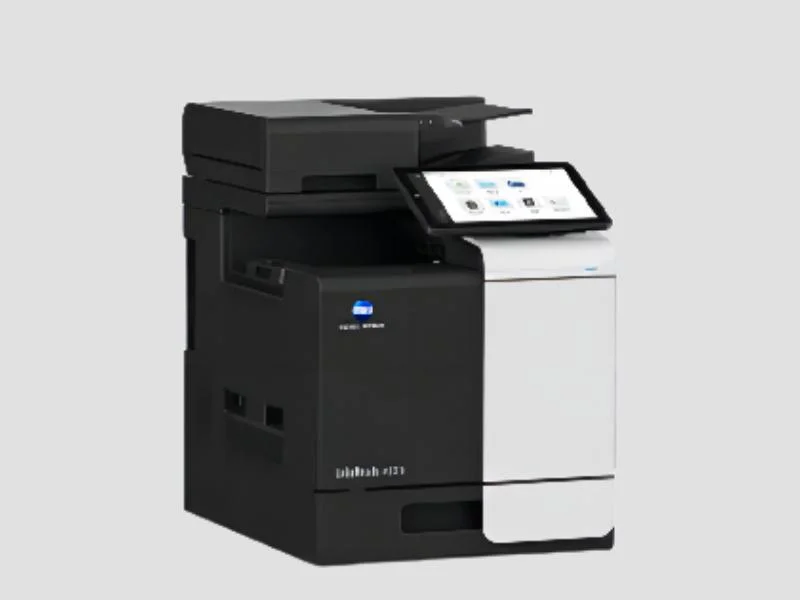
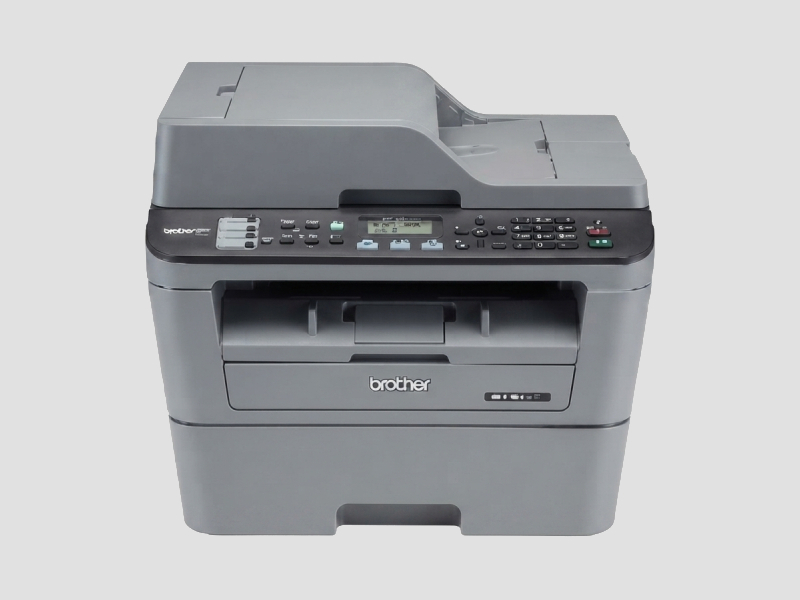
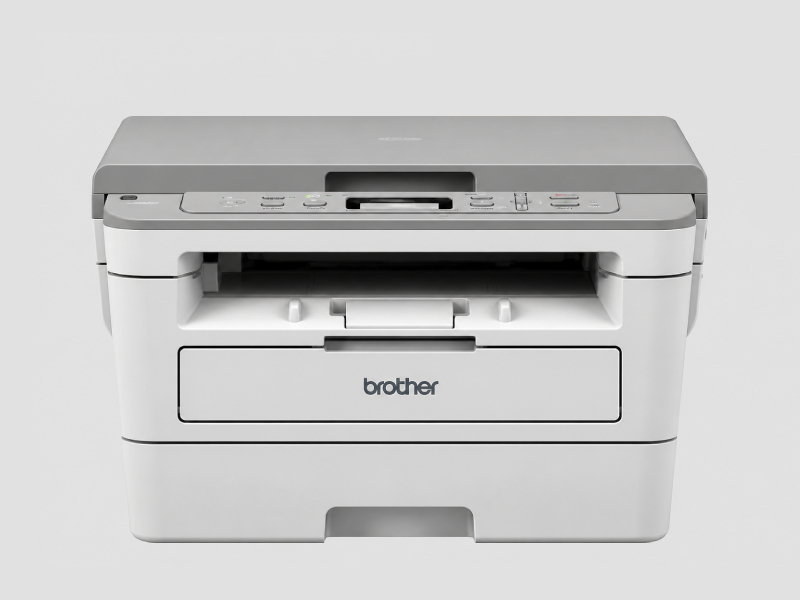
All-in-One Printers: These versatile devices combine printing, scanning, copying, and faxing capabilities into one machine, making them suitable for small to medium-sized businesses.
𝗕𝗲𝗻𝗲𝗳𝗶𝘁𝘀 𝗮𝗻𝗱 𝗔𝗱𝘃𝗮𝗻𝘁𝗮𝗴𝗲𝘀
Investing in printers and scanners offers numerous advantages for businesses.
1. Improved Efficiency: Streamlined document management helps organizations save time and resources in processing and archiving.
2. Cost Savings: High-volume printers can reduce printing costs, while digital scanning eliminates the need for physical storage.
3. Enhanced Accessibility: Digital documents allow for easy sharing and collaboration, increasing productivity among teams.
4. Environmental Benefits: Reducing paper usage through digital documentation supports sustainability initiatives.
5. Quality Output: High-resolution printers and scanners ensure that documents maintain professional quality.
6. Versatility: Various models cater to different business needs, from high-speed printing to high-resolution scanning.
𝗕𝘂𝘆𝗶𝗻𝗴 𝗚𝘂𝗶𝗱𝗲 𝗳𝗼𝗿 𝗕𝟮𝗕 𝗕𝘂𝘆𝗲𝗿𝘀
When sourcing printers and scanners, businesses should consider several critical factors to ensure they choose the right equipment.
1. Quality Assessment: Evaluate the print and scan quality by reviewing specifications like DPI and resolution. Ensure that the products meet industry standards for quality output.
2. Supplier Verification: Vet suppliers by checking their credentials, reviews, and reliability. A verified supplier network ensures better service and product quality.
3. Pricing and MOQ: Consider the pricing structure and minimum order quantities. Compare costs across multiple suppliers to find the best value for your business.
4. Delivery and Lead Times: Understand the expected delivery timelines and logistics involved. Choose suppliers who can meet your operational deadlines.
5. Compliance Requirements: Ensure that the products comply with relevant regulatory standards and certifications to avoid operational disruptions.
𝗖𝗼𝗺𝗽𝗹𝗶𝗮𝗻𝗰𝗲 𝗮𝗻𝗱 𝗖𝗲𝗿𝘁𝗶𝗳𝗶𝗰𝗮𝘁𝗶𝗼𝗻𝘀
Printers and scanners must adhere to various quality standards and certifications to ensure safety and reliability.
ISO 9001 is a key certification that indicates a commitment to quality management systems. Compliance with this standard ensures that products consistently meet customer and regulatory requirements.
The CE mark is another important certification for electronic devices, indicating that the product meets European health, safety, and environmental protection standards.
Safety and testing requirements are crucial in ensuring that printers and scanners operate safely under specified conditions. Regular testing for electrical safety and performance helps maintain operational integrity.
Businesses should also consider regional compliance aspects, as different regions may have specific regulations governing electronic devices. Understanding these requirements is essential for successful operations in diverse markets.
𝗪𝗵𝘆 𝗦𝗼𝘂𝗿𝗰𝗲 𝗣𝗿𝗶𝗻𝘁𝗲𝗿𝘀 & 𝗦𝗰𝗮𝗻𝗻𝗲𝗿𝘀 𝗳𝗿𝗼𝗺 𝗣𝗲𝗽𝗮𝗴𝗼𝗿𝗮?
Pepagora provides a trusted platform for sourcing printers and scanners, offering several key advantages for B2B buyers.
Verified Supplier Network: Pepagora has established a network of verified suppliers, ensuring that buyers receive quality products from reputable manufacturers. This adds a layer of trust to the purchasing process.
Streamlined RFQ Process: The request for quotation (RFQ) process on Pepagora is designed to be straightforward and efficient. Buyers can easily submit their requirements and receive competitive quotes from multiple suppliers.
Trade Assurance and Support: Pepagora offers trade assurance, providing buyers with protection and support throughout the purchasing process. This includes assistance with dispute resolution and ensuring product quality.
Regional Coverage: With a focus on markets in India, the GCC, and Southeast Asia, Pepagora is well-positioned to meet the sourcing needs of businesses in these regions. This broad geographic reach allows for better access to a diverse range of products.

 IN
IN