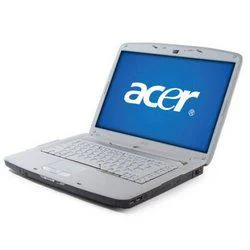
𝗪𝗵𝗮𝘁 𝗮𝗿𝗲 𝗖𝗼𝗺𝗽𝘂𝘁𝗲𝗿𝘀, 𝗟𝗮𝗽𝘁𝗼𝗽𝘀 & 𝗣𝗲𝗿𝗶𝗽𝗵𝗲𝗿𝗮𝗹𝘀?
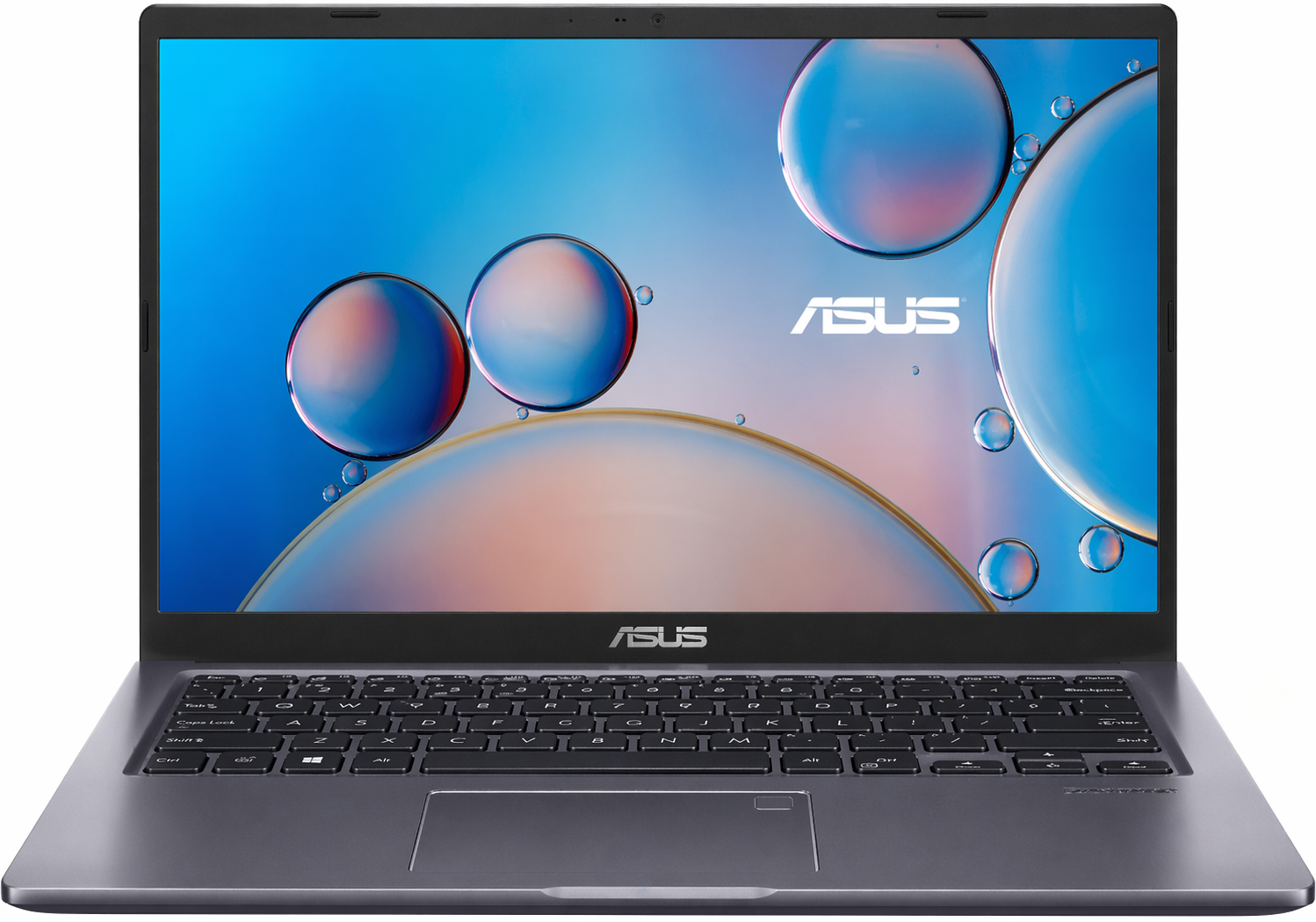
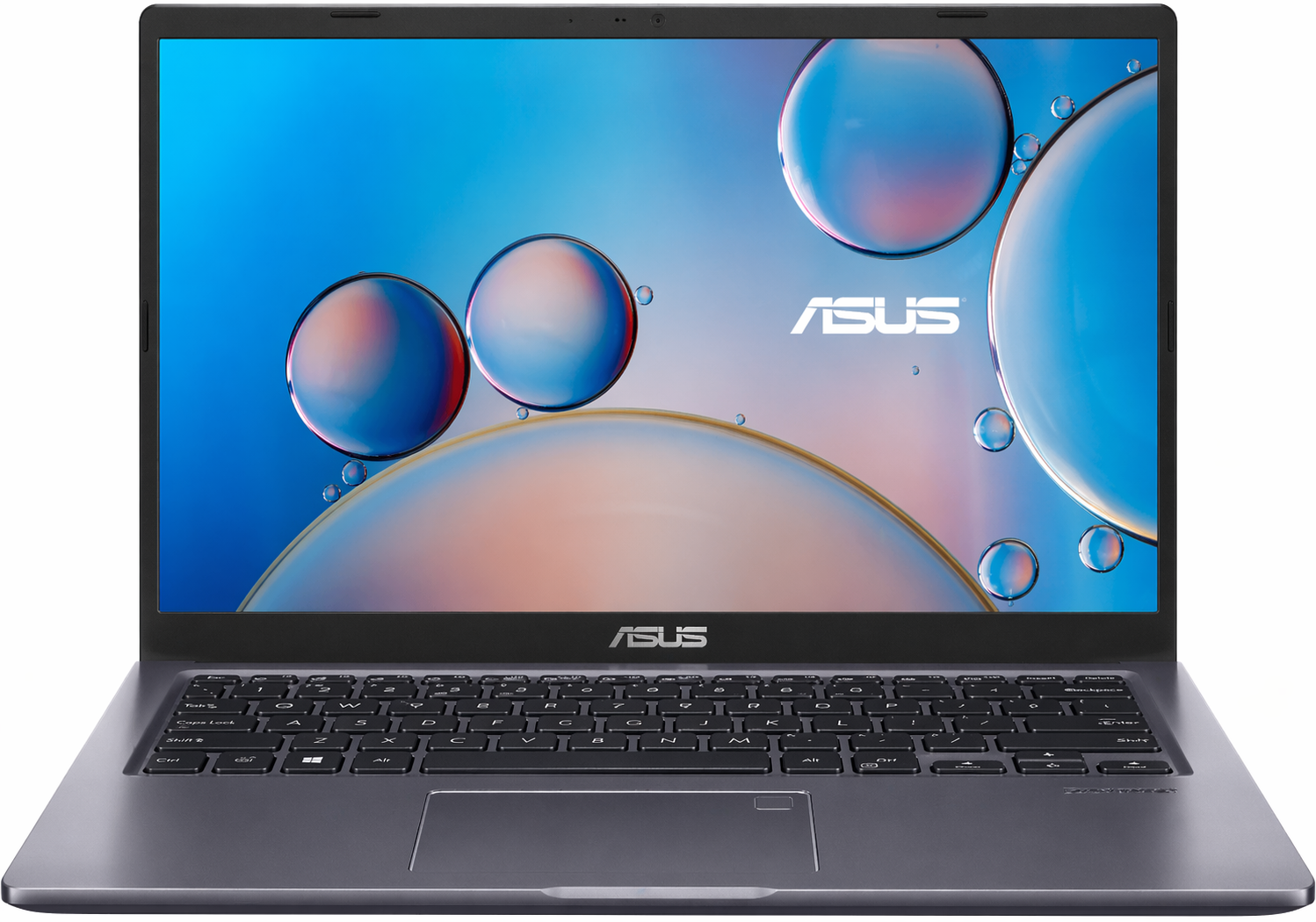
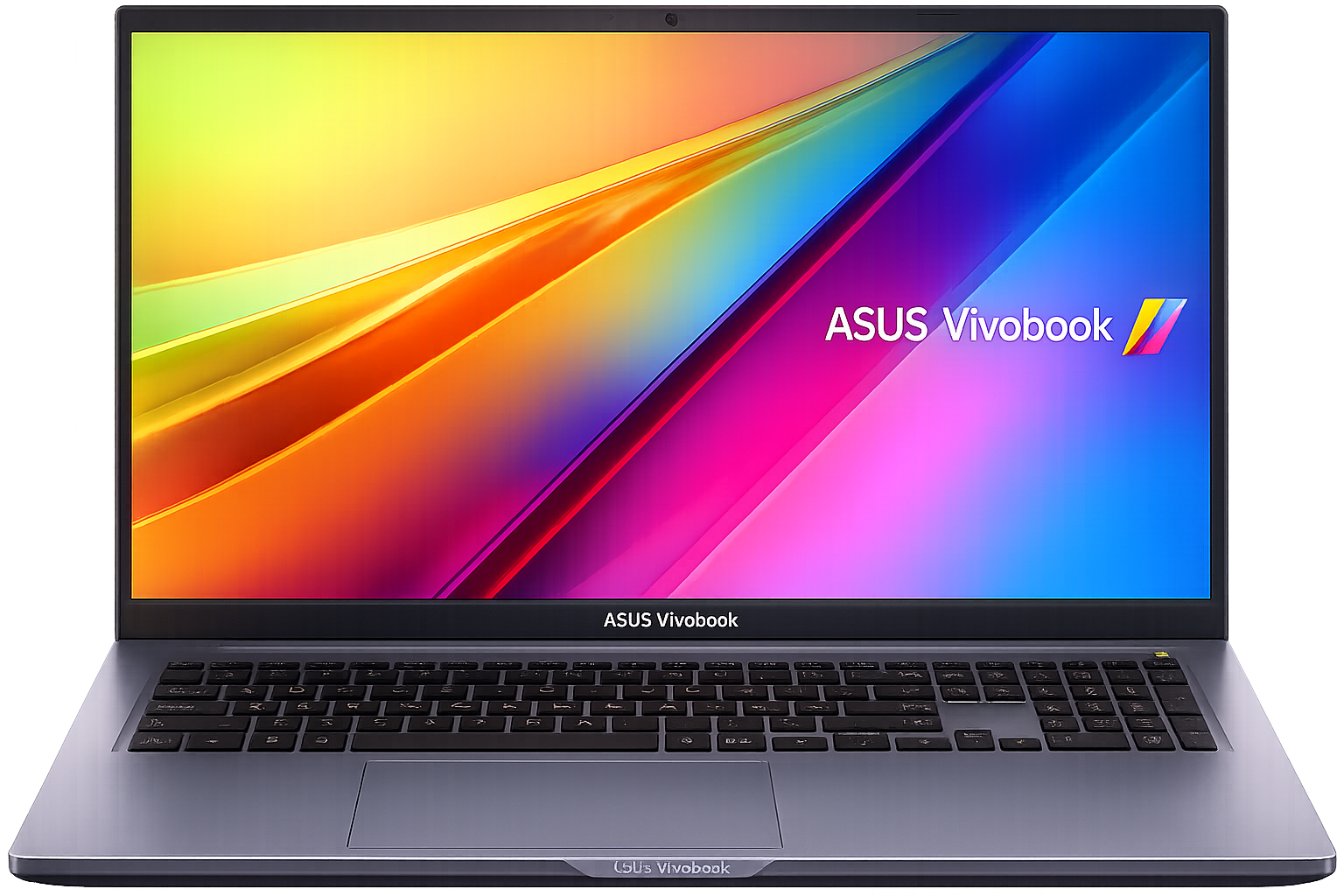
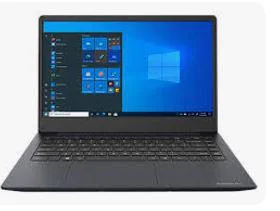
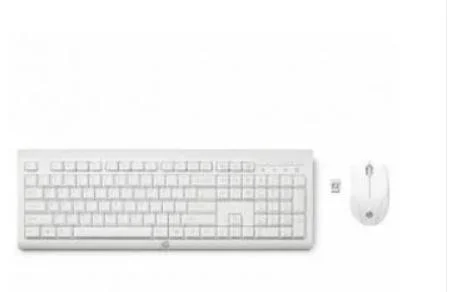
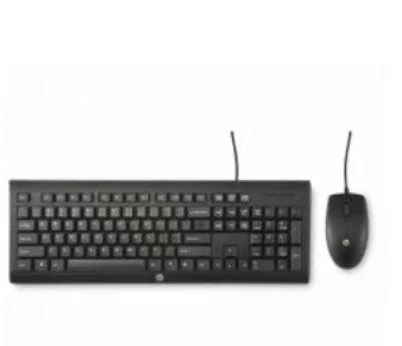
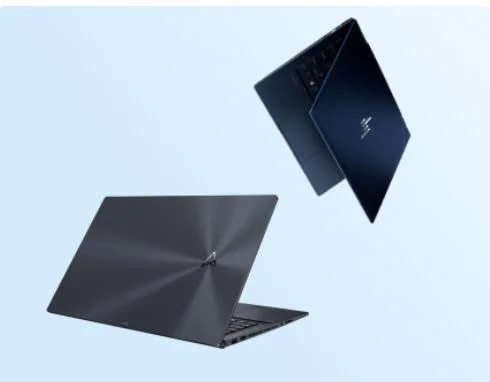
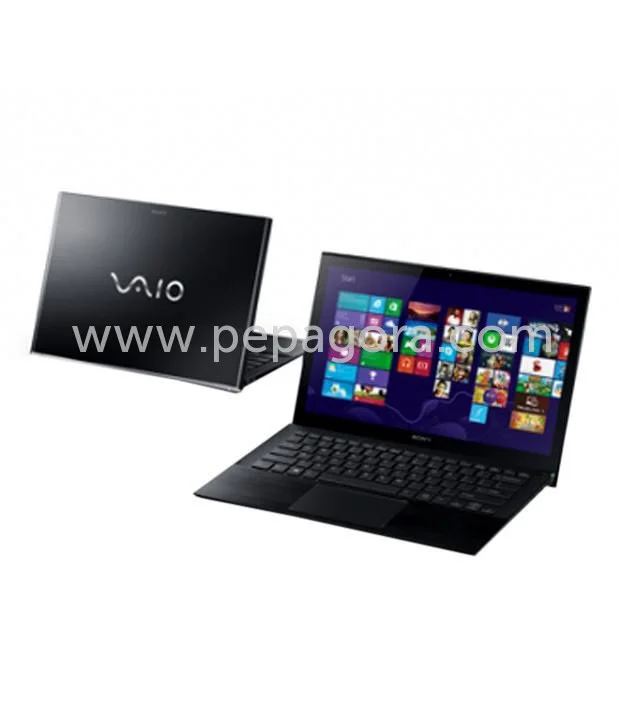
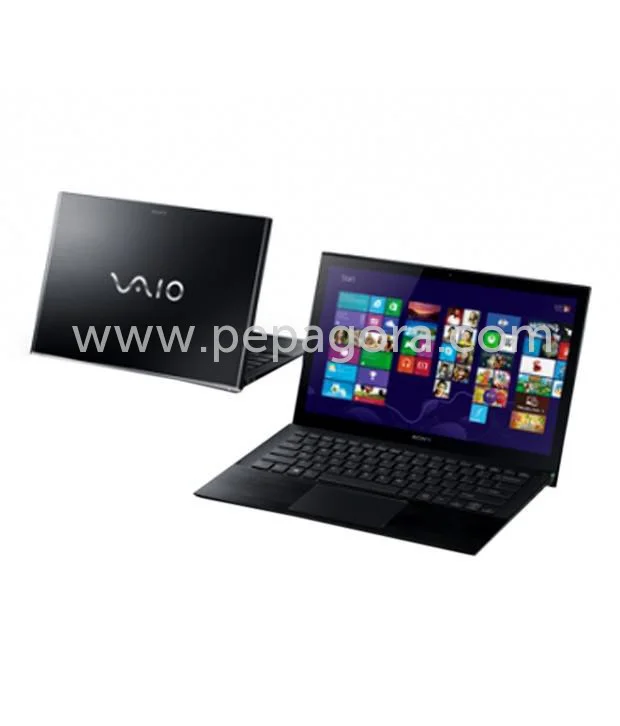
Computers, laptops, and peripherals are essential tools in the modern business landscape. A computer is a device that processes data and performs tasks according to a set of instructions. Laptops are portable computers that combine the functionality of a desktop while being more convenient for mobile use. Peripherals are external devices that connect to computers and laptops, enhancing their capabilities and functionality.
These products are primarily utilized in various business applications such as data processing, communication, and project management. Businesses rely on computers and laptops for everyday operations, including word processing, accounting, design, and software development. Peripherals like printers, scanners, and external storage devices further facilitate these operations, making them indispensable in any corporate environment.
In the current market, the demand for computers, laptops, and peripherals continues to grow, driven by advancements in technology and the increasing reliance on digital solutions. Industries are increasingly integrating these devices into their workflows to enhance productivity, improve communication, and streamline operations.
𝗞𝗲𝘆 𝗙𝗲𝗮𝘁𝘂𝗿𝗲𝘀 𝗮𝗻𝗱 𝗦𝗽𝗲𝗰𝗶𝗳𝗶𝗰𝗮𝘁𝗶𝗼𝗻𝘀
Computers, laptops, and peripherals come packed with features that cater to specific business needs. Understanding these specifications can help businesses choose the right products.
Key specifications include:
1. Processor
- Determines the speed and efficiency of the computer
- Common ranges include dual-core, quad-core, and octa-core processors
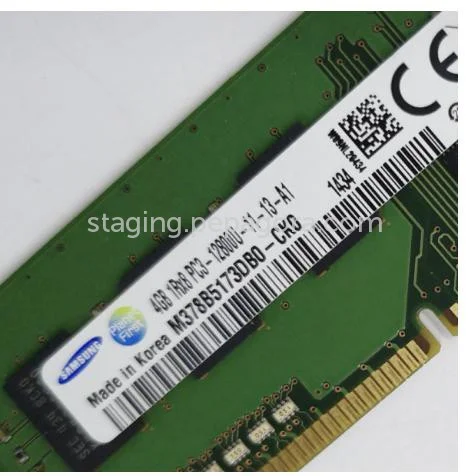
2. Memory (RAM)
- Affects the multitasking capabilities of a device
- Standard capacities range from 4GB to 64GB
3. Storage Type
- Refers to the type of hard drive used
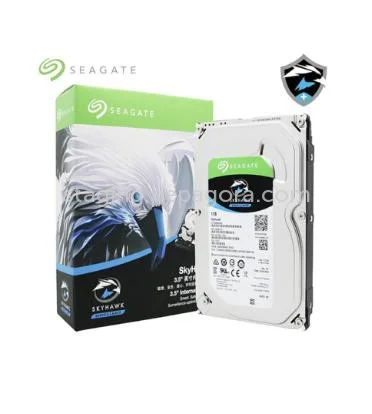
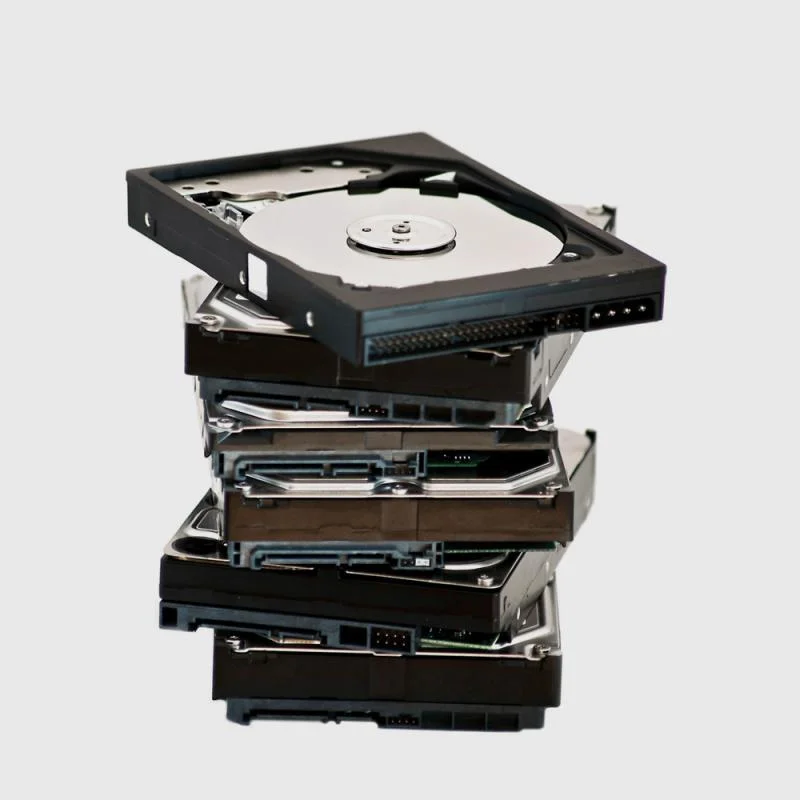
- Options include traditional HDDs, SSDs, and hybrid drives
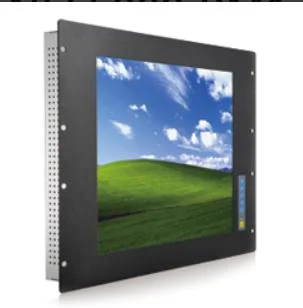
4. Display Size and Resolution
- Impacts user experience and usability
- Common sizes range from 11 inches to 17 inches with resolutions from HD to 4K
5. Battery Life
- Essential for laptops, indicating how long a device can run on a single charge
- Typical ranges vary from 4 hours to 20 hours
6. Operating System
- The software platform that runs the device
- Popular options include Windows, macOS, and Linux
7. Connectivity Options
- Includes Wi-Fi, Bluetooth, and ports for USB, HDMI, and Ethernet
- Essential for data transfer and peripheral connection
8. Graphics Capability
- Important for design and gaming applications
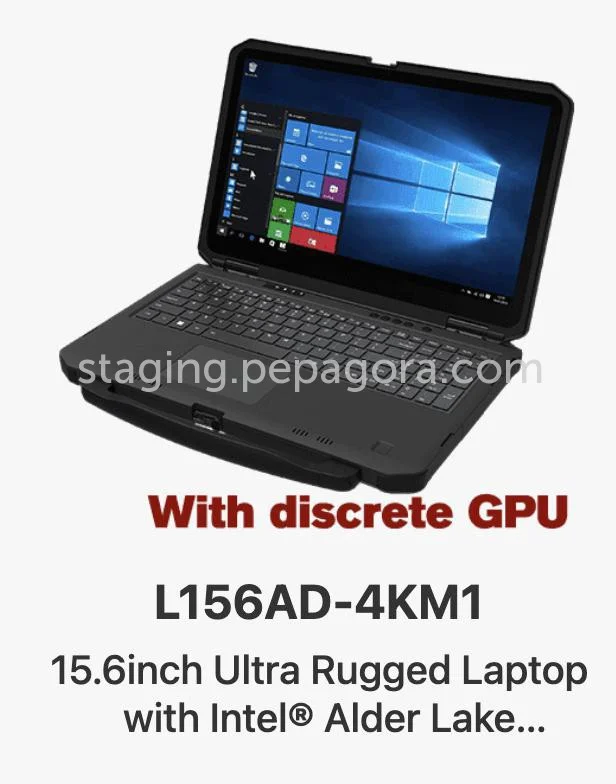
- Options include integrated graphics and dedicated graphics cards
Understanding these features can help businesses make informed purchasing decisions based on their specific needs.
𝗖𝗼𝗺𝗺𝗼𝗻 𝗔𝗽𝗽𝗹𝗶𝗰𝗮𝘁𝗶𝗼𝗻𝘀 𝗮𝗻𝗱 𝗨𝘀𝗲 𝗖𝗮𝘀𝗲𝘀
Computers, laptops, and peripherals find applications across diverse industries.
1. Education: Schools and universities use computers and laptops for digital learning tools and administrative tasks.
2. Healthcare: Medical professionals utilize these devices for patient management, electronic health records, and telemedicine.
3. Manufacturing: Computers in manufacturing assist in design, production planning, and equipment management.
4. Finance: Financial institutions rely on computers for transaction processing, data analysis, and reporting.
5. Retail: Point-of-sale systems and inventory management software are run on computers and laptops.
6. Engineering: Engineering firms use advanced computing power for design simulations and project management.
7. Marketing: Digital marketing teams employ computers and peripherals for content creation and data analysis.
By understanding these applications, businesses can better align their technology needs with industry demands.
𝗣𝗿𝗼𝗱𝘂𝗰𝘁 𝗩𝗮𝗿𝗶𝗮𝗻𝘁𝘀 𝗮𝗻𝗱 𝗦𝘂𝗯𝗰𝗮𝘁𝗲𝗴𝗼𝗿𝗶𝗲𝘀
The diversity of computers, laptops, and peripherals allows businesses to find solutions tailored to their specific needs.
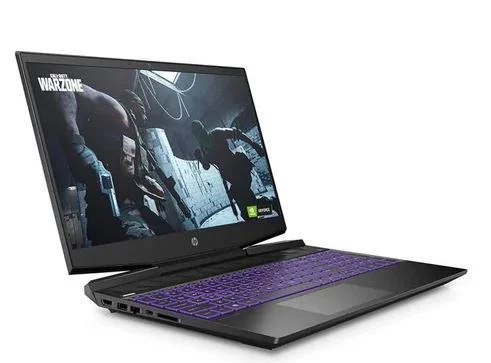
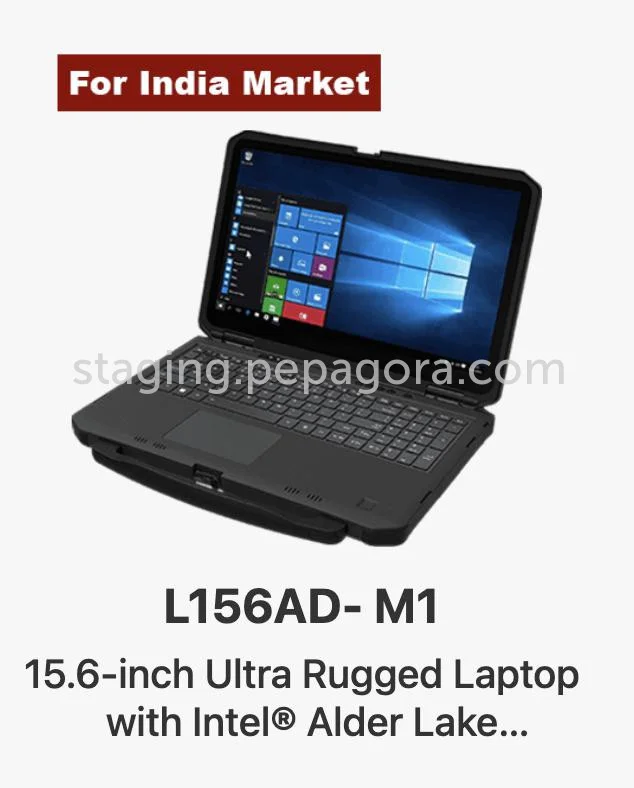
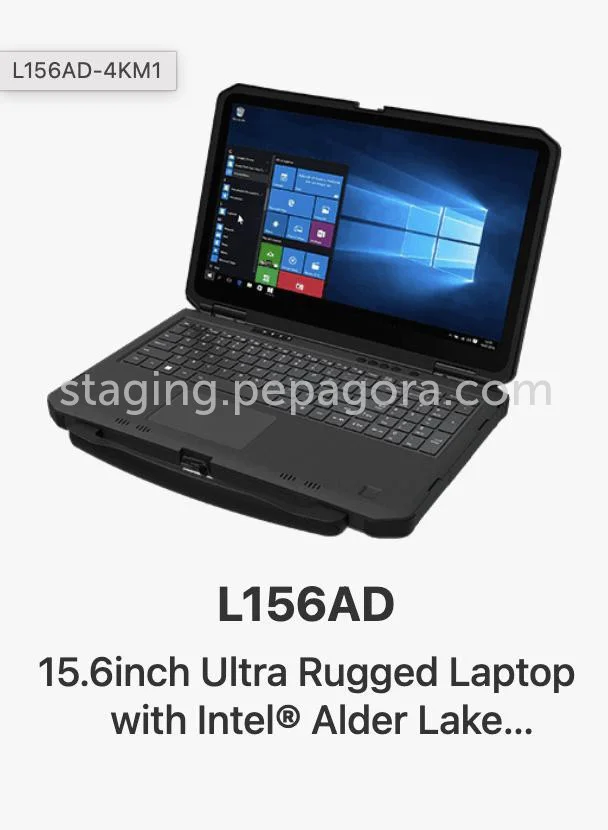
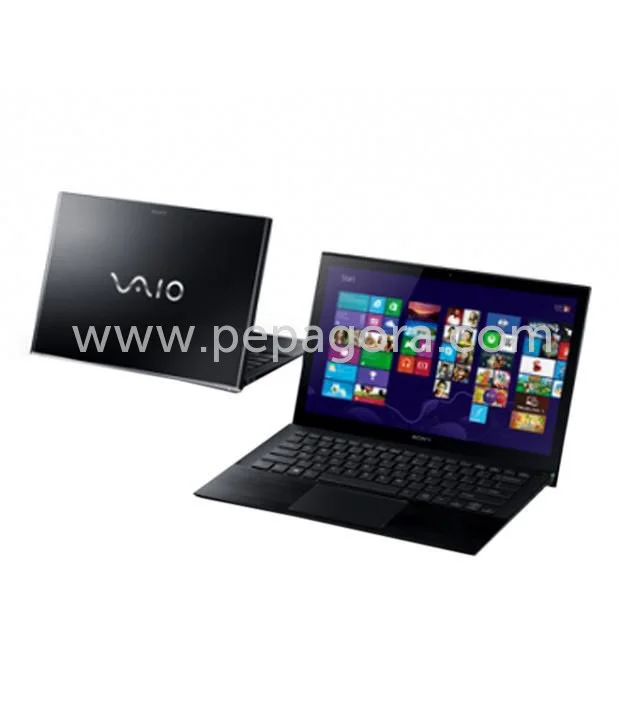
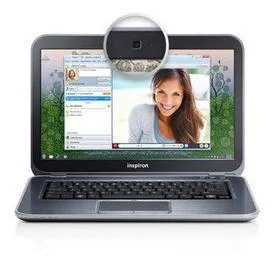
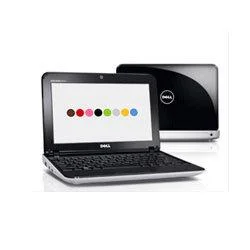
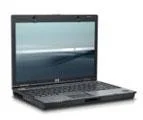
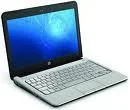
Laptop Models: Laptops come in various models, including ultrabooks, gaming laptops, and business laptops. Each model offers unique features such as lightweight design, high-performance graphics, or enhanced security options.
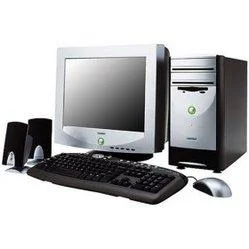
Desktop Computers: These are available in all-in-one designs or traditional tower formats. They are suitable for office environments where space is not a constraint and offer powerful performance for demanding tasks.
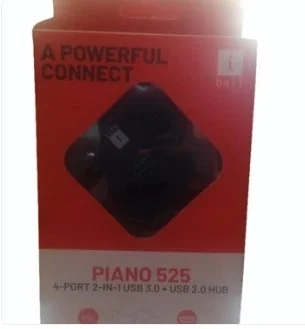
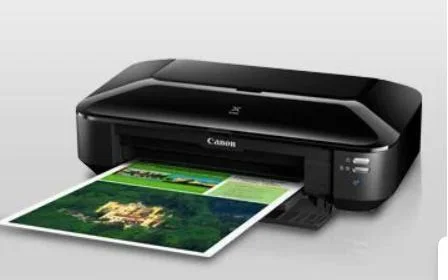
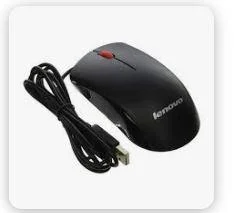
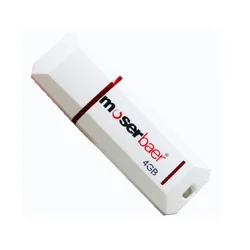
Peripherals: This category includes printers, scanners, and external drives. Each type has specialized functions, such as high-speed printing, document digitization, or expanded storage capabilities.
𝗕𝗲𝗻𝗲𝗳𝗶𝘁𝘀 𝗮𝗻𝗱 𝗔𝗱𝘃𝗮𝗻𝘁𝗮𝗴𝗲𝘀
Choosing the right computers, laptops, and peripherals brings various advantages to businesses.
1. Enhanced Productivity: Modern devices facilitate faster processing and multitasking, improving workflow efficiency.
2. Portability: Laptops provide the freedom to work from different locations, supporting remote work and flexibility.
3. Scalability: Businesses can upgrade hardware or software as needs evolve, ensuring long-term usability.
4. Cost-Effectiveness: Investing in reliable technology reduces downtime and maintenance costs in the long run.
5. Improved Collaboration: Devices equipped with connectivity options enhance communication among teams, fostering collaboration.
6. Access to Advanced Features: Modern technology offers features like cloud connectivity, enhancing data accessibility and sharing.
𝗕𝘂𝘆𝗶𝗻𝗴 𝗚𝘂𝗶𝗱𝗲 𝗳𝗼𝗿 𝗕𝟮𝗕 𝗕𝘂𝘆𝗲𝗿𝘀
When sourcing computers, laptops, and peripherals, several factors should be considered to ensure the best purchase.
1. Quality Assessment: Evaluate the build quality and performance specifications to ensure they meet your operational needs. Look for reliable brands that have a history of durability.
2. Supplier Verification: Research suppliers to confirm their credibility and reliability. Check for customer reviews and ratings to gauge their service quality.
3. Pricing and MOQ: Understand the pricing structure and minimum order quantities. This will help you budget effectively and avoid overcommitting resources.
4. Delivery and Lead Times: Inquire about logistics and expected delivery times to ensure products arrive when needed. This is crucial for maintaining business continuity.
5. Compliance Requirements: Be aware of industry regulations and standards relevant to your purchase. Ensure that products meet necessary certifications, such as CE.
𝗖𝗼𝗺𝗽𝗹𝗶𝗮𝗻𝗰𝗲 𝗮𝗻𝗱 𝗖𝗲𝗿𝘁𝗶𝗳𝗶𝗰𝗮𝘁𝗶𝗼𝗻𝘀
Compliance with industry standards and certifications is vital for ensuring product quality and safety. Relevant quality standards such as ISO 9001 focus on quality management systems, ensuring that manufacturers meet specific quality criteria.
Industry certifications like CE indicate compliance with European safety standards. These certifications assure buyers of product reliability and safety.
Additionally, safety and testing requirements must be met, which can include electromagnetic compatibility and environmental safety tests. Regional compliance considerations may vary, so it is essential to understand local regulations that apply to the intended market.
𝗪𝗵𝘆 𝗦𝗼𝘂𝗿𝗰𝗲 𝗖𝗼𝗺𝗽𝘂𝘁𝗲𝗿𝘀, 𝗟𝗮𝗽𝘁𝗼𝗽𝘀 & 𝗣𝗲𝗿𝗶𝗽𝗵𝗲𝗿𝗮𝗹𝘀 𝗳𝗿𝗼𝗺 𝗣𝗲𝗽𝗮𝗴𝗼𝗿𝗮?
Pepagora provides a trusted platform for sourcing computers, laptops, and peripherals with several key advantages.
Verified Supplier Network: Pepagora ensures that all suppliers undergo a stringent verification process. This guarantees that buyers are connected with reputable manufacturers and distributors.
Streamlined RFQ Process: The request for quotation (RFQ) system simplifies the purchasing process. Buyers can easily request quotes from multiple suppliers, facilitating competitive pricing and better deals.
Trade Assurance and Support: Pepagora offers buyer protection through trade assurance policies, providing peace of mind during transactions. This support ensures that buyers receive their orders as expected.
Regional Coverage: With a strong presence in India, the GCC, and Southeast Asia, Pepagora connects buyers to suppliers across various regions, enhancing accessibility and choice. This geographic reach allows for better responsiveness to local market needs.

 IN
IN