𝗪𝗵𝗮𝘁 𝗮𝗿𝗲 𝗖𝗼𝗺𝗽𝘂𝘁𝗲𝗿 𝗔𝗰𝗰𝗲𝘀𝘀𝗼𝗿𝗶𝗲𝘀?
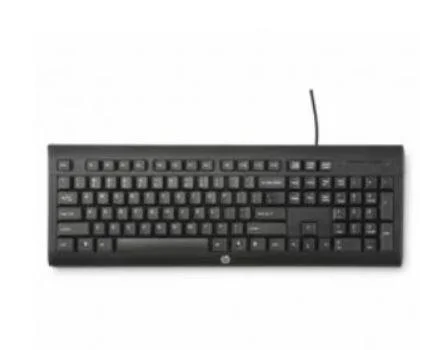
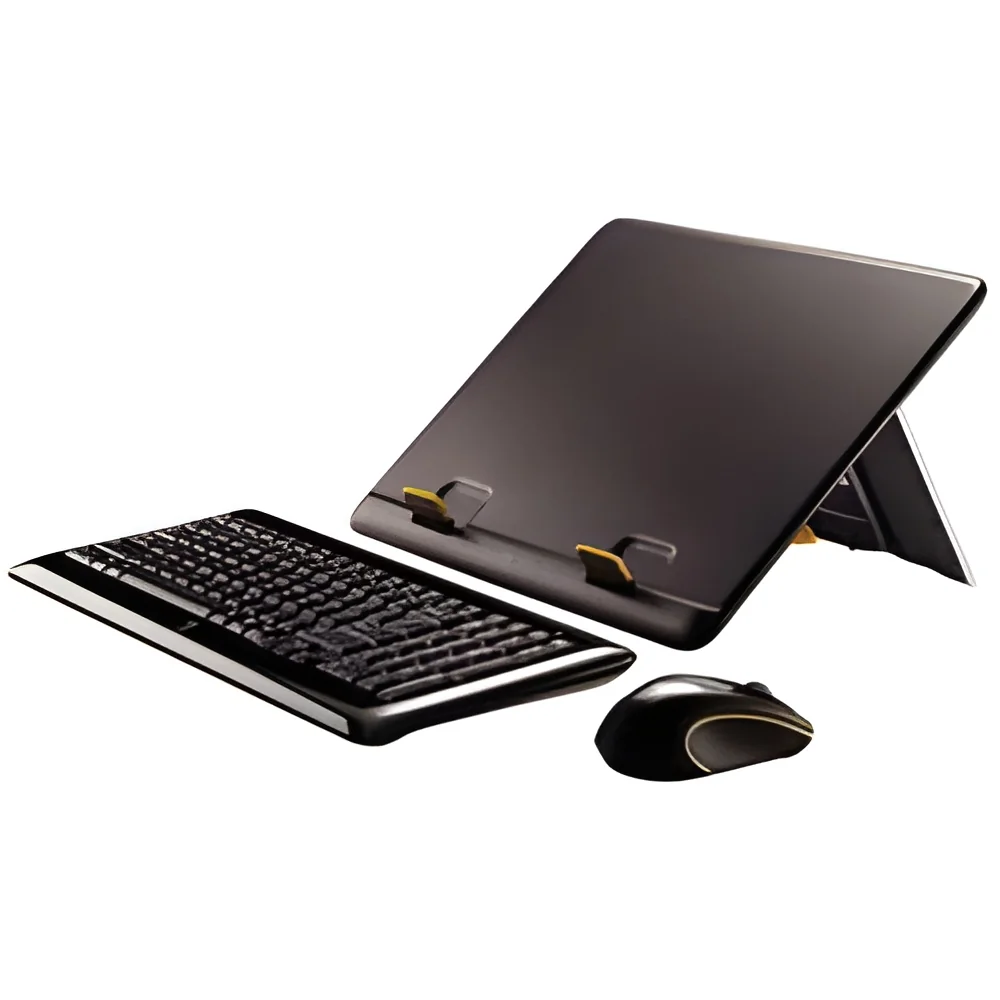
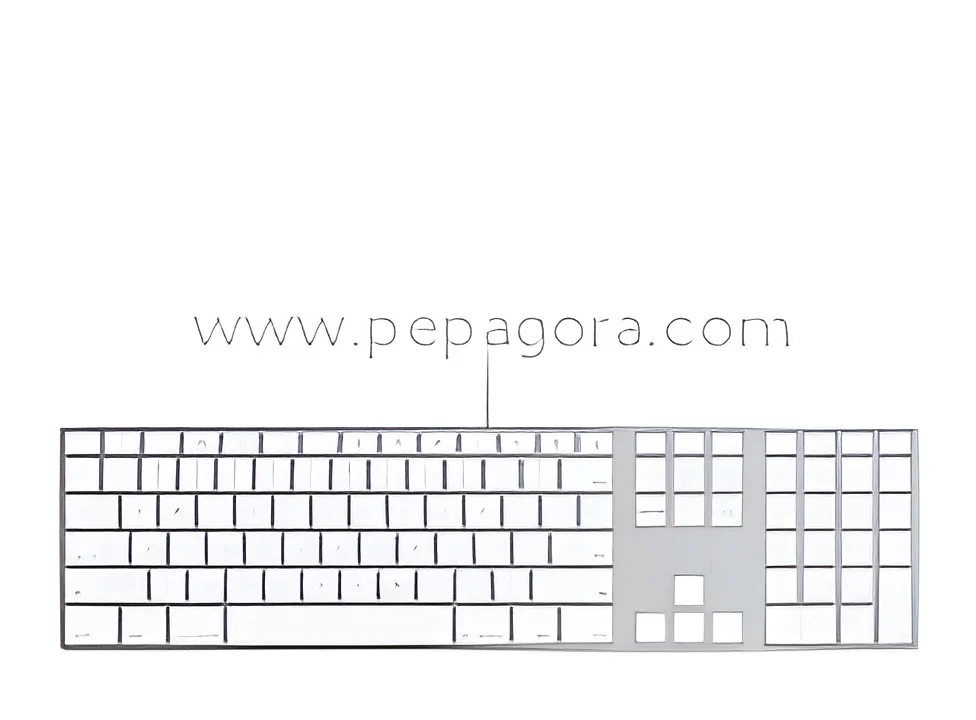
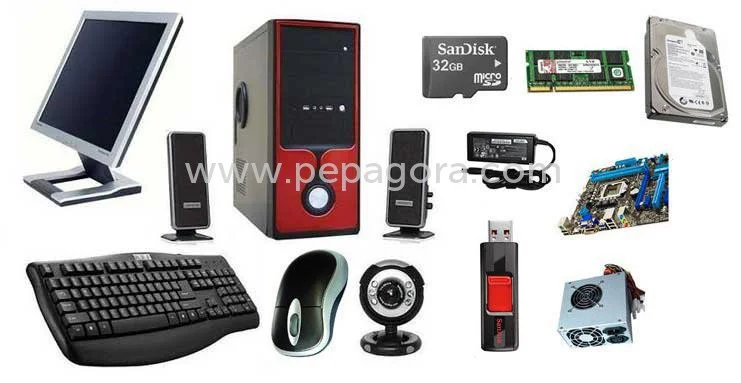
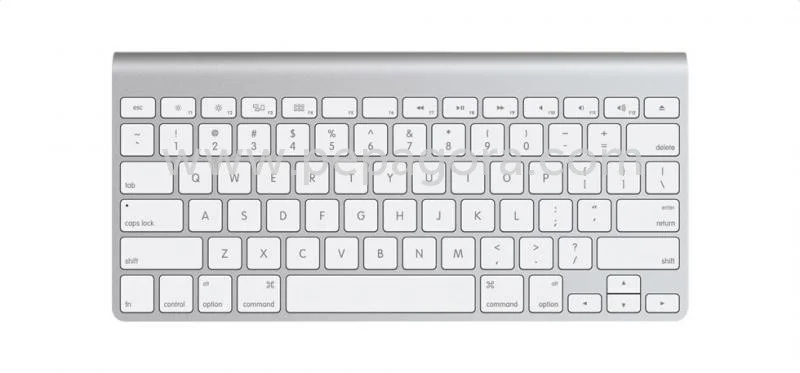
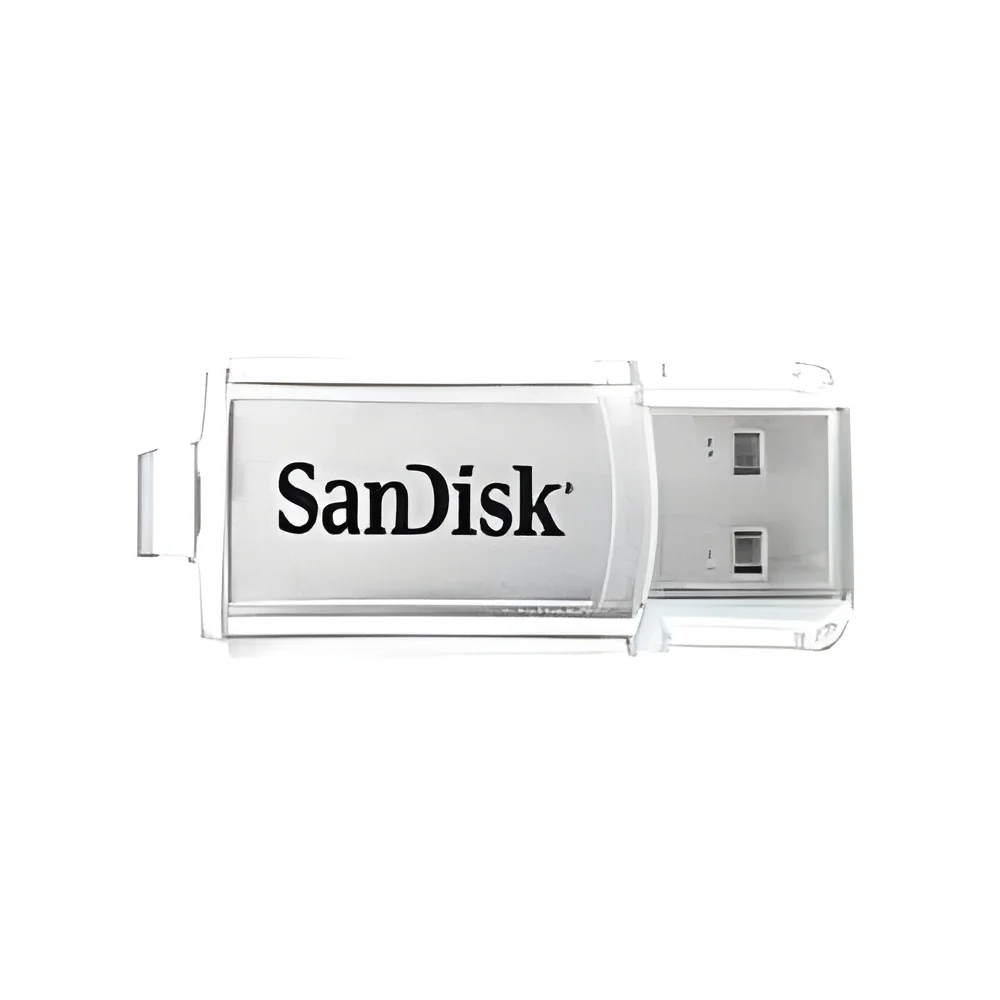
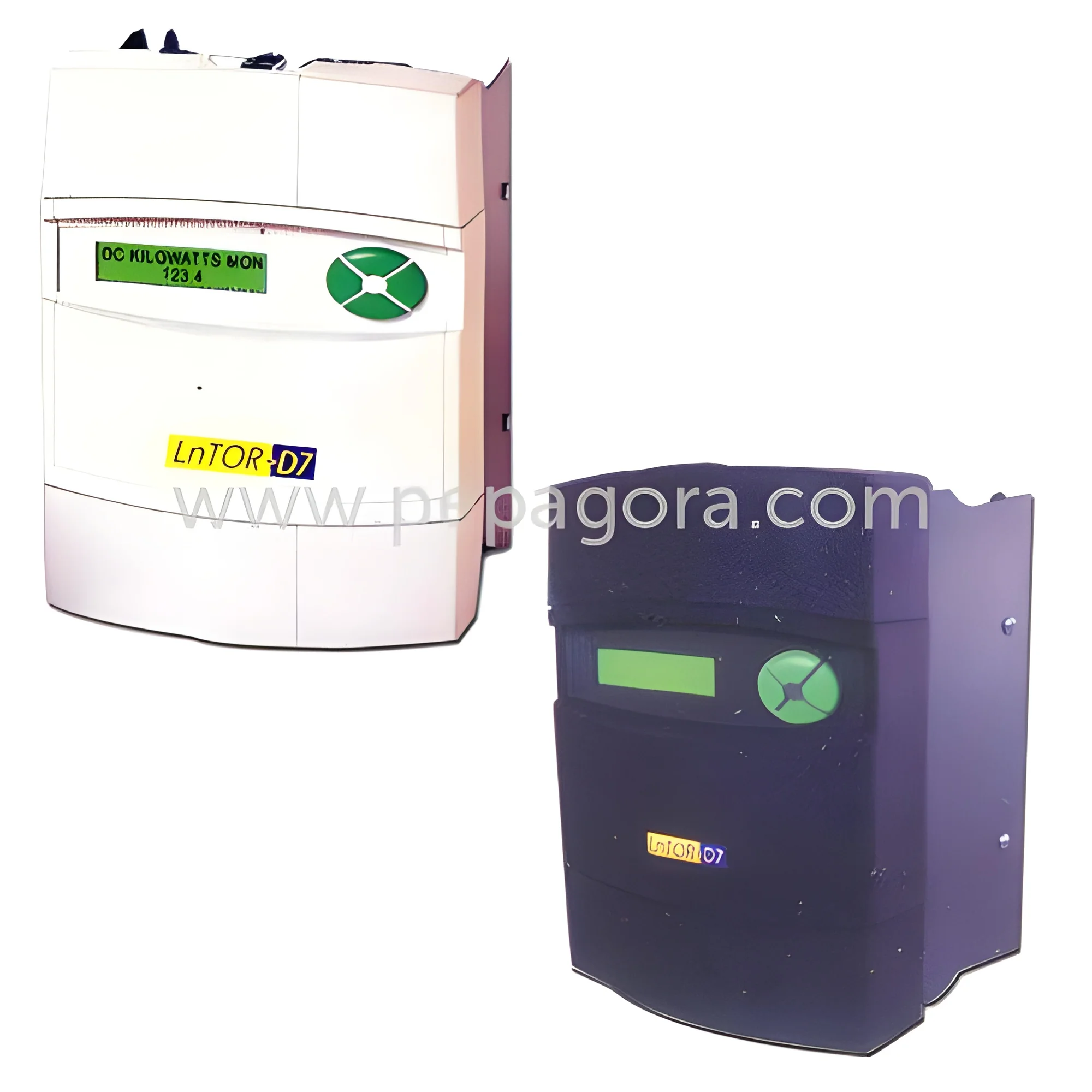
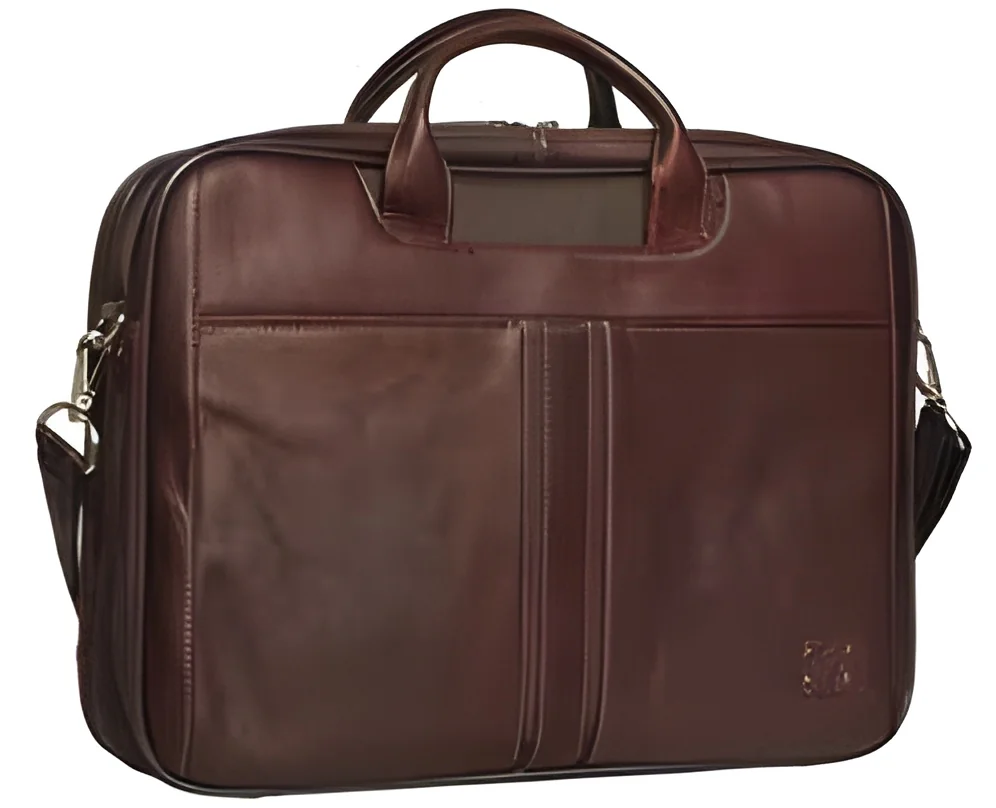
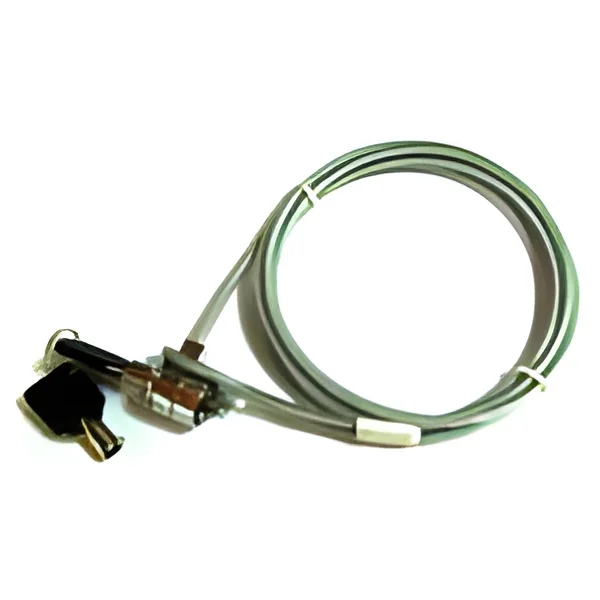
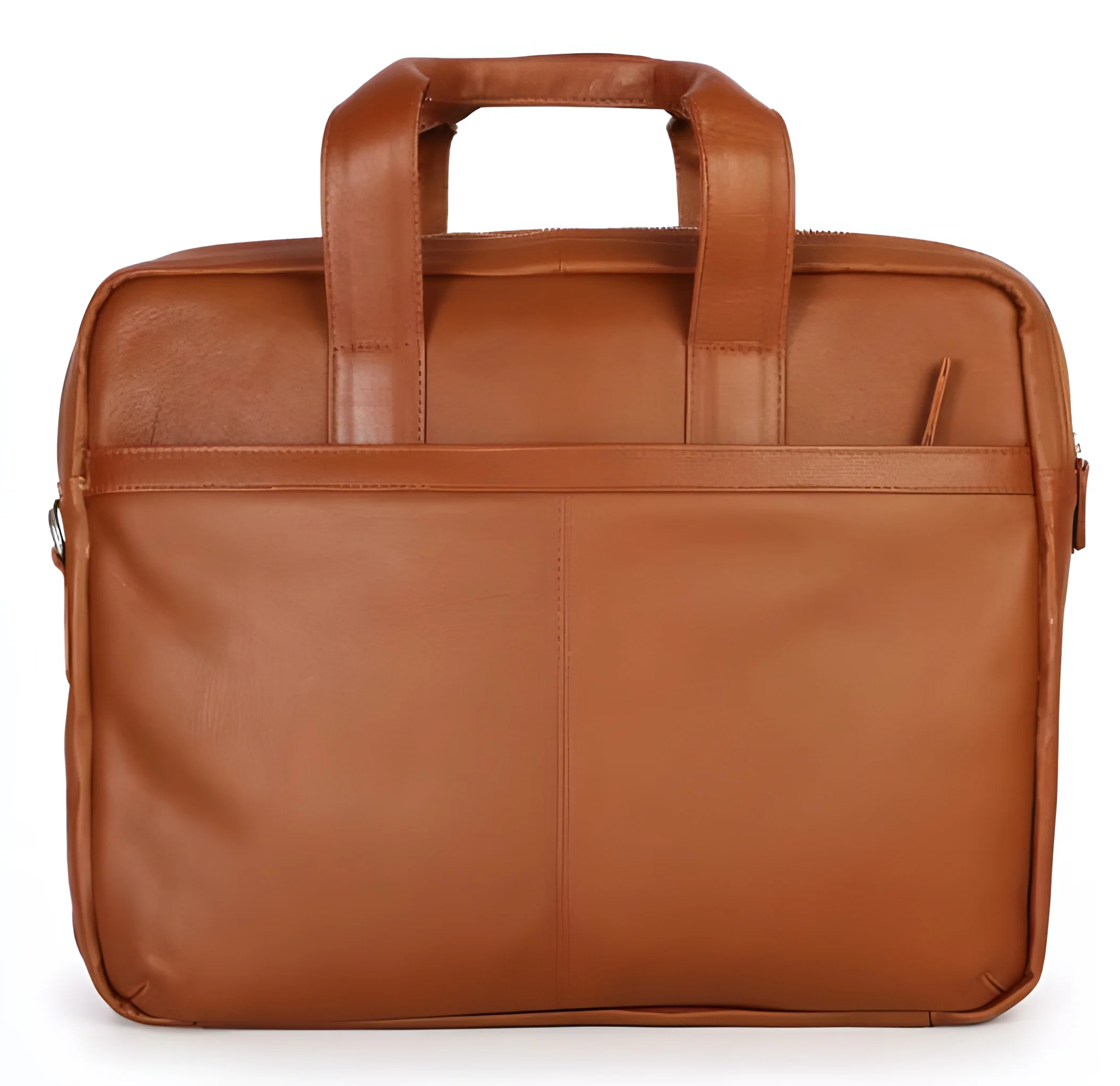
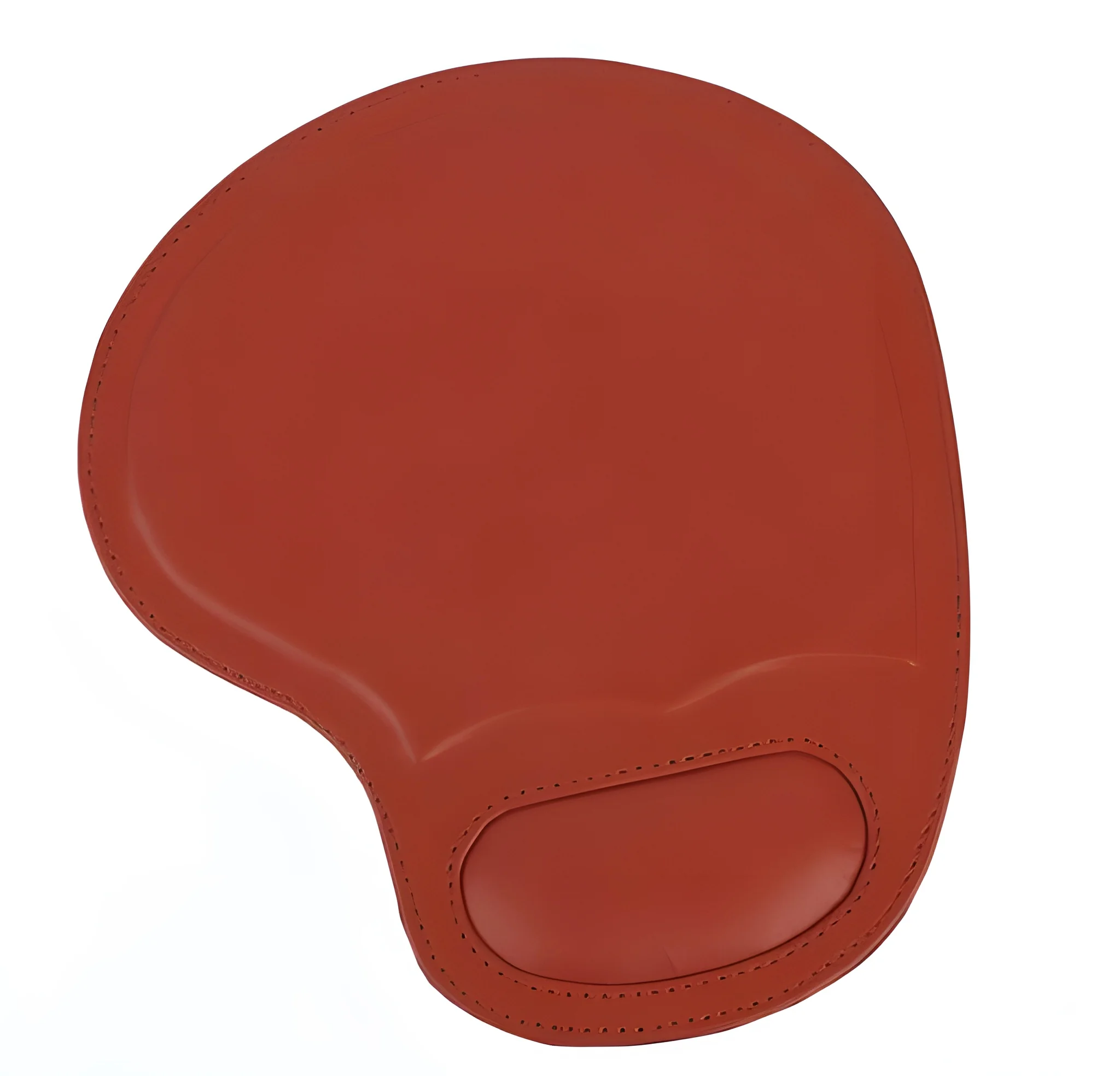
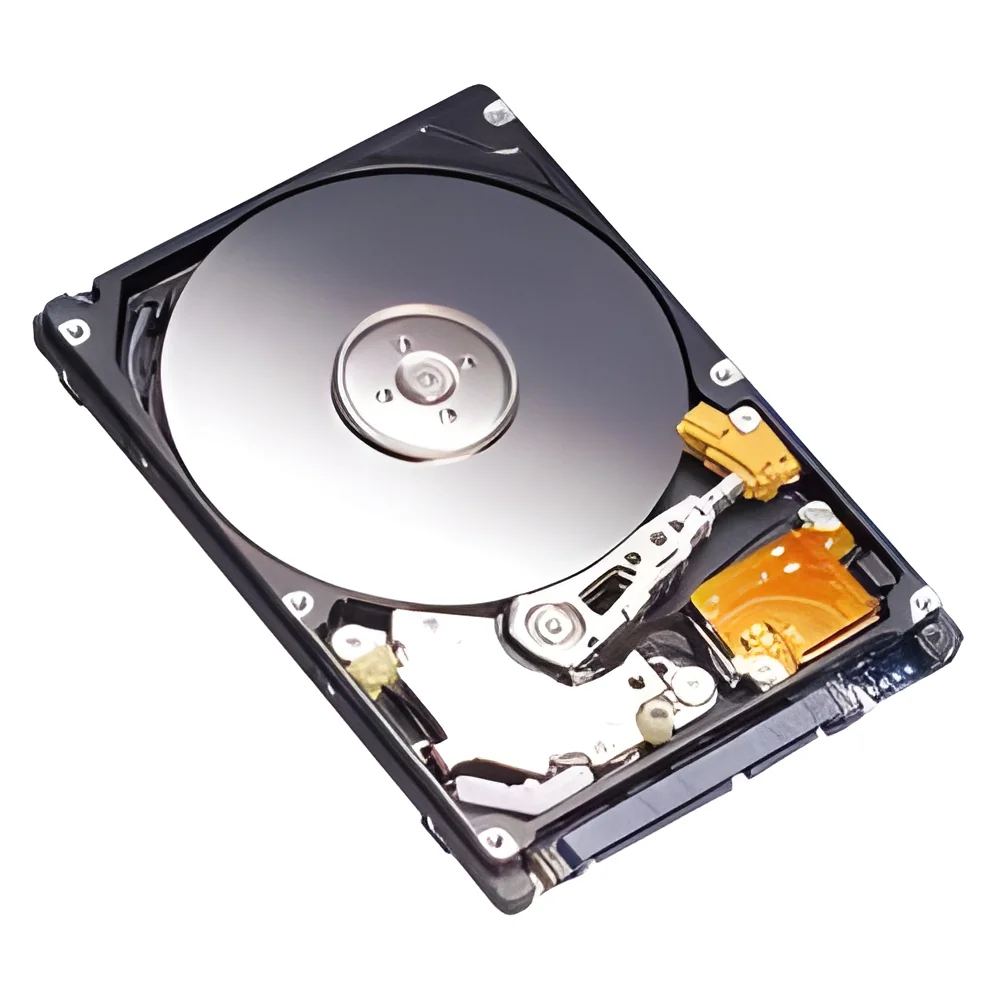
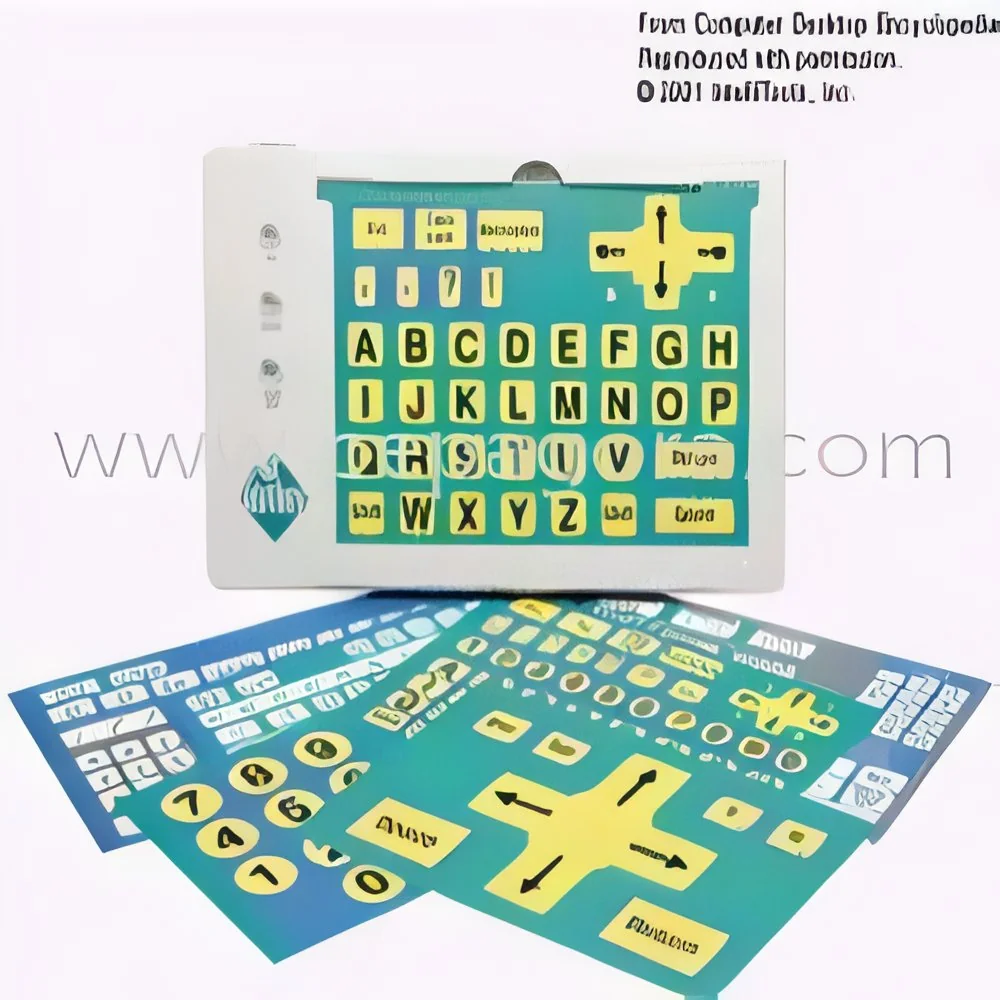
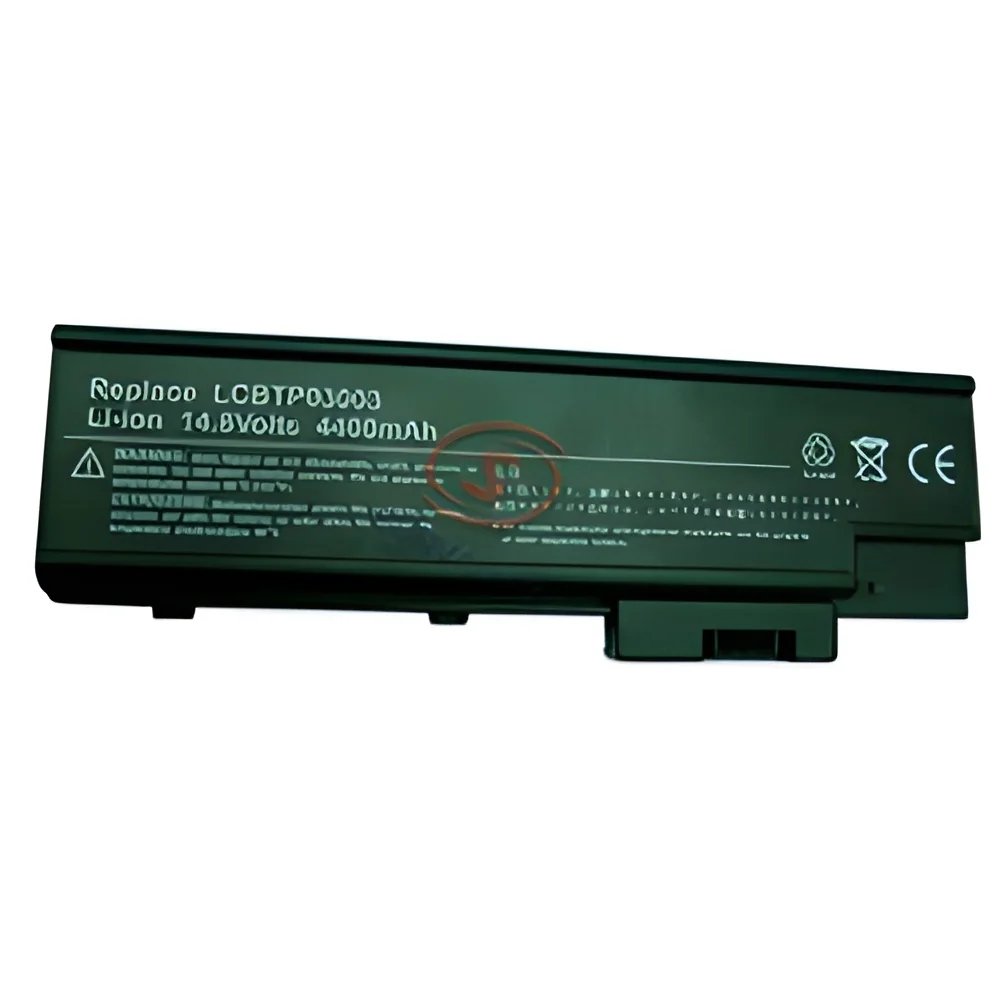
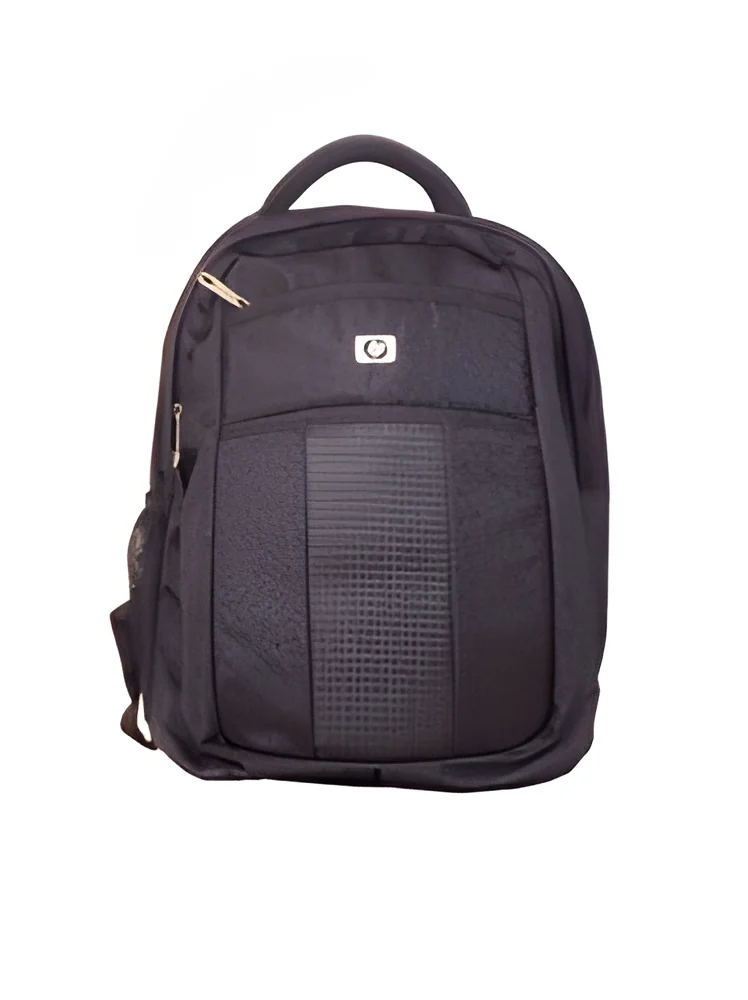
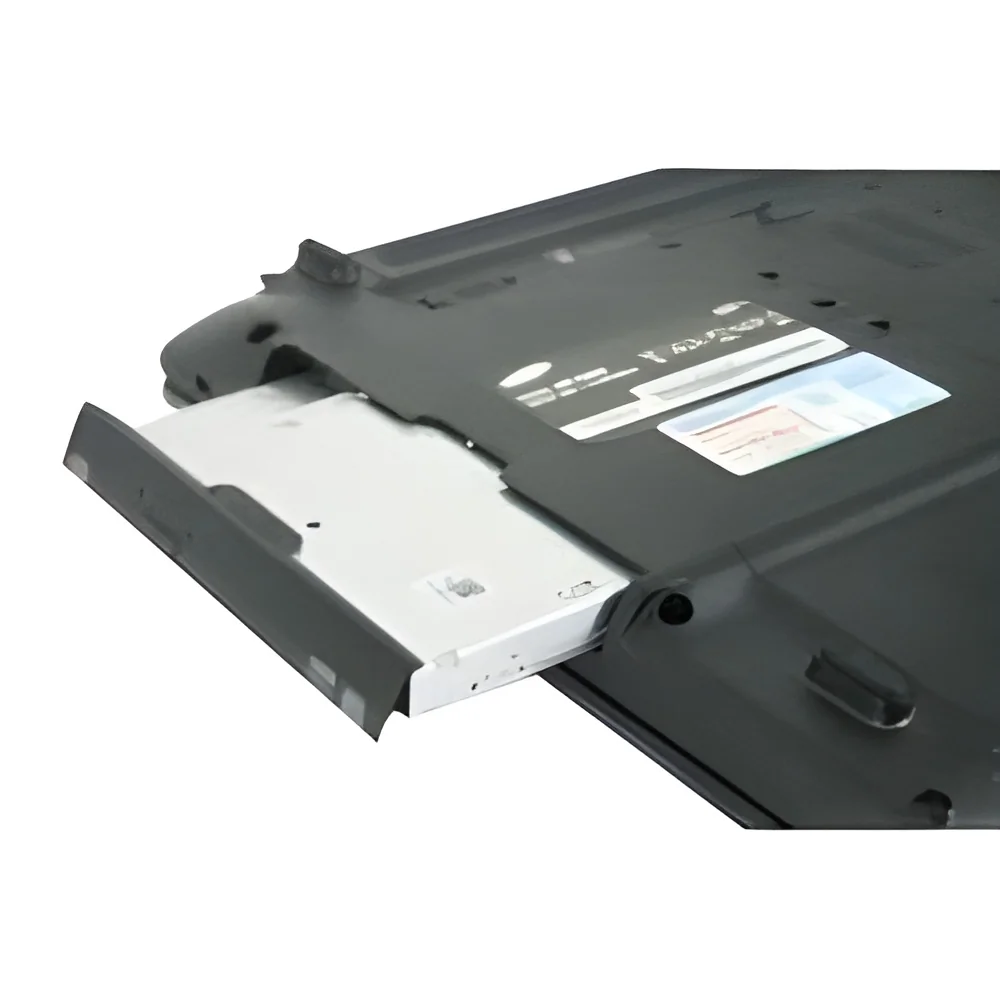
Computer accessories are supplementary devices that enhance the functionality and usability of computers. These products include a wide range of items such as keyboards, mice, monitors, printers, and external storage devices. They play a crucial role in improving user experience and efficiency, allowing users to achieve their tasks more effectively. Computer accessories can be categorized based on their functions, including input devices, output devices, and storage solutions.
In the business environment, computer accessories are essential for daily operations. They support various applications, from administrative tasks to complex data analysis and design work. Industries such as education, healthcare, finance, and manufacturing rely heavily on these accessories to streamline workflows and enhance productivity. As technology continues to evolve, the demand for innovative and compatible accessories has grown significantly, making them a vital component in the overall computer ecosystem.
𝗞𝗲𝘆 𝗙𝗲𝗮𝘁𝘂𝗿𝗲𝘀 𝗮𝗻𝗱 𝗦𝗽𝗲𝗰𝗶𝗳𝗶𝗰𝗮𝘁𝗶𝗼𝗻𝘀
Understanding the specifications of computer accessories is essential for making informed purchasing decisions. Key features typically include compatibility with various operating systems, ergonomic designs for user comfort, and durability for long-term use.
Key specifications include:
1. Compatibility
- Ensures that accessories work with different computer systems.
- Range includes Windows, macOS, and Linux systems.
2. Connectivity Options
- Includes USB, Bluetooth, and wireless connections.
- Offers flexibility and convenience in setup.
3. Ergonomic Design
- Focuses on user comfort and reduces strain.
- Important for long hours of usage.
4. Durability
- Refers to the lifespan and robustness of materials used.
- Often rated by manufacturer specifications.
5. Performance Metrics
- Includes response time for peripherals like mice and keyboards.
- Measures accuracy and speed in data input.
6. Warranty and Support
- Offers assurance on product quality and service.
- Typically includes 1-3 years of coverage.
In summary, understanding these specifications helps businesses select the right accessories that meet their operational needs.
𝗖𝗼𝗺𝗺𝗼𝗻 𝗔𝗽𝗽𝗹𝗶𝗰𝗮𝘁𝗶𝗼𝗻𝘀 𝗮𝗻𝗱 𝗨𝘀𝗲 𝗖𝗮𝘀𝗲𝘀
Computer accessories serve various industries, contributing to efficiency and productivity.
1. Education: Schools and universities utilize accessories like projectors and interactive whiteboards to facilitate learning.
2. Healthcare: Medical offices rely on scanners and printers for patient documentation and data management.
3. Finance: Financial institutions use high-performance keyboards and mice for secure and rapid data entry.
4. Manufacturing: Industries employ input devices and monitors for machine control and data monitoring.
5. Design: Creative professionals use specialized peripherals such as graphics tablets for digital art and design work.
𝗣𝗿𝗼𝗱𝘂𝗰𝘁 𝗩𝗮𝗿𝗶𝗮𝗻𝘁𝘀 𝗮𝗻𝗱 𝗦𝘂𝗯𝗰𝗮𝘁𝗲𝗴𝗼𝗿𝗶𝗲𝘀
The diversity of computer accessories allows businesses to choose products that best fit their specific requirements.
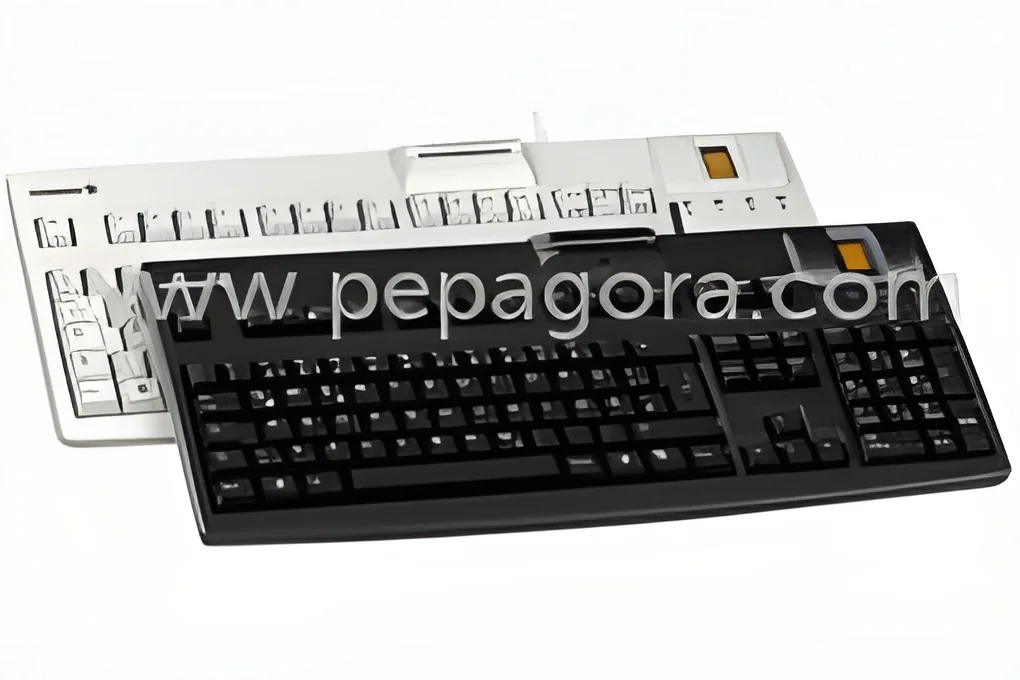
Wireless Keyboards and Mice
These offer convenience and eliminate clutter from cable management. They are ideal for remote work and flexible office setups.
Gaming Accessories
Designed for high-performance gaming, they include specialized keyboards and mice, providing enhanced responsiveness and customization options.
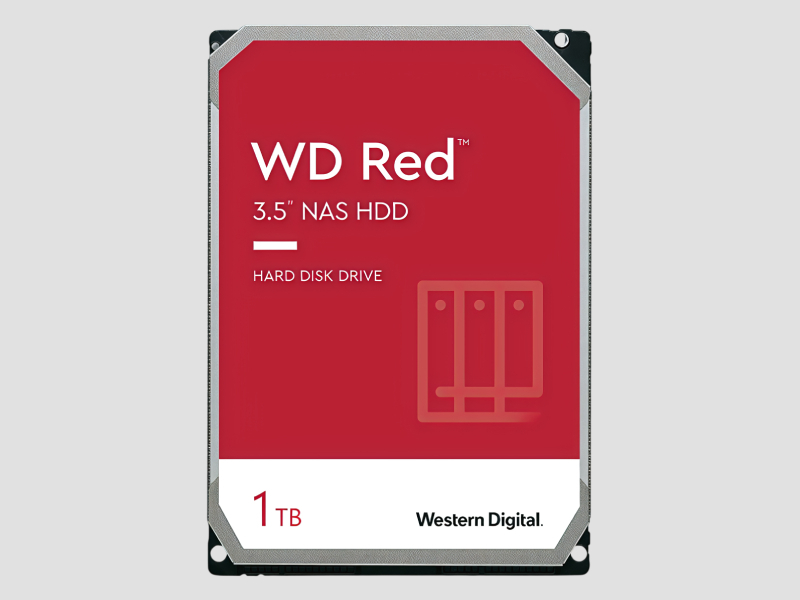
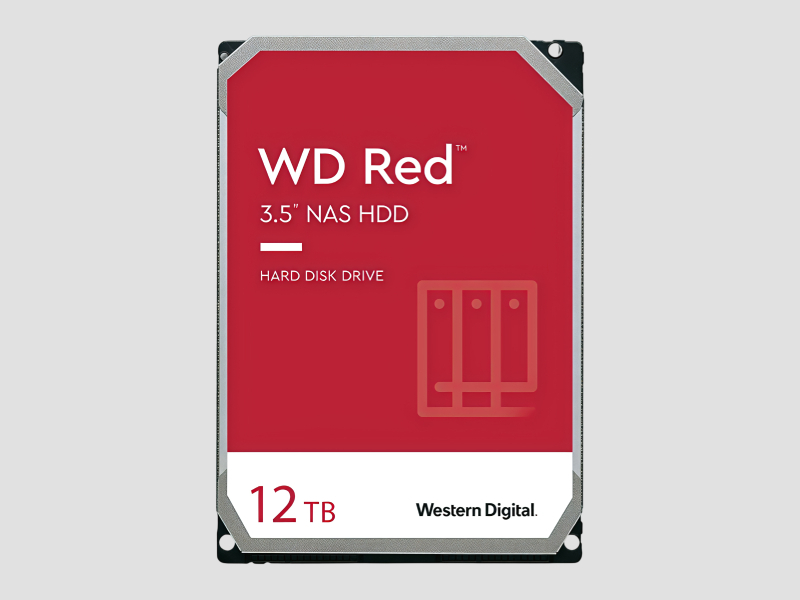
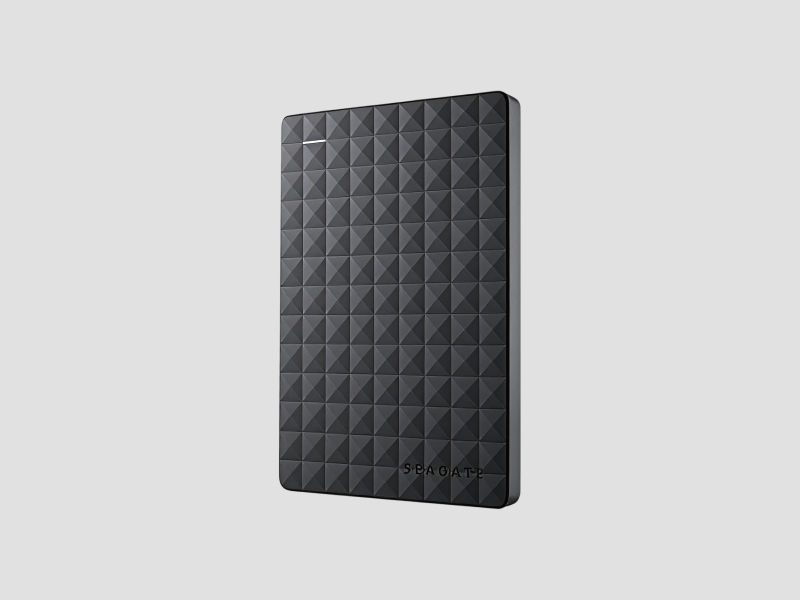
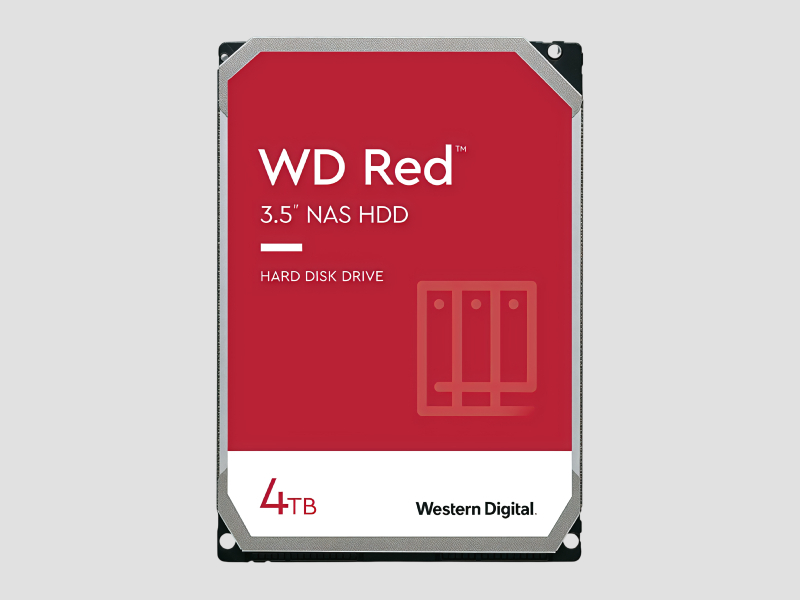
Portable External Drives
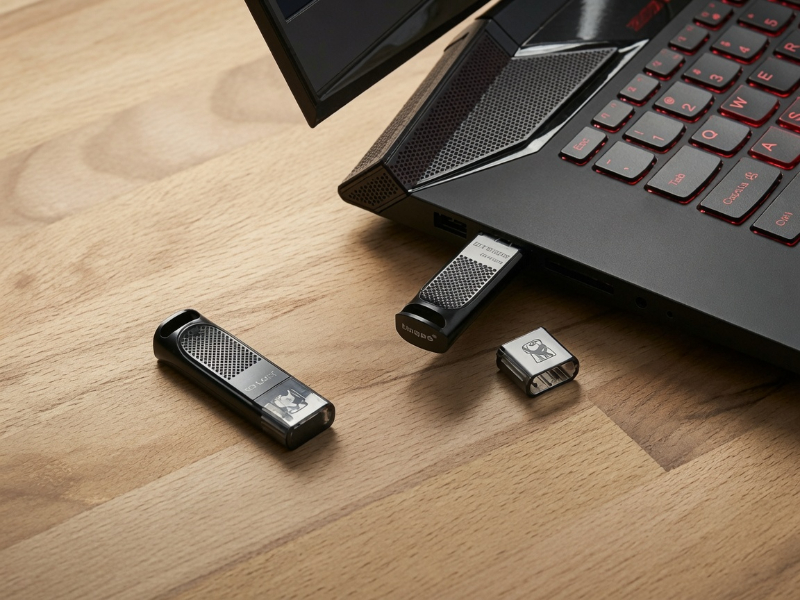
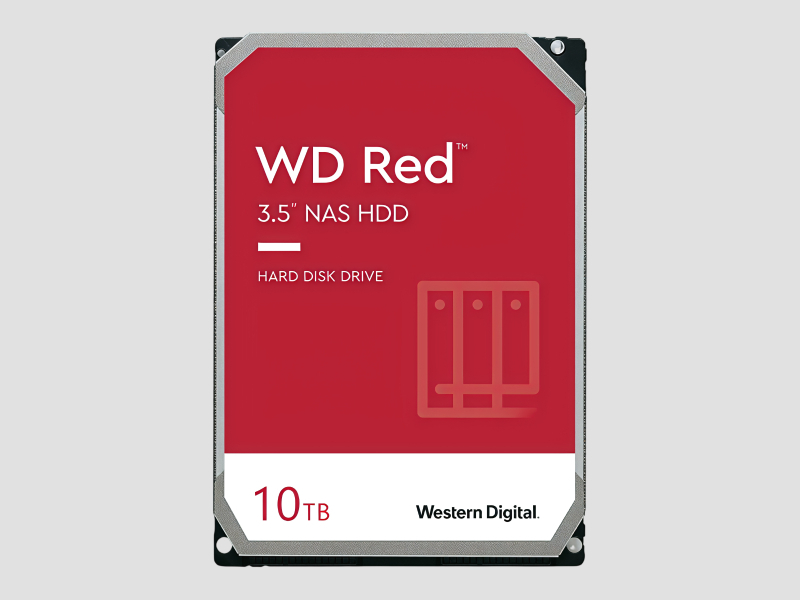
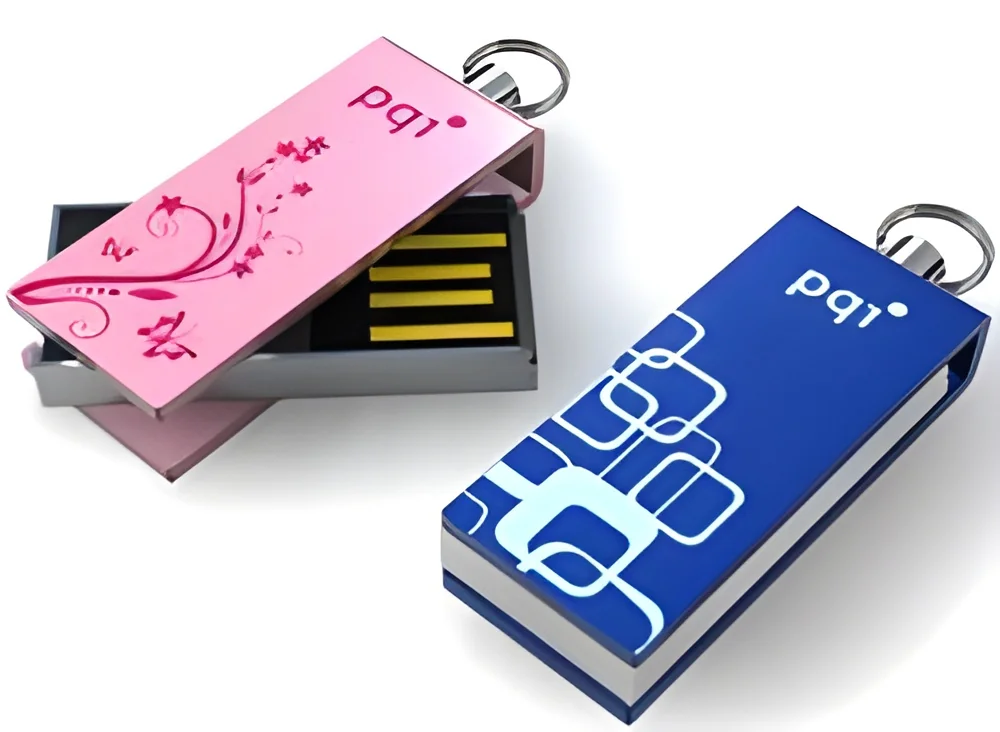
These devices provide additional storage and backup solutions, vital for businesses that require mobility and data security.
Docking Stations
They allow multiple connections for laptops, enabling quick access to peripherals and additional displays for increased productivity.
𝗕𝗲𝗻𝗲𝗳𝗶𝘁𝘀 𝗮𝗻𝗱 𝗔𝗱𝘃𝗮𝗻𝘁𝗮𝗴𝗲𝘀
Investing in quality computer accessories brings numerous advantages to businesses.
1. Enhanced Productivity: Accessories like ergonomic keyboards and mice reduce strain, allowing employees to work more efficiently.
2. Improved User Experience: High-quality displays and input devices lead to a more enjoyable and effective computing experience.
3. Increased Flexibility: Wireless accessories offer mobility and ease of setup, accommodating various work environments.
4. Cost Efficiency: Durable accessories minimize replacement costs, providing long-term savings for businesses.
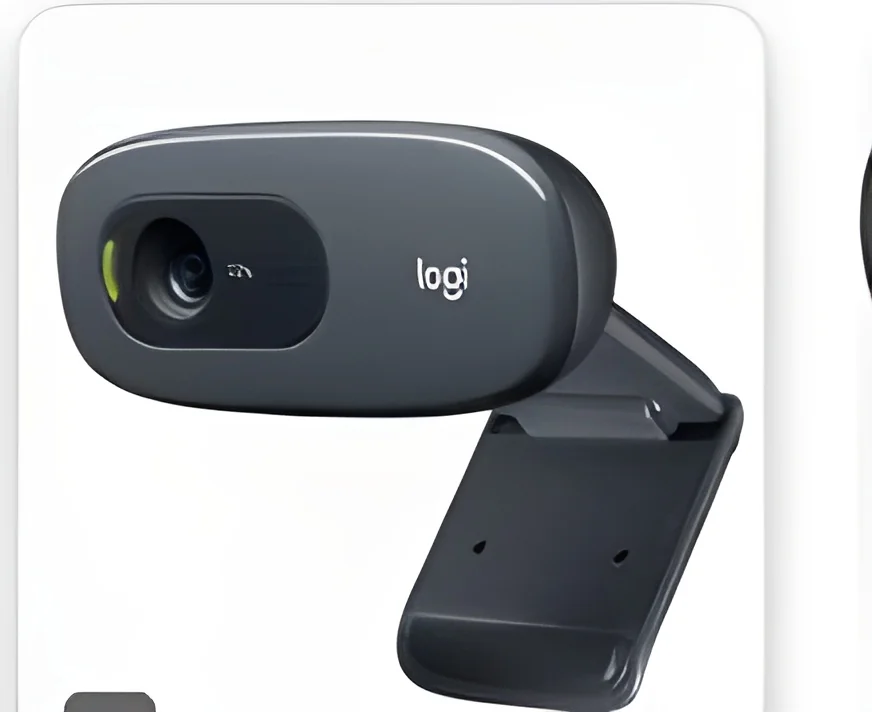
5. Better Collaboration: Accessories such as webcams and microphones enhance communication in remote and hybrid work settings.
𝗕𝘂𝘆𝗶𝗻𝗴 𝗚𝘂𝗶𝗱𝗲 𝗳𝗼𝗿 𝗕𝟮𝗕 𝗕𝘂𝘆𝗲𝗿𝘀
When sourcing computer accessories, several factors should be considered to ensure optimal selection.
1. Quality Assessment: Evaluate materials and performance metrics to ensure longevity and reliability.
2. Supplier Verification: Check for reputable suppliers with positive reviews and proven track records in the industry.
3. Pricing and MOQ: Understand the price range and minimum order quantities to align with budget and inventory needs.
4. Delivery and Lead Times: Factor in logistics to ensure timely delivery and avoid disruptions in operations.
5. Compliance Requirements: Ensure that accessories meet relevant standards and certifications, such as CE, for safety and quality assurance.
𝗖𝗼𝗺𝗽𝗹𝗶𝗮𝗻𝗰𝗲 𝗮𝗻𝗱 𝗖𝗲𝗿𝘁𝗶𝗳𝗶𝗰𝗮𝘁𝗶𝗼𝗻𝘀
Compliance with quality standards is crucial for computer accessories to ensure safety and reliability. Many products adhere to ISO 9001, which sets the criteria for quality management systems. This certification demonstrates a commitment to consistent quality and customer satisfaction.
Additionally, CE certification is often required in many markets, indicating that products meet European safety, health, and environmental protection standards. Manufacturers must also conduct safety and testing requirements to ensure their products are safe for consumer use.
Regional compliance considerations vary, as different countries may have specific regulations regarding electronic products. It is essential for businesses to be aware of these standards to avoid legal issues and ensure customer trust.
𝗪𝗵𝘆 𝗦𝗼𝘂𝗿𝗰𝗲 𝗖𝗼𝗺𝗽𝘂𝘁𝗲𝗿 𝗔𝗰𝗰𝗲𝘀𝘀𝗼𝗿𝗶𝗲𝘀 𝗳𝗿𝗼𝗺 𝗣𝗲𝗽𝗮𝗴𝗼𝗿𝗮?
Pepagora provides a trusted platform for sourcing computer accessories with several key advantages that facilitate the procurement process for businesses.
Verified Supplier Network: Pepagora ensures that all suppliers are thoroughly vetted, providing buyers with confidence in the quality and reliability of products.
Streamlined RFQ Process: The platform simplifies the request for quotation system, allowing buyers to receive competitive pricing and options quickly, making it easier to compare suppliers.
Trade Assurance and Support: Pepagora offers buyer protection, ensuring that transactions are secure and that buyers receive the support they need throughout the purchasing process.
Regional Coverage: With a strong presence in India, the GCC, and Southeast Asia, Pepagora enables businesses to access a wide range of products and suppliers, enhancing sourcing efficiency and effectiveness.

 IN
IN