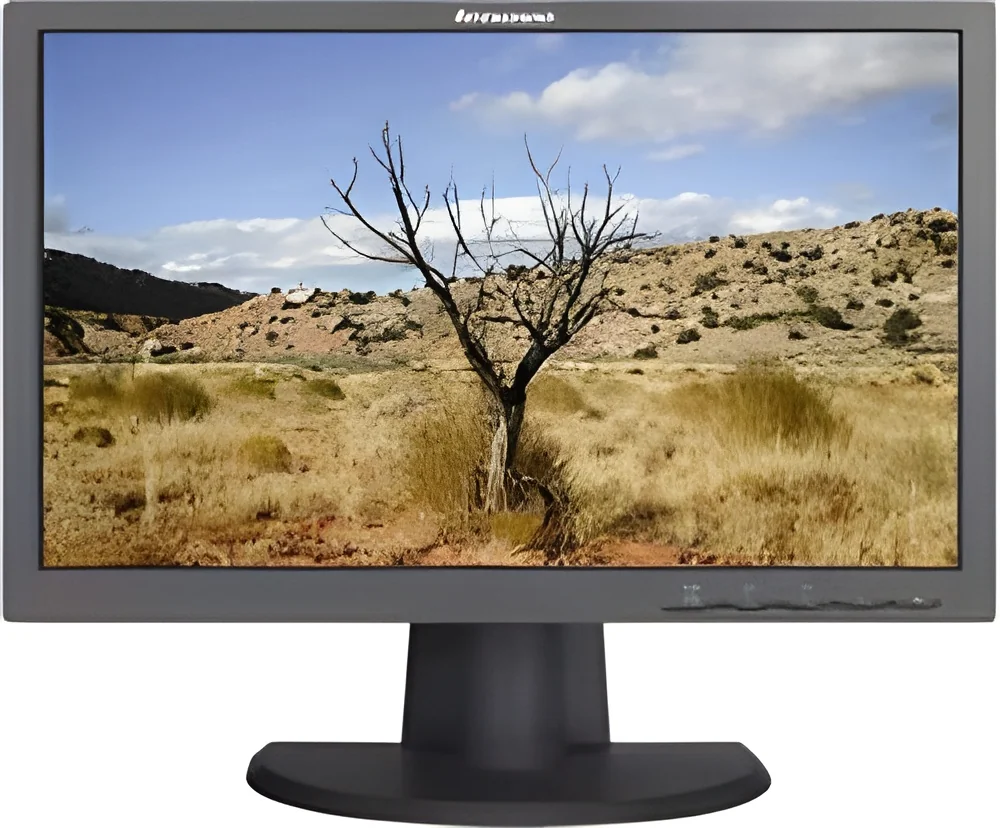
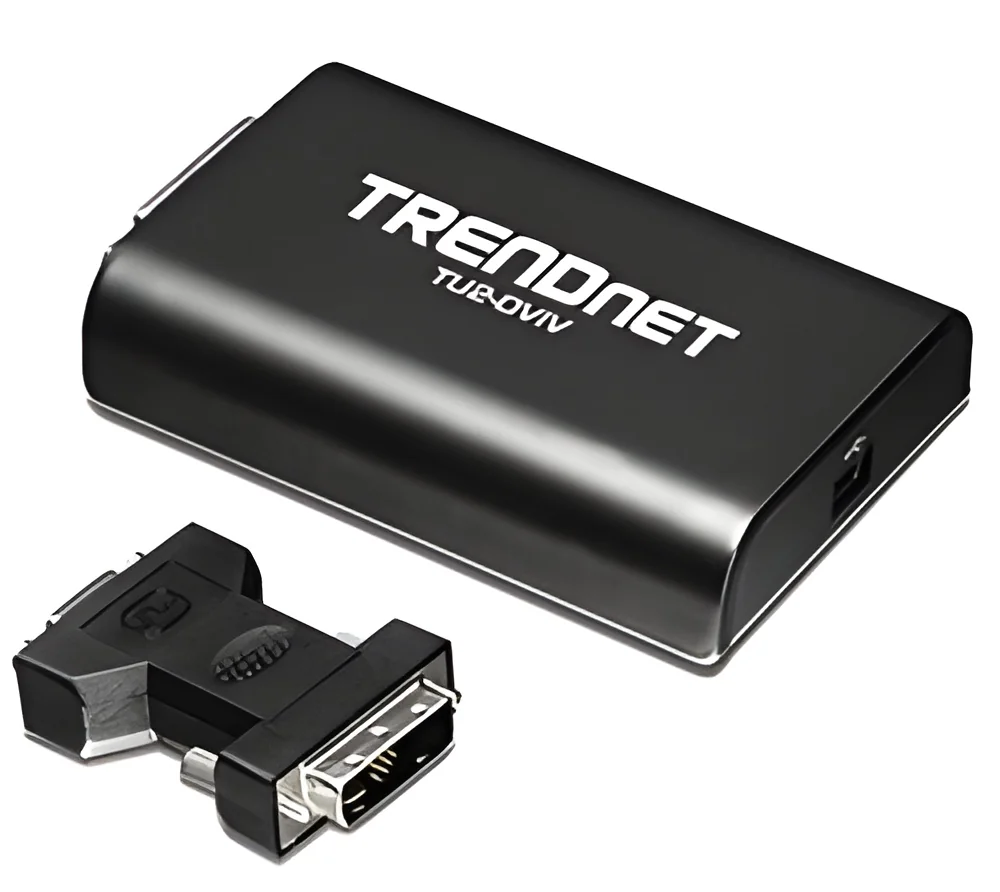
What are Portable Monitors?
Portable monitors are lightweight, compact displays that can be easily transported and connected to laptops, desktops, or other devices. They serve as an additional screen, allowing users to extend their workspace for increased productivity. These monitors typically feature USB or HDMI connections and are powered by either a battery or direct power source, making them versatile for various settings.
The primary uses of portable monitors include enhancing productivity for remote work, presentations, and collaborative tasks. They are particularly beneficial for professionals in fields such as sales, design, and technology who require multiple screens while on the go. Businesses utilize these monitors to improve workflow efficiency, facilitate client meetings, and enhance presentations, making them a valuable tool in today's fast-paced work environments.
The market for portable monitors has grown significantly in recent years, driven by the increasing demand for flexible working arrangements and mobile technology. As companies adapt to new work models, the relevance of portable monitors has surged across multiple industries, establishing them as essential tools for both individual and corporate use.
Key Features and Specifications
Portable monitors come with a range of features that enhance their usability and functionality. These specifications are designed to meet the needs of various business applications while ensuring users have a seamless experience.
Key specifications include:
1. Display Size
- Common sizes range from 13 inches to 17 inches.
- Offers a balance of portability and visibility.
2. Resolution
- Typical resolutions include Full HD (1920 x 1080) or higher.
- Ensures clear and sharp visuals for presentations and design work.
3. Connectivity Options
- Includes USB-C, HDMI, and DisplayPort connections.
- Provides flexibility in connecting to different devices.
4. Weight
- Generally weighs between 1 to 3 pounds.
- Lightweight design enhances portability for travel.
5. Power Source
- Many models support USB power delivery.
- Some have built-in batteries for true portability.
6. Refresh Rate
- Standard refresh rates are 60Hz.
- Higher refresh rates available for gaming or dynamic content.
7. Aspect Ratio
- Commonly 16:9, suitable for most media formats.
- Some models offer ultra-wide options for enhanced multitasking.
8. Built-in Features
- Some monitors include integrated speakers or touch functionality.
- Additional features may include adjustable stands for ergonomic use.
In summary, portable monitors offer a blend of versatility, functionality, and user-friendly features that cater to the diverse needs of businesses and professionals.
Common Applications and Use Cases
Portable monitors find applications across various industries, enhancing productivity and collaboration.
1. Sales and Marketing: Sales professionals use portable monitors for presentations on the go, allowing them to display proposals and product demos to clients without needing a fixed setup.
2. Design and Creative Work: Graphic designers and video editors utilize these monitors to extend their workspace, enabling them to work on multiple projects simultaneously with improved accuracy.
3. Education: Educators and trainers leverage portable monitors for interactive lessons, allowing them to display educational content in different environments, from classrooms to remote settings.
4. IT and Technical Support: Technicians use portable monitors to run diagnostics and provide support on-site, making it easier to display findings and solutions to clients.
5. Gaming: Gamers use portable monitors to create a dual-screen setup for enhanced gameplay experiences, allowing for better multitasking during sessions.
6. Remote Work: Professionals working from home or in co-working spaces benefit from portable monitors, enabling them to create a more productive work environment.
7. Event Management: Event planners use portable monitors for presentations, registration displays, or live feeds during events, enhancing the overall attendee experience.
Product Variants and Subcategories
Portable monitors come in various designs and configurations to meet specific user needs.
Travel Monitors: These are designed for maximum portability, often weighing less and featuring slim profiles. They are ideal for business travelers who need a secondary display without added bulk.
Gaming Monitors: Tailored for gamers, these monitors often feature higher refresh rates and enhanced response times. They provide immersive gaming experiences that cater to the gaming community.
Touchscreen Monitors: These monitors allow for interactive use, making them suitable for presentations and collaborative work. They enhance user engagement through direct manipulation.
Benefits and Advantages
Portable monitors offer significant advantages for businesses looking to improve productivity and efficiency.
1. Increased Productivity: By providing additional screen space, portable monitors allow users to multitask effectively, reducing the time spent switching between applications.
2. Enhanced Collaboration: These monitors facilitate teamwork by enabling users to share screens easily during meetings and presentations, leading to more effective communication.
3. Flexibility: Portable monitors can be used in various environments, from offices to cafes, making them ideal for professionals who work in multiple locations.
4. Improved Ergonomics: Users can adjust their workspace setup with portable monitors, promoting better posture and reducing strain during extended use.
5. Cost-Effective Solution: Investing in portable monitors can be more economical than purchasing multiple stationary displays, especially for businesses with remote or hybrid workforces.
6. Easy Setup: Most portable monitors are plug-and-play, allowing users to set them up quickly without extensive technical knowledge.
Buying Guide for B2B Buyers
When sourcing portable monitors, buyers should consider several important factors to ensure they select the right product for their needs.
1. Quality Assessment: Buyers should evaluate monitors based on build quality and display performance. Look for reputable brands that offer warranties and have positive reviews from other businesses.
2. Supplier Verification: It is crucial to vet suppliers for reliability and quality. Check for certifications, customer testimonials, and industry reputation to ensure a trustworthy partnership.
3. Pricing and MOQ: Understand the price range for different models and inquire about minimum order quantities. This will help in budgeting and ensure that the purchase aligns with business needs.
4. Delivery and Lead Times: Confirm logistics details with suppliers, including delivery times and shipping costs. This is essential for planning and meeting project deadlines.
5. Compliance Requirements: Ensure that the monitors comply with relevant industry standards and certifications, such as CE, to avoid regulatory issues.
Compliance and Certifications
Portable monitors must adhere to various compliance and certification standards to ensure quality and safety.
ISO 9001 is a quality management standard that many manufacturers strive to comply with. It ensures that products meet customer and regulatory requirements consistently.
CE certification indicates that the product meets European health, safety, and environmental protection standards. This certification is crucial for businesses looking to sell or use portable monitors in the European market.
Safety and testing requirements are vital for ensuring that portable monitors are safe for consumer use. This includes electrical safety tests and other evaluations to prevent hazards.
Regional compliance considerations may vary, with different countries having specific standards that must be met. Buyers should be aware of these regulations to ensure compliance in their respective markets.
Why Source Portable Monitors from Pepagora?
Pepagora provides a trusted platform for sourcing portable monitors, offering numerous advantages to B2B buyers.
Verified Supplier Network: Pepagora ensures that all suppliers are thoroughly vetted, providing buyers with access to reliable manufacturers who meet high-quality standards.
Streamlined RFQ Process: The request for quotation (RFQ) system allows buyers to quickly obtain quotes from multiple suppliers, simplifying the sourcing process and ensuring competitive pricing.
Trade Assurance and Support: Pepagora offers trade assurance for buyers, protecting their purchases and providing support throughout the transaction process. This instills confidence and reduces risks associated with sourcing.
Regional Coverage: With a strong presence in India, the GCC, and Southeast Asia, Pepagora connects buyers with suppliers across these regions, facilitating smoother transactions and enhancing market reach.

 IN
IN