What are POS Printers & Label Machines?
POS printers and label machines are essential devices used in various business operations to create printed outputs such as receipts, labels, and barcodes. POS printers are typically used at point-of-sale locations to print transaction receipts for customers. They can handle a range of media types and sizes, making them versatile for different business needs. Label machines, on the other hand, focus on producing labels for products, shipping, and inventory management. These machines can print on various materials, including paper and synthetic substrates.
In business applications, POS printers and label machines are critical for retail environments, warehouses, logistics, and food service sectors. Retailers use POS printers to provide customers with receipts, while label machines are used for product labeling and inventory tracking. In industries like logistics, accurate labeling is vital for efficient operations and compliance with shipping regulations. The relevance of these devices spans multiple industries, reflecting a growing demand for efficient printing solutions that enhance operational workflows.
Key Features and Specifications
POS printers and label machines come with a variety of features tailored to meet specific business needs. Understanding these specifications is crucial for selecting the right device for your operations.
Key specifications include:
1. Print Speed
- Refers to the number of prints produced per minute.
- Typical ranges are from 50 to 300 mm per second.
2. Print Resolution
- Indicates the clarity and detail of the printed output.
- Common resolutions range from 203 to 600 dpi.
3. Connectivity Options
- Includes USB, Ethernet, and wireless connectivity.
- Ensures compatibility with various devices for seamless integration.
4. Media Handling
- Refers to the types of media supported, such as rolls, sheets, or labels.
- Machines can handle media widths from 20 mm to 110 mm.
5. Durability
- Indicates the reliability and lifespan of the printer under regular use.
- Many devices are designed to withstand environmental stresses.
6. Compatibility
- Refers to the operating systems and software that the printer can work with.
- Important for integration with existing systems.
7. User Interface
- Describes the ease of use and accessibility of controls.
- Features may include touch screens and intuitive menu navigation.
8. Power Supply
- Details the power requirements for operation.
- Generally ranges from 100V to 240V AC.
These features are vital in selecting the appropriate POS printer or label machine, ensuring that businesses can meet their printing needs effectively and efficiently.
Common Applications and Use Cases
POS printers and label machines cater to a wide array of industries, making them versatile tools for many business applications.
1. Retail: In retail environments, POS printers generate receipts that enhance customer experience and improve transaction efficiency. Label machines are used to create price tags and product labels.
2. Warehousing: In logistics and warehousing, label machines play a crucial role in inventory management. They print barcodes and labels to track goods and streamline shipping processes.
3. Hospitality: Restaurants and cafes utilize POS printers for order tickets and customer receipts. Label machines can be used for labeling food items and managing inventory.
4. Healthcare: In healthcare settings, label machines help in labeling medications and patient files, ensuring accurate information management.
5. Shipping and Logistics: These industries rely on both POS printers and label machines to create shipping labels that comply with regulatory standards and facilitate smooth logistics operations.
6. Manufacturing: In manufacturing, label machines assist in product labeling for compliance and identification, ensuring proper tracking throughout the supply chain.
7. E-commerce: Online retailers use POS printers to print packing slips and shipping labels for orders, enhancing the fulfillment process.
Product Variants and Subcategories
POS printers and label machines are available in various models, each designed to cater to specific business needs and environments.
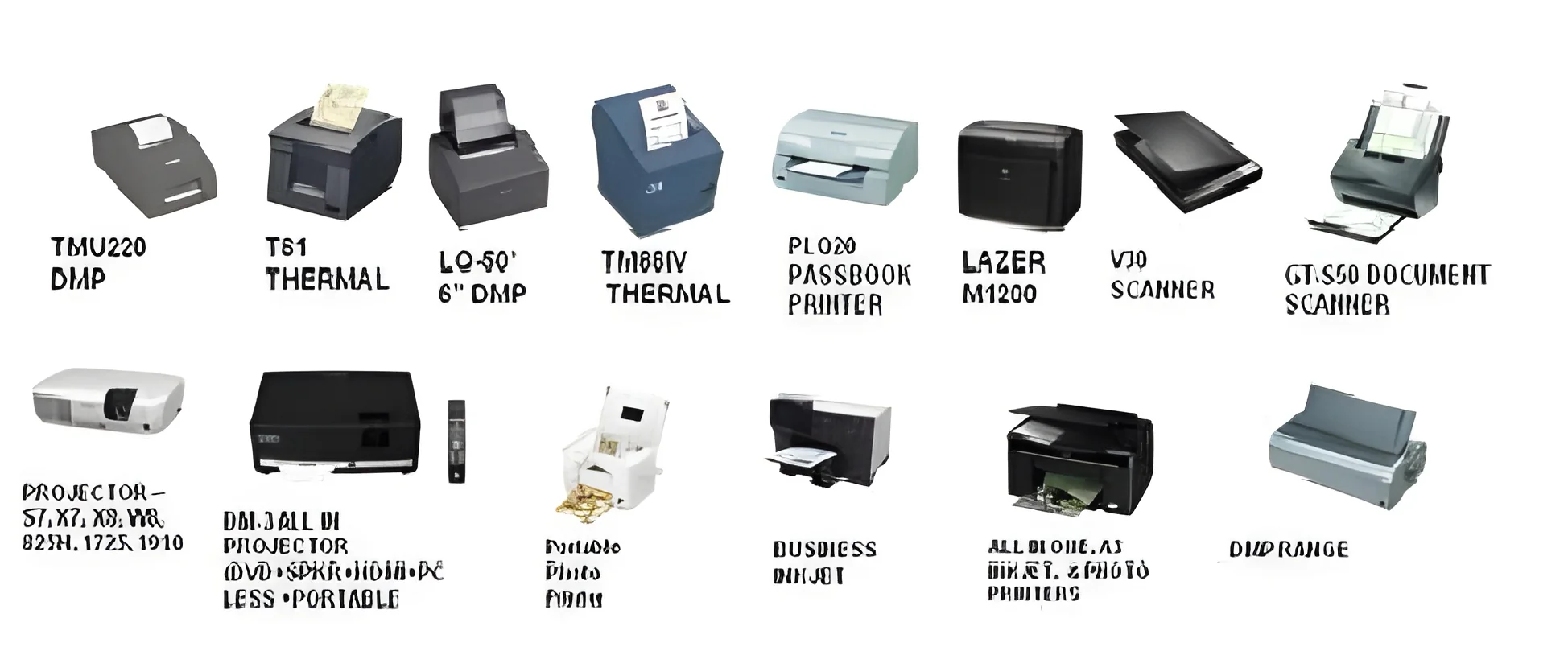
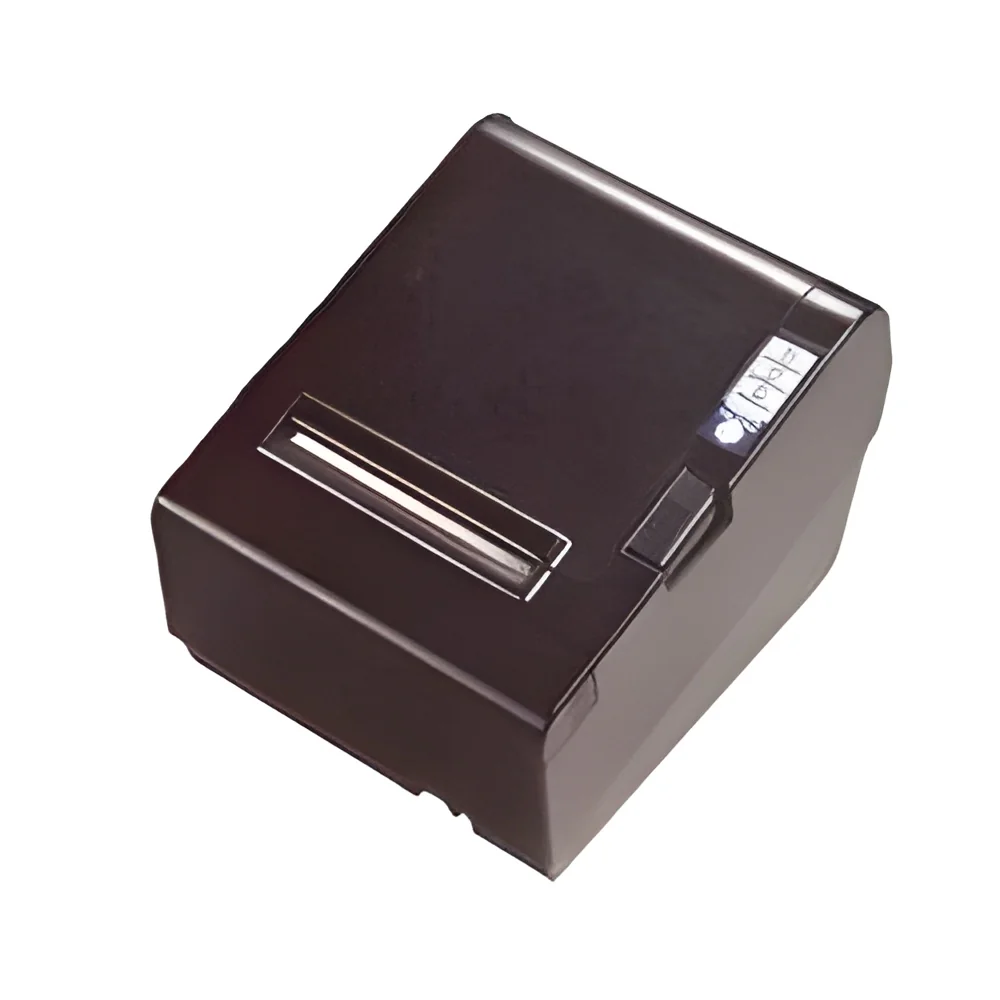
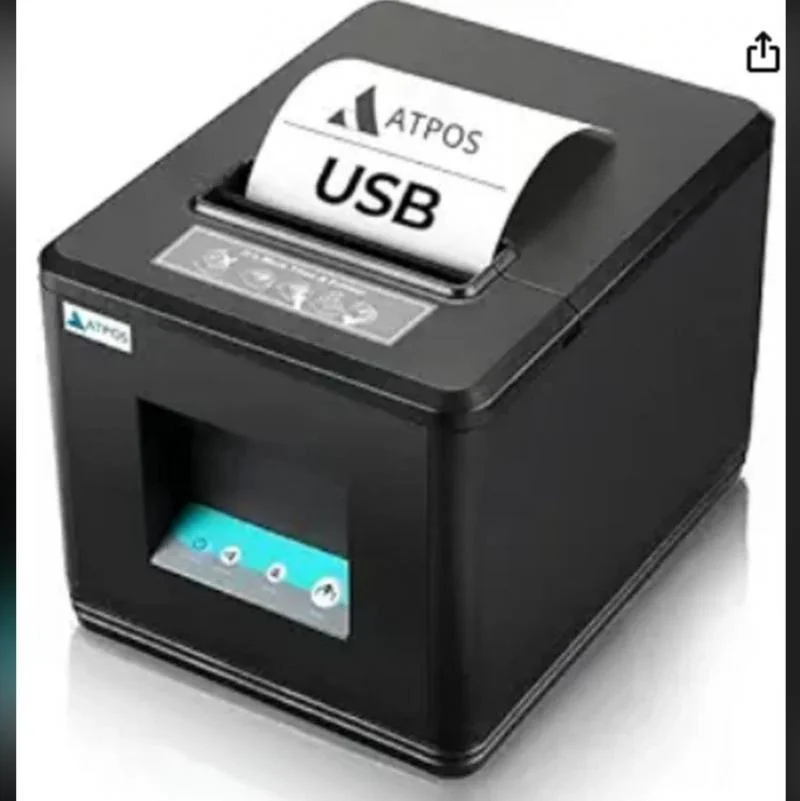
Thermal POS Printers: These printers utilize heat to produce prints, offering high-speed printing capabilities and low running costs. They are commonly used in retail and hospitality for quick transaction processing.
Inkjet Label Printers: Ideal for producing high-resolution labels, inkjet label printers are suitable for businesses requiring vibrant and detailed prints. They are frequently used in product labeling and packaging.
Dot Matrix Printers: Though less common, dot matrix printers are still used in certain industries for multi-part forms and receipts. They are durable and can operate in challenging environments.
Mobile POS Printers: These portable printers allow businesses to print receipts on the go, making them ideal for outdoor events, market stalls, and delivery services.
Benefits and Advantages
Investing in POS printers and label machines comes with numerous advantages that enhance business operations.
1. Increased Efficiency: These devices streamline transaction processes and inventory management, reducing wait times and improving service delivery.
2. Cost-Effectiveness: Thermal printers, in particular, have low operating costs due to reduced ink and paper usage, leading to savings over time.
3. Enhanced Accuracy: Accurate printing of labels and receipts minimizes errors in transactions and inventory management, leading to improved customer satisfaction.
4. Versatility: The ability to print on various media types and sizes allows businesses to adapt to changing needs, making these devices highly versatile.
5. Improved Compliance: Label machines ensure that products are labeled correctly, aiding in compliance with industry regulations, especially in healthcare and food sectors.
6. Better Customer Experience: Quick and reliable printing enhances the overall customer experience at the point of sale, fostering customer loyalty.
Buying Guide for B2B Buyers
When sourcing POS printers and label machines, several factors should be considered to ensure the right choice for your business.
1. Quality Assessment: Evaluate the build quality and reliability of the printers. Look for devices with proven performance in your industry to avoid downtime.
2. Supplier Verification: Vet potential suppliers to ensure they provide high-quality products and reliable customer support. Check for reviews and industry certifications.
3. Pricing and MOQ: Understand the pricing structure and minimum order quantities. Compare costs across suppliers to find the best value without compromising quality.
4. Delivery and Lead Times: Consider the logistics involved, including delivery schedules and lead times, to ensure timely receipt of your equipment.
5. Compliance Requirements: Ensure that the printers and label machines meet relevant industry standards and certifications, which can vary by region and application.
Compliance and Certifications
Compliance and certifications are critical aspects of POS printers and label machines, ensuring that they meet industry standards and safety regulations.
Many manufacturers adhere to quality standards such as ISO 9001, which ensures consistent product quality and management practices. Compliance with HACCP and GDP standards is crucial for industries like food and pharmaceuticals, where accurate labeling and tracking are essential for safety.
CE certification confirms that products meet European safety and environmental protection standards, making them suitable for sale in the European market. Additionally, manufacturers often conduct safety and testing requirements to guarantee that their equipment operates safely and effectively.
Regional compliance considerations may also be necessary, depending on the markets in which the printers and label machines will be used. Understanding these requirements is essential for businesses to avoid legal issues and ensure smooth operations.
Why Source POS Printers & Label Machines from Pepagora?
Pepagora offers a trusted platform for sourcing POS printers and label machines, providing several key advantages that benefit B2B buyers.
Verified Supplier Network: Pepagora connects buyers with a network of verified suppliers, ensuring that you receive quality products from reputable manufacturers.
Streamlined RFQ Process: The request for quotation (RFQ) system simplifies the procurement process, allowing buyers to compare offers and make informed decisions quickly.
Trade Assurance and Support: Buyers can rely on Pepagora’s trade assurance policies that protect their purchases, providing peace of mind throughout the sourcing process.
Regional Coverage: With a strong presence in markets like India, the GCC, and Southeast Asia, Pepagora facilitates access to a wide range of products tailored to your regional needs, ensuring that you find the right solutions for your business.

 IN
IN